The two bridges
NDI works best when every device speaks it. Most churches have equipment that doesn’t, at least not yet. Two kinds of small boxes bridge the gap:
- Encoder: HDMI or SDI in, NDI onto the network out
- Decoder: NDI from the network in, HDMI to a screen out
Between them, any source can reach any screen over an affordable network, which is a big part of how NDI saves churches money.
Encoders: put existing gear on the network
A Magewell Pro Convert encoder (HDMI or SDI models) takes a signal and publishes it as an NDI source with a name you choose.
Churches use encoders to:
- Keep cameras they already own. An SDI or HDMI camera far from the booth joins the network instead of needing a new long cable run.
- Bring in a source from another room, like a youth room camera or a fellowship-hall feed.
- Put a hardware switcher’s output on the network, so its program can reach the stream and other rooms.
- Add a second computer, like a sermon-notes laptop, without a capture card.
Decoders: any screen, anywhere
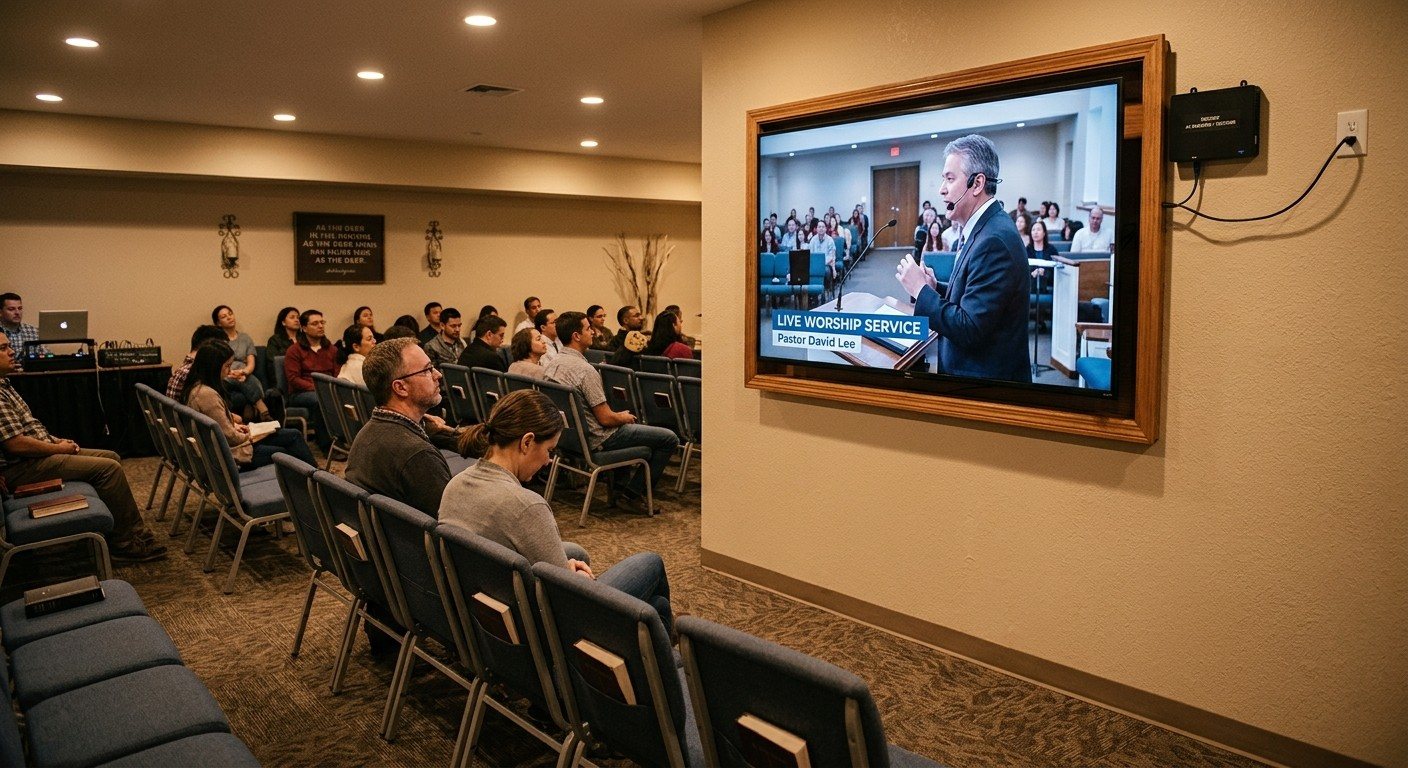
A Magewell Pro Convert NDI to HDMI decoder sits behind a TV, plugs into the network, and shows whichever NDI source you pick. Overflow monitors and displays can show your stream output.
Churches use decoders for:
- Overflow rooms on Easter and Christmas Eve
- Lobby and foyer TVs, so late arrivals can see where the service is
- The cry room and kids’ check-in
- Confidence monitors on stage, fed from the network instead of a long cable
Adding a room means adding a decoder and a network drop, not a new cable back to the booth. (See how to put your livestream on lobby and overflow TVs.)
Encoder or software?
Many computers can send NDI on their own: ProPresenter, vMix, OBS (with the free DistroAV plugin) and Present through Tech Manager. You don’t need an encoder for those.
Reach for a hardware encoder when:
- The source only outputs HDMI or SDI, like most cameras and switchers
- You want a path that doesn’t depend on a computer’s settings
- The source is in another room and a network drop is easier than a video cable
Where to get them
Both are in our Livestream Systems Extras, and both work with a system you already own. Our Better and Best Livestream Systems use decoders for lobby and overflow outputs.
Not sure which you need? Map your current system. We’ll tell you which sources need an encoder, which screens need a decoder, and what you can reuse.
See everything WorshipMetrics does with NDI on our NDI for churches page.
Related questions
- What is an NDI encoder?
- A small box that takes an HDMI or SDI signal, from a camera, a computer or a switcher, and sends it onto the network as NDI. It's how an existing device joins an NDI system without being replaced.
- What is an NDI decoder?
- A small box that receives an NDI feed from the network and outputs it as HDMI to a TV, monitor or projector. It's how lobby, overflow and classroom screens show the service without a cable back to the booth.
- Do we need an encoder for ProPresenter?
- Not always. ProPresenter can send its output as NDI directly from the computer. An encoder helps when a source can only output HDMI or SDI, or when you want a hardware path that doesn't depend on software settings.
How to Map Your Church AV System Before a Consultation (and Get a Better Price)
NextNDI Over the Internet: Second Campuses, Remote Guests and Remote Help
Related Articles

Bitfocus Companion + ATEM Mini: A Stream Deck Panel for Your Church Switcher
A Stream Deck running Bitfocus Companion turns a Blackmagic ATEM into plain-word buttons with colors that show what's live, and the same panel can run PTZ cameras, projectors, and more. Here's how to connect Companion to an ATEM and build a volunteer page.

Lyrics Over the Camera on an ATEM Mini: Luma Keys, Chroma Keys, and the Slides Computer
To put song lyrics over the camera shot on a Blackmagic ATEM Mini, feed the slides computer into an ATEM input and key it over the camera. Here's how luma and chroma keys work for lyrics, how to design slides that key cleanly, and who should run it.

ATEM Mini + OBS for Church: Hardware Camera Switching with OBS for Graphics and Streaming
Many churches use an ATEM Mini as a camera switcher and send its output into OBS over USB as a webcam. The ATEM gives volunteers real buttons; OBS adds lyrics, graphics, recording, and streaming. Here's how to set it up, split the jobs, and avoid the common sync and quality problems.