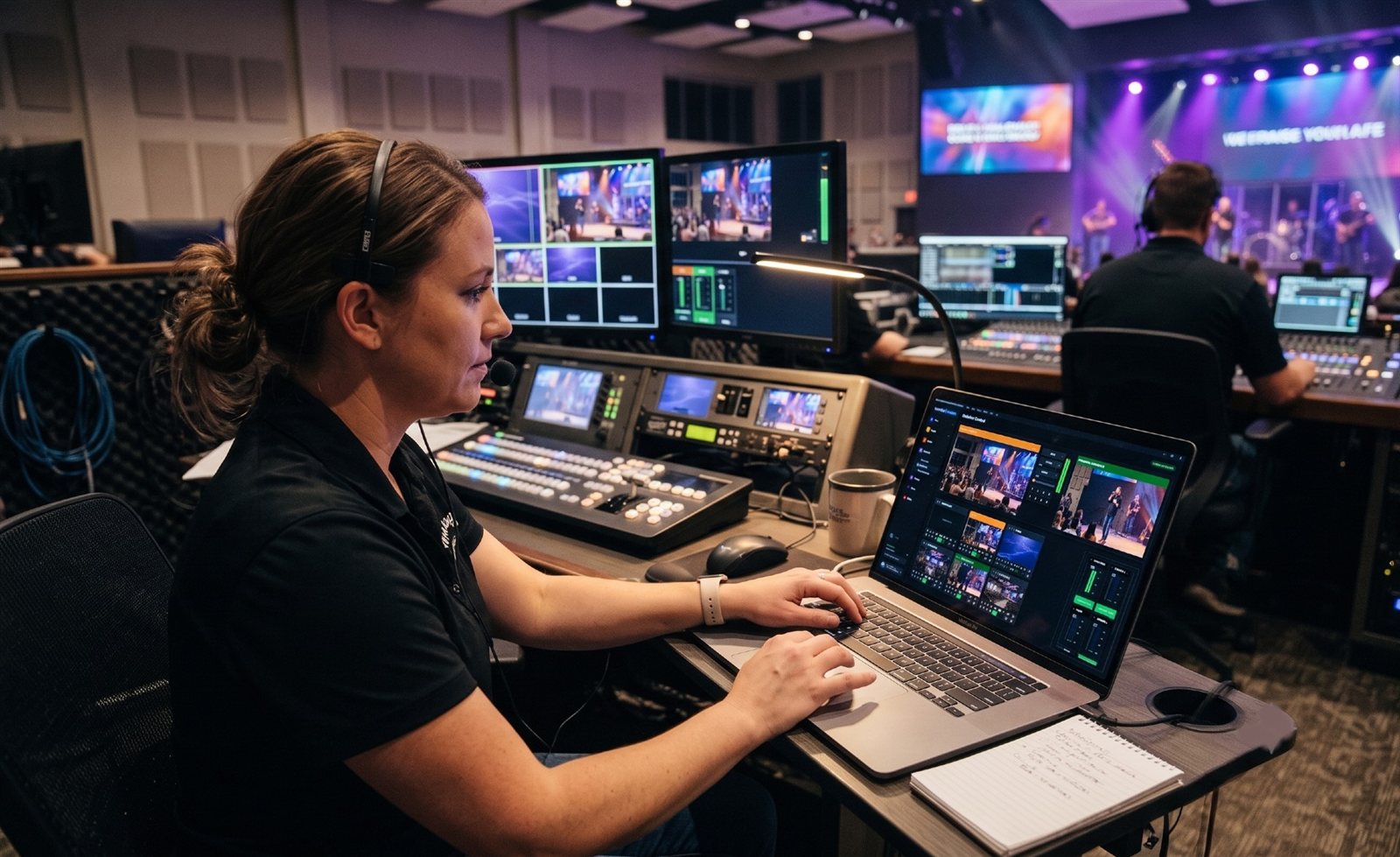
Video, but on the network
Traditionally, every camera in a church has its own video cable back to the booth, plus a power cable and often a control cable. Every screen has its own cable too.
NDI (Network Device Interface) changes that. It sends live video, audio and camera control over the same kind of network that connects your computers. A camera plugs into a network switch with one cable, and anything else on the network, like your production computer, a decoder behind a lobby TV, or ProPresenter, can use its picture.
How it works in a church
- NDI devices join the network. Cameras, the production computer, ProPresenter, encoders and decoders.
- They find each other automatically. Open vMix or OBS and the NDI cameras show up as sources by name, like “Center Camera.”
- Any source can go anywhere. The program feed can go to the stream, the overflow room and the lobby at the same time, without new cables.
Most network PTZ cameras also take power over the same cable (PoE), so one cable does everything.
Full NDI vs. NDI|HX
There are two main flavors:
| Full-bandwidth NDI | NDI|HX3 | |
|---|---|---|
| Bandwidth at 1080p60 | About 125 Mbps | About 50 to 62 Mbps |
| Compression | Very light | More efficient (H.264 or H.265) |
| Delay | Under a frame | Low, under 100 ms glass to glass |
| Typical use | Computer-to-computer feeds | Network PTZ cameras |
For a church, NDI|HX3 cameras are the sweet spot: excellent picture, low delay, and light enough that a gigabit network carries several cameras comfortably. (See what network does a church need for NDI?)
Where NDI fits next to HDMI and SDI
- HDMI is fine for short connections, like a laptop to a nearby TV.
- SDI is a proven, locking cable for long runs, and still the right choice for some cameras.
- NDI is the most flexible: one network cable, any source to any screen, and easy to grow.
Most churches end up with a mix and move toward NDI over time. (See NDI vs. SDI vs. HDMI for churches.)
Does WorshipMetrics support NDI?
Fully. Camera Control drives NDI PTZ cameras from a browser. Present puts NDI sources on slides and sends slides out as an NDI feed with transparency. Tech Manager can stream straight from an NDI source. The Signal Map documents every NDI signal. And our Livestream Systems are built around NDI cameras, encoders and decoders.
See the full picture on our NDI for churches page.
Next steps
- How NDI saves churches money
- Why we recommend NDI PTZ cameras
- NDI over IP: replacing cables with your church network
Make the booth easier to run: How to make your church livestream easier for volunteers: the three-seat setup. See also two-computer OBS setup with slides over NDI · two-computer vMix setup with slides over NDI.
Related questions
- What does NDI stand for?
- Network Device Interface. It's a widely used standard for sending live video, audio and control signals over a regular computer network.
- Is NDI good enough for a church livestream?
- Yes. NDI is used in broadcast studios and churches of every size. On a solid wired network, the delay is small and the picture quality is excellent for streaming and screens in the room.
- What's the difference between NDI and NDI|HX?
- Full-bandwidth NDI uses about 125 Mbps for a 1080p60 picture with very little compression. NDI|HX uses more efficient compression; NDI|HX3 needs roughly 50 to 62 Mbps at 1080p60 with low latency, which is why most network PTZ cameras use it.
vMix Reference Systems vs. WorshipMetrics Livestream Systems: What's Different for Churches
NextWhat's Wrong with My Church AV System? A Plain-English Diagnosis
Related Articles

Bitfocus Companion + ATEM Mini: A Stream Deck Panel for Your Church Switcher
A Stream Deck running Bitfocus Companion turns a Blackmagic ATEM into plain-word buttons with colors that show what's live, and the same panel can run PTZ cameras, projectors, and more. Here's how to connect Companion to an ATEM and build a volunteer page.

Lyrics Over the Camera on an ATEM Mini: Luma Keys, Chroma Keys, and the Slides Computer
To put song lyrics over the camera shot on a Blackmagic ATEM Mini, feed the slides computer into an ATEM input and key it over the camera. Here's how luma and chroma keys work for lyrics, how to design slides that key cleanly, and who should run it.

ATEM Mini + OBS for Church: Hardware Camera Switching with OBS for Graphics and Streaming
Many churches use an ATEM Mini as a camera switcher and send its output into OBS over USB as a webcam. The ATEM gives volunteers real buttons; OBS adds lyrics, graphics, recording, and streaming. Here's how to set it up, split the jobs, and avoid the common sync and quality problems.