You don’t need to be a tech person to diagnose this
When something goes wrong on Sunday, it usually shows up as a symptom: the stream froze, the slides didn’t show up online, people at home couldn’t hear the pastor. The cause is often somewhere else entirely.
This guide matches common symptoms to their most likely causes, in plain English, so you know where to look before you buy anything.
First: keep a simple log
For the next three or four Sundays, write down:
- What went wrong (in plain words)
- When (before the service, during worship, during the sermon)
- Who was running the booth
- How it got fixed, if it did
Patterns jump out fast. A problem that happens every week at the same time is usually equipment or network. A problem that happens only when your main volunteer is away is usually people or process.
Common symptoms and likely causes
| What you see | Most likely cause | What to check first |
|---|---|---|
| The stream drops or freezes | Internet too slow, or shared with guest WiFi; computer overloaded | Is the streaming computer on a network cable, not WiFi? Is guest WiFi on the same connection? |
| The stream looks fine at first, then stutters later | The computer overheating or running out of resources | Is the computer old, hot, or running other programs? |
| People at home can’t hear well | The stream gets the room mix instead of its own | Is there a separate mix for the stream? |
| Slides or lyrics don’t appear on the stream | The presentation isn’t connected to the streaming setup | Is the stream filming the projector screen instead of getting the slides directly? |
| The stream never starts on time | Steps get missed or forgotten | Is there a written checklist? |
| Nobody knows why something broke | The system isn’t documented | Is there a diagram of how everything connects? |
| It works for one volunteer but not another | The setup depends on one person’s knowledge | Could someone else run it from written steps? |
| A camera or device keeps dropping out | A failing cable, power supply, or device | Does the same device fail regardless of who’s running it? |
| The recording is missing after the service | Nobody was watching it | Does anyone get warned when the recording stops? |
For deeper help with specific software, see the troubleshooting guides for OBS, vMix, and stream audio.
Three kinds of problems
Almost every church AV problem falls into one of three groups:
- People: too few people can run it, or it’s too stressful for them.
- Process: nothing is written down, steps get missed, problems are found too late.
- Equipment: something is old, failing, or not powerful enough.
Most churches have some of each. The biggest group tells you where to start. (See is it the people, the process, or the equipment?)
Not sure which applies to you? Take the free two-minute AV system checkup.
Before you buy new equipment
Many churches that feel they need a whole new system actually need:
- A wired internet connection for the streaming computer
- A separate sound mix for the stream
- A written record of how things connect
- A checklist for Sunday mornings
- A warning when the stream or recording stops
None of those require replacing your system. (See should we fix our AV system or replace it?)
How WorshipMetrics helps you see what’s wrong
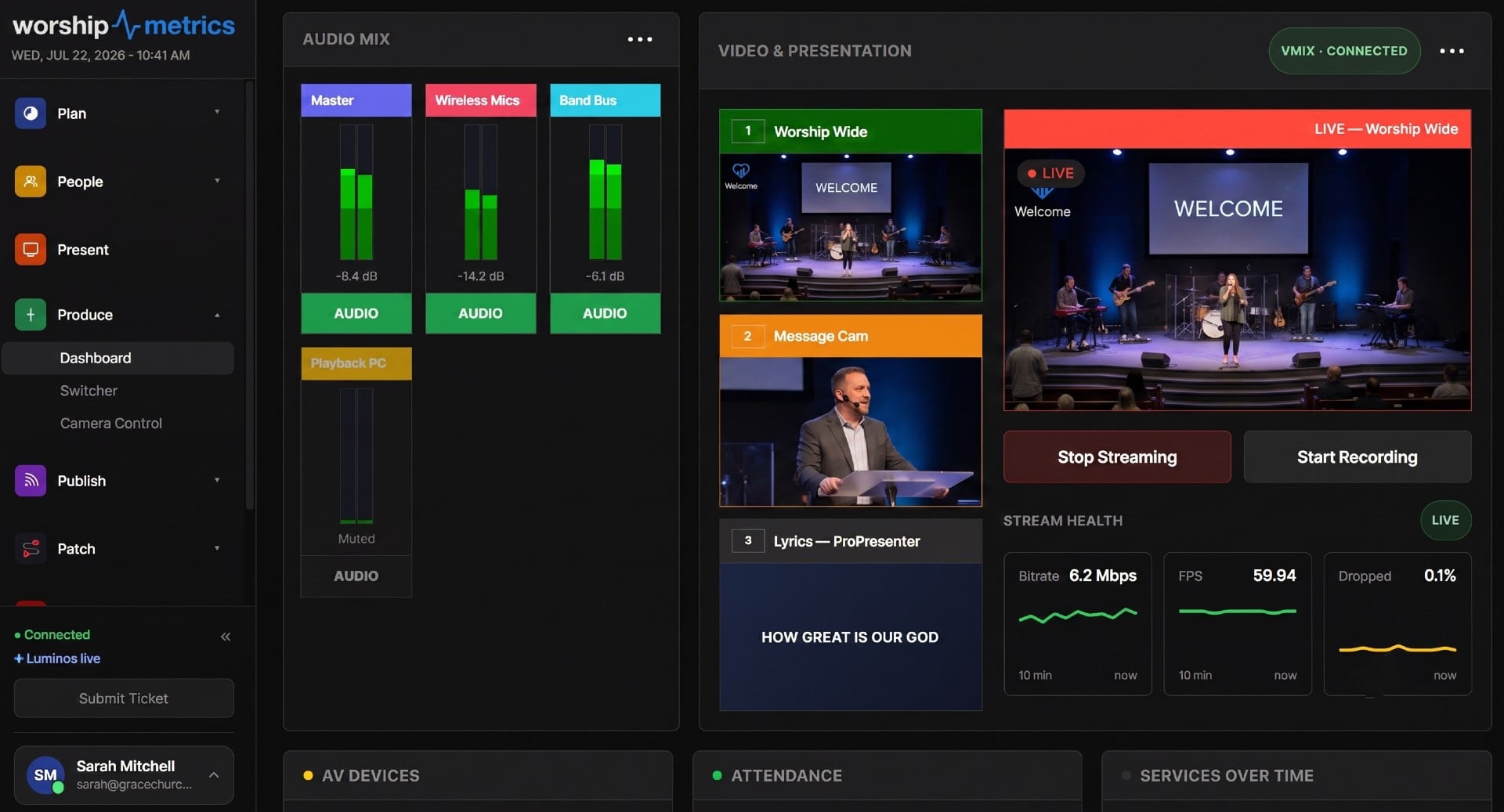
- Tech Manager, free on your streaming computer, shows stream health, audio, and video in one place.
- Monitoring, free, alerts your team the moment the stream or recording stops, and keeps a health report after every service, so the log keeps itself.
- The Signal Map documents every device and cable, with a printable wiring diagram.
- Luminos, the WorshipMetrics AI, uses that information to help diagnose problems with your actual setup.
If it does turn out to be the equipment, see what a modern church livestreaming system looks like in our Livestream Systems.
Want someone to look at it with you? Book a free 30-minute call or call 910-WORSHIP. (See what a church AV system review looks like.)
Related questions
- Why does our church livestream keep dropping?
- The most common causes are the internet connection (too slow, or shared with guest WiFi), the streaming computer struggling to keep up, or a loose or failing cable. Start by checking that the streaming computer is plugged into the network with a cable, not WiFi.
- Why does the livestream sound bad when the room sounds fine?
- Usually because the stream is getting the same sound mix as the room. The room mix is built for speakers in a big space; online viewers need their own mix with clearer voices. It's normally a setup fix, not new equipment.
- How do I know if a problem is the equipment or the people running it?
- If the same device fails no matter who's running it, it's probably equipment. If things go wrong only when certain people are away, or because steps get missed, it's people or process. Keeping a simple log for a few Sundays makes the pattern clear.
What Is NDI? IP Video for Churches in Plain English
NextGood, Better or Best: Which Church Livestreaming System Fits Your Church?
Related Articles

Making a Complicated Church AV System Easy to Run, Without Hiring an AV Company
Many church AV systems aren't too old or too small. They're too complicated for a volunteer. A simple button panel built with Bitfocus Companion can hide that complexity behind plain-word buttons, and a church can often build it themselves. Here's when that works, when to call a professional, and how to start.

Your Church Livestream Team, Connected Even When They're Not at Church
A three-person livestream team only works if everyone shares the same plan, the same wiring diagram, and the same news when something breaks. Here's how WorshipMetrics connects the director, slides, and camera volunteers through the week: chat, alerts, documentation, AI help, scheduling, and cloud control for OBS and vMix.

The Three-Person Church Livestream Team: Director, Slides, and Cameras
A church livestream runs best with three clear jobs: a director on OBS or vMix, a slides operator, and a camera operator. Here's what each role does before, during, and after the service, what skills it takes, and how the three talk to each other.