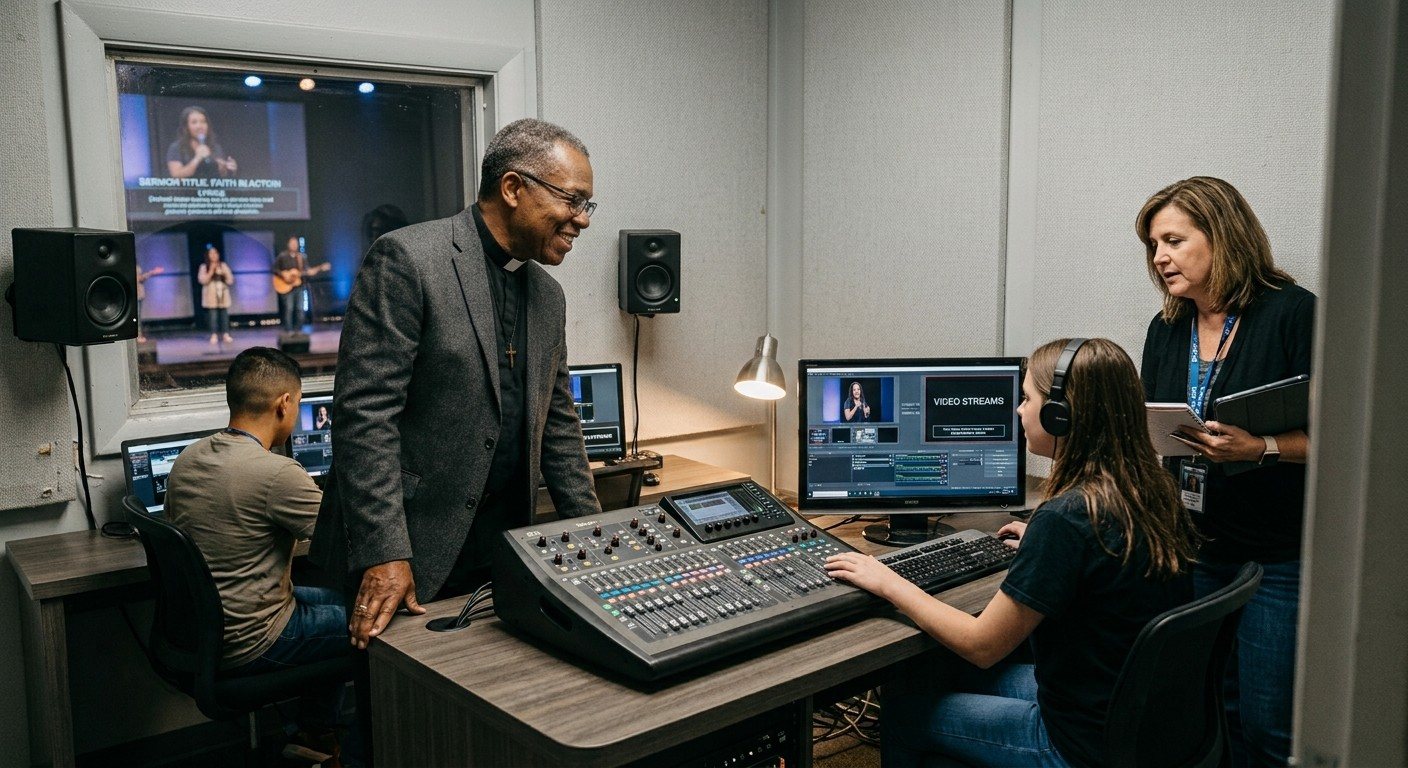
The gear usually gets the blame
When Sunday goes wrong, it’s natural to look at the equipment: this camera is old, this computer is slow, we need a new system. Sometimes that’s true. But in many churches, the gear is only part of the story.
There are three different kinds of problems, and they need different fixes:
| People | Process | Equipment | |
|---|---|---|---|
| What it looks like | Only one or two can run it; volunteers are stressed or leaving | Nothing written down; steps get missed; problems found after the service | The same device keeps failing; the computer struggles; the internet is too slow |
| What fixes it | A simpler booth, training, more volunteers | Documentation, a checklist, early warnings | Repair or replace specific gear |
| What it usually costs | Time and attention | Little to nothing | Money |
Not sure where your church lands? Take the free two-minute AV system checkup.
People problems
Signs:
- Only one or two people know how to run the booth
- Things go wrong when your main volunteer is away
- Volunteers seem stressed on Sunday, or are stepping back
- New volunteers try once and don’t come back
Fixes:
- Make the booth simpler so ordinary volunteers can run it (see why is our AV too hard for volunteers?)
- Train backups on purpose with a shadow-to-solo path (see the 90-day onboarding path)
- Split big jobs into smaller ones and recruit beyond the usual people (see running AV with a few volunteers)
Process problems
Signs:
- Nobody can explain how everything connects
- There’s no checklist, so steps get missed
- You hear about problems from viewers, or on Monday
- Slides, streaming, and scheduling live in different programs
Fixes:
- Document the system so it stops living in one person’s head
- Use a checklist every Sunday (start with the free Sunday checklist)
- Get warned automatically when the stream or recording stops
- Bring tools together where you can (see one platform instead of six subscriptions)
Process problems are often the cheapest and fastest to fix, and they’re where software helps most. (See how much can software fix?)
Equipment problems
Signs:
- The same device fails no matter who’s running it
- The streaming computer is old, slow, or freezes
- The internet can’t keep up with the stream
- Parts can’t be repaired or replaced anymore
Fixes:
- Find the repeat offenders before replacing anything (see what’s wrong with my church AV system?)
- Check the network and computer first; they cause more problems than cameras (see network infrastructure for church AV)
- Upgrade in phases, starting with what fails most (see where to start an upgrade)
- See what a modern system includes: our Livestream Systems lay out every part, from capture card to graphics card, in a plain-language wiring diagram
Why the order matters
If you buy new equipment while people and process problems remain, you get a newer system that still breaks the same way, often a more complicated one that even fewer people can run.
Fix people and process first where you can. Then you’ll know exactly which equipment truly needs replacing. (See should we fix or replace our AV system?)
Get a second opinion
WorshipMetrics helps sort this out. Install Tech Manager, free, map your system in the Signal Map, and talk it through with us. We’ll help you see what’s people, what’s process, and what’s equipment, and how much of it software can take off your team’s plate. Book a free 30-minute call or call 910-WORSHIP.
Related questions
- What are the main causes of church AV problems?
- Three: people (too few trained, stressed volunteers), process (no documentation, no checklist, problems discovered too late), and equipment (failing, outdated, or underpowered gear). Most churches have a mix, and fixing the biggest one first gives the most relief.
- How do I know if our AV problem is a people problem?
- If things go wrong mainly when a particular volunteer is away, if only one or two people can run the booth, or if volunteers are stressed or leaving, it's at least partly a people problem.
- Can software fix church AV problems?
- Software can carry a lot of the process load: documenting the system, warning you when something stops, giving volunteers one dashboard, and providing support that knows your setup. It can't replace a broken device or recruit volunteers for you.
How Do We Run Church AV with Only a Few Volunteers and Two Services?
NextWhat a Church AV System Review Looks Like (and What to Have Ready)
Related Articles

Making a Complicated Church AV System Easy to Run, Without Hiring an AV Company
Many church AV systems aren't too old or too small. They're too complicated for a volunteer. A simple button panel built with Bitfocus Companion can hide that complexity behind plain-word buttons, and a church can often build it themselves. Here's when that works, when to call a professional, and how to start.

Your Church Livestream Team, Connected Even When They're Not at Church
A three-person livestream team only works if everyone shares the same plan, the same wiring diagram, and the same news when something breaks. Here's how WorshipMetrics connects the director, slides, and camera volunteers through the week: chat, alerts, documentation, AI help, scheduling, and cloud control for OBS and vMix.

The Three-Person Church Livestream Team: Director, Slides, and Cameras
A church livestream runs best with three clear jobs: a director on OBS or vMix, a slides operator, and a camera operator. Here's what each role does before, during, and after the service, what skills it takes, and how the three talk to each other.