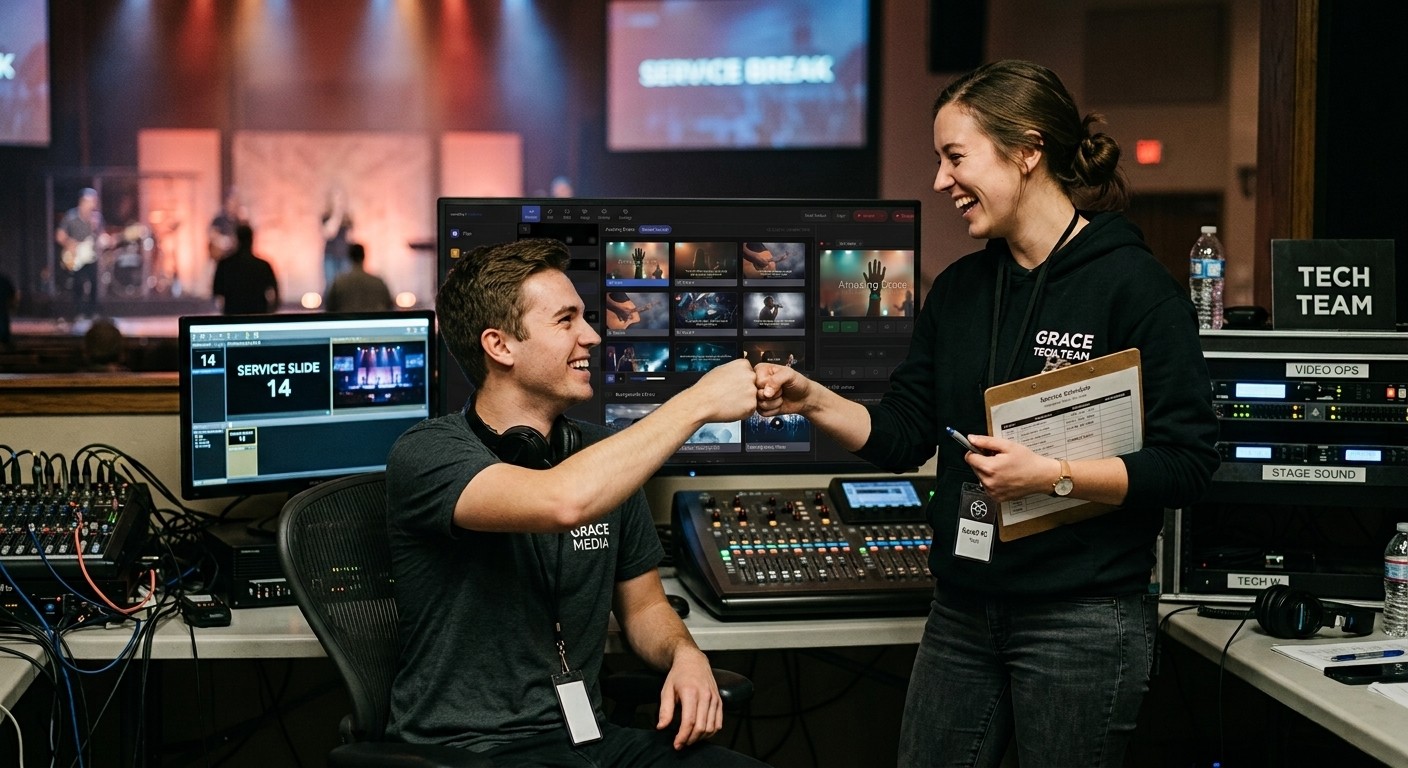
The two-service squeeze
A church of 150 to 200 with two services often has the same problem: only two or three people can run the AV booth, and they can’t all be there every week. When one is sick or traveling, the other covers both services. Eventually, someone burns out, or a Sunday goes badly.
The answer is usually not “find more tech experts.” It’s make the booth easier to run, so more ordinary people can do it.
Step 1: Simplify the booth
The fewer things a volunteer has to juggle, the more people can serve.
- Fewer tools. If slides, streaming, and audio each need a different program and login, look for one system that brings them together. (See one platform instead of six subscriptions.)
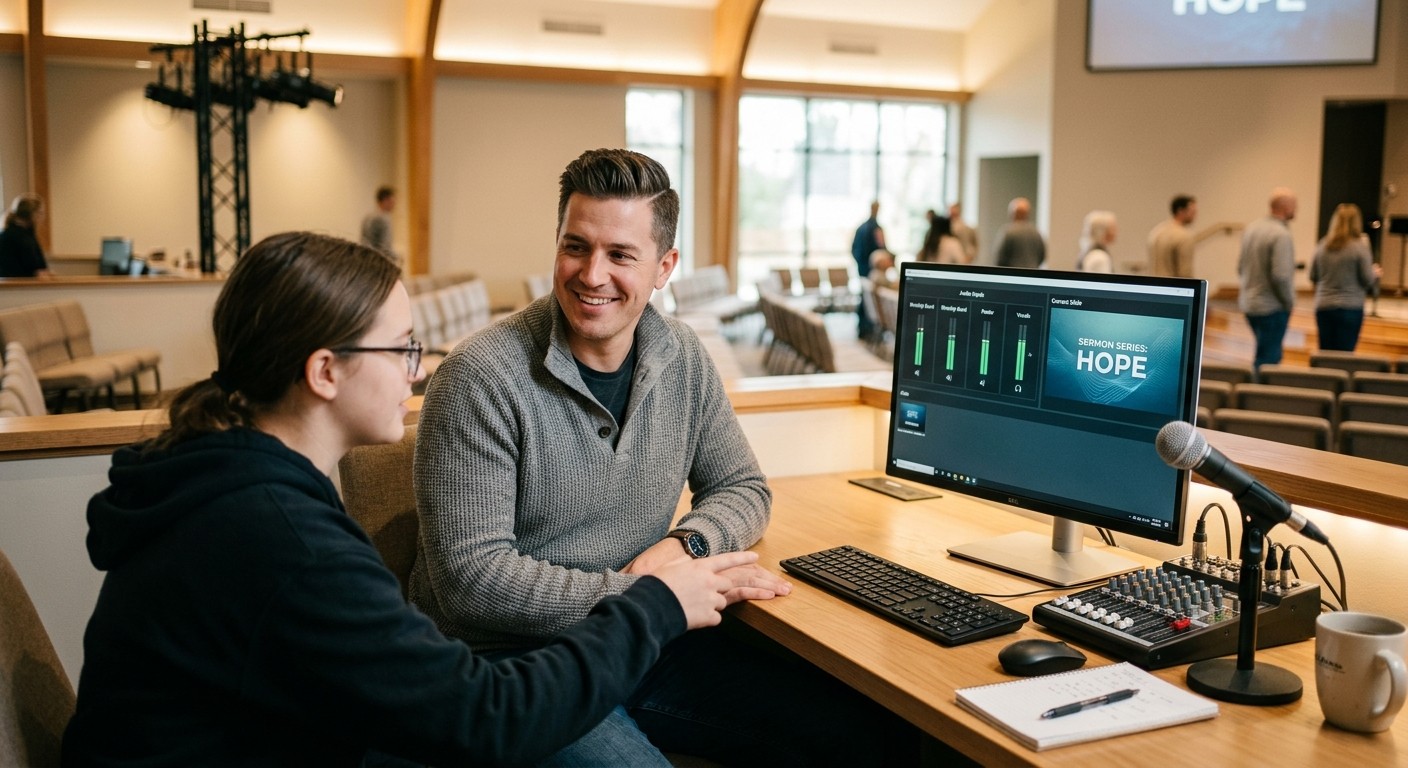
- One screen to watch. A single dashboard that shows the stream, audio, and video is easier than five windows.
- Get warned automatically. If the stream or recording stops, an alert should tell the team, instead of a text from someone in the congregation.
- Label everything. Cables, inputs, and buttons. (See a cable labeling system that survives turnover.)
Step 2: Write the checklist
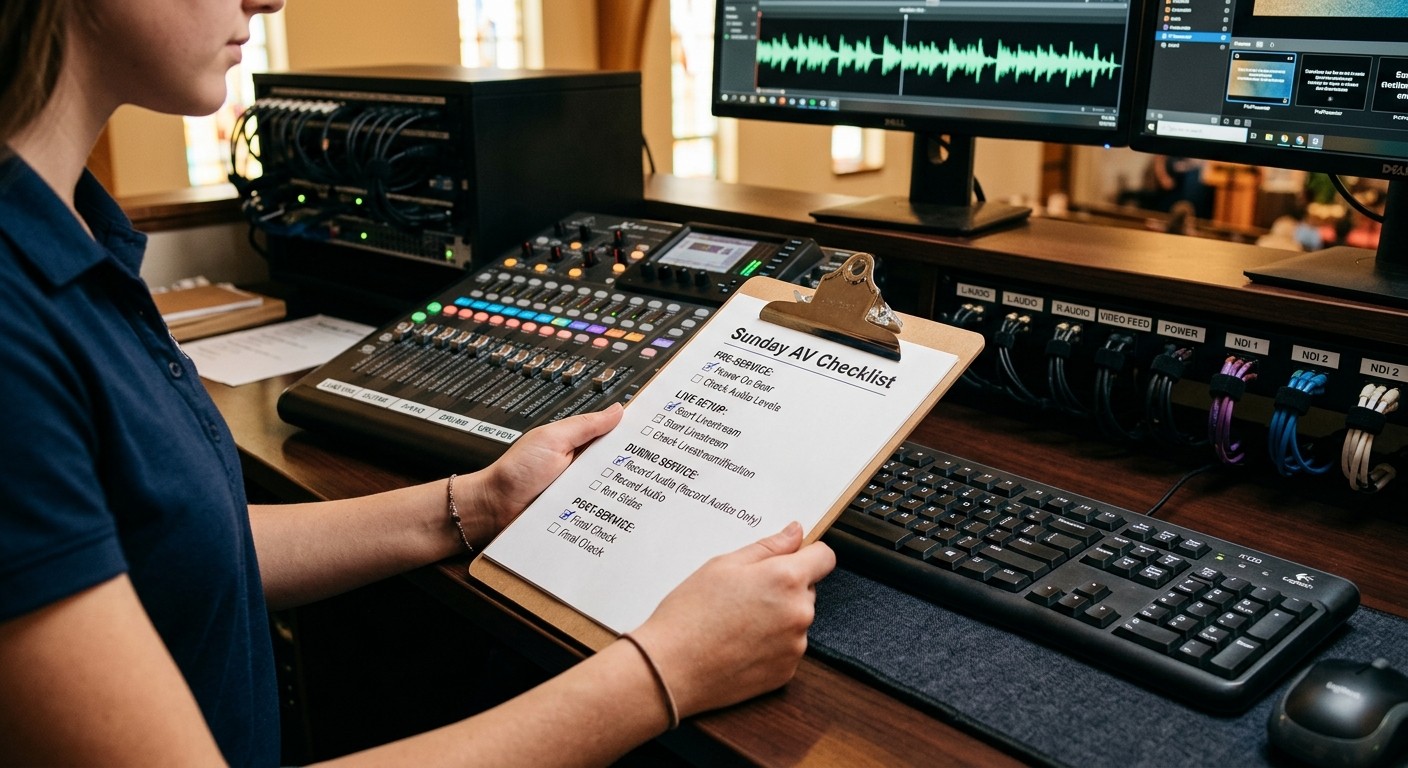
A printed, step-by-step checklist lets someone who’s done it twice run it confidently. Include power-on order, stream start, slide check, and shutdown. Start with the free Sunday checklist.
Step 3: Split the jobs
Two smaller jobs are easier to fill than one big one:
| Job | Skills needed |
|---|---|
| Slides / lyrics | Timing, attention, reading ahead |
| Sound and stream | A little technical comfort |
| Camera (if you have one) | Patience, a good eye |
New volunteers can start on slides. It’s often the easiest first seat. (See church media team role cards.)
Step 4: Train backups on purpose
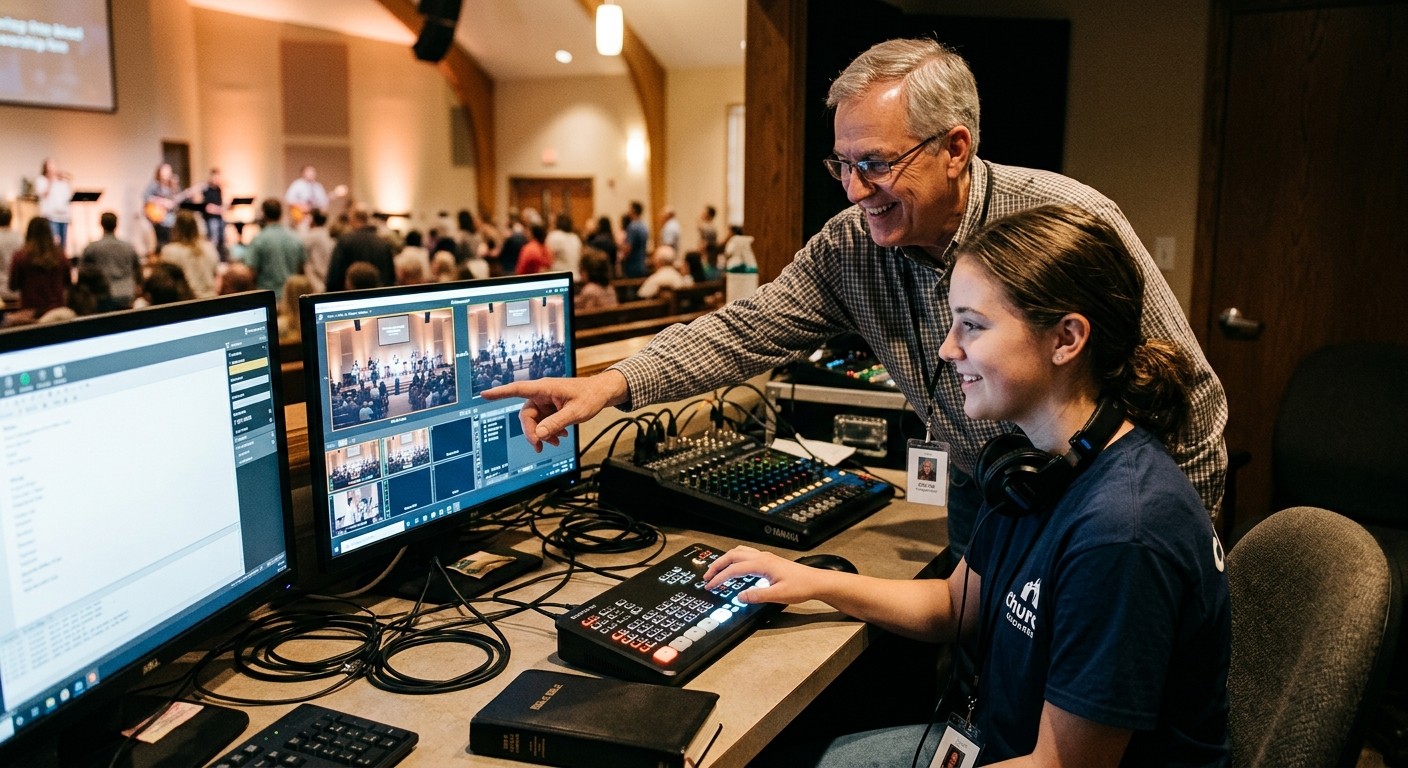
Pair each new volunteer with an experienced one for a few Sundays: watch first, then help, then run it with someone beside them, then run it alone. (See the 90-day onboarding path.)
Aim for at least two people who can run each job, so no single absence cancels a service.
Step 5: Schedule a month at a time
Ask volunteers which Sundays and which service they can serve, a month ahead. Rotate so nobody serves both services every week. (See scheduling volunteers a month at a time.)
Step 6: Look beyond the usual people
- Students often learn the booth faster than anyone and are looking for a real way to serve. (See the tech booth is a youth ministry.)
- Retirees bring patience and reliability.
- People who don’t want the stage often love the booth.
Step 7: Have help when nobody’s there
When a problem happens and your most experienced person isn’t in the room, someone should still be able to help. (See can volunteers run the livestream when the tech director is out?.)
How WorshipMetrics helps
- Tech Manager puts the booth in one calm dashboard: audio meters, video and slide preview, camera control, and stream health side by side.
- Monitoring, free, alerts your team the moment the stream or recording stops, and offers a one-tap restart.
- Present, free, builds slides from the service plan, so the slides volunteer isn’t retyping lyrics.
- Volunteer scheduling lets people accept or decline Sundays ahead of time.
- Help that knows your system: call 910-WORSHIP. Journey, our AI phone assistant, answers any hour with your setup in view and brings in a person when you need one.
If your system also feels old and complicated, start with where to start an upgrade.
Related: why is our church AV system too hard for volunteers?
Related questions
- How many volunteers does a church need to run AV for two services?
- At minimum, two people per service (one for slides, one for sound and stream), plus backups, so roughly six to eight trained people rotating. Many churches run with fewer by simplifying the booth so one person can run slides and stream together.
- What if our AV volunteers aren't always available?
- Make the booth simpler so more people can run it, write a checklist, train backups using a shadowing plan, and use tools that alert you when something breaks and let a helper see the system from home.
- Should we hire someone to run our church AV?
- Some churches do, often part-time. Before hiring, many simplify the system and grow a volunteer team. Remote support and monitoring can also cover much of what a part-time hire would do on Sunday morning.
Not a Tech Person? A Church Administrator's Guide to the AV Booth
NextIs It the People, the Process, or the Equipment? Sorting Out Church AV Problems
Related Articles

Making a Complicated Church AV System Easy to Run, Without Hiring an AV Company
Many church AV systems aren't too old or too small. They're too complicated for a volunteer. A simple button panel built with Bitfocus Companion can hide that complexity behind plain-word buttons, and a church can often build it themselves. Here's when that works, when to call a professional, and how to start.

Your Church Livestream Team, Connected Even When They're Not at Church
A three-person livestream team only works if everyone shares the same plan, the same wiring diagram, and the same news when something breaks. Here's how WorshipMetrics connects the director, slides, and camera volunteers through the week: chat, alerts, documentation, AI help, scheduling, and cloud control for OBS and vMix.

The Three-Person Church Livestream Team: Director, Slides, and Cameras
A church livestream runs best with three clear jobs: a director on OBS or vMix, a slides operator, and a camera operator. Here's what each role does before, during, and after the service, what skills it takes, and how the three talk to each other.