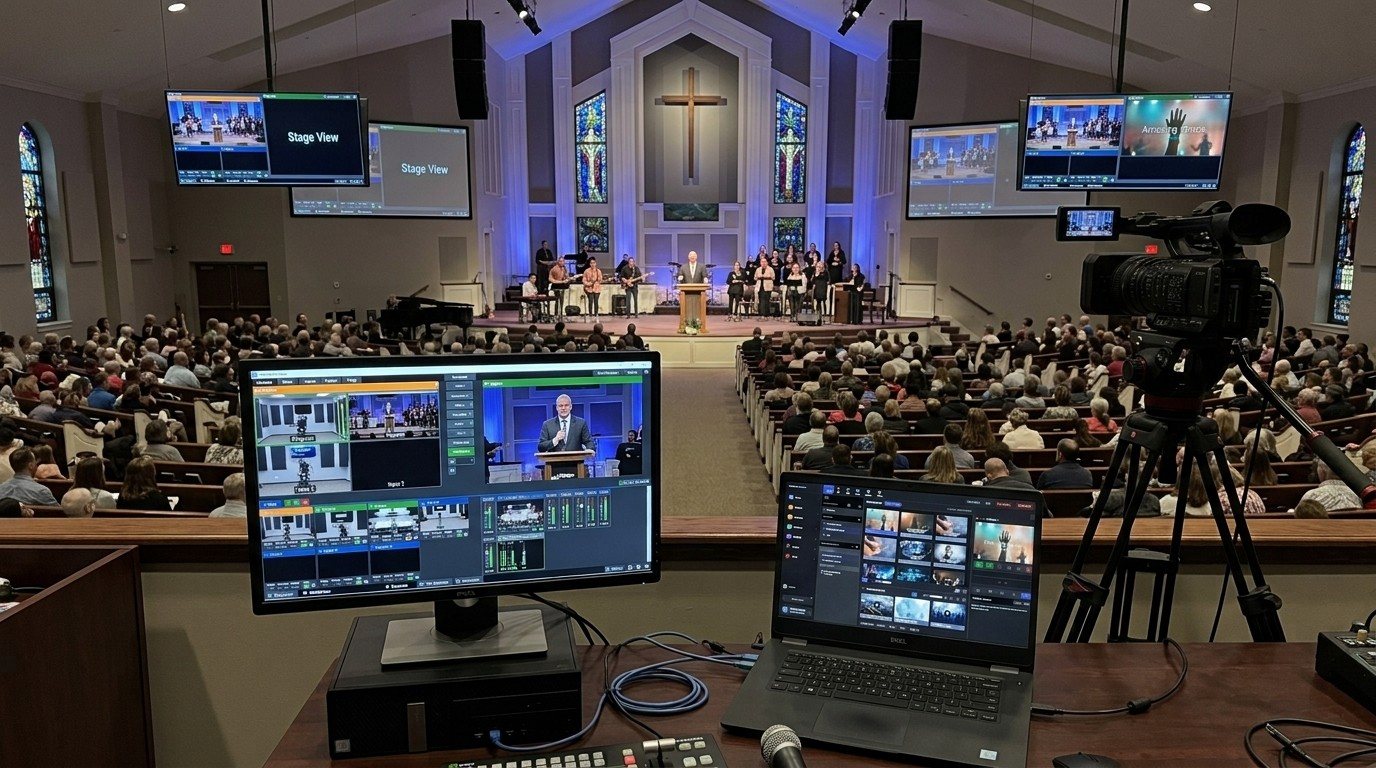
vMix was made for this
vMix takes NDI as a native input type. That makes it one of the easiest switchers to split across two computers: the slides computer sends its output over the network, and vMix adds it like a camera. No plugin, no capture card, no HDMI run from the slides desk.
It’s the second seat in the three-seat setup: one volunteer on slides, one on vMix.
What you need
- A slides computer running ProPresenter, WorshipMetrics Present, or any slides app. (For other apps, the free NDI Screen Capture tool works: see getting the pastor’s slides in without a capture card.)
- A wired network with both computers on the same switch. (See what network a church needs for NDI.)
- Your vMix computer, with nothing extra installed.
Setting it up
- Wire both computers to the same gigabit switch.
- Turn on NDI output on the slides computer and give it a plain name, like “Slides.”
- In vMix, choose Add Input, then NDI, and pick “Slides.” If it isn’t listed, check the network and the firewall on both computers.
- Use it two ways:
- Full screen for scripture, announcements, and sermon points.
- As an overlay for lyrics over the camera. Send a transparent background from the slides computer and put the NDI input on an overlay channel. (See NDI alpha-channel slides.)
- Map the overlay to a button your director can find without looking: overlay on for songs, off for the sermon.
- Rehearse a whole service, including the moment the slides computer restarts.
What changes on Sunday
- The lyrics volunteer follows the worship leader. Nothing else.
- The vMix operator follows the service. Picking shots, managing overlays, watching the stream and recording.
- A crash on one computer doesn’t take down the other.
- You can fill each seat separately, which makes training new operators much less risky.
The same feed, everywhere
Once the slides are on the network, they’re not just for the stream. vMix can send its program back out over NDI to the lobby, the overflow room, or a confidence monitor. (See putting the livestream on lobby and overflow TVs.)
Where WorshipMetrics helps
- Present builds slides from the service plan, and Tech Manager publishes them to vMix as an NDI source with a true transparent background.
- Tech Manager reports the vMix computer’s health and alerts your team if the stream or recording stops.
- Cloud vMix control gives a second person the full switching panel (preview, program, T-bar, overlays, and audio) from any browser, with every remote action logged.
Next: add the third seat with a camera operator for vMix, or see the OBS version of this setup.
Share the vMix PC with more volunteers: Splitting vMix roles for church volunteers. See also the vMix Web Controller for volunteers · a titles volunteer for vMix.
Related questions
- How do I bring ProPresenter or slides into vMix over NDI?
- Turn on NDI output on the slides computer, then in vMix choose Add Input, NDI, and pick the slides source. vMix supports NDI natively, so no plugin or capture card is needed, as long as both computers are on the same wired network.
- Can vMix put lyrics over the camera from a second computer?
- Yes. Send the slides with a transparent background over NDI and add that input as an overlay in vMix. The lyrics then sit over whichever camera is live, with no chroma keying.
- Why use a separate computer for slides with vMix?
- It gives the slides operator their own seat, keeps them away from the live switcher, and lets the vMix computer spend its power on switching, recording, and streaming. If the slides app has a problem, the stream keeps running.
A Titles Volunteer for Your vMix Stream: Lower Thirds and Sermon Points from a Browser
NextSplitting vMix Roles for Church Volunteers: Titles, Cameras, Stream, and More from One vMix PC
Related Articles

Bitfocus Companion + ATEM Mini: A Stream Deck Panel for Your Church Switcher
A Stream Deck running Bitfocus Companion turns a Blackmagic ATEM into plain-word buttons with colors that show what's live, and the same panel can run PTZ cameras, projectors, and more. Here's how to connect Companion to an ATEM and build a volunteer page.

Lyrics Over the Camera on an ATEM Mini: Luma Keys, Chroma Keys, and the Slides Computer
To put song lyrics over the camera shot on a Blackmagic ATEM Mini, feed the slides computer into an ATEM input and key it over the camera. Here's how luma and chroma keys work for lyrics, how to design slides that key cleanly, and who should run it.

ATEM Mini + OBS for Church: Hardware Camera Switching with OBS for Graphics and Streaming
Many churches use an ATEM Mini as a camera switcher and send its output into OBS over USB as a webcam. The ATEM gives volunteers real buttons; OBS adds lyrics, graphics, recording, and streaming. Here's how to set it up, split the jobs, and avoid the common sync and quality problems.