Introduction
NDI can simplify routing and unlock flexibility, but it is not a magic replacement for every cable in every congregation. It depends on a network that can actually support real-time video reliably.
That is why NDI often feels amazing in a well-designed environment and frustrating in a casual one. The protocol is only part of the story. The rest of the story is switching, bandwidth, latency, discovery behavior, and the discipline of the network carrying the signal.

Know Why You Want NDI
NDI should solve a clear routing or flexibility problem. If it only adds complexity to a simple system, the operational cost may outweigh the benefit.
In church production, NDI is usually most valuable when it helps with:
- sending camera feeds between rooms without new video runs
- moving graphics or confidence outputs over the network
- simplifying temporary event setups
- reducing cable dependence in spaces where new runs are difficult
If your current cable-based signal flow is already stable, the burden of proof is on NDI to create a clear operational gain.
Build the Network Before the Workflow
IP video stability depends on switch capacity, VLAN planning, multicast behavior, and general network health. NDI problems are often network problems wearing a video disguise.
Before deploying NDI broadly, confirm:
- switch capacity and backplane health
- whether production traffic is isolated from guest and office traffic
- whether discovery and multicast settings are understood
- whether the same network already carries unstable or high-volume traffic
If the network is not trustworthy, adding more video to it does not make it better.

Understand Bandwidth and Compression Tradeoffs
Different NDI flavors create different bandwidth profiles. Full-quality transport may look excellent, but it also places more pressure on the network and the machines decoding the signal.
That means planning around:
- how many simultaneous NDI sources exist
- where they are being decoded
- whether the destination machine is strong enough to handle them
- whether the network can absorb peak traffic during a real service
The question is not only whether NDI works. It is whether NDI works when all the intended sources are active at once.
Test Latency and Failure Modes
A system can appear fine in rehearsal and still fail when more devices join the network on Sunday. Test under realistic traffic and production load.
Specifically, test:
- camera switching timing
- graphics and lyric responsiveness
- source reconnection after a temporary disconnect
- behavior when one switch path fails or restarts
- what the operator sees when discovery breaks
You are not only testing quality. You are testing recoverability.
Plan for Operator Simplicity
The more abstract the signal flow becomes, the more documentation matters. Volunteers need to understand what source depends on what path before a failure occurs.
NDI systems can feel invisible when healthy, which means they can also feel mysterious when unhealthy. Good naming, diagrams, and fallback instructions are essential for volunteer confidence.
Keep a Troubleshooting Baseline
Document known-good performance metrics like bandwidth usage, source discovery time, and backup paths. Without a baseline, diagnosing NDI issues takes longer than it should.
Track things like:
- normal latency
- expected source count
- where critical sources originate
- which switches carry key production traffic
- what “healthy” looks like for your environment
When the system drifts, those baselines are what make the problem visible.
Conclusion
NDI can be excellent for church production, but only when the network is treated like production infrastructure rather than office background plumbing.
If you treat the network casually, NDI exposes that weakness. If you treat the network like part of the show, NDI can create a much more flexible and resilient production environment.
Planning a move to NDI? See how NDI saves churches money, what network a church needs for NDI, and everything WorshipMetrics does with NDI on our NDI for churches page.
Digital Mixing Board Setup & Eliminating Feedback in Church
NextProPresenter 7 Advanced Setup & Best Practices
Related Articles
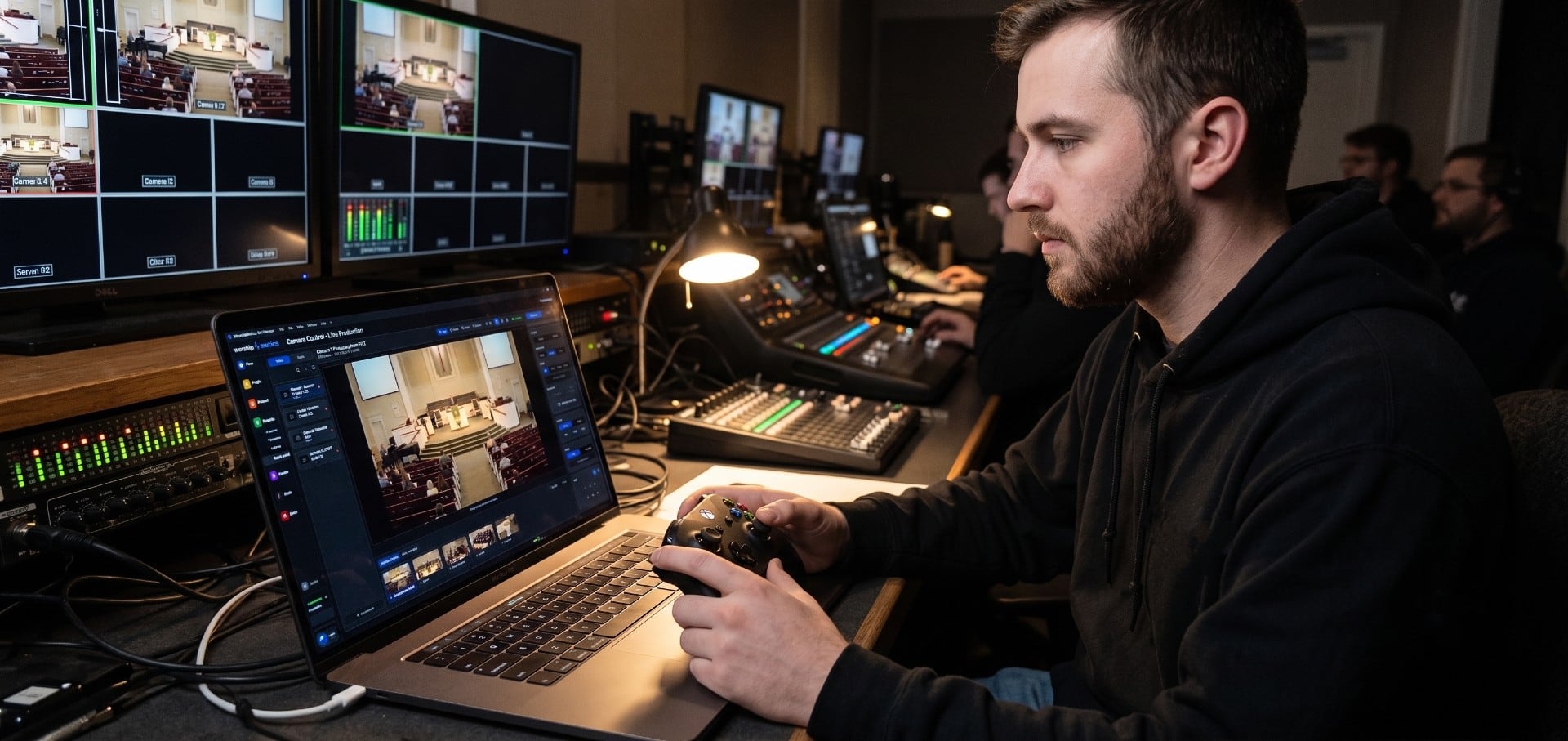
Choosing a PTZ Camera for Church Live Streaming
How to choose PTZ cameras for a church: how much zoom your room needs (with the math), NDI vs SDI vs HDMI vs USB, how many cameras to buy, sensors and low light, control and auto-tracking, and current models and prices at every budget.
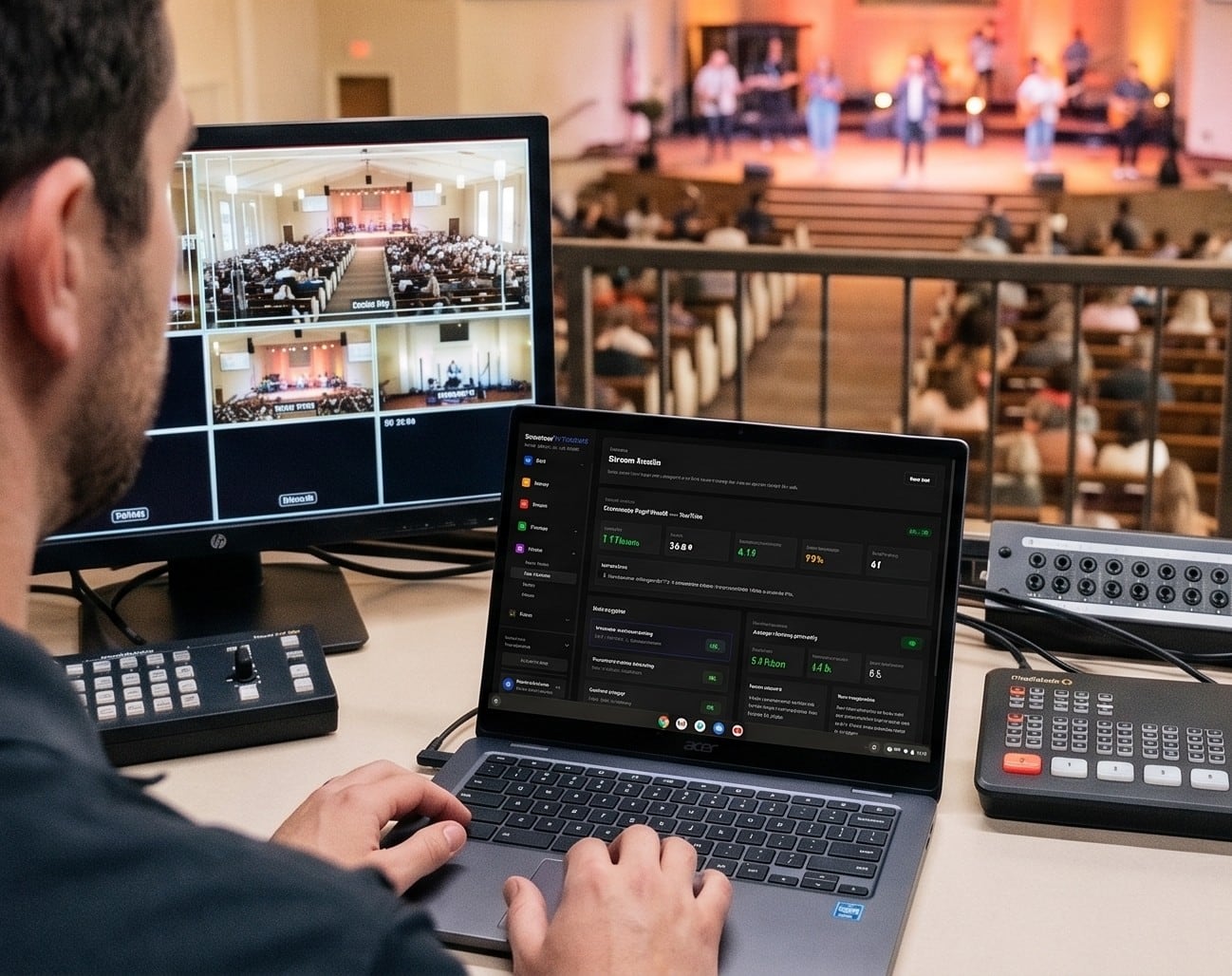
Church Streaming Services Compared: Resi, BoxCast, YouTube, Facebook and More (2026)
Church live streaming services side by side: what Resi, BoxCast, Subsplash, Vimeo, Restream, Castr, SermonAudio, YouTube and Facebook cost in 2026, how each handles reliability and simulcasting, what happens to your recordings, and which fits your church.
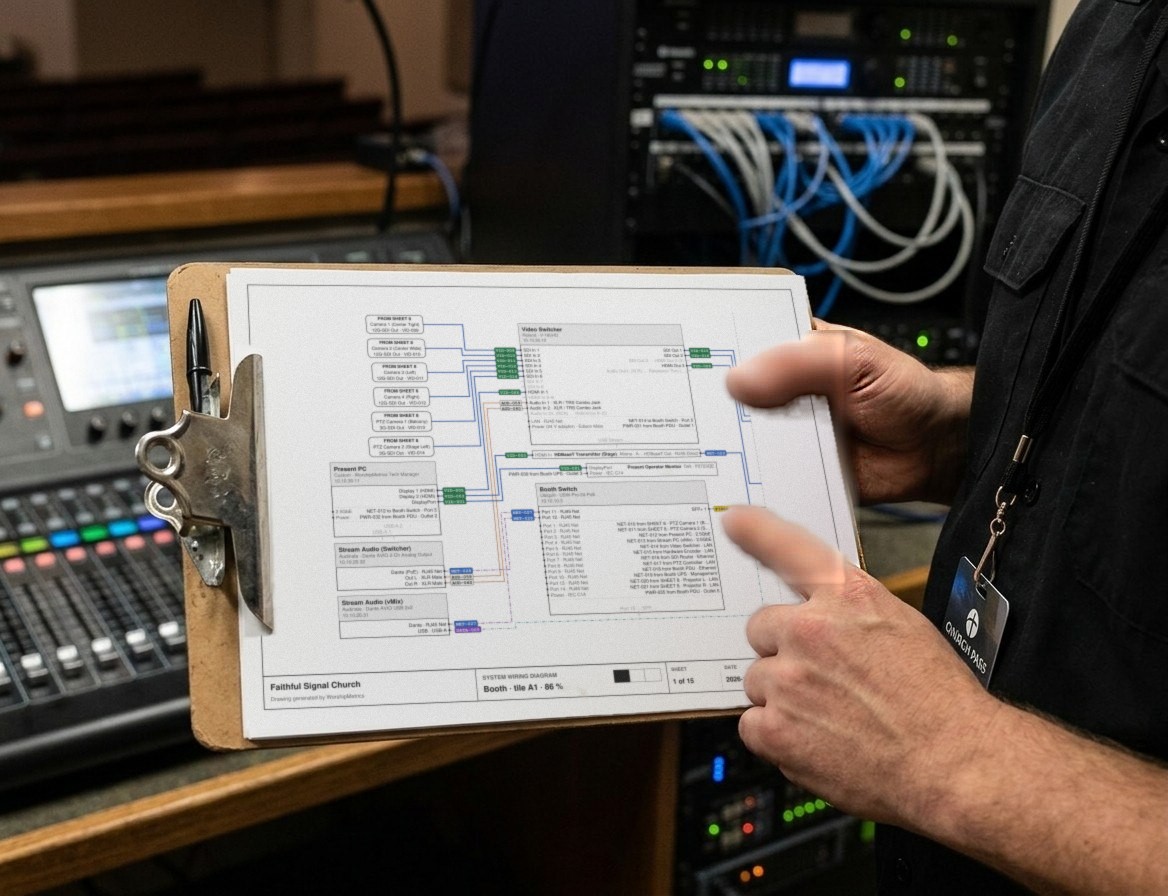
Church Video System Design: Planning From Sanctuary to Stream
How to plan a church video system before you buy anything: what it's for, where the cameras go, how video, audio and slides flow to the stream, which cables run where, and how to document it so the next volunteer can run it.