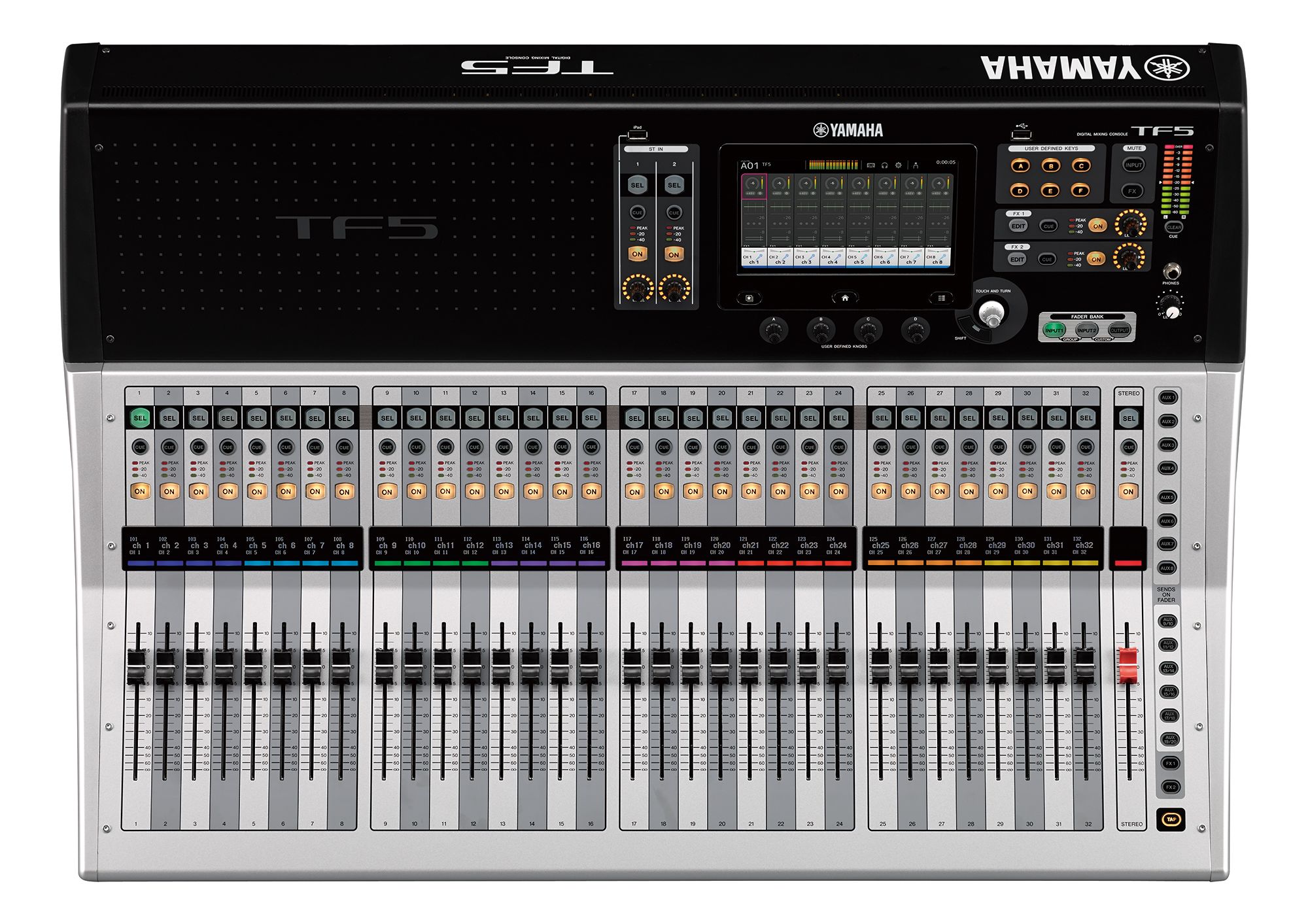
Introduction
Feedback problems in church environments rarely come from one cause. They usually come from a system that lacks discipline in gain staging, monitor placement, room expectations, or volunteer training.
That is why feedback can feel random even when it is not. A room may be quiet one week and unstable the next because one input was hotter, one monitor moved, or one vocalist changed how they hold the mic.
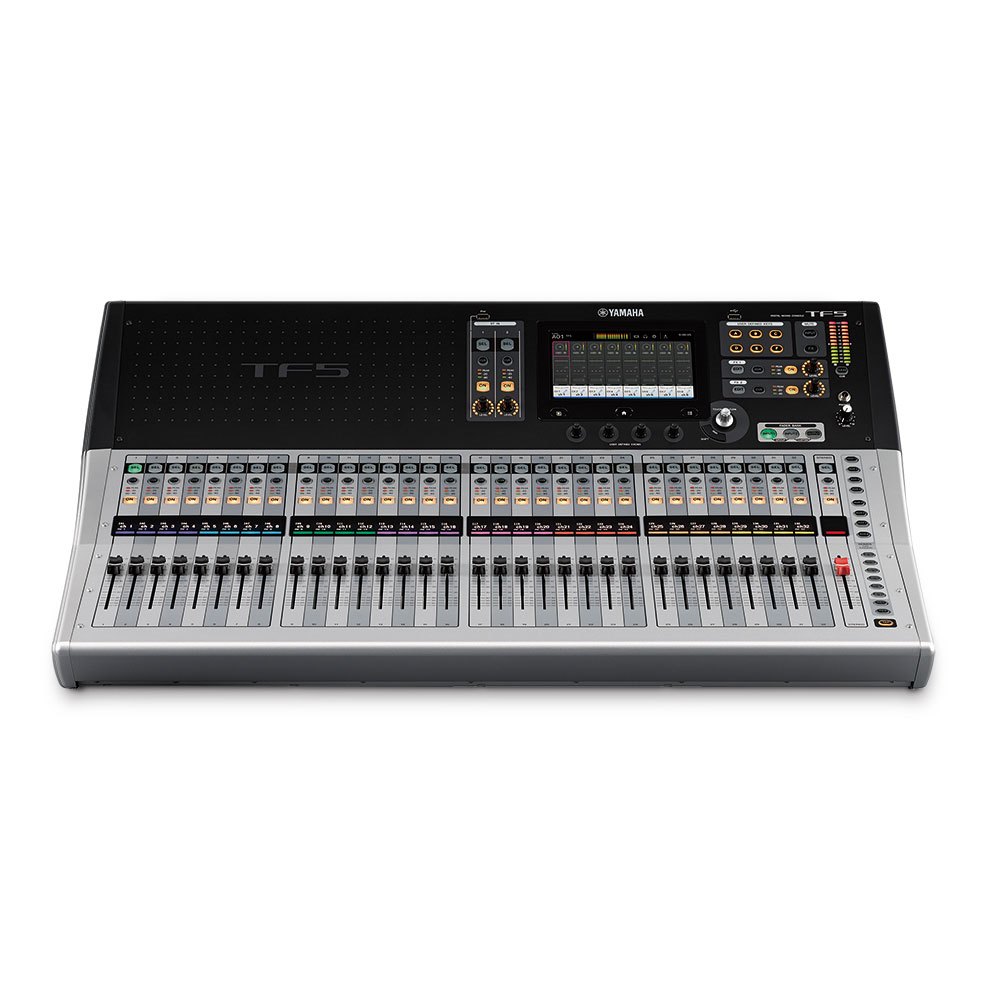
Start with Gain Structure
If preamp gain is unstable, everything after it becomes harder to manage. Build a repeatable process for setting gain on vocals, instruments, and playback sources before chasing EQ fixes.
The basic sequence matters:
- get a realistic performance level from the source
- set preamp gain conservatively but clearly
- avoid compensating for weak gain with excessive processing later
- keep channel trim decisions consistent across operators
When gain structure is healthy, the console becomes easier to mix and feedback becomes easier to predict.
Separate House Mix from Monitor Needs
A room mix is not automatically a stage mix. Digital consoles give you flexibility, but that flexibility only helps if you treat monitor sends and front-of-house as separate goals.
In worship spaces, a lot of preventable feedback starts because the monitor path is being treated as a copy of the room rather than a system with different priorities.
Good monitor strategy usually includes:
- knowing which positions actually need more level
- protecting vocal intelligibility over raw loudness
- watching speaker placement and microphone patterns
- keeping stage volume under control before asking wedges to compensate
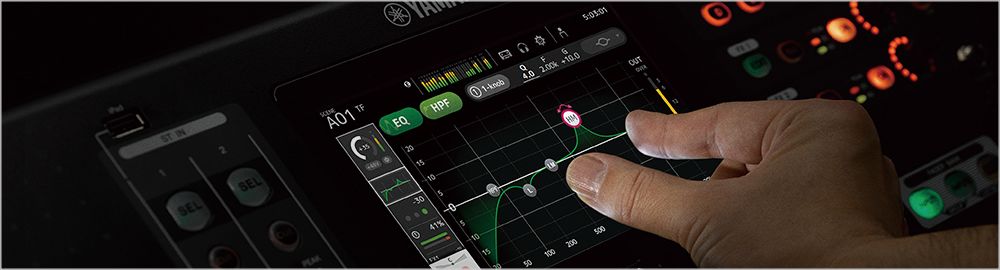
Ring Out the Room Carefully
Systematic ringing out can help expose problem frequencies, but it is not a substitute for proper speaker placement and disciplined microphone technique.
Use ringing-out as a tool, not a ritual. If the room repeatedly feeds back in the same way, check:
- monitor placement
- loudspeaker aiming
- microphone choice and position
- gain staging discipline
- stage volume from instruments and side fills
EQ can help, but EQ should not be carrying the entire system on its back.
Train Volunteers to Hear Patterns
Volunteers do not need to become acousticians overnight, but they do need to know the difference between a monitor issue, a microphone issue, and a room-system issue.
Train them to ask:
- Is the problem happening in the room, on stage, or online?
- Did this start with one source or the whole system?
- Did someone move a speaker, mic, or wedge?
- Is this a level problem or a frequency problem?
Pattern recognition lowers panic. That is a major part of audio training.
Document the Baseline Mix
The most stable mixes are easier to reproduce because key settings, scene structures, and troubleshooting steps are written down instead of stored in one person’s memory.
At minimum, document:
- normal vocal ranges and hot channels
- monitor-send expectations by position
- known problem microphones or stage areas
- scene and mute-group logic
- emergency fallback steps if feedback breaks out mid-service
Documentation does not make the room perfect. It makes the room recoverable.
Control Stage Volume Before You Fight It
Some feedback issues are not really mixer issues. They are stage-volume issues that the console is being asked to compensate for.
If wedges, amps, drums, or side fills are already loud, the microphones are working much harder to stay usable. Lower stage volume often improves clarity faster than another round of EQ changes.
Conclusion
Good digital mixer setup reduces feedback by making the system predictable. Predictability is more valuable than heroics in the middle of a service.
The healthiest audio systems are the ones where gain, monitors, volunteer expectations, and room behavior are all understood well enough that problems can be addressed before they become a Sunday distraction.
Better livestream audio: Why your church livestream sounds bad, and how a separate stream mix fixes it. See also setting up a stream mix · scenes, Stream Deck, and WorshipMetrics for audio.
How to Simultaneously Stream to YouTube, Facebook & More
NextNDI Over IP: Replacing Cables with Your Church Network
Related Articles
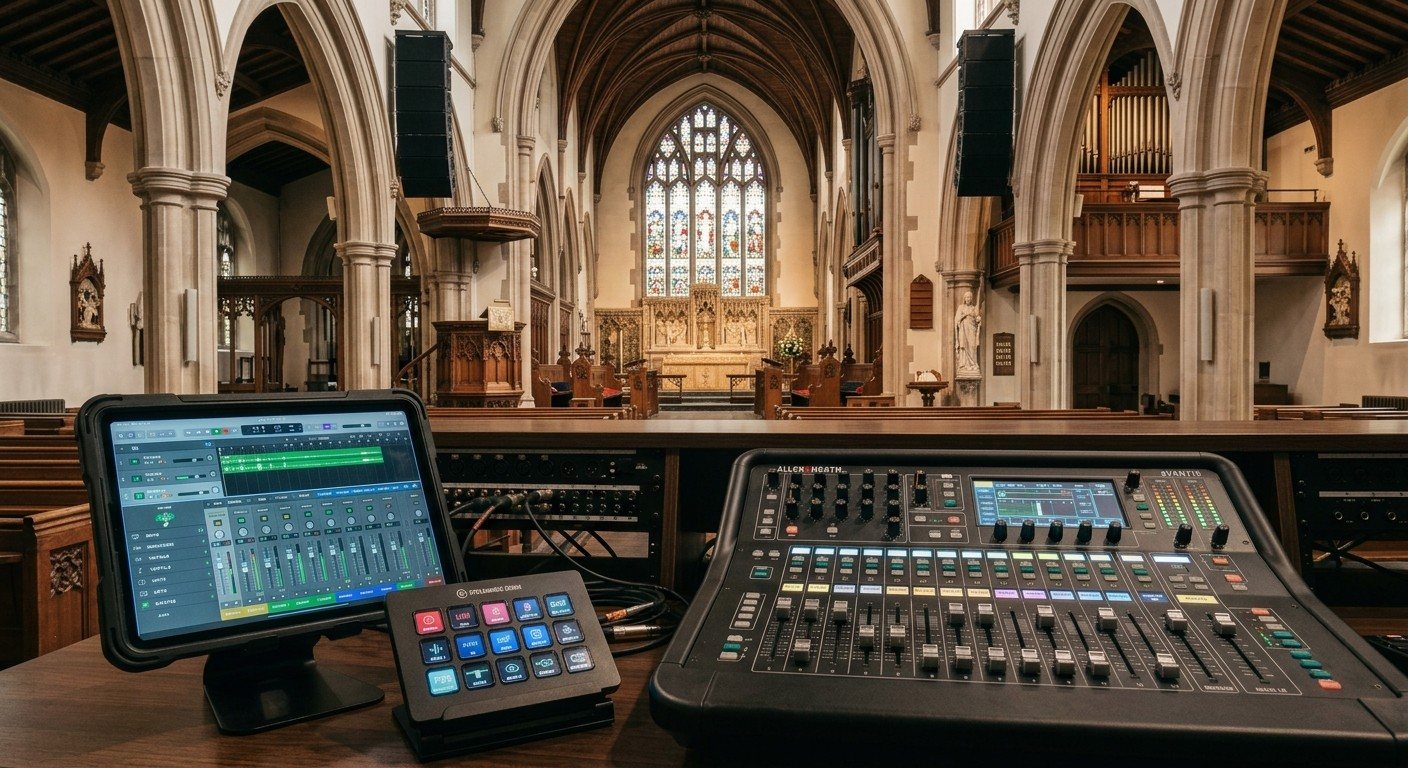
Sound Board Scenes, Stream Deck, and WorshipMetrics: Making Church Audio Volunteer-Friendly
Church audio gets easier when the hard work is saved once and recalled with a button. Board scenes, Bitfocus Companion on a Stream Deck or tablet, and WorshipMetrics slide actions and monitoring turn complicated console moves into plain-word buttons a volunteer can trust.
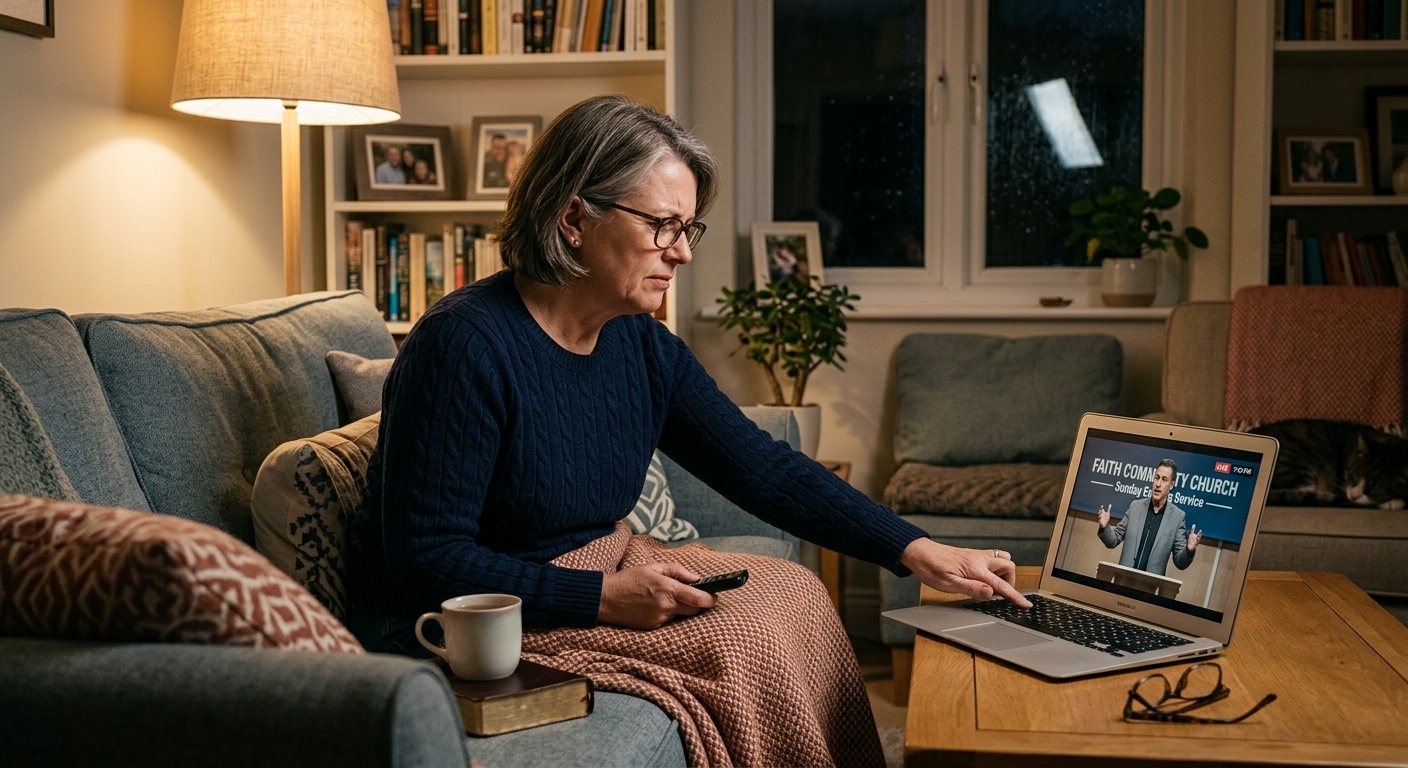
Pastor Too Quiet, Out of Sync, or Echoey: Fixing the Three Classic Church Livestream Audio Problems
Most church livestream audio complaints come down to three problems: levels (the pastor is too quiet or the band is too loud), sync (lips and sound don't match), and room sound (echoey, distant, or doubled). Here's how to spot each, why it happens, and how to fix it in OBS, vMix, or an ATEM.
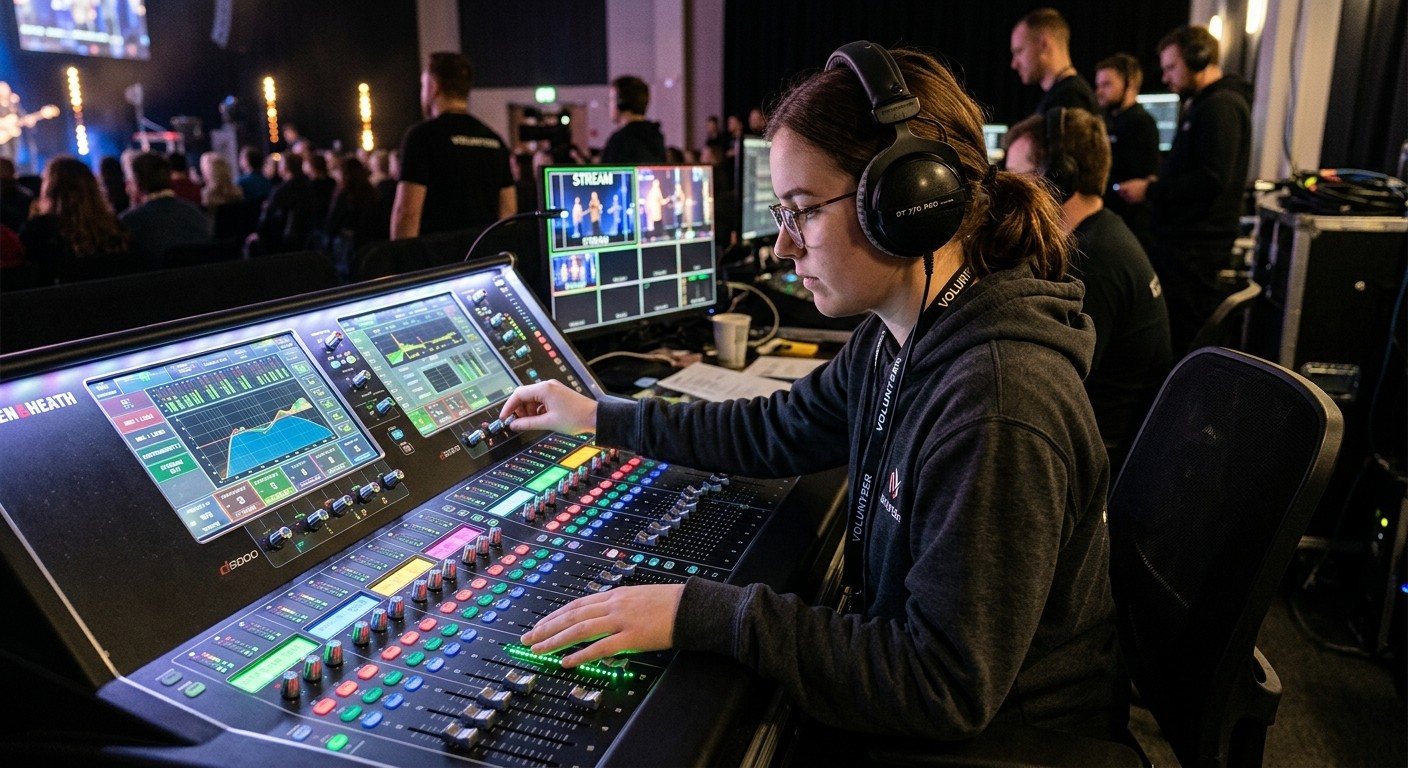
Why Your Church Livestream Sounds Bad, and How a Separate Stream Mix Fixes It
The mix that sounds great in the sanctuary almost never sounds right on a phone at home. The room adds drums, voices and reverb the board never sends. A separate stream mix (an aux, a matrix, or a second mixer) is the single biggest audio upgrade most churches can make. Here's why, and how to start.