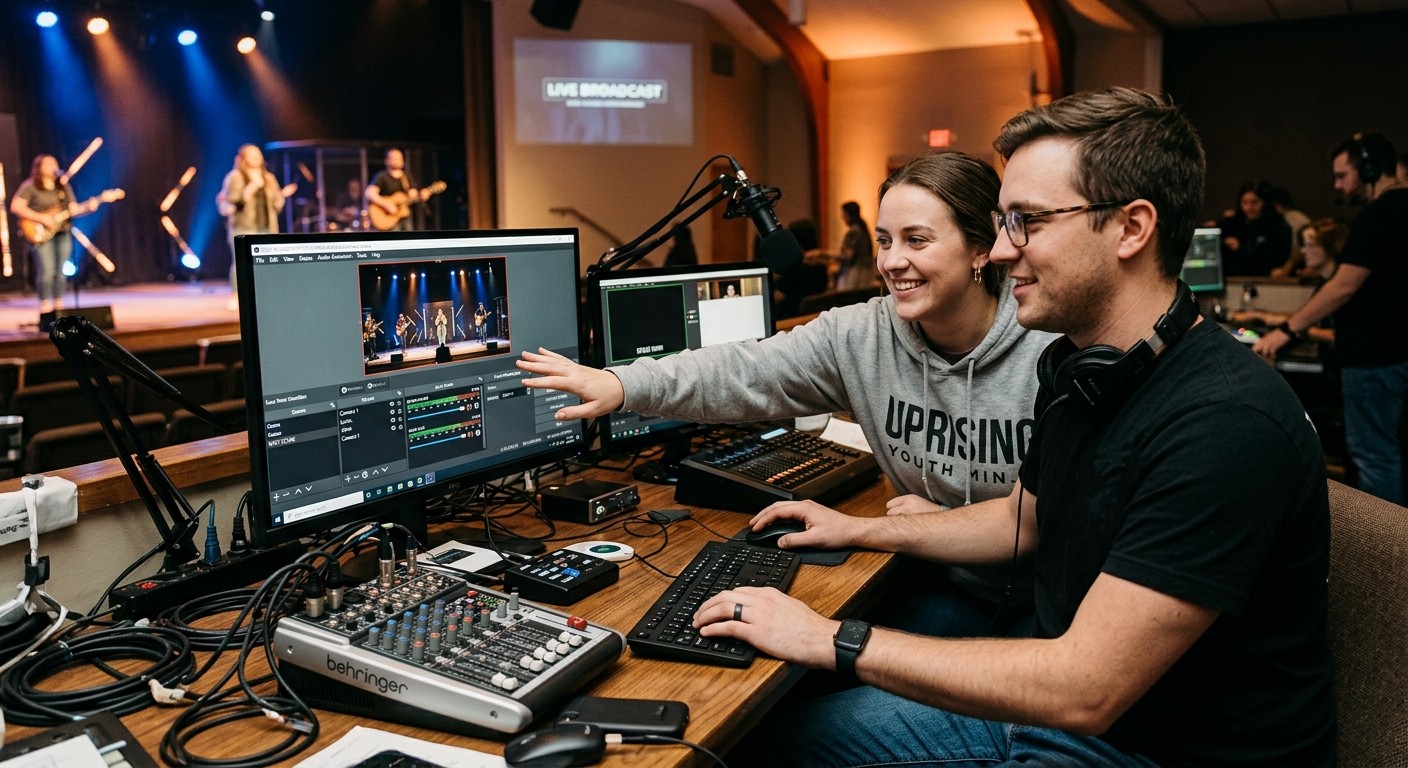
The short answer: yes — locally for free, remotely on the paid plans
The question usually arrives from one of two Sundays: the veteran is sick and someone asks “can anyone else even run this?” — or a new volunteer is at the keyboard and the veteran wishes they could see what’s happening without driving in. Both have the same answer, and it’s built into OBS itself.
OBS speaks a remote-control protocol called WebSocket (v5) — a front door the OBS project maintains for exactly this. WorshipMetrics uses it two ways:
- In the booth, free forever: Tech Manager connects to OBS on the local network — control, monitoring, and Self Healing’s one-tap restart offers — at no cost, on every plan.
- From anywhere, on Pro ($49/mo) or Max ($99/mo): authorized people on your team see the booth’s live state from any device and can switch scenes and start or stop the stream and the recording. One secure outbound connection from the booth; no port forwarding, no VPN, no remote-desktop wrestling. Every remote action lands in the support history with a name attached.
What that makes possible on an actual Sunday
The confirmation nobody has to drive in for. “Is the recording actually rolling?” — answered from a phone, and fixed from a phone if it isn’t. The classic pre-service panic becomes a ten-second check by whoever’s on call.
A second operator, anywhere. The scheduled volunteer is stuck in traffic; the backup starts the stream from their kitchen and switches to the countdown scene. The service opens on time, and the first-Sunday rookie at the desk never faced the moment alone.
Mentoring with eyes, not guesses. This is the quiet revolution for training: a veteran watches the actual state — current scene, stream status, encoder health streaming in every five seconds — while the trainee drives. Coaching becomes “you’re still on the wide shot” instead of “describe your screen to me,” which is the whole difference between help from home that works and a twenty-minute phone archaeology.
The honest boundary — and why it’s the right one
Remote OBS control covers the live-operation surface: scenes, stream, recording, with state visible. It does not reach OBS’s deep editing — building scenes, adding sources, audio filter surgery. That work stays at the booth machine, on a weekday, in an owned profile with a settings baseline — which is honestly where it belongs. Sunday-morning remote settings surgery is how streams die; the boundary enforces the discipline every stable booth adopts anyway: operate live, edit on Tuesdays.
(For churches running vMix alongside or instead, the remote surface goes deeper — the full switching panel — but the OBS story above is complete on its own.)
What “more than one person” is really about
Notice what every scenario above quietly assumes: there’s a second person to hand things to. That’s the real unlock, and it’s why this question is bigger than its plumbing. The reason one volunteer became irreplaceable was never that OBS is hard — it’s that nobody else could see the system, fix it safely, or be trusted with it. WebSocket control plus telemetry plus logged actions dissolves all three barriers at once — which is why churches that turn this on don’t just get redundancy. They get a team: seats, a ladder, students from the youth room, and a veteran who finally takes a vacation with their phone in their pocket instead of their car keys.
So: yes, more than one person can run your OBS setup. The better news is what that makes possible — and if your booth has been fighting a different fire every week with one exhausted firefighter, this is the door out.
Make the booth easier to run: How to make your church livestream easier for volunteers: the three-seat setup. See also two-computer OBS setup with slides over NDI · adding a camera operator to your OBS stream.
Related questions
- How does remote OBS control actually work?
- OBS ships with a built-in remote-control protocol called WebSocket (v5). Tech Manager connects to it in the booth, and WorshipMetrics relays it securely — so an authorized person anywhere can see the booth's state and switch scenes or start and stop the stream and recording. One outbound connection; no port forwarding, no remote desktop.
- What can a remote helper NOT do with OBS?
- Deep editing — building scenes, adding sources, rewiring audio filters — remains in-booth work at the OBS machine itself. Remote control covers the live-operation surface: scene switching, stream start/stop, recording start/stop, with live state visible. For services, that's most of what a second operator needs.
- Is any of this free?
- Local control is — Tech Manager runs OBS control in the booth at no cost on every plan, forever. The from-anywhere layer (remote scenes, stream, and recording for your whole team) comes with Pro at $49/mo or Max at $99/mo.
How Do You Know Your OBS Stream Is Actually Working?
NextWhy Does OBS Audio Drift Out of Sync by the End of the Sermon?
Related Articles

Bitfocus Companion + ATEM Mini: A Stream Deck Panel for Your Church Switcher
A Stream Deck running Bitfocus Companion turns a Blackmagic ATEM into plain-word buttons with colors that show what's live, and the same panel can run PTZ cameras, projectors, and more. Here's how to connect Companion to an ATEM and build a volunteer page.

Lyrics Over the Camera on an ATEM Mini: Luma Keys, Chroma Keys, and the Slides Computer
To put song lyrics over the camera shot on a Blackmagic ATEM Mini, feed the slides computer into an ATEM input and key it over the camera. Here's how luma and chroma keys work for lyrics, how to design slides that key cleanly, and who should run it.

ATEM Mini + OBS for Church: Hardware Camera Switching with OBS for Graphics and Streaming
Many churches use an ATEM Mini as a camera switcher and send its output into OBS over USB as a webcam. The ATEM gives volunteers real buttons; OBS adds lyrics, graphics, recording, and streaming. Here's how to set it up, split the jobs, and avoid the common sync and quality problems.