The best free decision your church ever made — half-finished
Somewhere in your church’s past, someone chose OBS. Maybe deliberately, maybe because it was free and the tutorial was good. Either way, the choice was excellent: OBS Studio is professional-grade, endlessly capable, costs nothing, and carries a staggering share of the world’s church streams every Sunday.
And then — like almost every church — you parked one volunteer in front of it and called the booth done. That person learned everything, runs everything, and now is everything: operator, monitor, troubleshooter, trainer-who-never-gets-to-train. The software scaled beautifully. The structure never did — and every recurring Sunday problem you have, from rotating mystery failures to the settings whodunit to the burnout math, traces back to that half-finished decision.
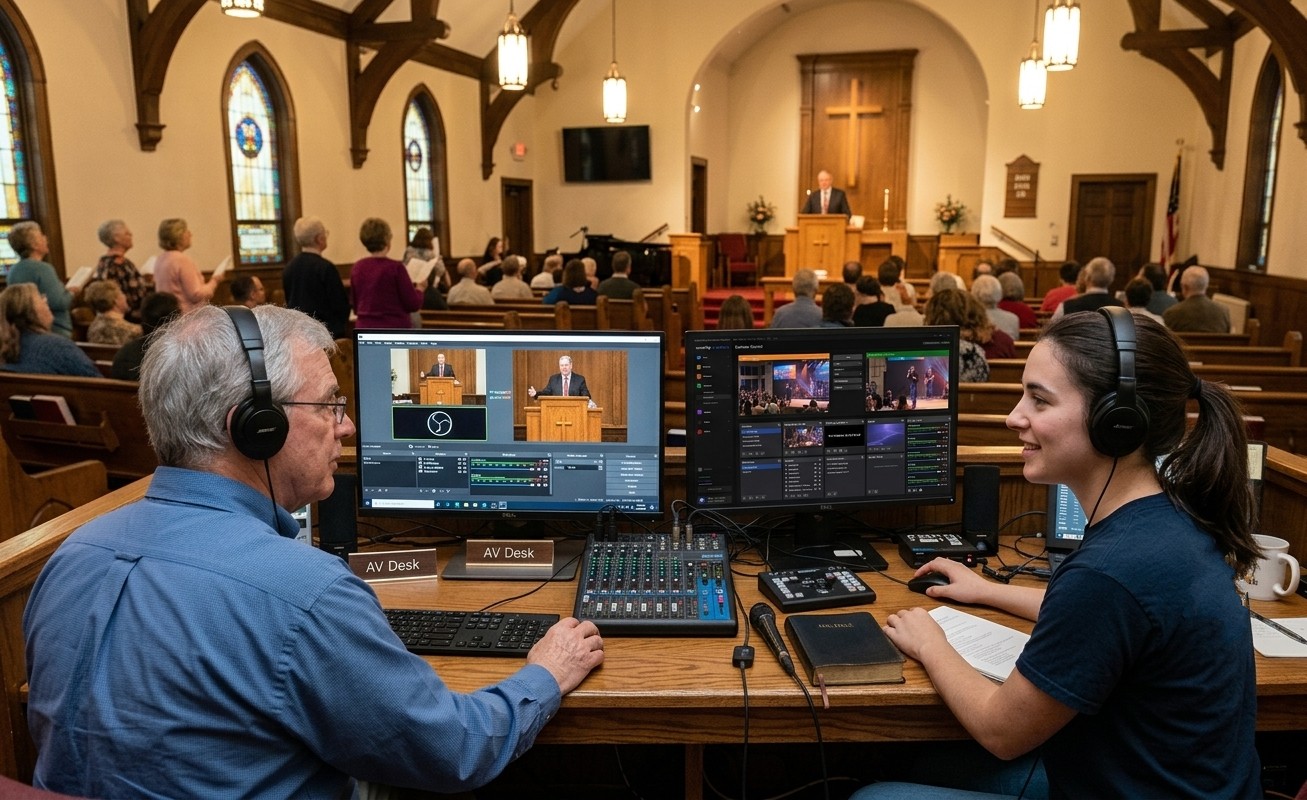
Here’s the finished version: the same OBS machine, wrapped in an ecosystem, carrying a team.
What one OBS system becomes with structure around it
WorshipMetrics connects to OBS two ways, and the pricing logic matters for a volunteer budget: local control in the booth is free, on every plan, forever. The Tech Manager desktop app talks to OBS on the local network, watches the machine and the encoder every five seconds, runs Self Healing — a one-tap restart offer the instant a stream or recording stops — and documents the booth. The paid layer (Pro, $49/mo; Max, $99/mo) takes it beyond the building: authorized helpers see the booth’s live state from anywhere and can switch scenes and start or stop the stream and recording over OBS’s own WebSocket protocol.
That combination — visibility, automation, remote reach — is what turns one chair into many, because the thing that kept everything on one person was never the workload. It was that only they could see, fix, and be trusted with the system. Once the system is visible and safe, it divides.
The seats, drawn around your actual booth
- The OBS operator — the seat you have, finally allowed to be one job.
- The remote mentor — the veteran who watches and assists from anywhere: scenes, stream, and recording state live, no more troubleshooting-by-phone-description.
- Cameras, lyrics, audio — the classic seats, each a real role with a real page, each teachable in an hour.
- The monitoring seat — a student watching Pulse and the meters; the person who catches encoder load climbing at 85% instead of at “overloaded.”
- The archivist and the clips editor — recordings that never get lost, and Sunday’s sermon on Instagram by Monday, from a couch.
- Documentation and scheduling — the Signal Map keeper and the matrix coordinator: the quiet seats that make everything else survivable.
Nine-ish seats, one free encoder. And because OBS costs nothing and its local control costs nothing, this is the lowest-barrier team-building platform in church tech — the whole stack can start before a dollar is spent.
The pipeline that fills the seats
Where do nine people come from? The youth room, mostly — the students already streaming, editing, and living in the exact instincts these seats run on. The seat finder matches them, the training machinery makes their first Sundays safe by design, and the AV Club structure makes the whole thing self-renewing — older students training younger ones, a ladder from tablet to the operator’s chair, and a booth that survives anyone leaving.
Finish the decision
You already made the hard choice well — the encoder is excellent and paid for. What’s left is the half nobody told you about: install Tech Manager beside OBS this week (free), read one health report next Monday, then hand one seat to one named person with a mentor beside them. That’s the whole first month.
The software was never the ceiling. The chair count was. Add chairs.
Make the booth easier to run: How to make your church livestream easier for volunteers: the three-seat setup. See also two-computer OBS setup with slides over NDI · the three-person church livestream team.
Related questions
- Is OBS good enough for a church to build a real production team around?
- Absolutely. OBS is free, professional-grade, and runs an enormous share of church streams. The ceiling churches hit isn't the software — it's the single-operator structure around it. Wrapped in monitoring, remote control, and documentation, one OBS machine anchors a booth with seats for a whole team.
- What roles exist around one OBS system?
- Far more than the operator's chair: cameras, lyrics, audio, a monitoring seat, recording/archiving, sermon-clip editing, documentation, scheduling — plus a remote mentor who can see scenes, stream, and recording state from anywhere. Most seats are reachable by a trained student.
- Doesn't more people touching OBS mean more things breaking?
- The opposite, when structure comes first: owned profiles and a settings baseline, one seat per person, mentors watching live state remotely, and automation flagging routine failures the instant they happen. Booths break most when one exhausted person is the entire system.
Related Articles

Bitfocus Companion + ATEM Mini: A Stream Deck Panel for Your Church Switcher
A Stream Deck running Bitfocus Companion turns a Blackmagic ATEM into plain-word buttons with colors that show what's live, and the same panel can run PTZ cameras, projectors, and more. Here's how to connect Companion to an ATEM and build a volunteer page.

Lyrics Over the Camera on an ATEM Mini: Luma Keys, Chroma Keys, and the Slides Computer
To put song lyrics over the camera shot on a Blackmagic ATEM Mini, feed the slides computer into an ATEM input and key it over the camera. Here's how luma and chroma keys work for lyrics, how to design slides that key cleanly, and who should run it.

ATEM Mini + OBS for Church: Hardware Camera Switching with OBS for Graphics and Streaming
Many churches use an ATEM Mini as a camera switcher and send its output into OBS over USB as a webcam. The ATEM gives volunteers real buttons; OBS adds lyrics, graphics, recording, and streaming. Here's how to set it up, split the jobs, and avoid the common sync and quality problems.