The short answer: the booth should report itself — to everyone responsible
Every church with a livestream knows the blind-spot feeling. The pastor’s spouse texts “is the stream down?” and nobody knows without calling the booth. The youth minister wonders how the student volunteer is doing and has no way to check short of driving over. The AV lead spends Sunday not present but not at rest, because the only monitoring system is being physically in the room.
OBS, on its own, can’t fix this — it’s an encoder, not a witness. The fix is connecting it: Tech Manager sits beside OBS on the booth machine and sends telemetry heartbeats continuously — a light beat every 15 seconds, a full snapshot every 60 — carrying stream state, recording state, encoder performance, and the machine’s own vitals to the cloud. From that moment, “is it actually working?” has a live answer, on any authorized phone, for everyone who should be able to see: the AV lead, the video producer at home, the youth minister whose student is at the desk, the leadership that approved the whole arrangement.
That last sentence is the quiet revolution, so let’s take it seriously.
Honest status, engineered for trust
Monitoring is only useful if people believe it, so the design is deliberately honest. The online badge flips after 90 seconds of missed heartbeats — fast enough to be truthful, and cheap to glance at. The offline alert email waits five minutes of confirmed silence — because an email interrupts someone’s morning, it fires only when the outage is real. And the checking runs server-side, around the clock: detection never depends on anyone having a dashboard open. The exact thresholds are published, which is itself the point — when the system says healthy, everyone from the booth to the board can trust the word.
Alerts complete the loop for the moments nobody’s looking: a stream that leaves the live state gets a drop alert to owners, admins, and operators automatically, with push notifications for any phone that’s opted in, and a 90-day feed so “has this happened before?” is a lookup. Meanwhile Self Healing has already put a one-tap restart on the booth screen and in Alerts the moment the stream stopped — so whoever sees it first can fix it from wherever they’re standing.
After the service: the report nobody has to compile
Live status answers “is it working now?” The health report answers the Monday question — did it actually work? — with a 0-100 score per service, every deduction timestamped, and the stream’s settings captured. A pastor reads the number; the AV lead reads the timeline; a trainee reads it as curriculum. One artifact, every audience, zero compiling.
Why this is the youth ministry’s favorite dashboard
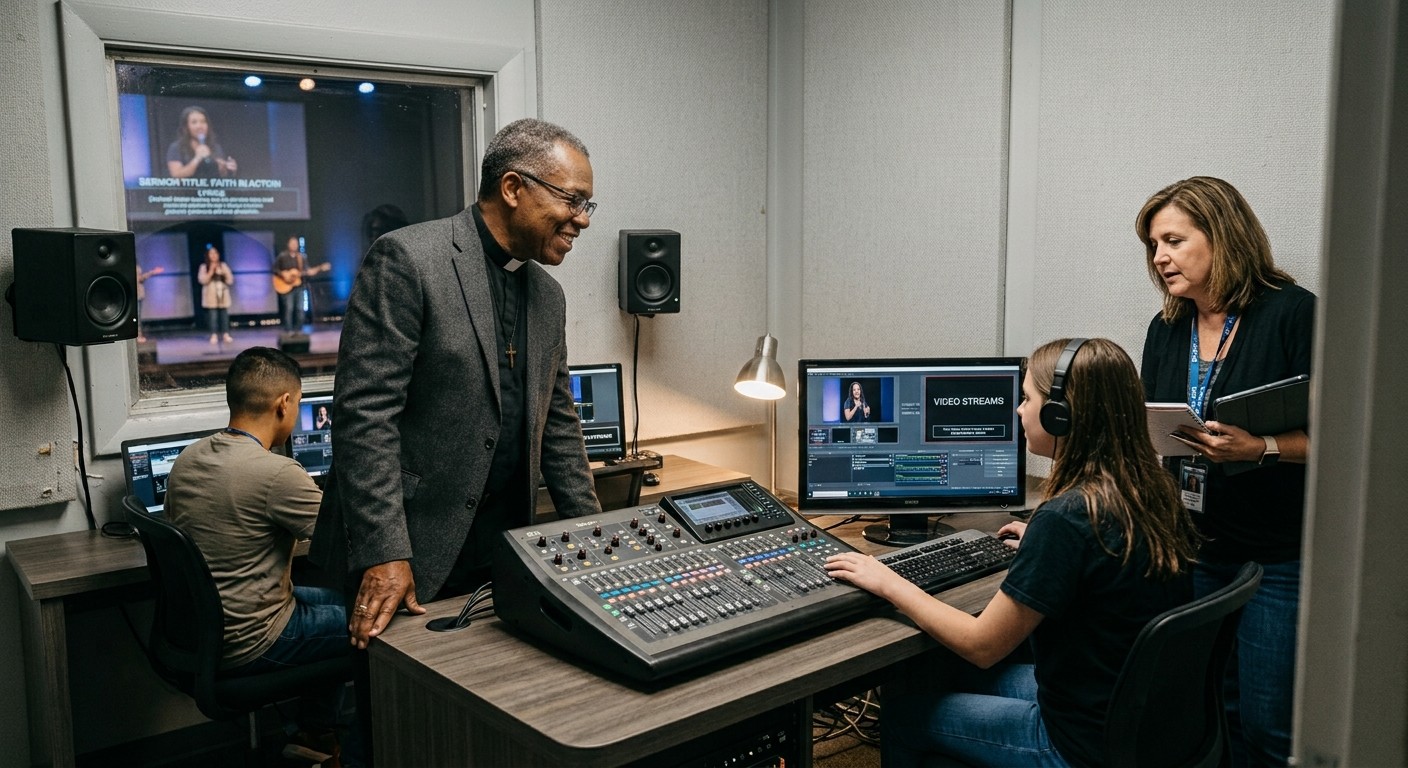
Here’s the angle most monitoring articles miss, and the reason this question belongs in the same conversation as your youth group already knowing OBS: visibility is what converts “risky” into “apprenticed.” The reason churches hesitated to hand students real OBS access was never doubt about their fluency — it was that nobody could see what was happening without standing behind them, which made every delegated Sunday an act of blind faith.
Cloud monitoring ends the blindness for every responsible party at once. The youth minister glances at a phone mid-service and sees their student’s stream running clean. The AV lead confirms the recording from a lake house. Leadership sees a month of healthy scores attached to a sixteen-year-old’s name, and the next AV Club proposal sails through on evidence. The student, meanwhile, gets the dignity every apprentice deserves: real responsibility, really witnessed — and a documented track record that no “good job, buddy” could ever match.
Turn the lights on this week
The sequence is short: install Tech Manager beside OBS (free), watch the first heartbeats arrive, set up alerts on the phones that matter, and read next Monday’s health report. From there, “is our stream even working?” stops being a question anyone has to ask — and the door opens to everything visibility makes possible: more volunteers, safer training, and support that can see what you see when something finally does need a human.
Related questions
- How can I check if our church stream is up without being in the booth?
- Connect OBS to the cloud and the booth reports itself: Tech Manager sends telemetry heartbeats continuously, so anyone authorized — AV lead, youth minister, pastor — sees live status from a phone: streaming or not, recording or not, and how the machine is doing. No call to the booth, no guessing.
- What happens if the stream goes down and nobody's watching the dashboard?
- Detection doesn't depend on watchers. The server checks the fleet around the clock — a machine's badge flips offline after 90 seconds of missed heartbeats, a high-confidence alert email goes out after five minutes of silence, and stream-drop alerts reach owners, admins, and operators automatically, plus push notifications on any phone that's set them up.
- How does monitoring make it safer to let students run OBS?
- Because access with visibility is apprenticeship, not risk. When every responsible adult can see the same live truth — and a health report scores every service afterward — a student can hold real responsibility while leadership holds real oversight. Trust gets built on data.
Related Articles

Bitfocus Companion + ATEM Mini: A Stream Deck Panel for Your Church Switcher
A Stream Deck running Bitfocus Companion turns a Blackmagic ATEM into plain-word buttons with colors that show what's live, and the same panel can run PTZ cameras, projectors, and more. Here's how to connect Companion to an ATEM and build a volunteer page.

Lyrics Over the Camera on an ATEM Mini: Luma Keys, Chroma Keys, and the Slides Computer
To put song lyrics over the camera shot on a Blackmagic ATEM Mini, feed the slides computer into an ATEM input and key it over the camera. Here's how luma and chroma keys work for lyrics, how to design slides that key cleanly, and who should run it.

ATEM Mini + OBS for Church: Hardware Camera Switching with OBS for Graphics and Streaming
Many churches use an ATEM Mini as a camera switcher and send its output into OBS over USB as a webcam. The ATEM gives volunteers real buttons; OBS adds lyrics, graphics, recording, and streaming. Here's how to set it up, split the jobs, and avoid the common sync and quality problems.