The short answer: recruit the people who already own the software
“We need volunteers for the livestream” fails as an ask for a reason this series has covered before: it asks anyone for everything, and humble people rule themselves out. But for OBS booths specifically, there’s a second, stranger failure underneath it — churches recruit as if OBS fluency is rare, in the middle of the most OBS-fluent generation that has ever existed.
Run the numbers on your own congregation: 85% of teens play video games, and the streaming culture around gaming runs on OBS — the same free software in your booth. The kid who streams to eleven Twitch viewers on weeknights has live-production hours most of your adult candidates will never accumulate. Your youth group already knows OBS; the recruiting problem is mostly that nobody’s asked them as if that mattered.
So here’s the OBS-specific recruiting playbook, in four moves.
Move 1: get names from the youth pastor, not hands from the pulpit
The announcement filters for confidence; the invitation filters for fit. Ask your youth pastor one question: “which students stream, game seriously, or edit video?” — then invite those students by name, citing the thing they’re already good at: “I’ve seen you stream. We need exactly that on Sunday mornings — want to see the booth?” For a generation used to being told their hobby is a waste, being recruited because of it lands with surprising force. (Parents feel it too — there’s a whole post for them worth forwarding with the invitation.)
Don’t skip the adults, but recruit them the same way: the photographer, the podcast listener, the detail-lover — matched to a seat, not thrown at “tech.”
Move 2: offer a seat, not the booth
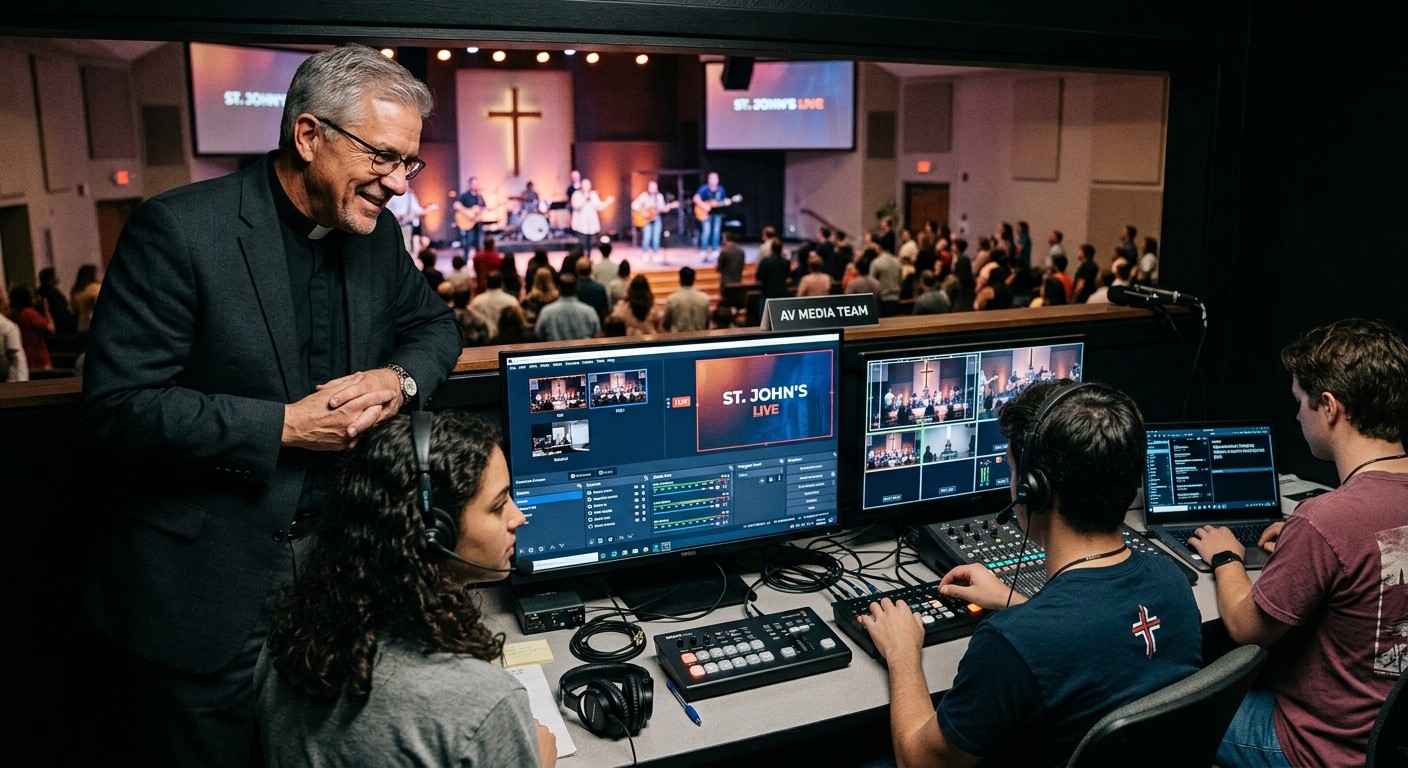
OBS booths tempt churches into recruiting for the whole cockpit because one person has always run it. Resist. The winning offer is one seat with one clear job: run the stream output, own the cameras, watch the monitors, manage the recording. One seat takes an hour to teach — less when the recruit arrives half-trained — and a month to own, and the seats form a ladder that gives a student somewhere to grow. That structure is what one OBS system with a team around it actually looks like.
Move 3: say the safety net out loud — because now there is one
The unspoken reason churches under-recruit for OBS: handing a stranger the livestream used to be genuinely risky, and everyone knew it. Name what’s changed, to the recruit and to the leaders who must approve them:
- The routine failures get caught instantly. The moment a stream or recording stops unexpectedly, Tech Manager says so and offers a one-tap restart — on the booth and on the AV lead’s phone — so the veteran’s vigilance is built in and a rookie can’t lose Sunday to a blip nobody noticed.
- The responsible adults can see. Cloud-connected OBS means the AV lead, the youth minister, and anyone leadership designates watches the booth’s live state from anywhere — and a mentor can step in remotely mid-service if needed.
- Everything is on the record. Remote actions are logged, and every service produces a health report — so trust is built on data, not vibes.
That’s the sentence that unlocks both the volunteer’s yes and the board’s: new hands on a watched surface.
Move 4: make staying easy
Recruiting gets them in; logistics keep them. Month-ahead invites with one-tap responses and self-serve blockouts respect a student’s exam weeks and a parent’s calendar; day-before reminders send themselves; public thanks from the stage seals the belonging. Retention was never mysterious — people stay where they’re organized, needed, and seen.
Who this rescues
Behind every “how do we get OBS volunteers” search is usually one specific exhausted person: the video producer who’s carried the stream alone for years. This playbook is their exit from the burnout cycle — not by finding one heroic replacement, but by surrounding the booth they built with the generation that grew up speaking its language. The volunteers exist. They’re in the building on Wednesdays. Ask them properly, seat them safely, and give your producer back their Sundays.
Related questions
- Where do churches find OBS volunteers?
- Mostly in their own youth room. OBS is the free standard of the gaming and streaming world, so the students who stream, game, and edit video arrive already fluent — 85% of teens play video games, and the serious ones know your software better than most adults in the building. Recruit by name through the youth pastor, not by announcement.
- What makes someone say yes to serving on the stream team?
- A specific seat, a named invitation, a visible safety net, and scheduling that respects their life. 'We need tech help' recruits nobody; 'I've seen your streams — want to run our broadcast with a mentor beside you?' recruits the exact person you want.
- How do we hand OBS access to new volunteers without risking Sunday?
- Visibility plus automation: cloud-connected OBS lets the AV lead, youth minister, and leadership see the booth's live state from anywhere, Self Healing flags a dropped stream or stopped recording the instant it happens with a one-tap restart from the booth or any team phone, and every action is logged. New hands, watched surface, safe Sundays.
How Do Churches Get Tech Support for Their AV Systems?
NextDo We Need to Hire a Church AV Company?
Related Articles

Making a Complicated Church AV System Easy to Run, Without Hiring an AV Company
Many church AV systems aren't too old or too small. They're too complicated for a volunteer. A simple button panel built with Bitfocus Companion can hide that complexity behind plain-word buttons, and a church can often build it themselves. Here's when that works, when to call a professional, and how to start.

Your Church Livestream Team, Connected Even When They're Not at Church
A three-person livestream team only works if everyone shares the same plan, the same wiring diagram, and the same news when something breaks. Here's how WorshipMetrics connects the director, slides, and camera volunteers through the week: chat, alerts, documentation, AI help, scheduling, and cloud control for OBS and vMix.

The Three-Person Church Livestream Team: Director, Slides, and Cameras
A church livestream runs best with three clear jobs: a director on OBS or vMix, a slides operator, and a camera operator. Here's what each role does before, during, and after the service, what skills it takes, and how the three talk to each other.