Introduction
Remote AV support is no longer optional for many congregations. Staff and volunteers need systems that allow faster troubleshooting without requiring every expert to be physically present in the building.
This is especially true for congregations with:
- volunteer-heavy teams
- staff serving multiple campuses
- part-time technical leadership
- livestreams that cannot wait for a weekday support visit
Remote support is not just about convenience. It is about reducing the time between failure and meaningful action.
Decide What Needs Remote Visibility
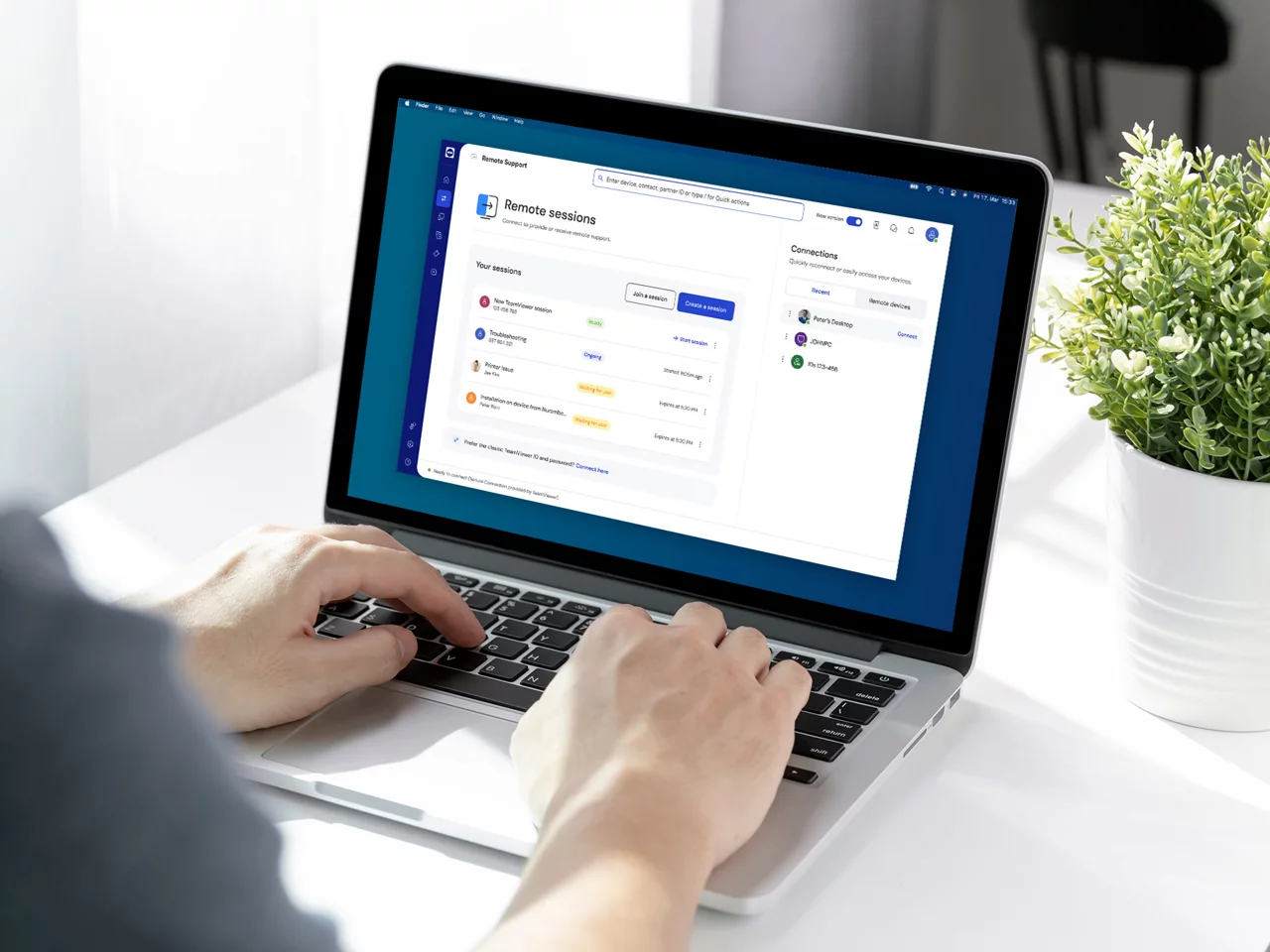
Not every AV signal needs remote control, but the critical ones often need remote visibility: stream health, encoder state, camera status, display availability, and network stability.
The first step is identifying which parts of the system matter most during a live service. Start by asking:
- what failures would most affect the congregation?
- what issues can local volunteers handle without help?
- what systems need outside visibility for diagnosis?
This keeps remote support targeted instead of bloated.
Document the Environment First
Remote support fails when nobody knows what is connected, what IP addresses matter, or which device is actually misbehaving. Documentation is the first remote support tool.
Before building remote access, document:
- device names and roles
- network identities
- physical locations
- control paths
- software versions
- known recurring issues
If the support person has to reconstruct the environment from scratch on every call, the system is not really remotely supportable.
Build for Faster Diagnosis, Not Just Faster Access
Remote access alone does not solve support delays. Teams need system context, timeline visibility, and clear recovery steps so the remote expert can act decisively.
That means the best remote support systems include:
- monitoring, not just login access
- health history, not just current state
- known-good baselines
- documented recovery paths
The goal is not merely to get into the system from somewhere else. The goal is to understand what is happening quickly enough to help.
Protect Security and Permissions
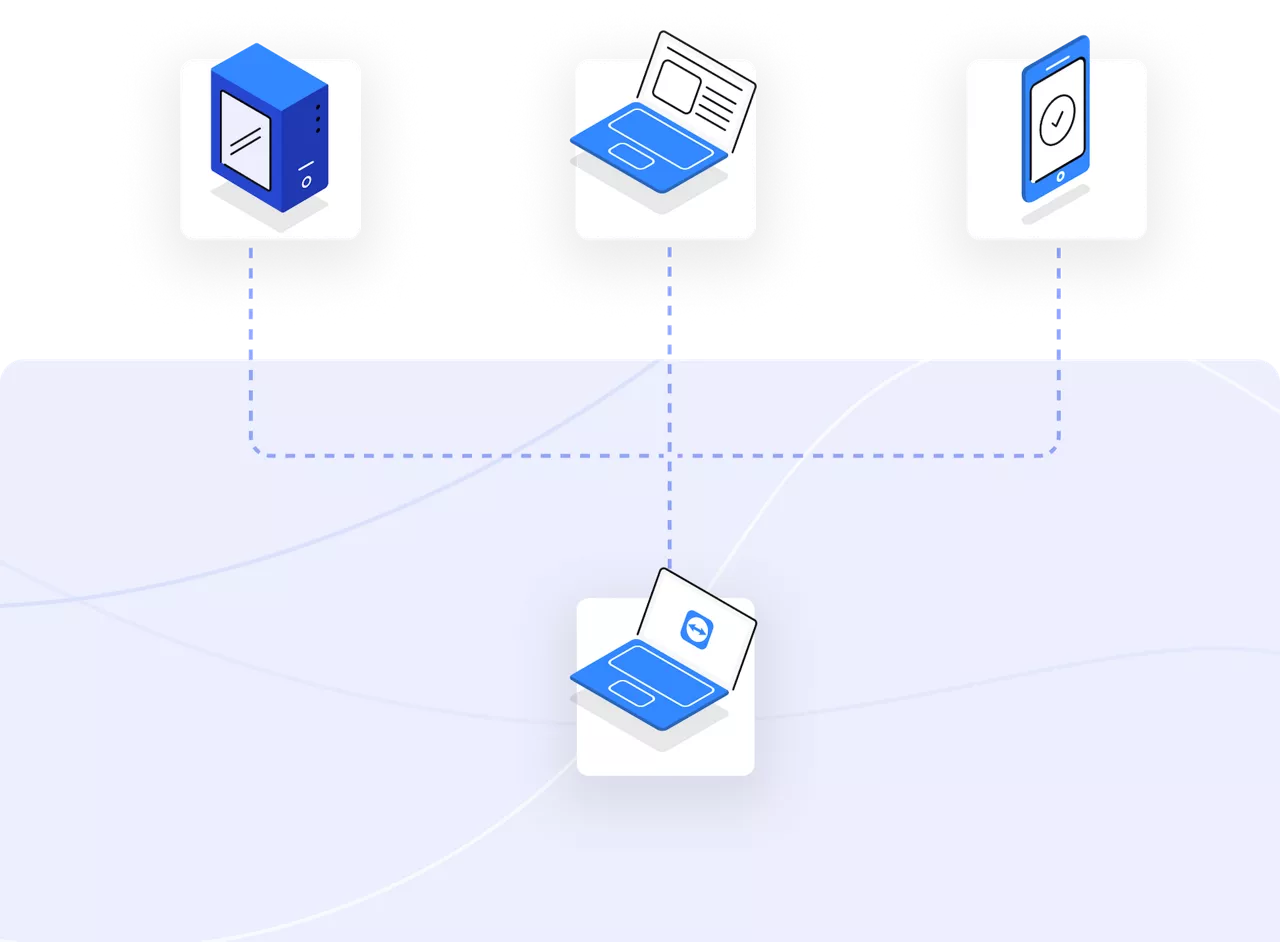
Remote access should not create new risk for the congregation. Decide who can access what, under what conditions, and how those permissions are reviewed.
At minimum, remote support should clarify:
- who can access production systems
- whether access is read-only or control-enabled
- how emergency changes are approved
- how credentials are managed and rotated
Secure remote support is better than informal remote support every time.
Measure Support Patterns Over Time
Repeated issues reveal where the system needs redesign, not just support. Remote troubleshooting becomes much more valuable when it also feeds long-term improvement.
Track patterns like:
- repeated stream instability
- recurring camera disconnects
- common volunteer trouble points
- network degradation tied to service time
- issues that self-heal vs issues that need escalation
Those patterns tell you whether your system is merely being patched or actually getting healthier.
Build a Sunday Escalation Path
The best remote support systems include a known escalation sequence for live-service issues.
For example:
- local volunteer identifies the issue
- first-line responder confirms scope
- remote support sees live system health
- remote action is proposed or taken
- post-service notes are added so the issue is not forgotten
That structure keeps support from depending on who happens to answer a text fastest.
Conclusion
Remote AV support works best when it combines visibility, documentation, and actionable diagnostics rather than relying on screen sharing after a failure has already escalated.
The healthiest congregations do not use remote support as a last resort. They build systems that make remote support normal, informed, and fast.
AV Budget Planning & Gear Upgrade Roadmap for Churches
NextHow to Choose a Church Live Streaming Platform (2026 Guide)
Related Articles
Controlling Projectors, PTZ Cameras, and Sound Boards with Bitfocus Companion
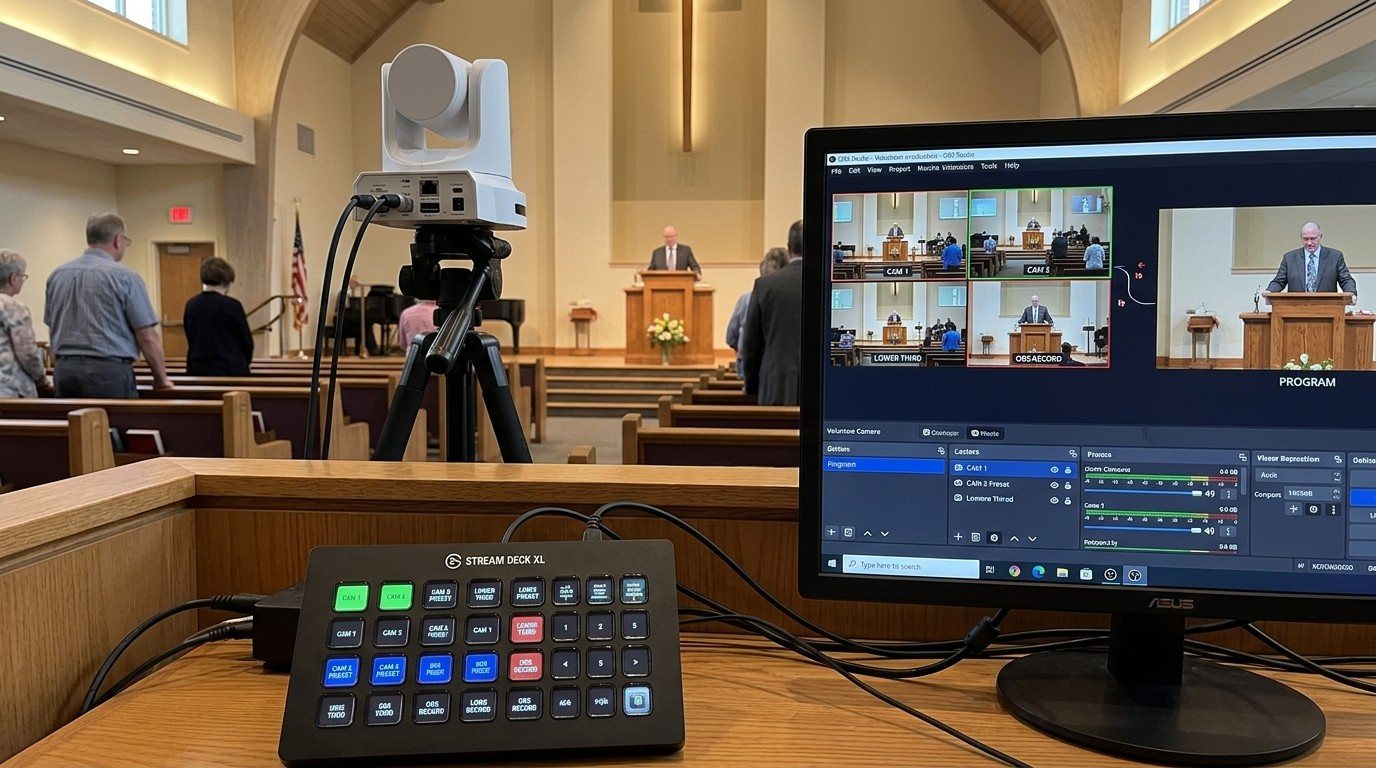
Bitfocus Companion can control far more than OBS and vMix. Projectors over PJLink, PTZ cameras over VISCA, digital sound boards over the network, and almost anything else with an IP address. Here's how churches connect the rest of the room, and how to plan a 'Start Service' button that does it all.
PTZ Camera Troubleshooting for Churches: The 10 Problems Behind Almost Every Sunday Failure
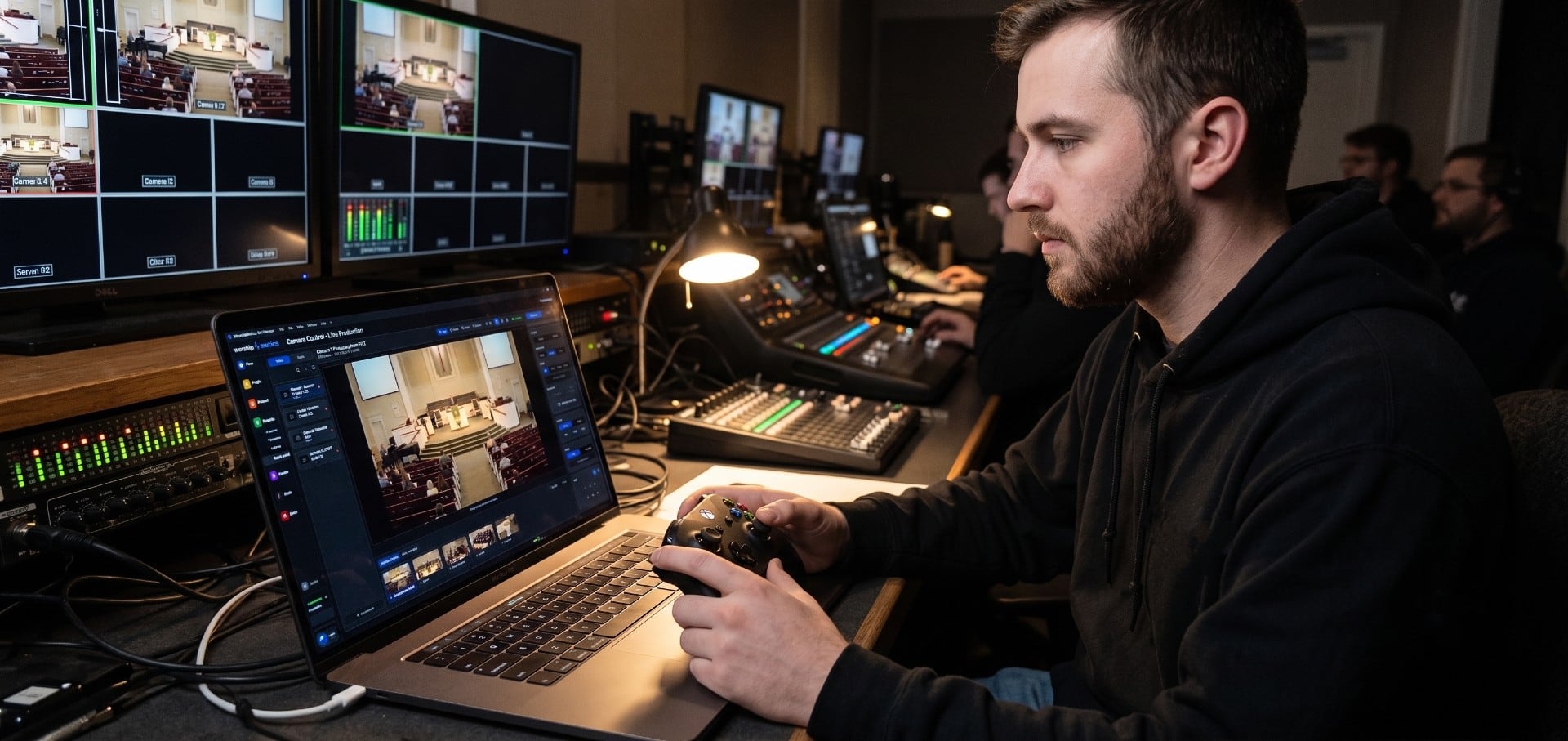
A symptom-first field guide to the PTZ and network camera failures church booths actually hit — cameras that vanish from the network, presets that drift, flicker under LED lighting, video lagging the audio — with fast checks for each, and the upgrades that end the guessing: a mapped system, cameras on watch, and AI that knows your wiring.
AI That Knows Your Wiring: How Luminos and Journey Actually Work
The AV manager's tour of the context architecture: how the Signal Map, live inventory, telemetry, and support history become an assistant that answers questions about YOUR booth — in the app as Luminos, on the phone as Journey.