Introduction
Multi-track recording gives worship teams much more flexibility than a stereo archive mix. It allows remixing, clip extraction, musician review, and better long-term content use.
For many congregations, that flexibility is the difference between a recording that is merely stored and a recording that can actually support worship, teaching, training, and media production later.
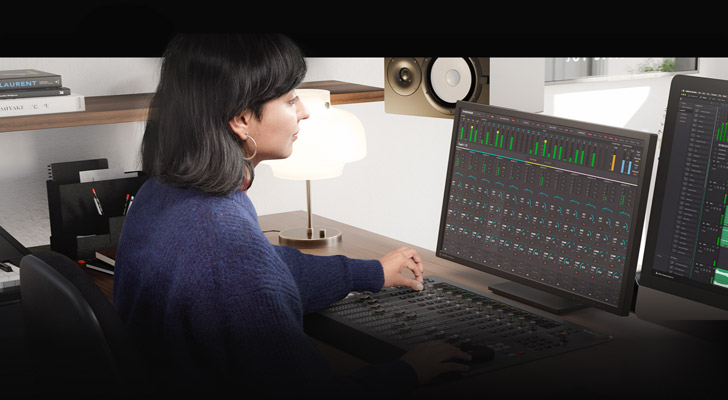
Confirm What the Console Can Actually Send
Not every digital console handles recording the same way. Before building the workflow, verify channel counts, routing options, USB card behavior, and file format limitations.
Do not assume the manual summary tells you enough. Confirm in practice:
- how many channels can be recorded at once
- whether direct outs or bus feeds are available
- what sample rate the system expects
- where the recording destination actually lives
The right workflow starts with the console’s real capabilities, not with the ideal plan.
Decide What You Need to Capture
More tracks are not automatically better. Capture what will genuinely help post-production, training, or archive quality instead of recording every possible source without a plan.
Useful questions include:
- do we need every vocal isolated?
- do we need crowd mics or room mics?
- are we capturing stems mainly for post-production or for rehearsal review?
- what tracks actually create future value?
Intentional capture creates cleaner files and easier downstream use.
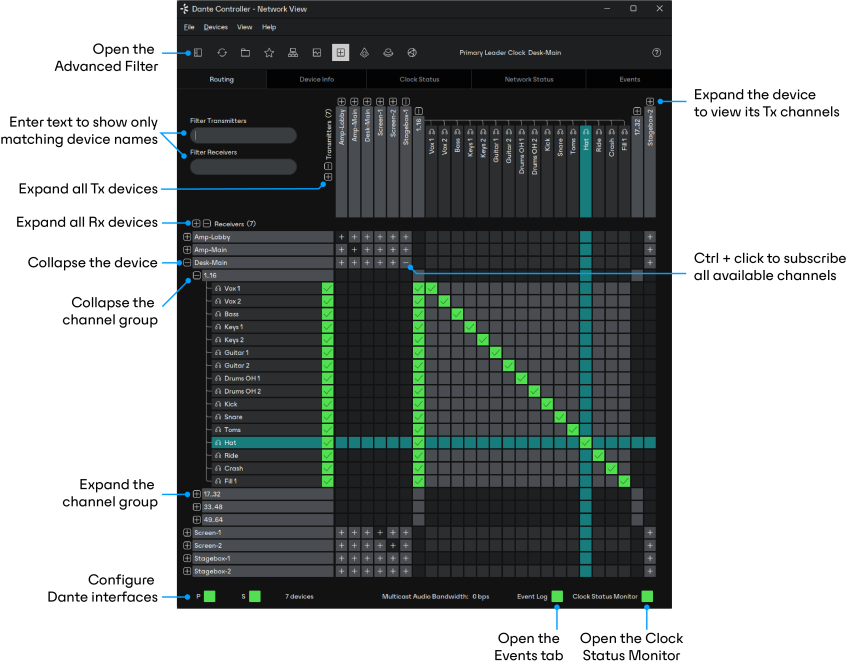
Protect the Recording Path
Recording systems fail when storage, clocking, or routing are treated casually. The capture path should be as intentional as the front-of-house signal path.
Make sure the team knows:
- where the multitrack is being written
- how much storage is available
- what happens if the drive fills up
- whether the recording path is being monitored during service
Recording is easiest to trust when it is not invisible.
Label and Store Files Consistently
Stems are only useful if they can be found later. Service date, song name, speaker, and source labeling should be consistent from the start.
A helpful structure often includes:
- date-first folder naming
- service or event identifiers
- song-level naming where relevant
- clear source naming that matches the console layout
Good naming saves time every single time the recording is opened again.
Plan for Post-Service Use
Ask in advance whether the recording supports social clips, training, rehearsal review, or archive production. That answer shapes how the tracks should be captured and stored.
For example:
- training review may need isolated vocals and speaking channels
- post-production may need room ambience and cleaner instrument separation
- social clip extraction may benefit from easier spoken-word isolation
The value of multitrack recording increases when its intended use is known before the service begins.
Keep the Workflow Simple Enough to Repeat
An advanced recording path that only works when one expert is present is still fragile. The best multitrack system is the one your team can trust every week without reinventing it.
That means documenting:
- startup steps
- channel-routing expectations
- storage-check procedures
- post-service file handoff
- recovery steps if the recording stops or fails
Conclusion
Multi-track worship recording creates real value when the capture, labeling, and post-service workflow are all treated as one system.
The strongest recording setups are not just technically capable. They are repeatable, documented, and useful enough that the congregation actually benefits from the content after the service ends.
Training Volunteer AV Teams & Creating Production Runsheets
NextHardware Encoder Comparison: Teradek, Vidiu & BoxCaster
Related Articles
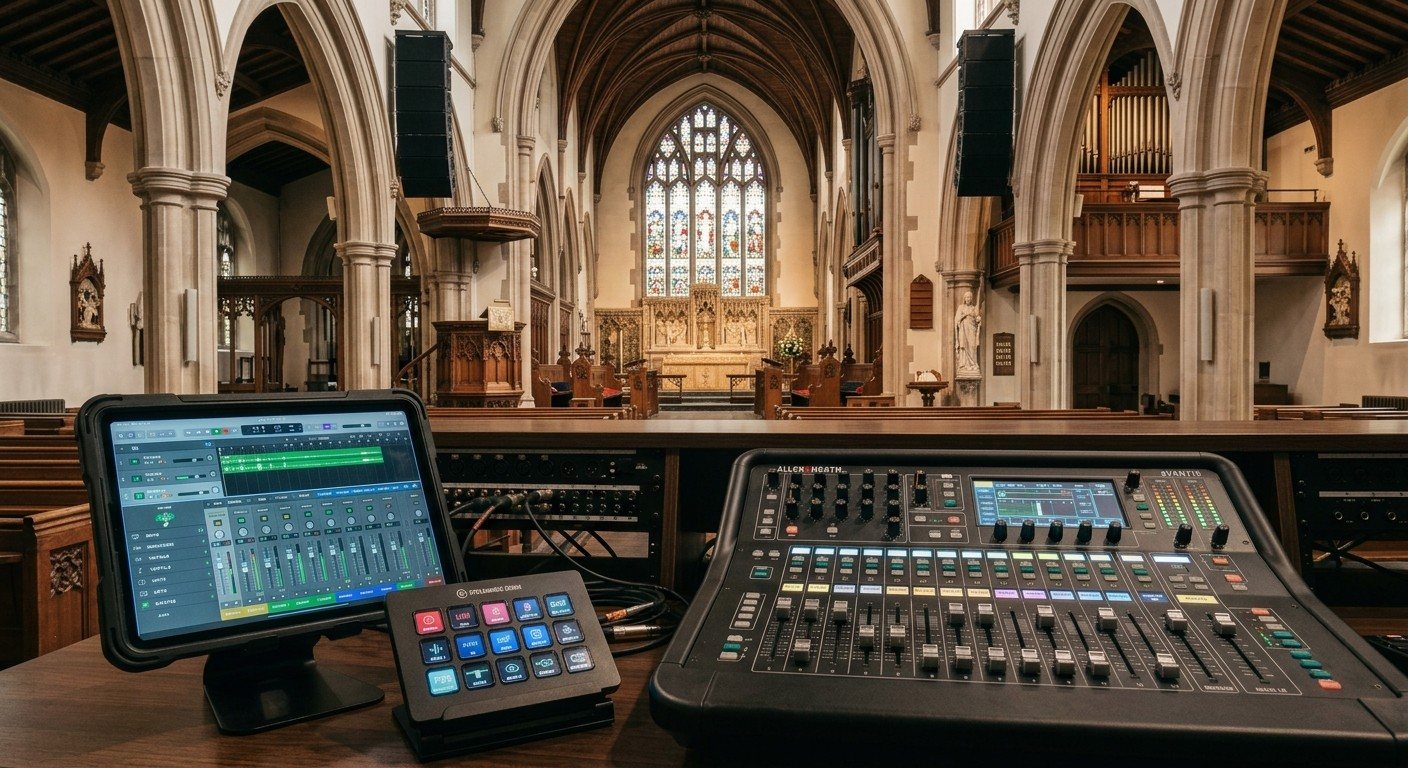
Sound Board Scenes, Stream Deck, and WorshipMetrics: Making Church Audio Volunteer-Friendly
Church audio gets easier when the hard work is saved once and recalled with a button. Board scenes, Bitfocus Companion on a Stream Deck or tablet, and WorshipMetrics slide actions and monitoring turn complicated console moves into plain-word buttons a volunteer can trust.

Pastor Too Quiet, Out of Sync, or Echoey: Fixing the Three Classic Church Livestream Audio Problems
Most church livestream audio complaints come down to three problems: levels (the pastor is too quiet or the band is too loud), sync (lips and sound don't match), and room sound (echoey, distant, or doubled). Here's how to spot each, why it happens, and how to fix it in OBS, vMix, or an ATEM.
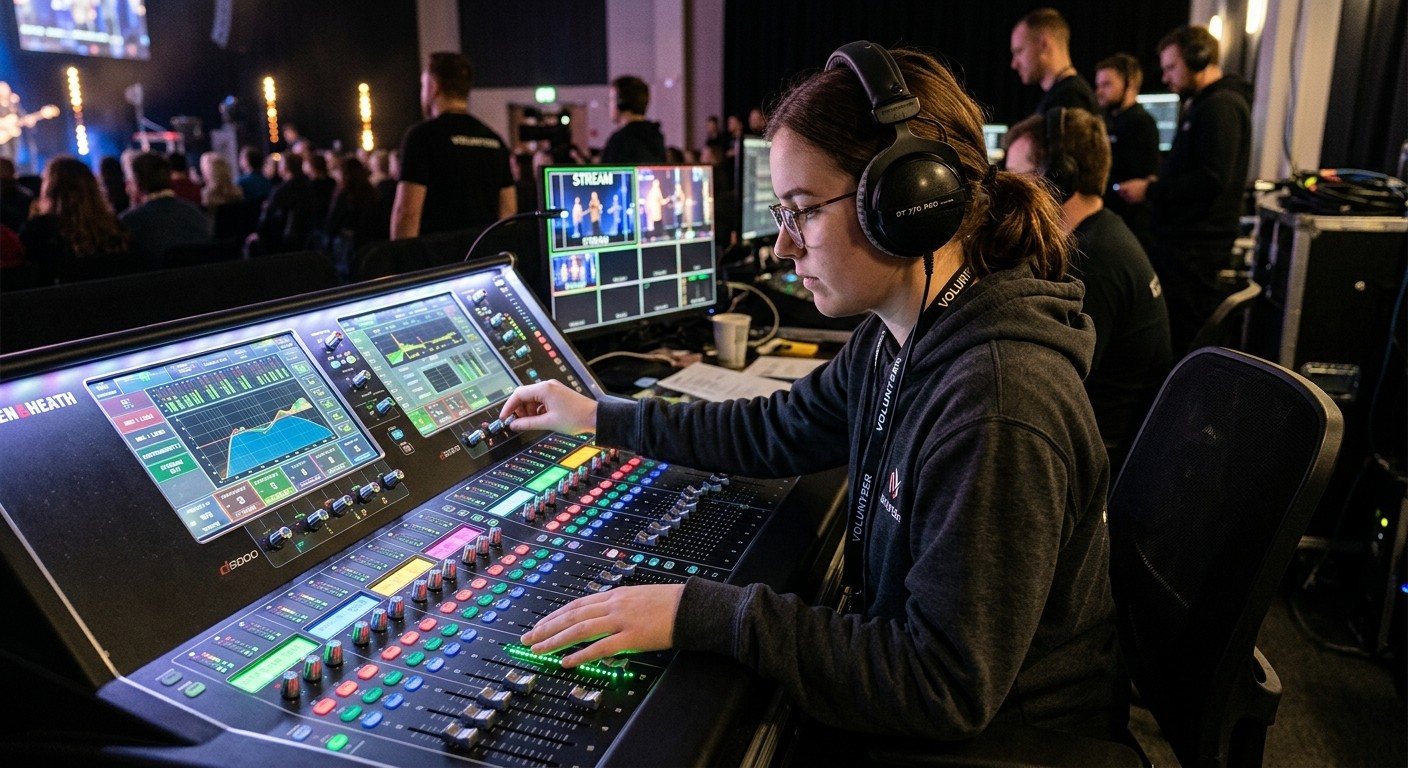
Why Your Church Livestream Sounds Bad, and How a Separate Stream Mix Fixes It
The mix that sounds great in the sanctuary almost never sounds right on a phone at home. The room adds drums, voices and reverb the board never sends. A separate stream mix (an aux, a matrix, or a second mixer) is the single biggest audio upgrade most churches can make. Here's why, and how to start.