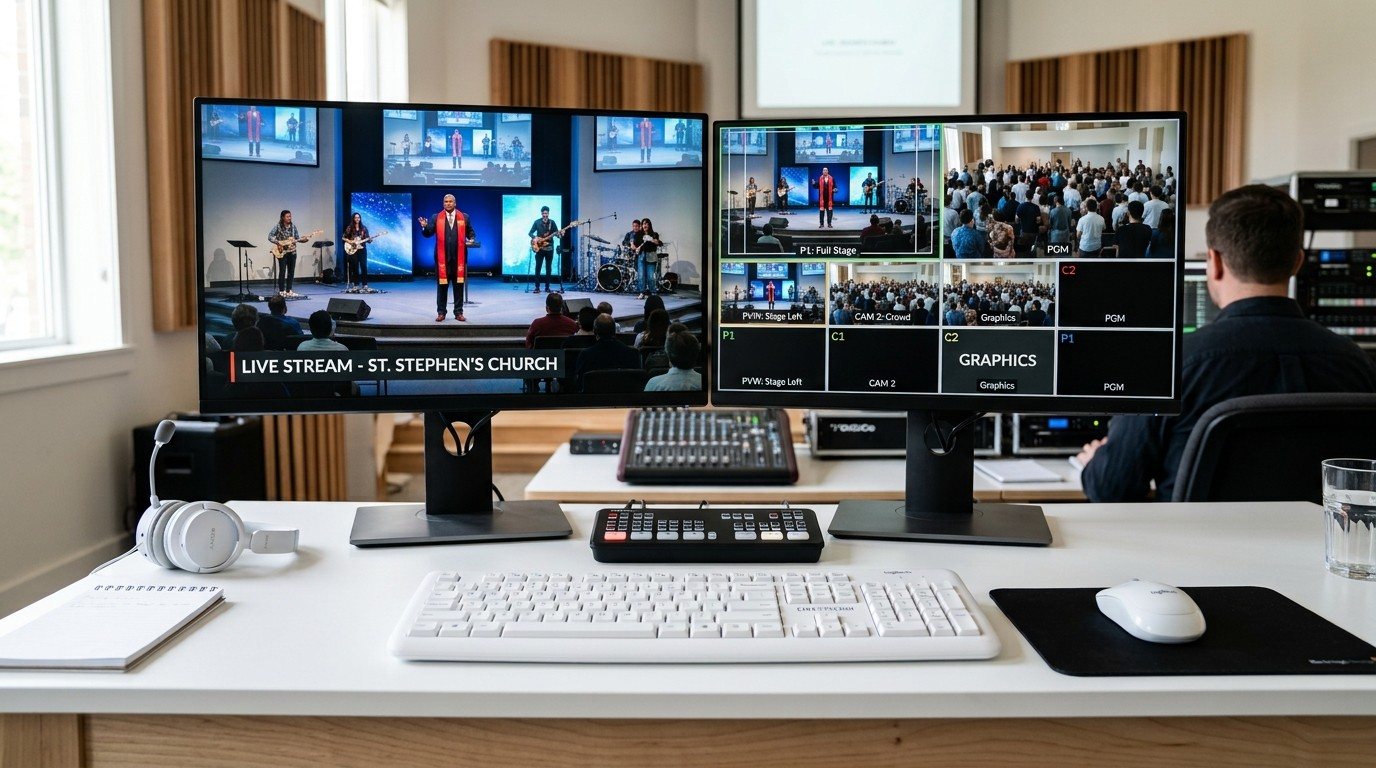
A great first switcher
The ATEM Mini made multi-camera church streaming affordable and approachable. For many churches, it’s still exactly right. But as a ministry grows, some limits start to show.
Signs you’ve outgrown it
- You’ve run out of inputs. Another camera means unplugging something.
- Graphics fight you. Lyrics, lower thirds, and logos compete for a small number of keyers.
- The room and the stream need different things, such as lyrics on the stream but not on the screens, or a separate feed for overflow.
- One person does everything, because the setup can’t be split easily.
- You want replay, multiple recordings, or more streaming flexibility.
Three paths forward
| Path | What it is | Good when |
|---|---|---|
| A bigger ATEM | ATEM Mini Extreme or larger | You love hardware buttons and mostly need more inputs and keyers |
| Add a software switcher | The ATEM feeds OBS or vMix on a production computer | You want flexible graphics, lyrics, and streaming, and to keep the ATEM |
| A full livestream system | A production computer running vMix or OBS, built for the room and the stream | The stream is a ministry of its own, with room screens and overflow too |
Compare the options in detail: ATEM Mini vs. vMix, ATEM Mini vs. ATEM Mini Pro, and video switcher showdown: ATEM vs. Roland vs. vMix.
Keep what you own
Upgrading doesn’t mean throwing the ATEM away. It can:
- Feed a production computer as a camera switcher. (See ATEM Mini + OBS.)
- Become a backup switcher for the day the computer misbehaves.
- Run a second room, like the youth room or the chapel.
Before you buy anything
Fix the people and process problems first. Splitting the job and labeling the controls often buys a church another year or two. (See splitting ATEM jobs and Bitfocus Companion + ATEM.)
How WorshipMetrics helps
Our Livestream Systems are built for the next step: Good, Better, and Best production computers running OBS or vMix, with outputs for the room and the stream. We design around what you already own, including your ATEM. Map your current system and we’ll show you what to keep, what to add, and what it costs.
Related questions
- When should a church upgrade from an ATEM Mini?
- When you need more inputs than it has, want more graphics or lyrics flexibility than its keyers allow, need separate outputs for the stream, room screens, and overflow, or keep running into the limits of one HDMI output and one USB stream.
- What comes after the ATEM Mini?
- Usually one of three paths: a larger ATEM like the Mini Extreme for more inputs and keyers; adding a software switcher like vMix or OBS for graphics and streaming; or a complete livestream system built around a production computer.
- Can we keep our ATEM Mini if we upgrade?
- Often, yes. An ATEM can become a camera switcher feeding a production computer, a backup switcher, or the switcher for a second room, so the investment keeps serving.
Is It Time to Move Your OBS Church Stream to Two Computers?
NextSmaller Seats Get More Yeses: Recruiting Church Livestream Volunteers by Splitting the Job
Related Articles

Bitfocus Companion + ATEM Mini: A Stream Deck Panel for Your Church Switcher
A Stream Deck running Bitfocus Companion turns a Blackmagic ATEM into plain-word buttons with colors that show what's live, and the same panel can run PTZ cameras, projectors, and more. Here's how to connect Companion to an ATEM and build a volunteer page.

Lyrics Over the Camera on an ATEM Mini: Luma Keys, Chroma Keys, and the Slides Computer
To put song lyrics over the camera shot on a Blackmagic ATEM Mini, feed the slides computer into an ATEM input and key it over the camera. Here's how luma and chroma keys work for lyrics, how to design slides that key cleanly, and who should run it.

ATEM Mini + OBS for Church: Hardware Camera Switching with OBS for Graphics and Streaming
Many churches use an ATEM Mini as a camera switcher and send its output into OBS over USB as a webcam. The ATEM gives volunteers real buttons; OBS adds lyrics, graphics, recording, and streaming. Here's how to set it up, split the jobs, and avoid the common sync and quality problems.