Every church is a communications operation on Sunday, whether or not it has a communications person. There’s a message on the lobby TV, a message on the sanctuary screens, a message on the social feed, and a message reaching a living room where someone is watching from the couch. Four audiences, four kinds of screen.
Most churches reach them with four tools and four people, which is why at any given moment one of the four is wrong. The lobby TV still says Fall Kickoff. The feed has nothing from this week. The stream link on the website points at last Sunday.
Here’s what each audience actually needs, and why it gets easier when the four screens are fed from one place.
The lobby: the first thirty seconds
The person walking in for the first time reads the lobby TV before anyone says hello. What they need is small: that they’re in the right place, what’s happening today, where the kids go. What they usually get is a slide from last month, because updating the lobby TV meant walking to the building and finding the computer it runs on.
The fix is to treat the lobby screen as part of the service, not a separate system. Build the welcome loop in the same place the service slides are built, give the TV a link, and schedule the loop by day and hour so Sunday’s loop shows on Sunday and the midweek loop shows on Wednesday. Any TV with a browser becomes a screen, the first screen is free, and an update from a phone on Tuesday is on the TV by the time anyone arrives. The same loop can run on the sanctuary screens before the service starts, so the first thing the room sees matches the first thing the lobby saw.
The room: the service itself
The sanctuary screens are the audience churches already serve well: lyrics, scripture, the sermon slides, the announcements. The thing worth noticing is that this audience shares a content system with the lobby. The announcement slide built for the service is the announcement slide the lobby loop plays. One slide, two screens, no second tool. That’s the Present side of the platform, and it’s free.
The feed: the people who aren’t here
The feed is the audience most churches reach least, because reaching it looks like a job: find the moment, cut the clip, caption it, write the post, post it, four times a week. It’s the audience that needs the most work and gets the least.
It’s also the audience where the platform does the most. Reels transcribes the service, finds the moments that stand on their own, renders captioned clips in your brand, and writes the title and description from what was said. A person approves each one and posts it now, schedules it across the week, or sends it to the watch page as a Highlight. The job becomes picking three clips on Monday, which a student volunteer can do from home.
The living room: the stream, and all week after
The member who can’t make it, the family out of town, the person who found a clip and wants to see a whole service: they need the stream to be where the link says it is, and they need something to watch on Wednesday.
The stream goes out to YouTube and Facebook from the service schedule, free, with each broadcast created on your account so nobody pastes a stream key. The watch page plays the live stream when you’re on and your messages, series, and Highlights the rest of the week, with Give, I’m new here, and prayer request buttons. One link, shared everywhere, that never goes stale.
The fifth audience: the team
There’s a fifth audience nobody puts on the list: the people who make the other four happen. The camera volunteer who needs to know they’re on this week, the slides volunteer who needs the playlist, the greeter who needs to know the lobby loop changed. They’re reached with a group text, usually, and the group text is where communication goes to die.
Invitations with accept and decline, reminders that follow, each person’s own Sundays in My Schedule, and a channel next to the plan for the walkthrough photo and the poll: that’s the Volunteers and Team Chat side, and it’s free, forever.
Why one place matters
The point of one platform isn’t tidiness. It’s that the four audiences stop competing for the same volunteer’s time. The announcement slide is built once and reaches the lobby and the room. The service is streamed once and reaches the living room and, through clips, the feed. The invitation goes out once and reaches the team. A church with one volunteer and two hours a week can keep all four screens honest, which is the whole job.
Next: see the four jobs of getting the word out and what a week looks like on the calendar, from the Saturday lobby loop to Monday’s clips, on the Get the word out page.
Related questions
- What screens does a church need to keep updated each week?
- Four, in practice: the lobby TV (who's here and what's happening), the sanctuary screens (the service itself), the social feed (the people who aren't in the building), and the living room (the stream and the watch page for members at home). Most churches update them with four tools, which is why one or two go stale.
- How does a small church keep its lobby screen current?
- By building the lobby loop in the same place the service slides are built and scheduling it by day and hour. Any TV with a browser becomes a screen, the first screen is free, and a change made from a phone during the week shows up on the TV without anyone driving to the building.
- Who should run church communication if there's no media team?
- The same volunteer who runs the stream, with a weekly rhythm short enough to keep. When the stream, the clips, the screens, and the team invitations come from one platform, the job is approving clips and glancing at the schedule, not producing content from scratch.
Church AV Upgrade: What to Keep and What to Replace
NextA Church Communications Plan One Volunteer Can Run in Two Hours a Week
Related Articles
Build the Church Tech Schedule in 20 Minutes: Positions First, Then People
The schedule that takes all week is the one that starts with people. Start with positions, let availability narrow the list, and invite one person per slot. A month of Sundays in twenty minutes.

What Church Leadership Should See on Monday: Attendance Trends That Mean Something
A single Sunday number tells leadership almost nothing. Here's what to put in front of the elders on Monday instead: in-person and online together, total reach per service, the trend by month and year, and the one list that turns a number into a phone call.
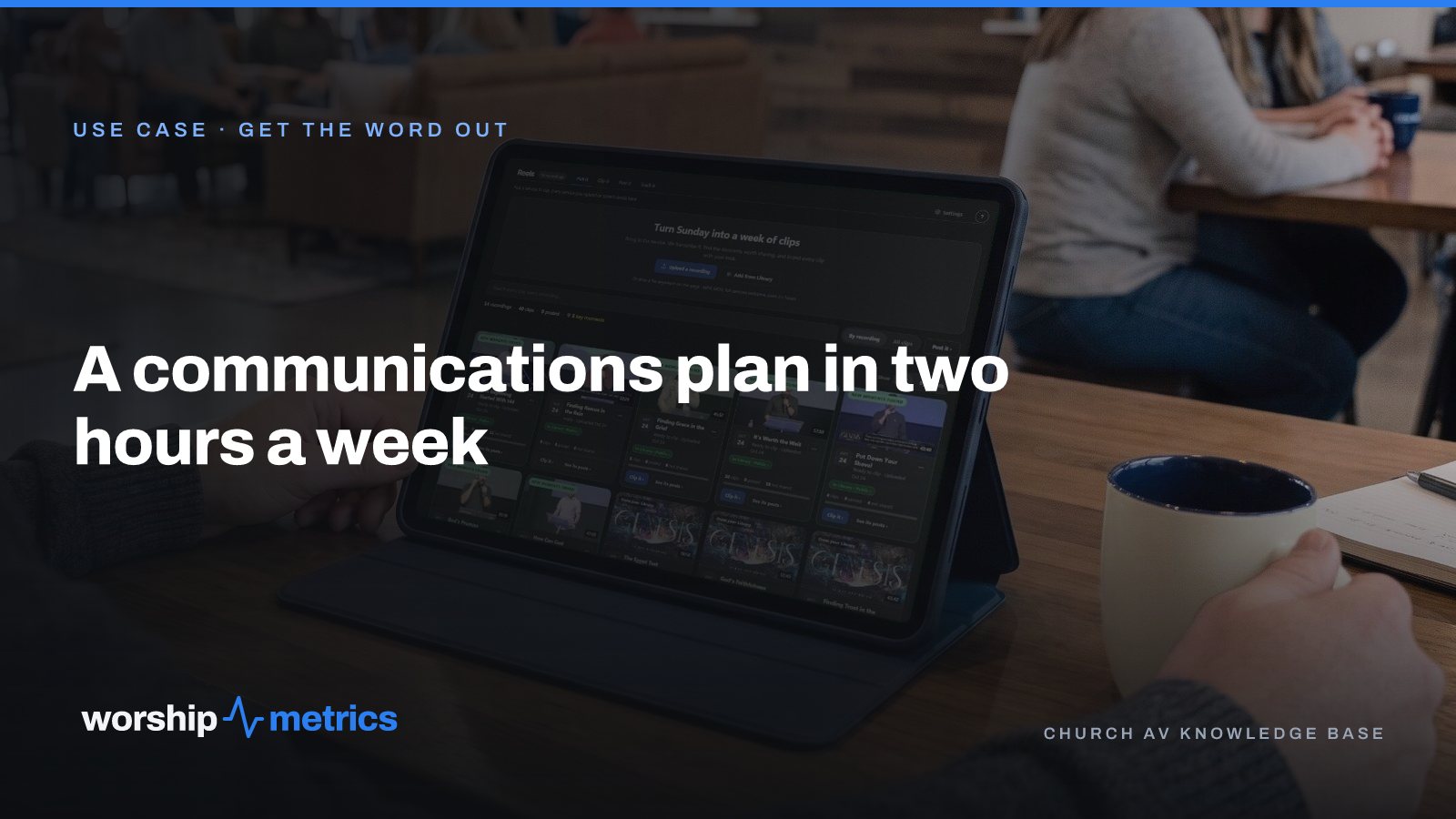
A Church Communications Plan One Volunteer Can Run in Two Hours a Week
No media team, no communications director, one volunteer who also runs the stream. Here's a weekly rhythm for clips, screens, the stream, and the team that fits in two hours and survives a busy week.