 Plan Services, songs, and attendance, with the team scheduled.
 People Your directory, volunteers, and team chat in one place.
 Present Lyrics, scripture, slides, and stage display, free in any browser.
 Produce One dashboard for the switcher, PTZ cameras, and the stream.
 Publish Stream Sunday, keep every sermon on your watch page, clip it.
 Patch Every device, cable, and signal path, mapped and printable.
 Pulse Know the moment the stream or a device drops.
Use case · Getting the word out
Sunday's message shouldn't end at noon.
Getting the word out is four jobs: stream the service, share the best moments, keep every screen in the building current, and keep the team that does it in one conversation. One platform does all four, and most of it is free.
Or call 910-WORSHIP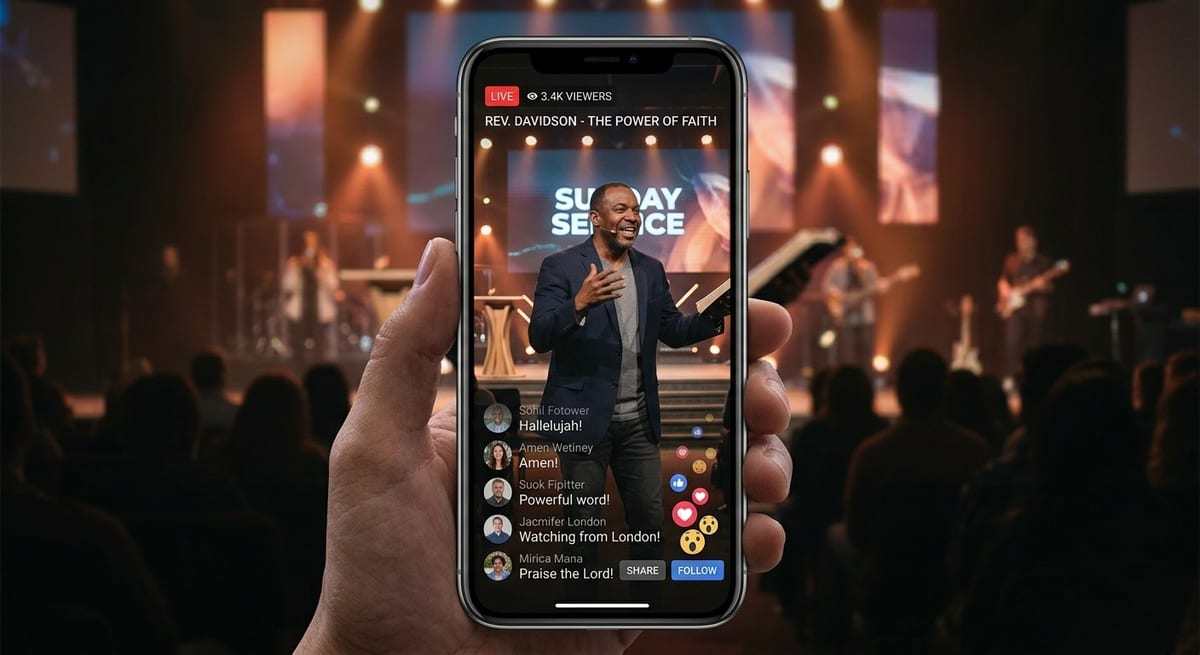
The Monday after
The best sermon of the year, and a 70-minute file nobody opens.
It's Monday. Yesterday's message was the one people will talk about, and the people who heard it were the ones in the room and the few who watched live. The recording is on YouTube now, all seventy minutes of it, and almost nobody will press play.
Down the hall, the lobby TV still says Fall Kickoff. The stream team is working out by group text who can run camera next Sunday. The pastor wonders whether anyone outside the building will ever hear that message.
Getting the word out used to be four tools and four people. Here is how one platform does all four.
Four jobs, one platform
From the booth to the lobby to the phone in someone's pocket.
The stream
Connect once. Every Sunday, everywhere.
Go live on YouTube and Facebook from Tech Manager or any browser. We create each broadcast on your account, so nobody pastes a stream key on a Sunday morning. On Max, one stream to us reaches every destination at once and your church's own watch page.
- YouTube and Facebook, free
- A pre-flight screen before every service
- On Max: up to ten destinations and your own player
The clips
Find the moment. Post it before Monday is over.
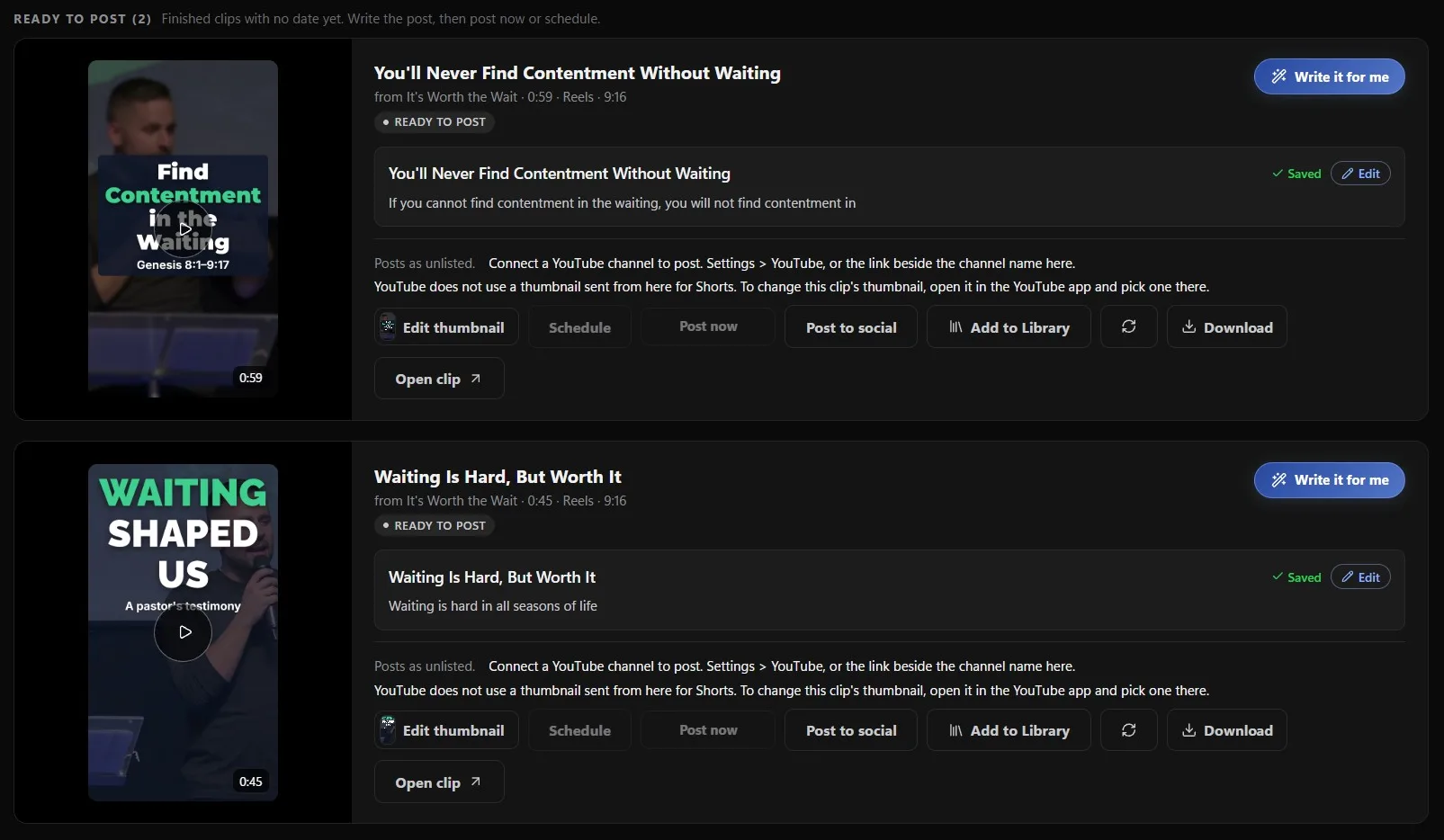
Reels transcribes the service, finds the moments that stand on their own, and renders them as captioned clips in your brand for YouTube Shorts, Instagram, TikTok and Facebook. A person approves every clip. Nothing posts until someone on your team picks it.
- Free on the booth computer in Tech Manager
- Post now, schedule, or send to your Library as a Highlight
- Pro and Max clip in the cloud, from any browser
The screens
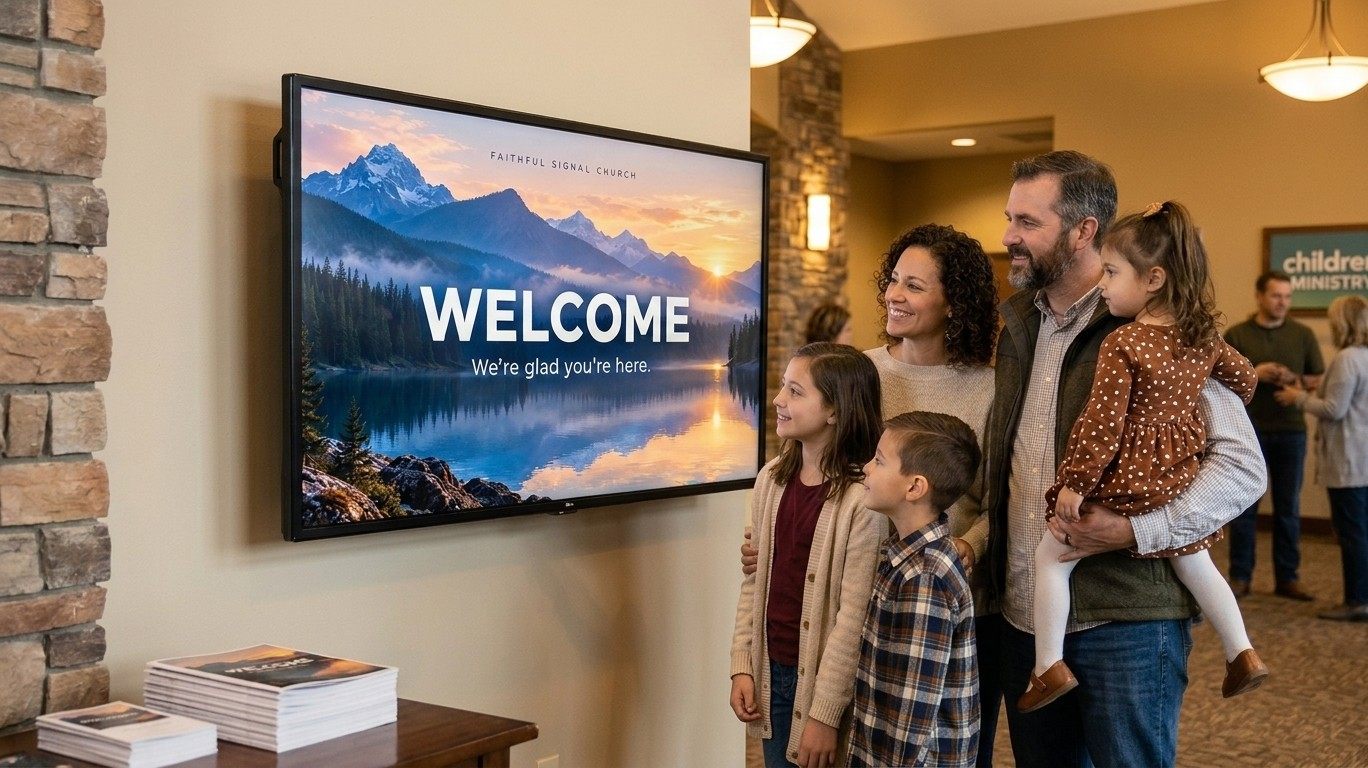
Every TV in the building, current from a phone.
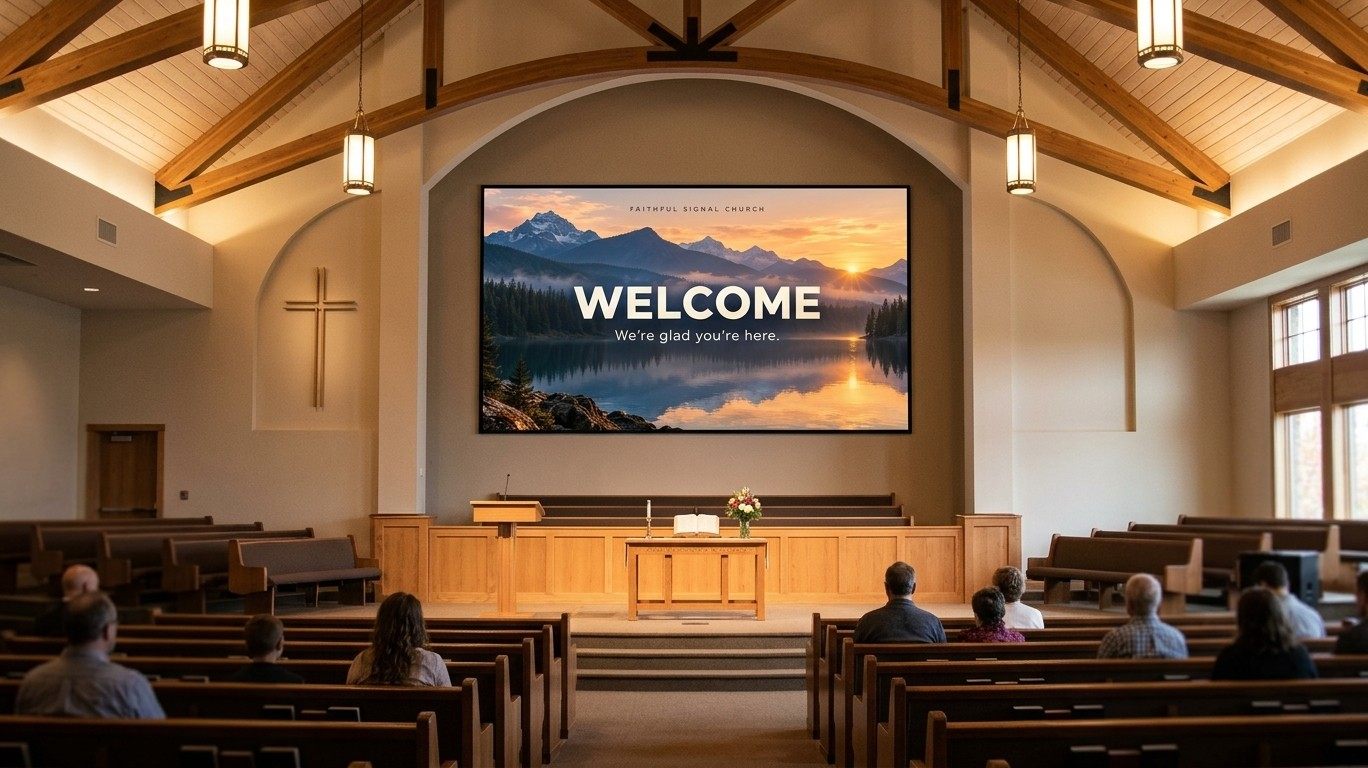
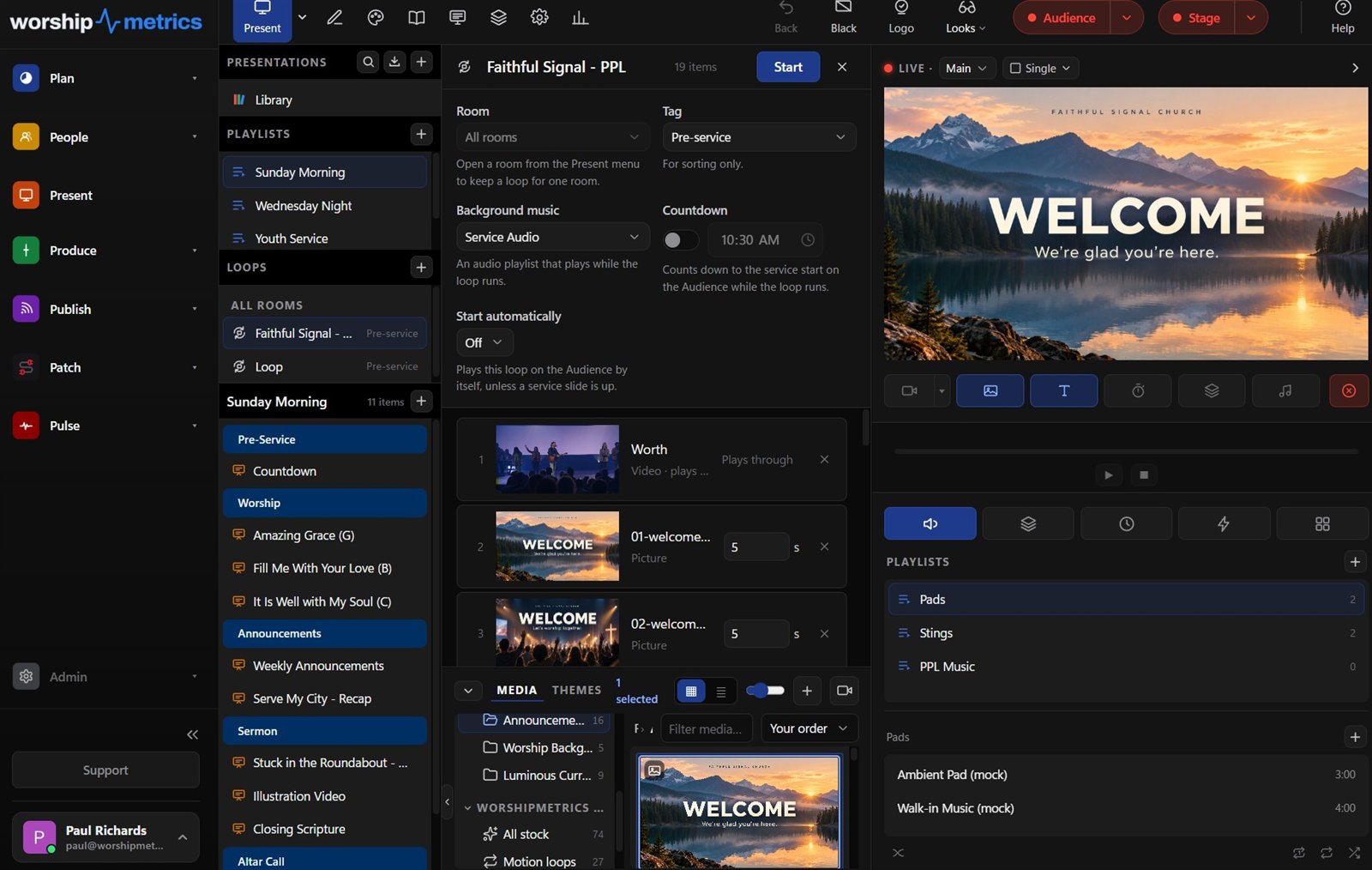
Any TV with a browser becomes a church screen. Build a loop in Present, add a screen, and open its link on the TV. Loops are scheduled by day and hour and grouped by room, and when something changes you push an alert to every display without walking the building.
- Your first screen is free; Pro and Max run every TV
- Same slides and playlists you already build in Present
- No box to install, no second content system
The team
The people who get the word out, in one conversation.
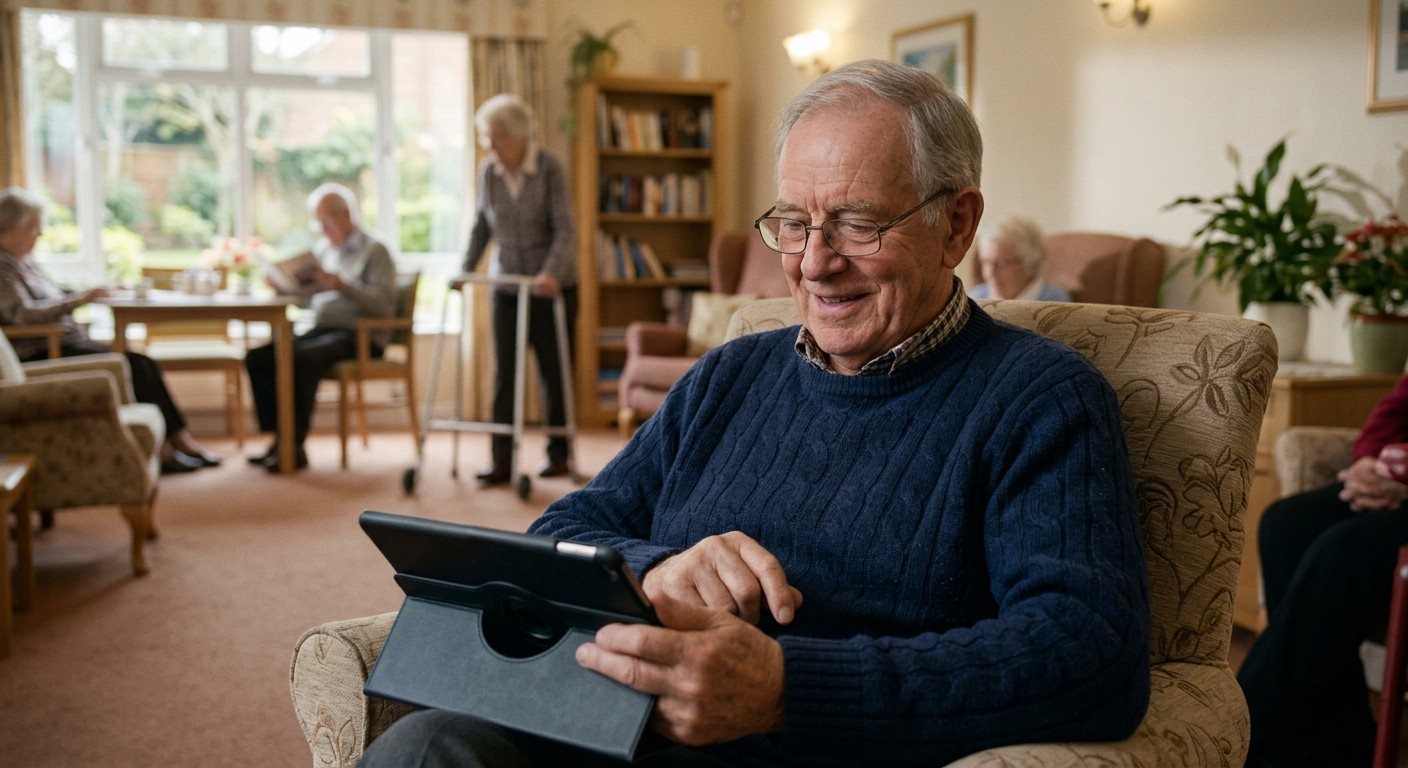
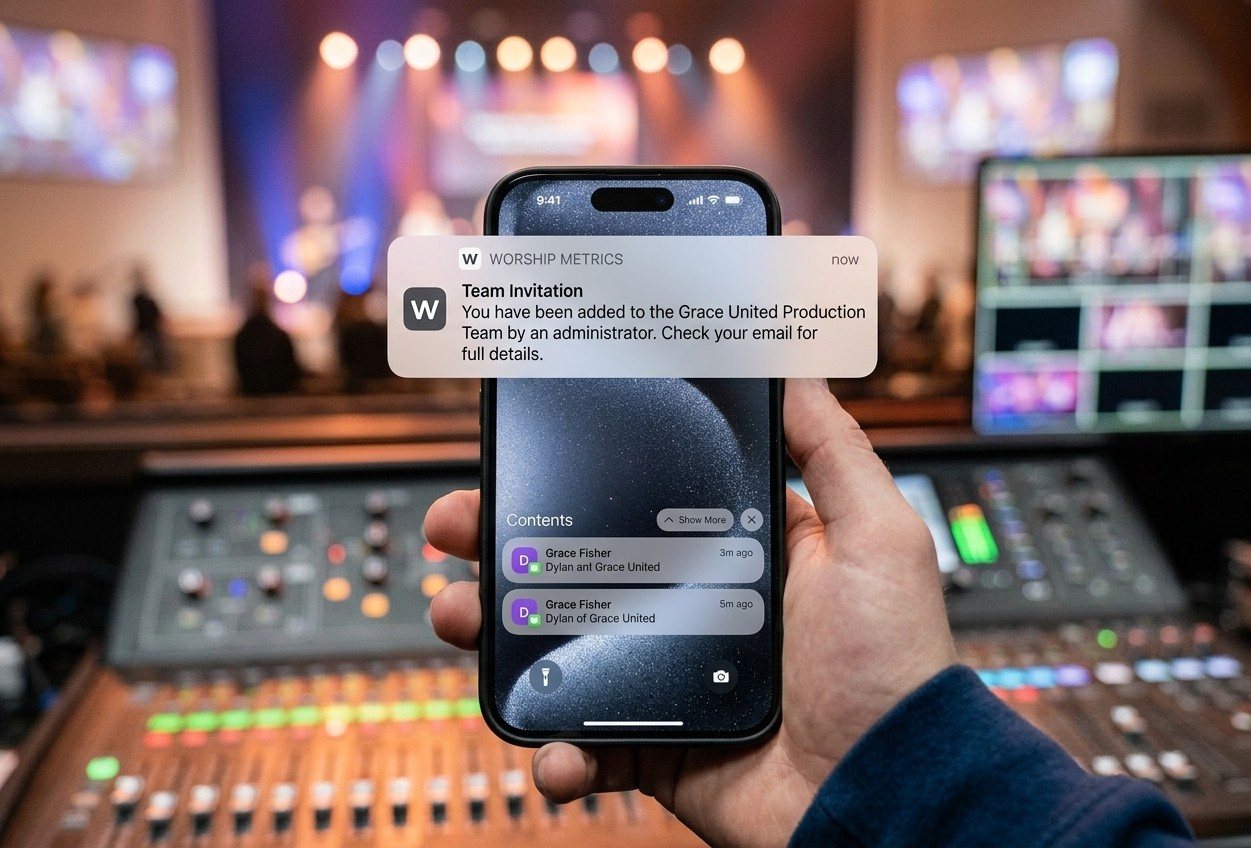
Team positions live on each person, so you know who is ready to run camera, slides, or the stream before the schedule is built. Invites go out with accept and decline, reminders follow, and everyone sees their own Sundays in My Schedule. Team Chat keeps the channel, the files, and the week's updates where the team already works.
- Positions, availability and blockouts, invites, reminders
- Public and private channels, direct messages, file sharing
- Volunteers, My Schedule and Team Chat are free, forever
A week, start to finish
What getting the word out looks like on the calendar.
-
Saturday, 4:00 pm
The lobby TV switches to Sunday's welcome loop on its schedule. Nobody drove to the building to do it.
-
Sunday, 9:30 am
The camera volunteer who accepted Tuesday's invite is at the booth. The director checks the plan in My Schedule, not a group text.
-
Sunday, 10:00 am
Go live from Tech Manager. YouTube and Facebook are already running, and on Max so is your watch page.
-
Sunday, 11:45 am
The recording lands in Reels. Tech Manager transcribes the service on the booth computer while people are still in the lobby.
-
Monday, 10:00 am
Three clips approved and posted. On Pro, the best one is a Highlight on your watch page, next to the full message.
-
Wednesday
The lobby screen is already on the midweek loop, and next Sunday's invites are out with the roles filled.
What's free and what isn't
Start with all four for free.
Stream to YouTube and Facebook
Free
Hosted stream to every destination and your watch page on Max
Reels on the booth computer
Free
Cloud clipping and AI-written posts on Pro
First signage screen
Free
Every TV in the building on Pro and Max
Volunteers, My Schedule, Team Chat
Free
Free on every plan
Pro is $49/mo and Max is $99/mo, or $39 and $79 at founding prices. See pricing
FAQ
Questions churches ask about getting the word out
Do we need a video editor on the team?
No. Reels finds the moments, cuts the clips, captions them, and writes a title and description your team can edit. A person picks which clips go out. The whole workflow runs in a browser or in Tech Manager on the booth computer.
Can one person do all four of these?
One person can, and that is usually how it starts. The point of putting the stream, the clips, the screens and the team in one platform is that the second person, and the third, can pick up a piece without learning a new tool each time.
Does the lobby screen need a special box?
No. Any TV with a web browser opens the screen's link and shows the loop you built in Present. If a TV has no browser, a small stick or mini PC with one works. Your first screen is free; Pro and Max run every TV in the building.
Does the team have to install another chat app?
No. Team Chat is inside WorshipMetrics, next to the service plan and the schedule, with public and private channels, direct messages, and file sharing. It is free on every plan.
From the Knowledge Base
Getting the word out, answered in the Knowledge Base.
Get started
Get the word out this Sunday.
Create your church's free account, connect YouTube and Facebook, put your first screen on the lobby TV, and invite the team. Every module is free forever. No credit card, and no call or approval needed.
Questions? Call 910-WORSHIP or email hello@worshipmetrics.com.
- Sign up on your own, any time
- Setup help by phone and email
- On-site installation and training available
- AI phone support any hour