 Plan Services, songs, and attendance, with the team scheduled.
 People Your directory, volunteers, and team chat in one place.
 Present Lyrics, scripture, slides, and stage display, free in any browser.
 Produce One dashboard for the switcher, PTZ cameras, and the stream.
 Publish Stream Sunday, keep every sermon on your watch page, clip it.
 Patch Every device, cable, and signal path, mapped and printable.
 Pulse Know the moment the stream or a device drops.
Use cases
Every Sunday, told before and after.
12 use cases in three sections. Each page opens on the Sunday that starts the call, shows the same Sunday with the platform doing its part, and keeps the facts below the story.
The booth, the stream, the slides
Run Sunday
The booth, the stream, and the slides, told from the Sunday that starts the call. Each page opens on the morning something goes wrong and ends with the morning it doesn't.
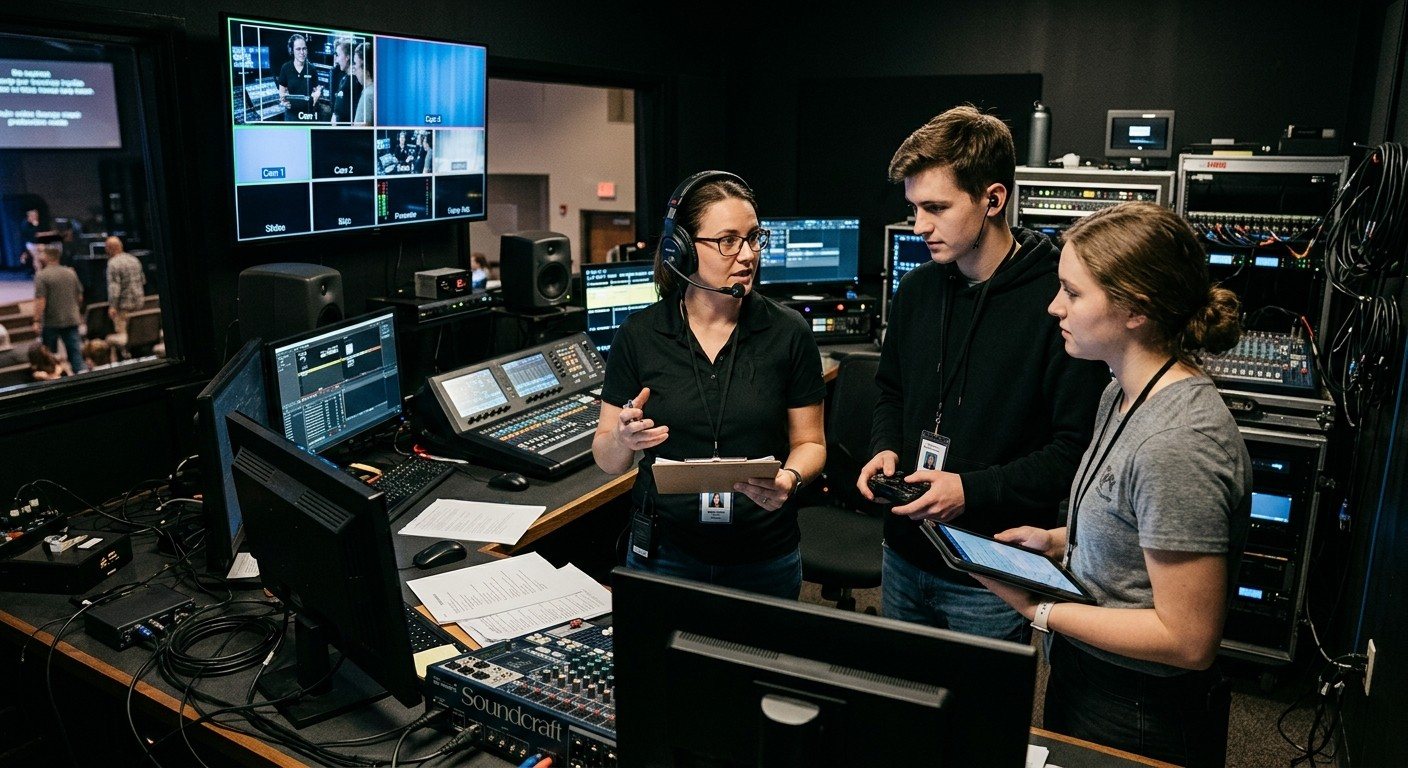
OBS, vMix, or ATEM
Fix the livestream
What a church livestream needs, what fits a church your size, and how to split the booth so no Sunday depends on one person.
Read the use case →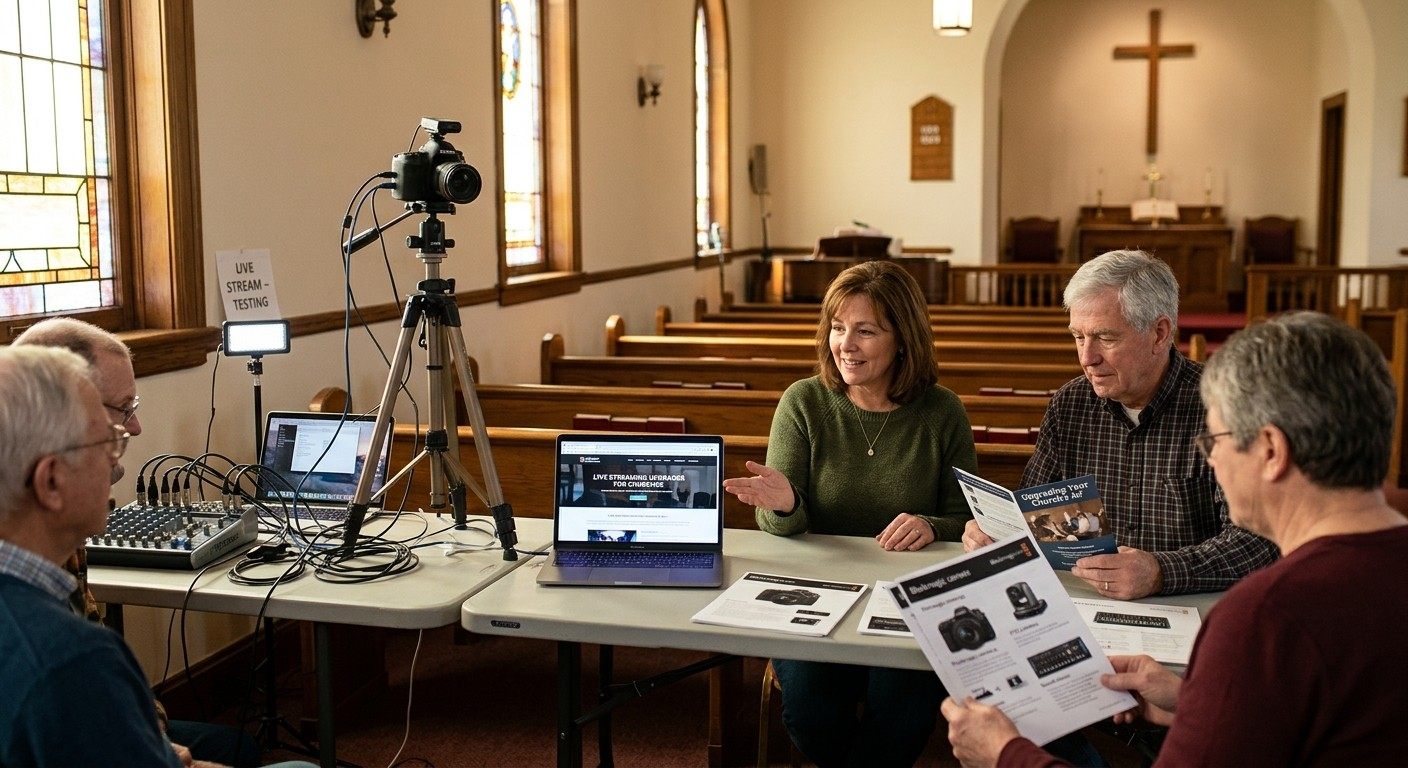
Systems and installs
Upgrade the booth
The 9:07 frozen stream, then a booth one window can run and a new volunteer can learn. Livestream systems designed, built, and quoted for your room.
Read the use case →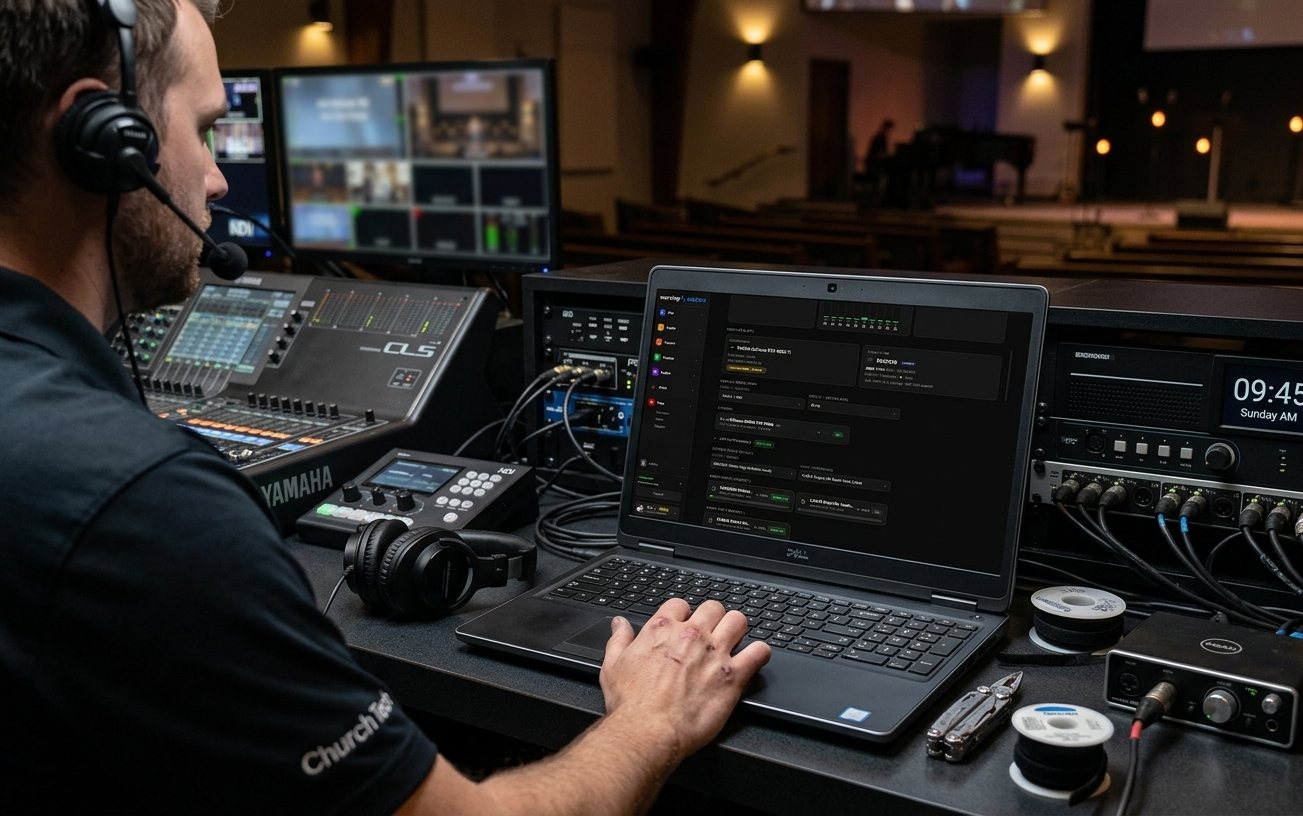
Is the booth ready?
Sunday at a glance
One page that says whether Sunday is ready, alerts to the people you choose the moment something drifts, and a one-tap restart when the stream stops.
Read the use case →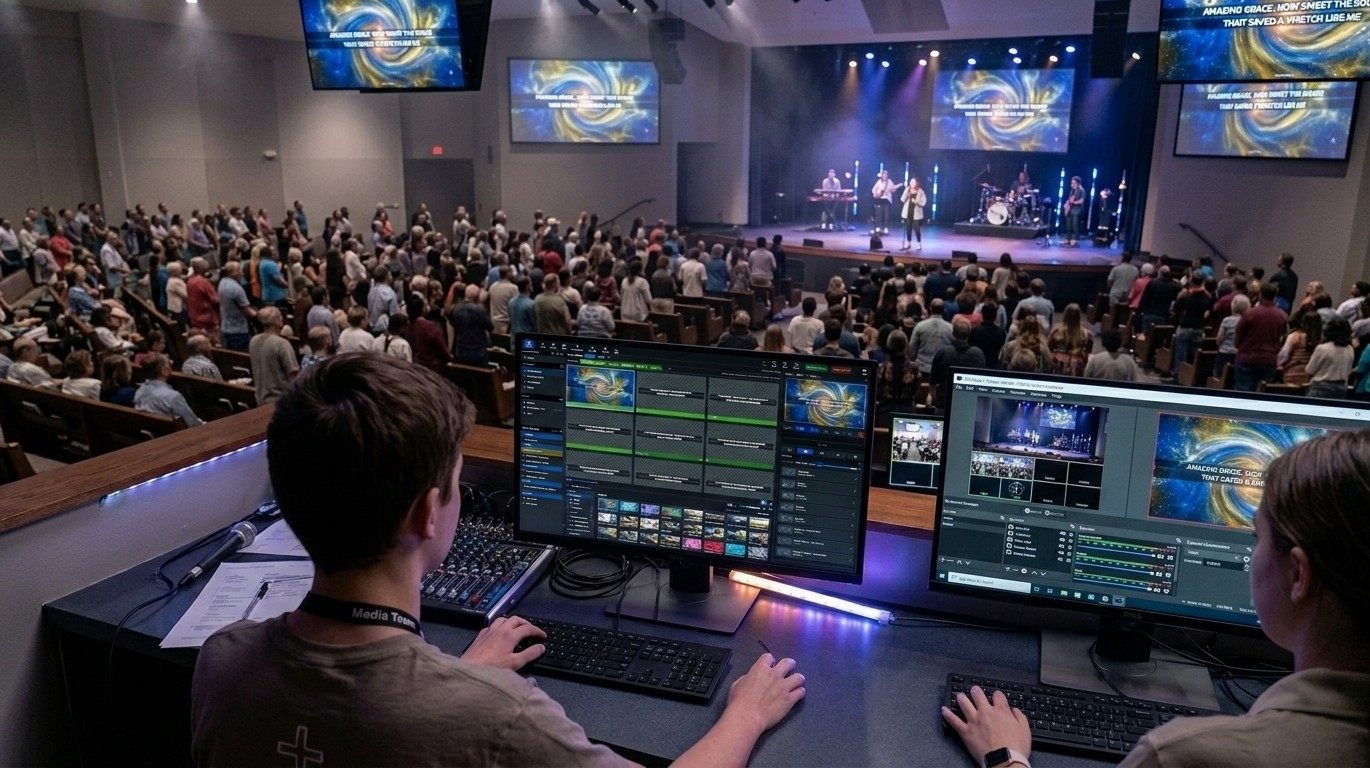
Lyrics, scripture, stage
Run the slides
Lyrics from the library, scripture by reference, the band on the stage display, and the whole service in one window before it starts. Free forever.
Read the use case →One service, everyone on it
Build the team
One service, with the pastor, the worship leader, and the volunteers editing it together, and a schedule that starts from positions instead of a group text.
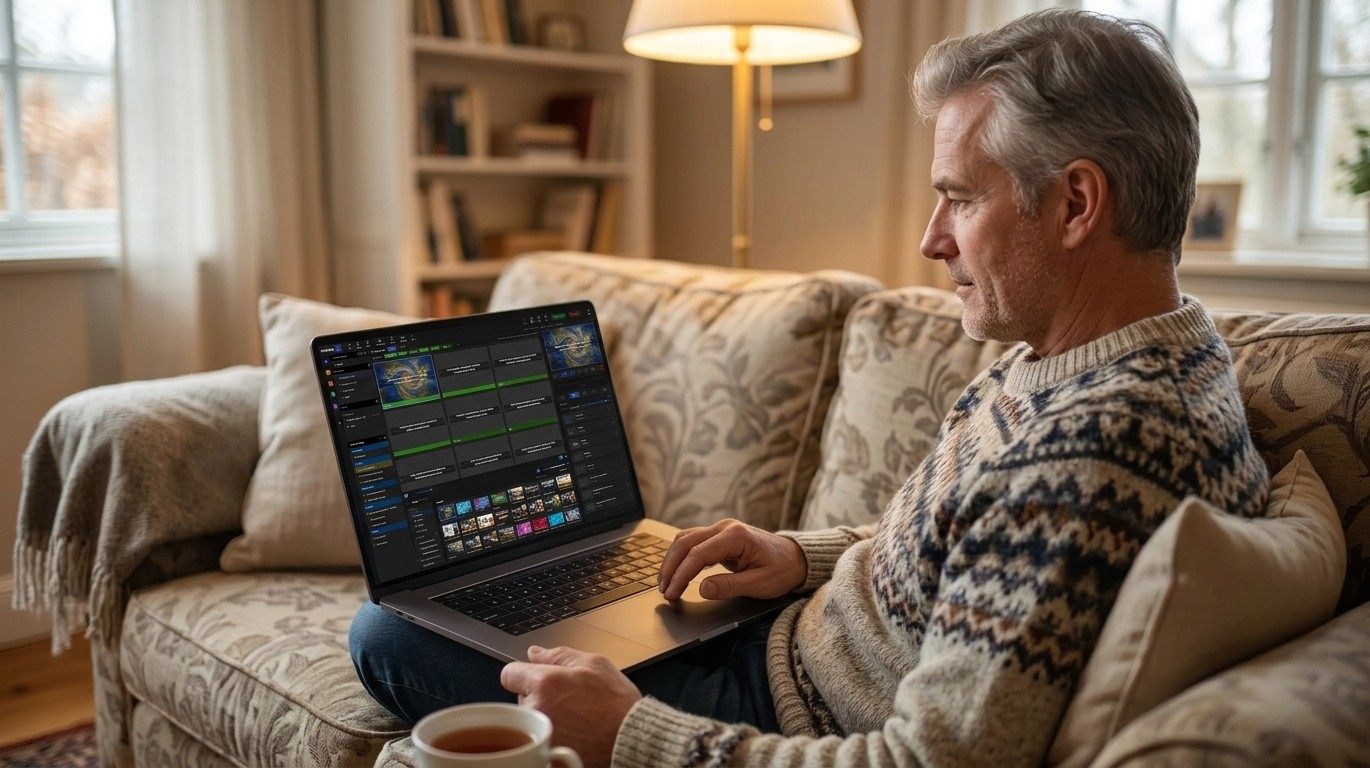
One service, edited anywhere
Build Sunday together
The pastor edits from home, the worship leader from the stage at rehearsal, and the booth opens the same playlist on Sunday morning. Unlimited users on every plan.
Read the use case →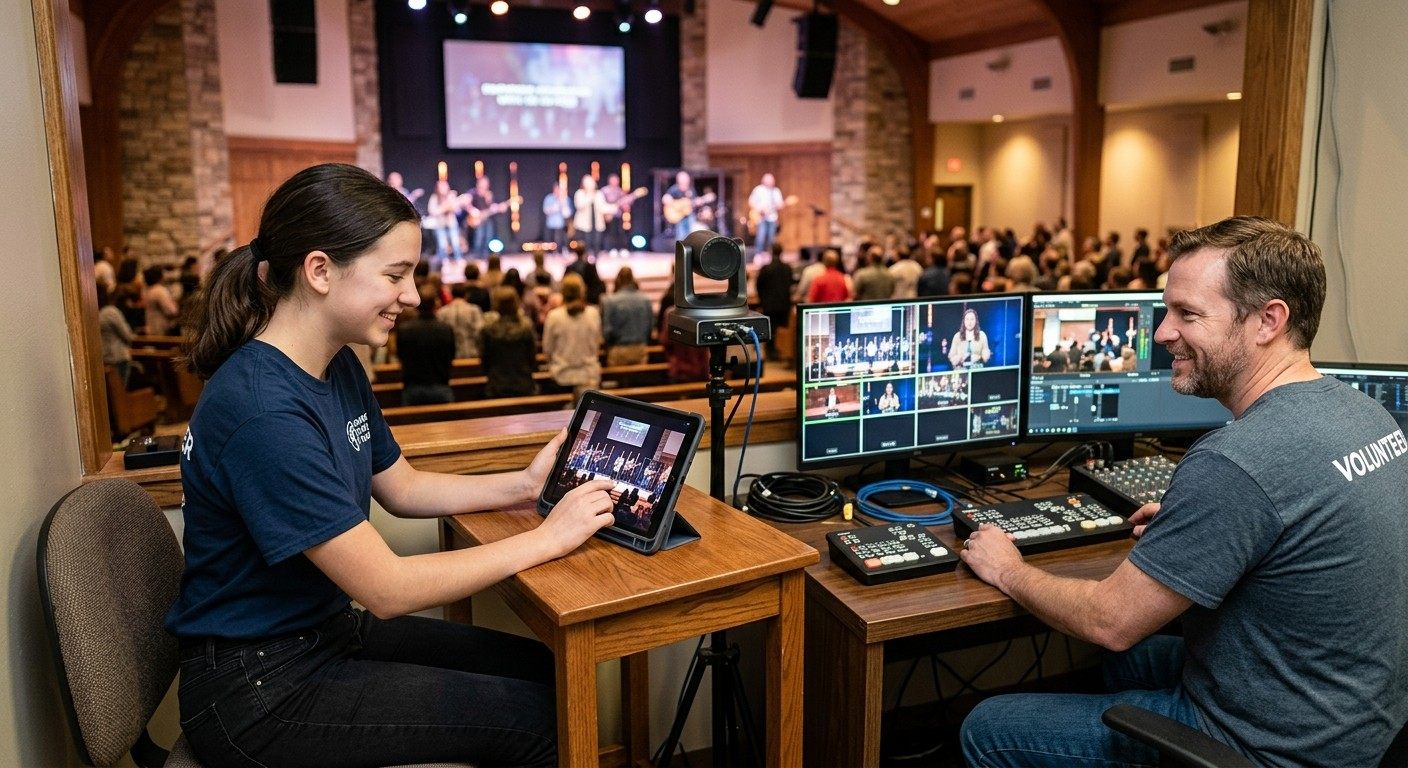
Schedules and roles
Run a volunteer team
Positions on each person, invites with a button, reminders that follow, and everyone's own Sundays in My Schedule. The group text retires.
Read the use case →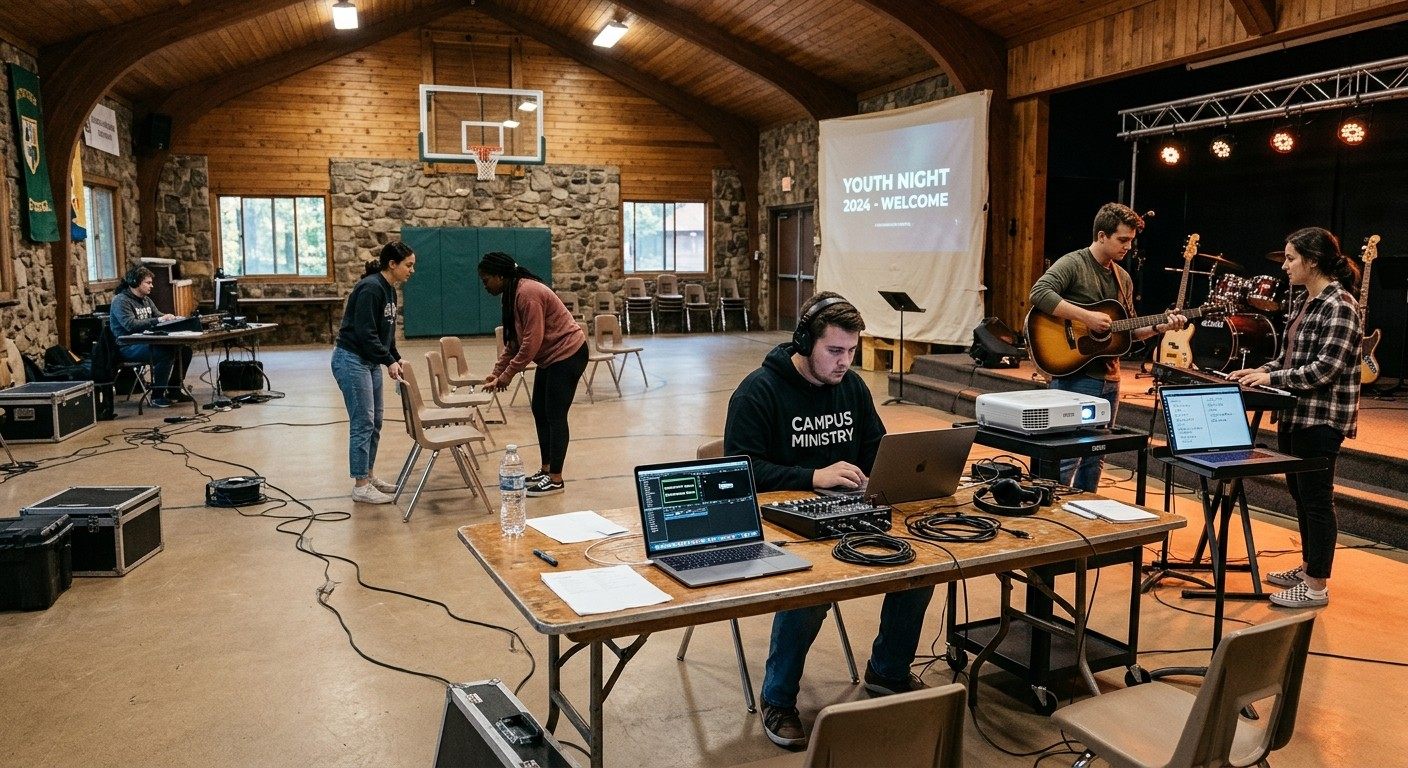
Retreats and youth nights
Worship on the road
A small team, one laptop, slides that look like your night, chords in tonight's key, and a plan that plays offline. Free for the whole team.
Read the use case →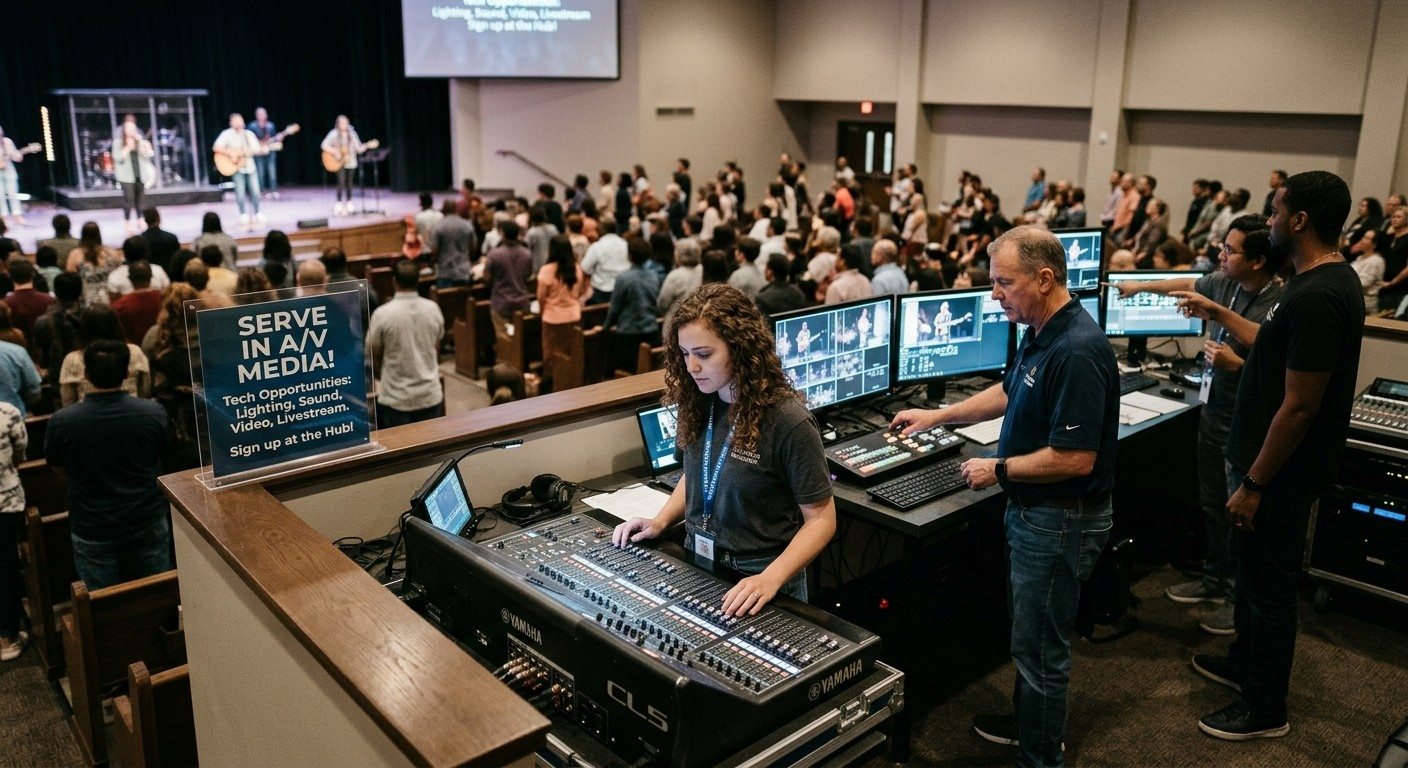
Seats people can fill
New opportunities to serve
Seven clear seats, one job each, so a sixteen-year-old, a retired engineer, and a parent all have somewhere to sit. The right seat for the right person is often what gets AV running.
Read the use case →Stream, clips, screens, numbers
Reach beyond the room
The stream, the clips, the screens in the building, and the numbers that tell leadership what's happening, all run by a church with one volunteer.
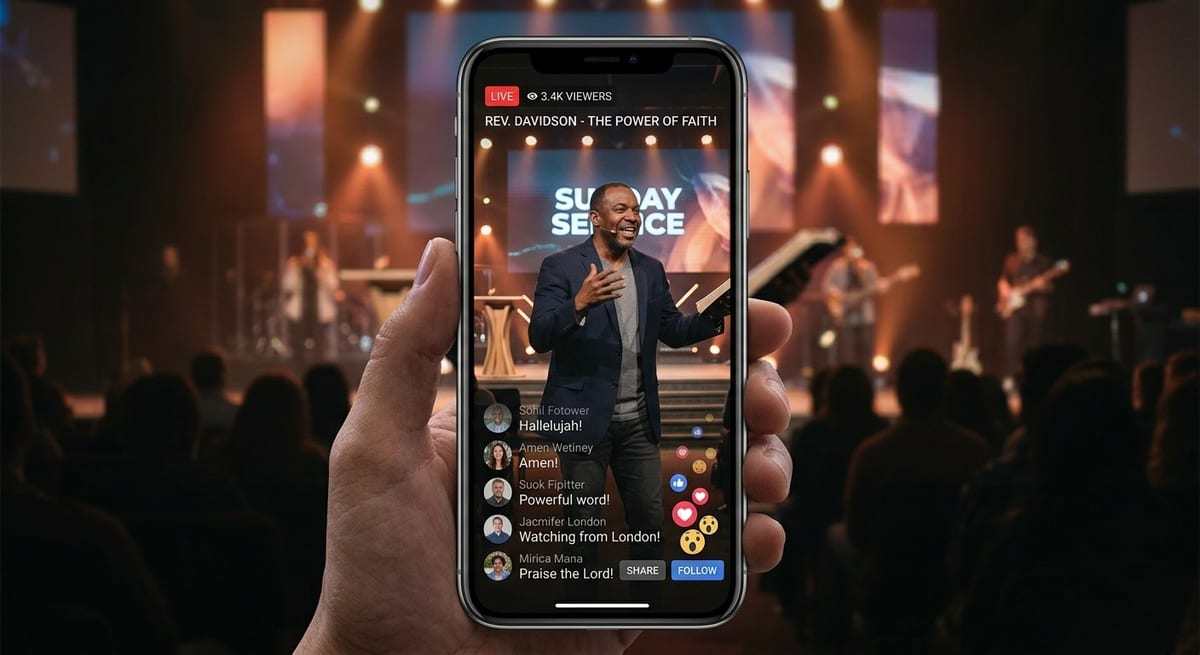
Stream, clips, screens, team
Get the word out
Four jobs on one platform: the stream, the clips, every screen in the building, and the team that makes it happen. Most of it free.
Read the use case →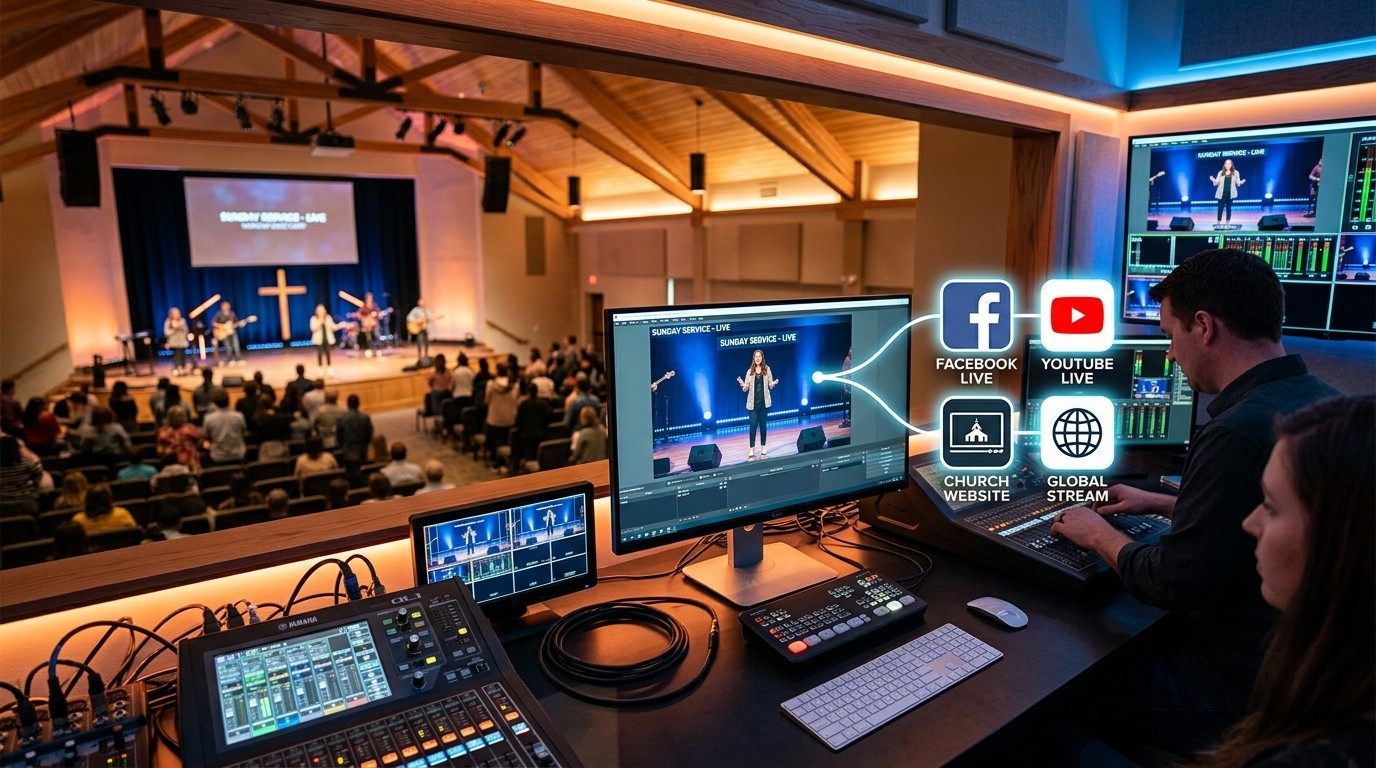
Streams, watch page, catalog
Online strategy
Broadcasts scheduled with the service, a catalog named from the transcript, a watch page open all week, and the numbers beside attendance.
Read the use case →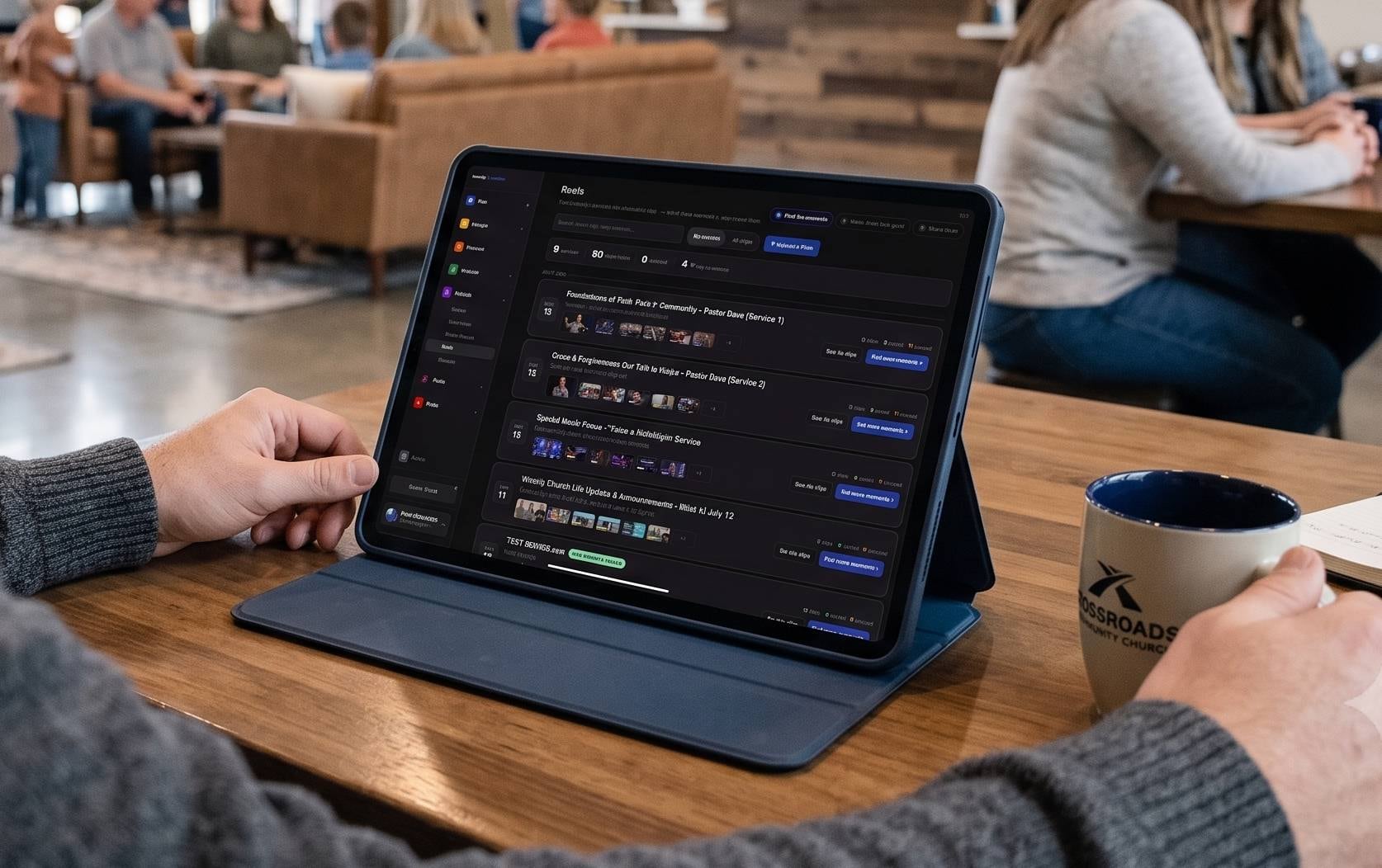
Sundays into Reels
Grow with clips
Reels finds the moments, cuts captioned clips in your brand, and a person approves what goes out. Free on the booth computer.
Read the use case →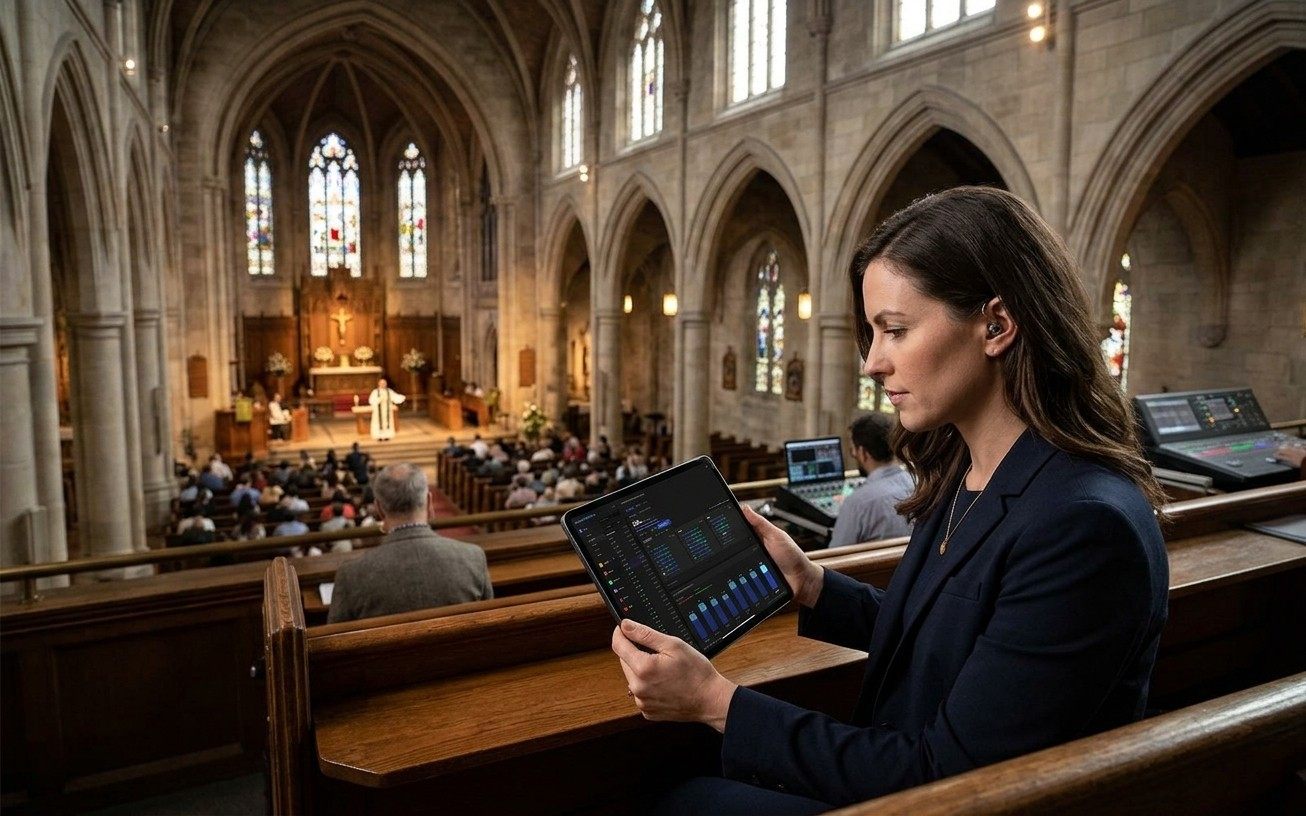
In-person and online
Track attendance
Count the room on a seat map, bring online attendance into the same recap on Max, and follow up with the people you didn't see.
Read the use case →Start here
Free for every church
Every module is free forever, no credit card. These pages say exactly what that includes.
Get started
Start with the Sunday that's hardest.
Create your church's free account, pick the use case that sounds like your booth, and keep everything that already works. Every module is free forever. No credit card, and no call or approval needed.
Questions? Call 910-WORSHIP or email hello@worshipmetrics.com.
- Sign up on your own, any time
- Setup help by phone and email
- On-site installation and training available
- AI phone support any hour