 Plan Services, songs, and attendance, with the team scheduled.
 People Your directory, volunteers, and team chat in one place.
 Present Lyrics, scripture, slides, and stage display, free in any browser.
 Produce One dashboard for the switcher, PTZ cameras, and the stream.
 Publish Stream Sunday, keep every sermon on your watch page, clip it.
 Patch Every device, cable, and signal path, mapped and printable.
 Pulse Know the moment the stream or a device drops.
Use case · Building Sunday together
One service. Everyone edits it. Nobody drives to the building.
The pastor adds the sermon slides from home on Saturday night. The worship leader fixes the chord chart from the stage at Thursday rehearsal. The slides volunteer opens the same playlist on Sunday morning, and it's already right. The service lives in your church's account, not on the booth computer.
Unlimited users on every plan, including Free.
Thursday, 7:12 pm
Three people, three copies, one Sunday morning scramble.
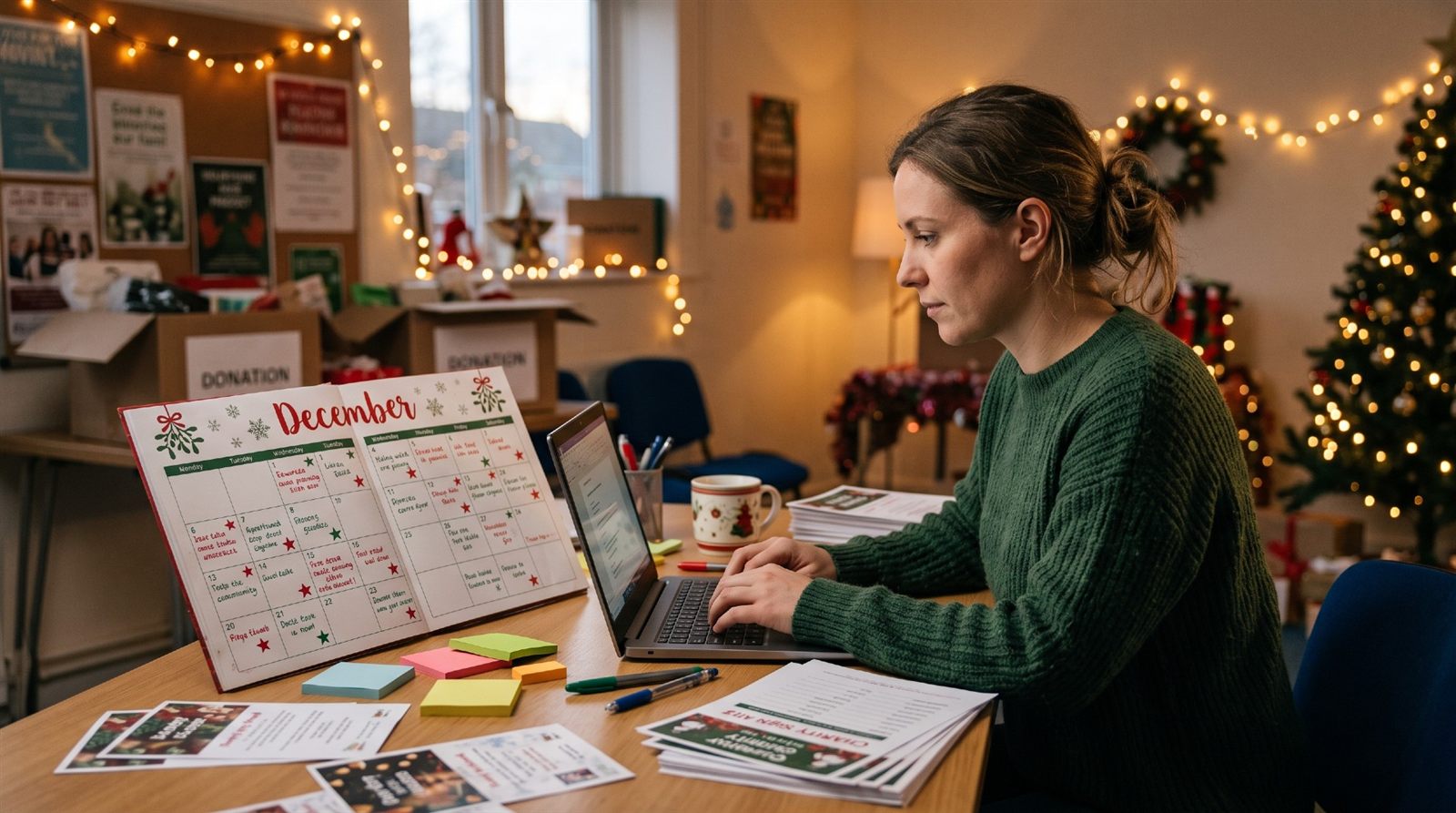
At rehearsal the worship leader moves the bridge and takes the song down to G. That becomes a note for the slides volunteer. Saturday at 9:40 pm the pastor emails three new sermon slides with “please add before service.” Sunday at 8:55 the slides volunteer is retyping in the booth while the tech director asks who is on camera today, and nobody is sure.
None of those people did anything wrong. They were each editing their own copy of Sunday.
Here is the same week when the service is one shared thing.
The same week, together
Edit anywhere. Every window follows.
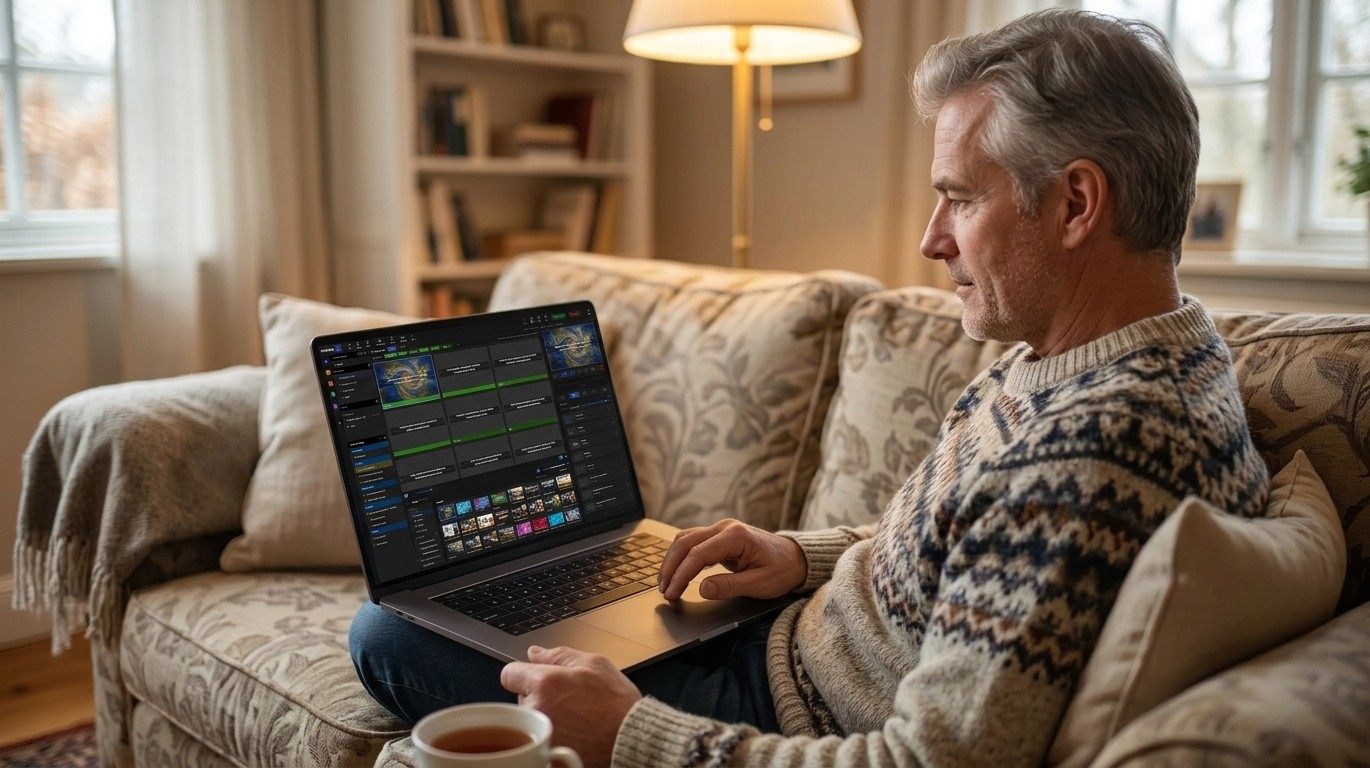
Slides, songs, playlists, themes, and media save to your church's account as you work. An edit made on the couch reaches the booth in about a second.
Thursday, from the stage
The worship leader changes the key. Everything follows.
The arrangement lives in the song library, so the lyric slides, the chord chart on the stage display, and the CCLI report all change with it. Nobody writes a note for the slides volunteer, because there is nothing to retype.
See the Songs library →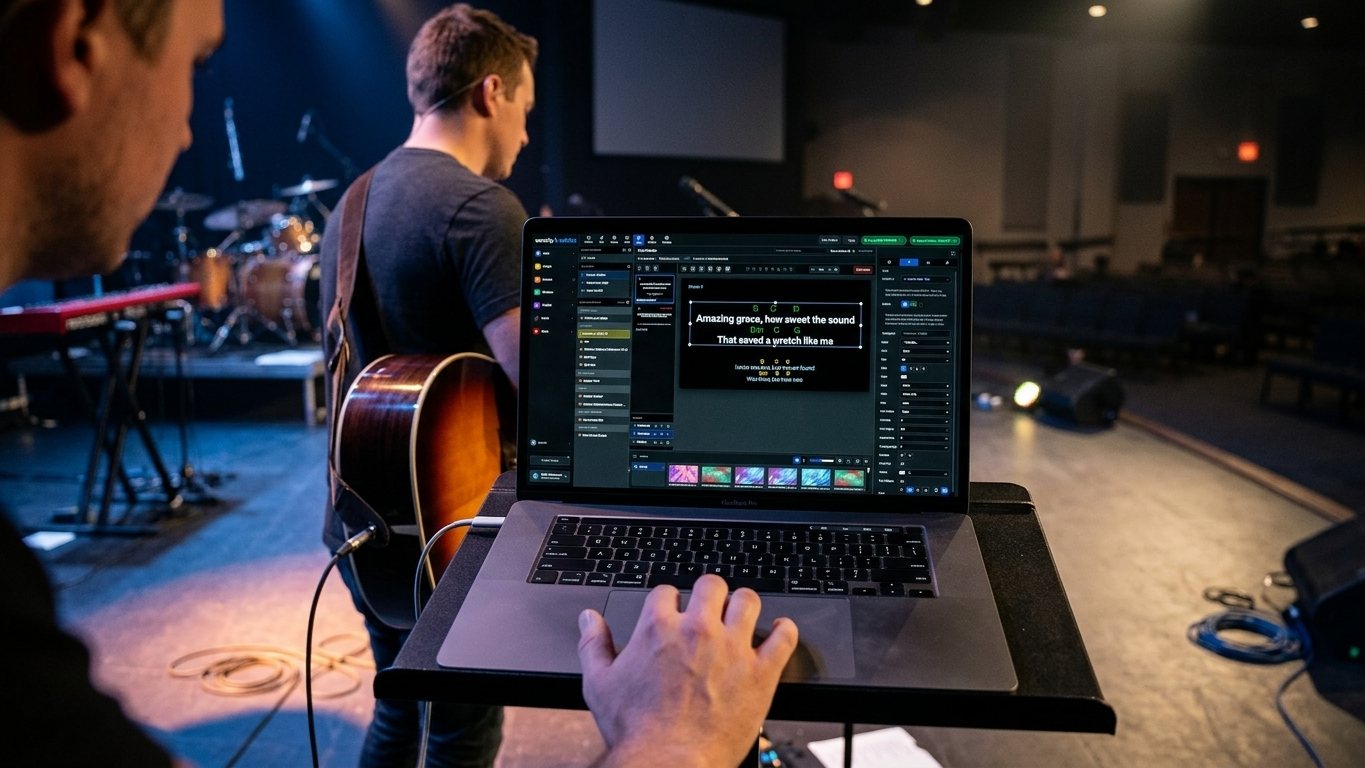
Saturday, from home
The pastor adds three slides in the same editor the booth uses.
The full slide editor runs in any browser, with the church's themes, fonts, and media library already there. The new slides land in Sunday's playlist, in order, with version history behind them. No email, no file, no drive to the building.
See Present →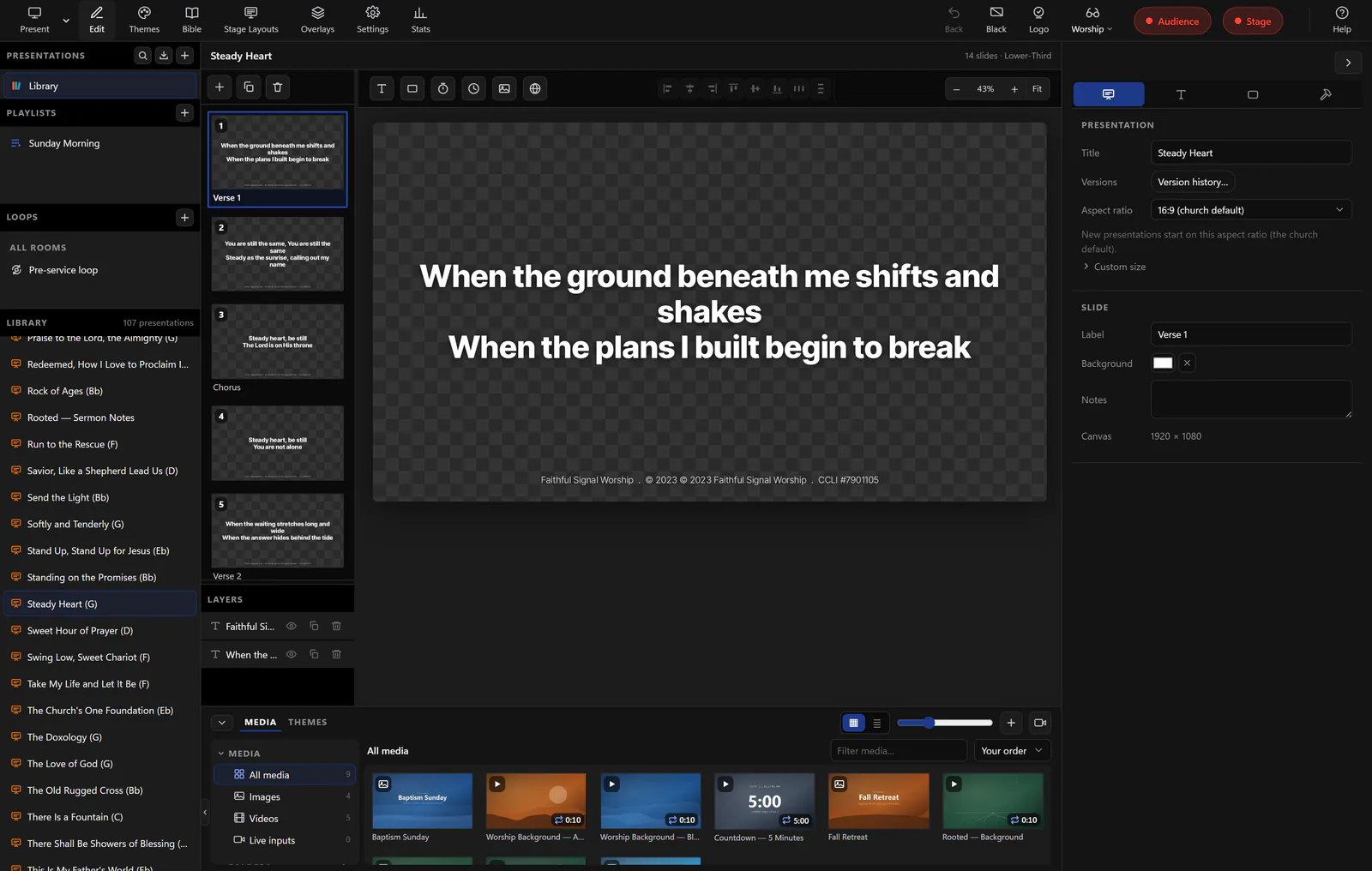
All week, one plan
The order of service everyone can see, with the team on it.
Build the order of service, copy last week forward with its items, slides, cues, and positions, and keep every cue and team note in one timeline. Each plan shows who is on audio and who is running cameras that week, so “who's on camera today?” has an answer before Sunday. On Planning Center? Sync brings your plans, people, and teams in.
See Services →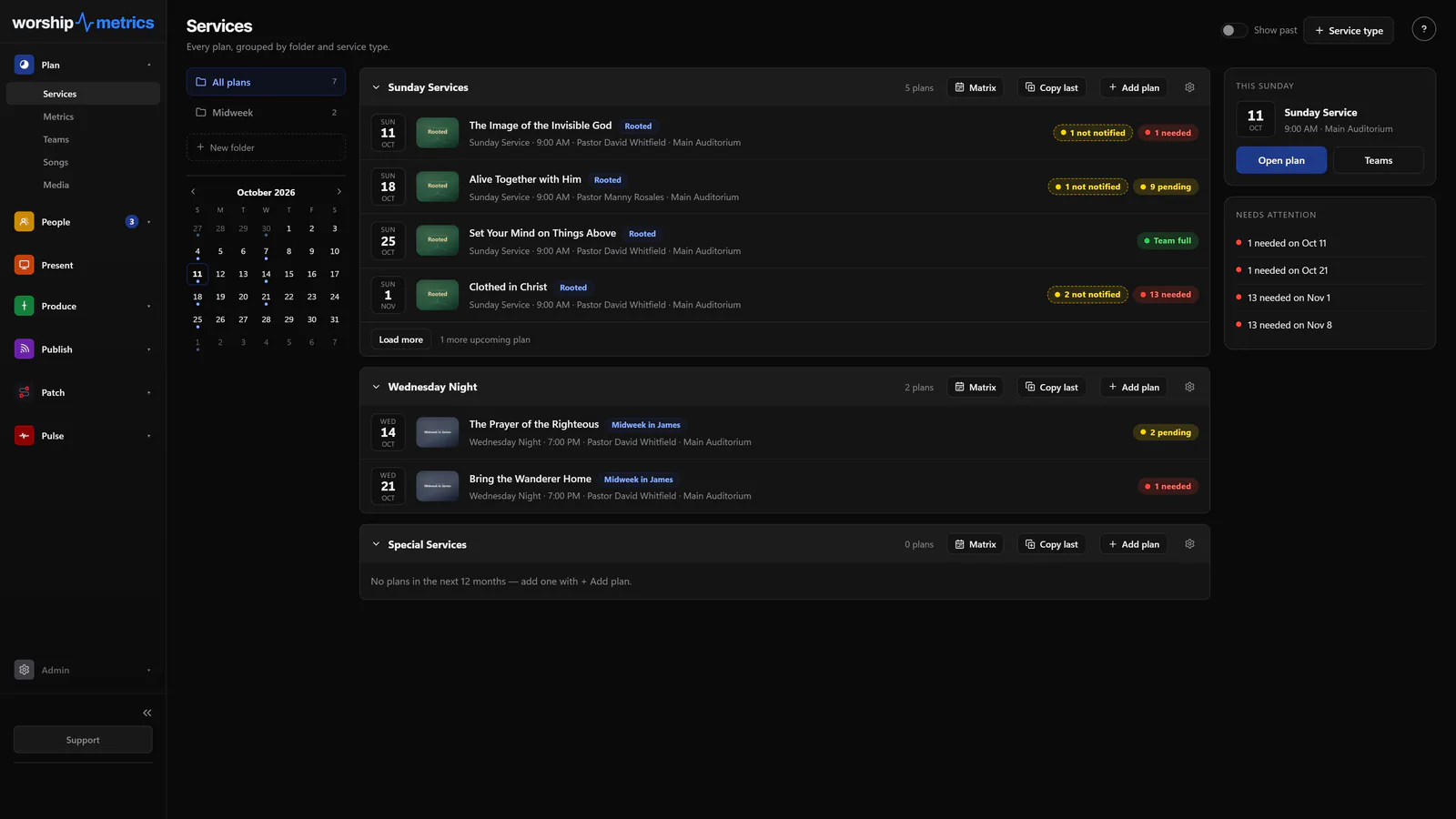
The conversation
Next to the plan, not in a group text.
Team Chat keeps the channel, the files, and the week's updates where the plan and the schedule already are: public and private channels, direct messages, file sharing, and a poll for who can run camera. Run-of-show docs and stage plots live in the channel where the team is already talking. Free, forever.
See Team Chat →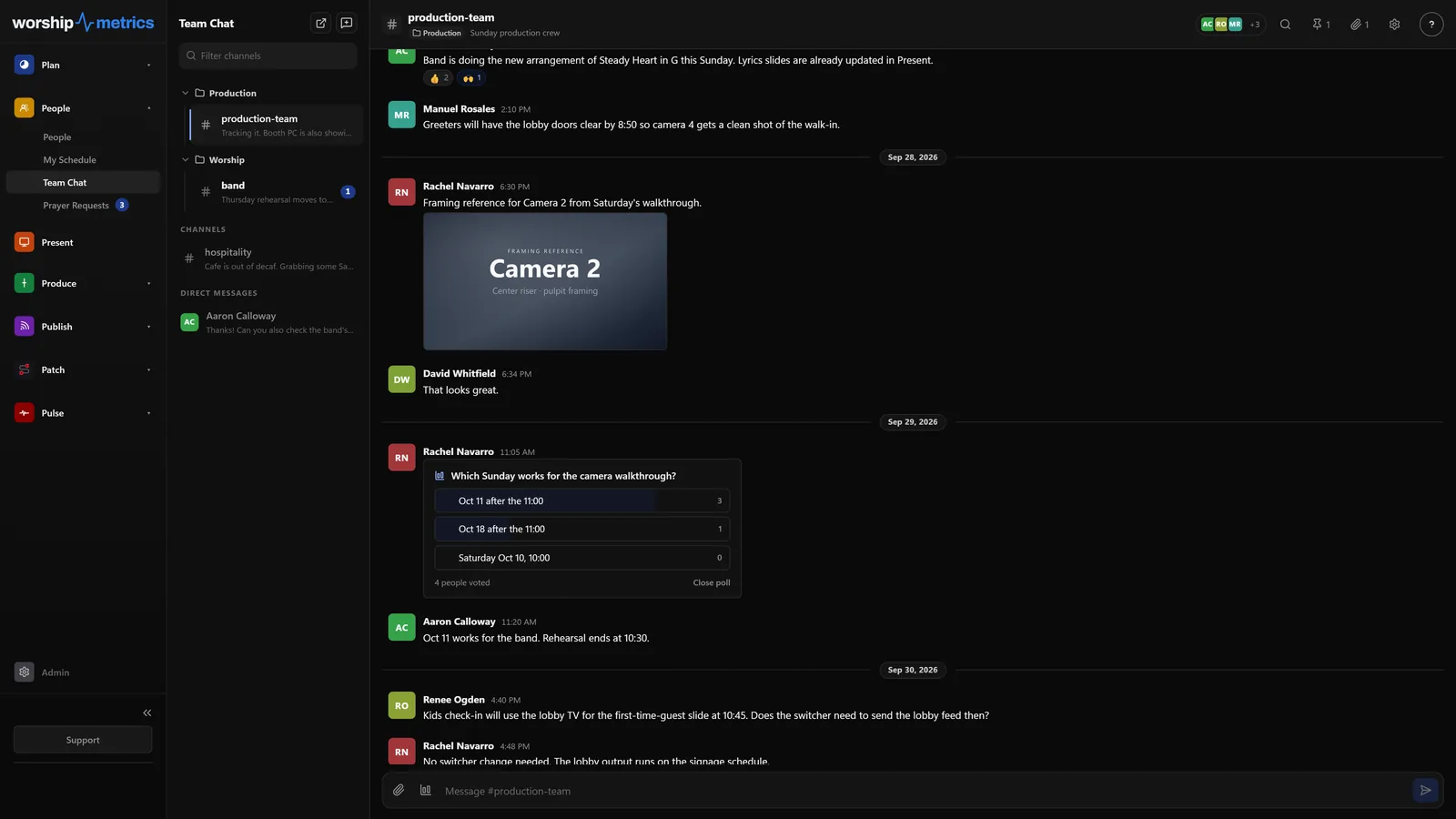
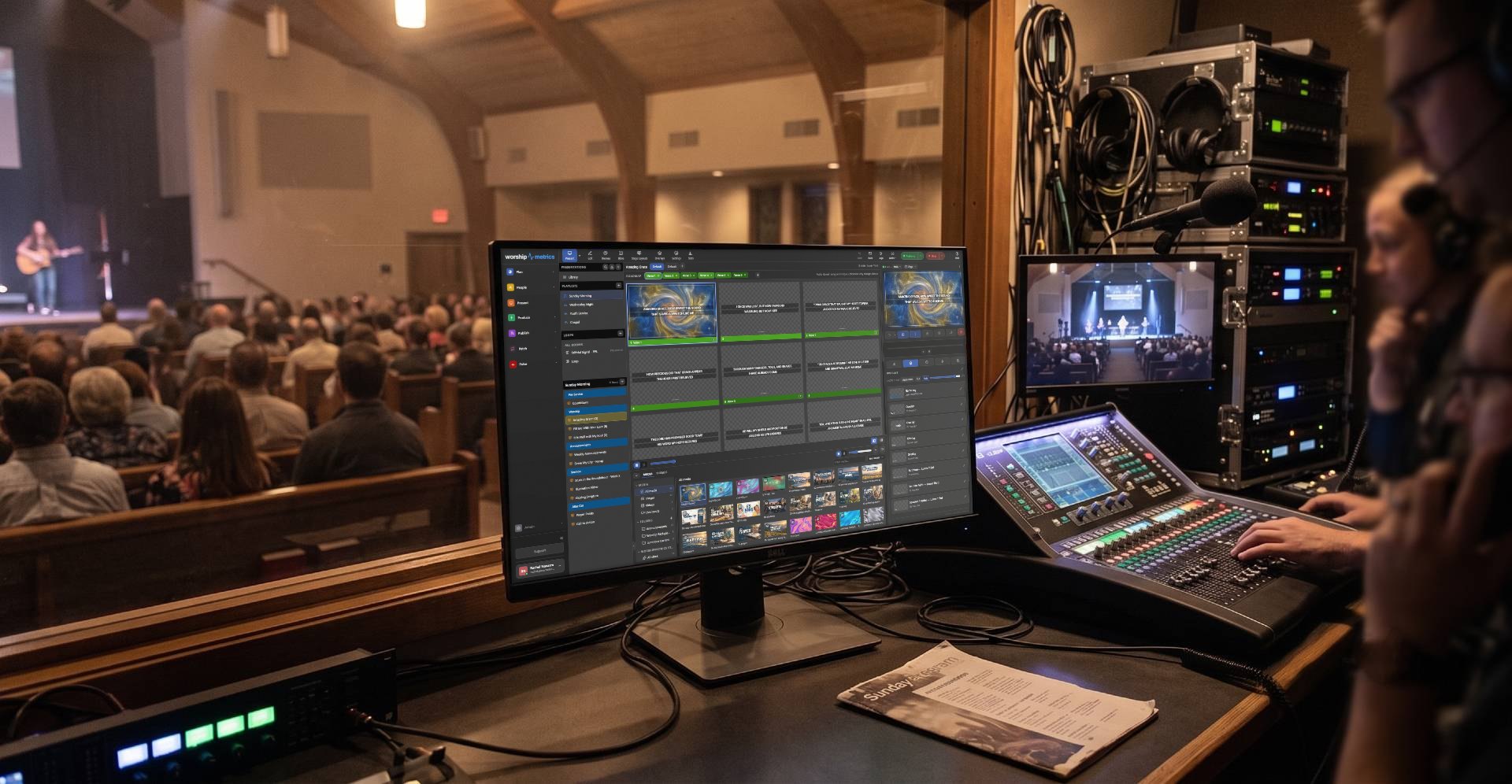
For the person who sets it up
How the pieces stay in sync.
Saved as you work
Slides, songs, playlists, themes, fonts, and media save to your church's account, with version history and nightly backups
Every window follows
Edits reach every open window in about a second, and Rooms let more than one computer run the same service
Offline
Edits made offline are saved on your computer and sent when the connection returns; in Tech Manager a prepared plan plays even offline
Users
Unlimited, on every plan, free. The pastor, the worship leader, and the newest slides volunteer each sign in as themselves
Planning Center
Link your account and plans, items, times, people, teams, positions, and scheduling import, then stay in sync every five minutes
The plan runs the room
The service plan drives the presentation and the switcher, so one change in the plan updates everything
Scheduling the team is its own story: see Volunteers for positions, availability, invites with accept and decline, and reminders.
FAQ
Questions churches ask about working on one service together
Does everyone who edits need a license?
No. Every plan, including Free, has unlimited users. The pastor, the worship leader, and every slides volunteer sign in with their own account at no cost.
What if two people edit the same service at once?
Edits reach every open window in about a second, so each person sees the other's change as it happens. Version history is there if something needs to go back.
We plan in Planning Center. Does this replace it?
It doesn't have to. Link your Planning Center account and your plans, people, and teams import and stay in sync every five minutes. Keep planning where you plan today, and let the slides and the booth follow.
Can a last-minute edit from home break Sunday?
The slides volunteer sees the whole playlist in order before the service starts, so a new slide is visible, not a surprise. Version history can restore any earlier version of a presentation.
From the Knowledge Base
Working on one service together, answered in the Knowledge Base.
Get started
Build next Sunday together.
Create your church's free account, invite the pastor, the worship leader, and the booth, and plan one service in one place. Every module is free forever, with unlimited users. No credit card, and no call or approval needed.
Questions? Call 910-WORSHIP or email hello@worshipmetrics.com.
- Sign up on your own, any time
- Setup help by phone and email
- On-site installation and training available
- AI phone support any hour