Sunday shouldn’t carry the whole ministry
In many churches, the media ministry exists for about three hours a week. The team arrives early Sunday, gets everything running, and goes home. Clips get made if someone has time. Prayer follow-ups wait until someone remembers. Equipment problems are discovered at 9:15 on Sunday morning.
A mature media ministry has a weekly rhythm. It spreads the work across the week so Sunday isn’t a scramble, and it keeps your church present in people’s lives between services.
The seven-day calendar
| Day | Focus | Typical tasks |
|---|---|---|
| Monday | Review | Debrief Sunday, pick clip moments, send prayer follow-ups, fill in the weekly report |
| Tuesday | Create | Edit clips, write captions, queue social posts |
| Wednesday | Midweek | Pastor’s email, community prompt, midweek encouragement |
| Thursday | Publish and plan | Post clips, plan pre-service content, finalize the service plan |
| Friday | Prepare | Confirm volunteers, check equipment, fill open seats |
| Saturday | Rehearse | Run-through if applicable, schedule pre-service content, update the welcome loop |
| Sunday | Serve | Story huddle, services, mark moments for the clipper |
Not every church will do every day. But naming the rhythm is what turns good intentions into a ministry that runs on schedule.
Monday: start with what happened
Monday is the most important day after Sunday. While it’s fresh:
- Debrief briefly. What went well? What broke? What story did we tell? (See the story huddle.)
- Pick clip moments. If someone marked timestamps during the service, this takes minutes instead of hours.
- Send prayer follow-ups. Make sure every request from Sunday got a personal reply. (See the prayer request workflow.)
- Fill in the numbers. Attendance, online reach, and prayer requests, plus a note on anything that changed.
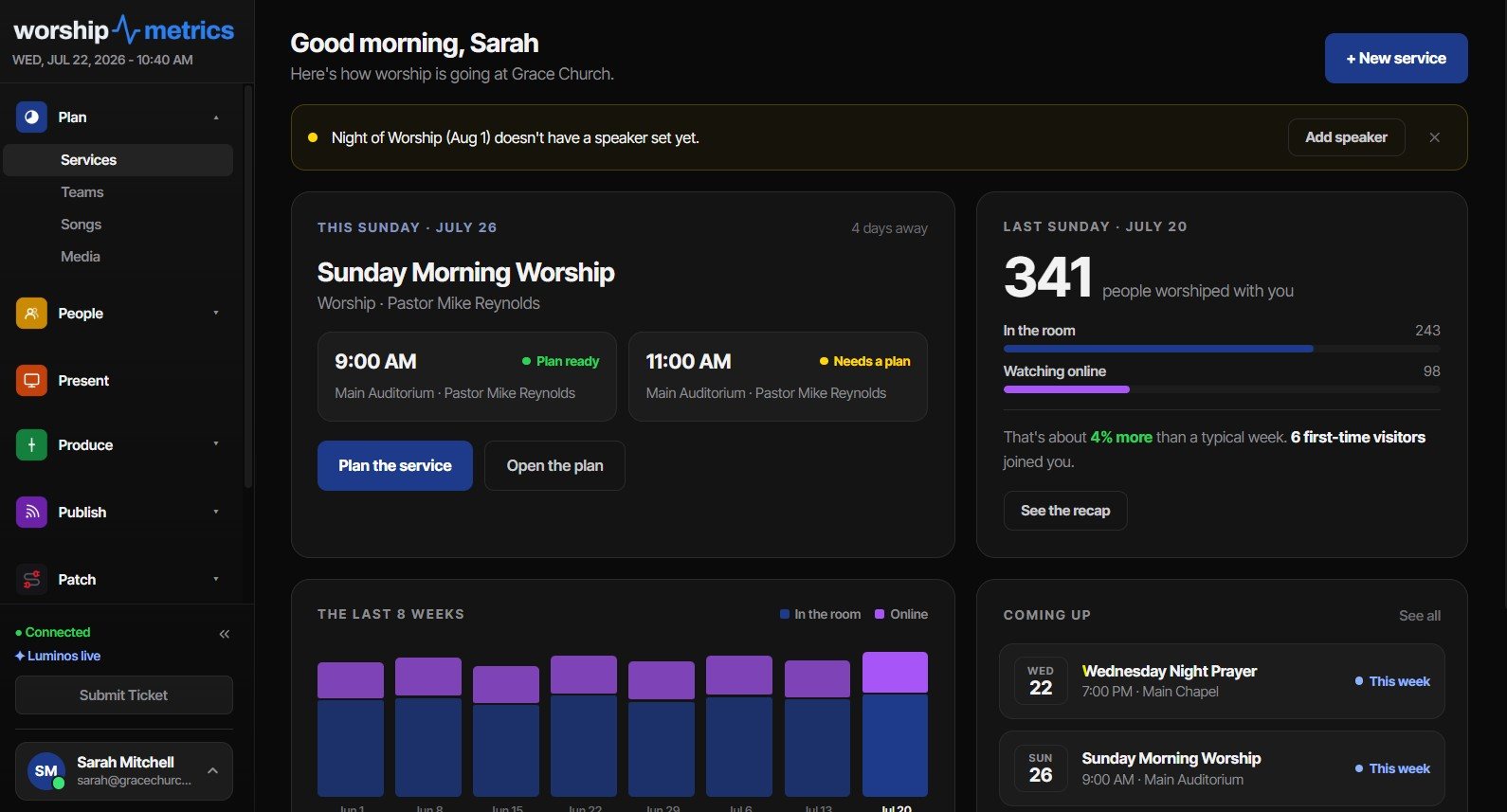
WorshipMetrics produces an after-service report automatically, so the debrief starts from what actually happened in the booth, not from memory.
Tuesday to Thursday: keep the church present
Midweek is when your church shows up in people’s ordinary days:
- Clips go out two or three times a week. WorshipMetrics finds the strongest sermon moments with AI so the clipper starts with a shortlist.
- The pastor’s email goes out once a week: one reflection, one invitation, one prayer prompt.
- Your private community gets a discussion question or prayer prompt. (See setting up a church Discord.)
Each one is a touchpoint. Add them to your touchpoint map with an owner.
Friday and Saturday: protect Sunday
The end of the week is about making Sunday calm:
- Confirm volunteers on Friday, not Sunday morning. With WorshipMetrics scheduling, confirmations and declines come in by email, and an open seat is visible days ahead instead of at 8:45 on Sunday.
- Check equipment on Friday, so there’s time to fix what’s broken. WorshipMetrics monitors your booth and shows device health, so the check takes minutes.
- Update the welcome loop on Saturday and schedule any pre-service posts.
- Run through the Sunday checklist.
Give whole days to people
The calendar is also a volunteer development tool. A student can own Tuesday’s clips. A detail-minded retiree can own Monday’s report. A new volunteer can start by helping with Friday’s equipment check. Each day is a seat someone can grow into. See all the roles in the AV team guide, and pair the calendar with a tech director’s Tuesday maintenance rhythm.
Related questions
- What does a weekly church media schedule look like?
- Monday: review Sunday, find clips, send prayer follow-ups. Tuesday: edit clips and queue posts. Wednesday: midweek content like the pastor's email. Thursday: post clips and plan pre-service content. Friday: confirm volunteers and check equipment. Saturday: rehearse and schedule pre-service content. Sunday: services.
- Can a small church follow a seven-day media calendar?
- Yes, in a lighter form. Pick the three days that matter most, usually Monday review, Friday confirmations and equipment check, and one midweek touchpoint, and give each a name. Naming the rhythm is what keeps Sunday from being the only day the ministry shows up.
- Who should own the weekly media calendar?
- Usually the tech director or media team leader, with each day's tasks assigned to a specific person or role. Students and volunteers can own whole days, such as clip editing on Tuesday.
Church Media Team Role Cards: Roles, Responsibilities, and a Path to Grow
NextThe Five-Minute Story Huddle: Tell Your Media Team the Story Before You Tell the Room
Related Articles

Making a Complicated Church AV System Easy to Run, Without Hiring an AV Company
Many church AV systems aren't too old or too small. They're too complicated for a volunteer. A simple button panel built with Bitfocus Companion can hide that complexity behind plain-word buttons, and a church can often build it themselves. Here's when that works, when to call a professional, and how to start.

Your Church Livestream Team, Connected Even When They're Not at Church
A three-person livestream team only works if everyone shares the same plan, the same wiring diagram, and the same news when something breaks. Here's how WorshipMetrics connects the director, slides, and camera volunteers through the week: chat, alerts, documentation, AI help, scheduling, and cloud control for OBS and vMix.

The Three-Person Church Livestream Team: Director, Slides, and Cameras
A church livestream runs best with three clear jobs: a director on OBS or vMix, a slides operator, and a camera operator. Here's what each role does before, during, and after the service, what skills it takes, and how the three talk to each other.