 Plan Services, songs, and attendance, with the team scheduled.
 People Your directory, volunteers, and team chat in one place.
 Present Lyrics, scripture, slides, and stage display, free in any browser.
 Produce One dashboard for the switcher, PTZ cameras, and the stream.
 Publish Stream Sunday, keep every sermon on your watch page, clip it.
 Patch Every device, cable, and signal path, mapped and printable.
 Pulse Know the moment the stream or a device drops.
Church AV installation · West Chester, PA
Church camera and livestream systems, installed at your church.
We install the video side of church AV for churches within about 50 miles of West Chester: multi-camera PTZ systems, the production computer and livestream, and, on larger systems, video to the screens in your room. Then we train your production team in your own booth.
Cameras and livestreaming only. We don't install sound, projection or lighting. Our systems connect to what you already have. What we install
- On-site installation and training
- A free quote for your room
- Multi-camera systems, 2 to 12+ cameras
- 3-year warranty
We come to your church
Churches within about 50 miles of West Chester.
Our primary team operates out of Southeastern Pennsylvania. If your church is in one of these areas, we design, install and train on site.
-
Chester County, PA
West Chester, Downingtown, Exton, Malvern, Phoenixville, Kennett Square, Coatesville, Oxford
-
Delaware County & the Main Line
Media, Newtown Square, Wayne, Bryn Mawr, Springfield, Havertown, Drexel Hill
-
Montgomery County, PA
King of Prussia, Norristown, Blue Bell, Collegeville, Lansdale, Pottstown
-
Philadelphia & Bucks County
Philadelphia, Doylestown, Newtown, Langhorne, Warminster
-
Lancaster & Berks counties, PA
Lancaster, Lititz, Ephrata, Reading, Wyomissing
-
New Castle County, DE
Wilmington, Newark, Hockessin, Middletown
-
Cecil County, MD
Elkton, North East, Rising Sun
-
Not on the list?
If you're within about 50 miles, we'll come. Farther out? Ask. We're willing to travel for the right projects, and remote setup is included with every system.
What we install
Church AV, the video side.
“Church AV” covers a lot, and our church AV guide walks through every part. Here's exactly what we do, so you can plan the rest. Cameras and streaming are our lane, and our systems are built to plug into the sound and screens your church already has.
We install
- PTZ cameras, or fixed cameras with HDMI, SDI or NDI output
- The camera network: a PoE switch, the cable runs and a joystick
- The production computer with Magewell capture, running vMix or OBS
- Livestream and recording to YouTube, Facebook and your website
- Video feeds to IMAG, confidence, lobby and overflow screens (Better and Best)
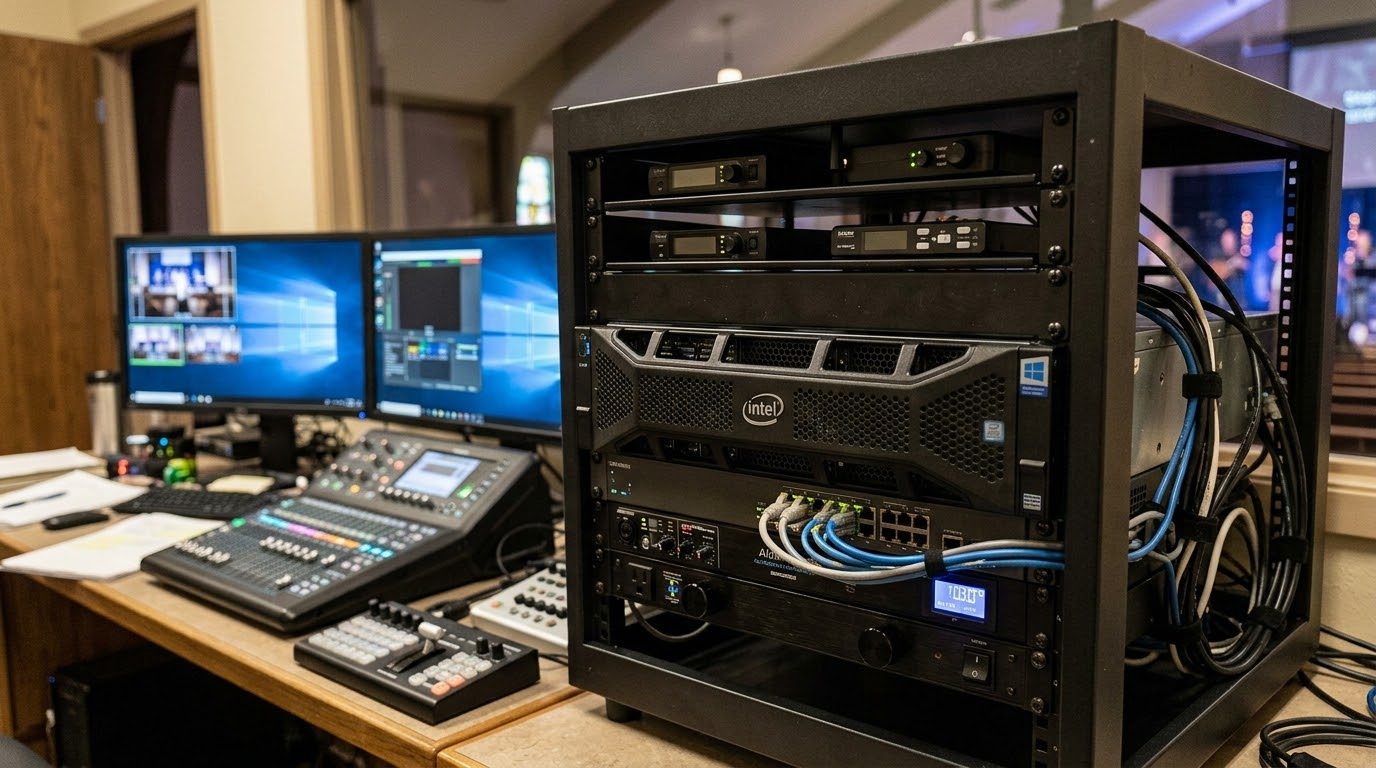
- The booth: rack, matched monitors, labeled cables and a printed binder
We connect to
- Your sound board: audio comes in by USB, Dante or SDI
- ProPresenter: lyrics and graphics come in over NDI or HDMI
- Your projectors and TVs: Better and Best send video to them
We don't install
- Sound systems, speakers or microphones
- Projectors and screens
- Stage or house lighting
Your sound, projection or lighting contractor handles those, and our system connects to their work.
WorshipMetrics Livestream Systems
Church camera systems, sized to your room.
Three starting points, built on vMix or OBS, monitored by WorshipMetrics and covered by a 3-year warranty. We fit the cameras and the system to your sanctuary, your screens and your team.
Good
Essentials
Churches of roughly 100-400 seats, 2-4 cameras, one volunteer running the stream.
- Cameras
- Up to 4
- Suggested cameras
- 3 NDI PTZ cameras (1080p), a PoE switch and a joystick
- Production software
- OBS (vMix optional)
- Booth
- Room for 1 more volunteer: a tablet for cameras
Quoted for your room
Reference price, system only
Specs and parts list →Better
For production teamsStudio
Churches of roughly 500-2,000 seats with a production team, IMAG screens and multiple camera angles.
- Cameras
- Up to 8
- Suggested cameras
- 4 PTZ cameras (4K, 25x zoom), a PoE switch and a joystick
- Production software
- vMix + OBS
- Booth
- 2 to 3 small stations: cameras, slides and a stream monitor
Quoted for your room
Reference price, system only
Specs and parts list →Best
Broadcast
Large and multi-campus churches, broadcast-minded teams, 4K production.
- Cameras
- 12+
- Suggested cameras
- 6 PTZ cameras (4K, 25x to 31x zoom), a PoE switch and a joystick
- Production software
- vMix Pro + OBS
- Booth
- 3 or more small stations for a full production team
Quoted for your room
Reference price, system only
Specs and parts list →Included with every system
- A system designed for your room, built and tested before it arrives
- A dedicated project manager from start to finish
- Remote setup, then a walkthrough and handoff to your on-site contact
- 1 year of WorshipMetrics Max (a $1,188 value)
- Monitoring by WorshipMetrics and a 3-year warranty
Quoted separately
On the same quote, so you only pay for what your team needs.
- PTZ cameras and booth extras
- On-site installation at your church
- On-site training for your team
Already have cameras you like? Keep them. Our systems work with any camera that has HDMI, SDI or NDI output. The Livestream Systems page has the full specs, a side-by-side comparison and every parts list.
Reference prices are for planning only and may change. Final pricing is provided in your quote. Product names and specifications may be updated as hardware changes.
For production teams and volunteers
Built for a team, not one person in the booth.
Once a church has several cameras, screens in the room and a volunteer rotation, the system has to be teachable. We design for that from the start.
-
Room for more than one operator
Better and Best leave space for small stations beside the main computer: cameras on a tablet, slides on a laptop, a stream monitor. Two or three people can serve at once.
-
Presets your camera operator can trust
A joystick with pan, tilt, zoom and presets in the booth, and Camera Control (beta) to run the PTZ cameras from any browser.
-
One window for the whole booth
Tech Manager puts the switcher, cameras, audio and stream health in one calm window, so more people can serve with confidence.
-
Documented, so it doesn't live in one head
Labeled cables, a booth binder with the wiring diagram and the Sunday checklist, and every device and cable run recorded in the Signal Map.
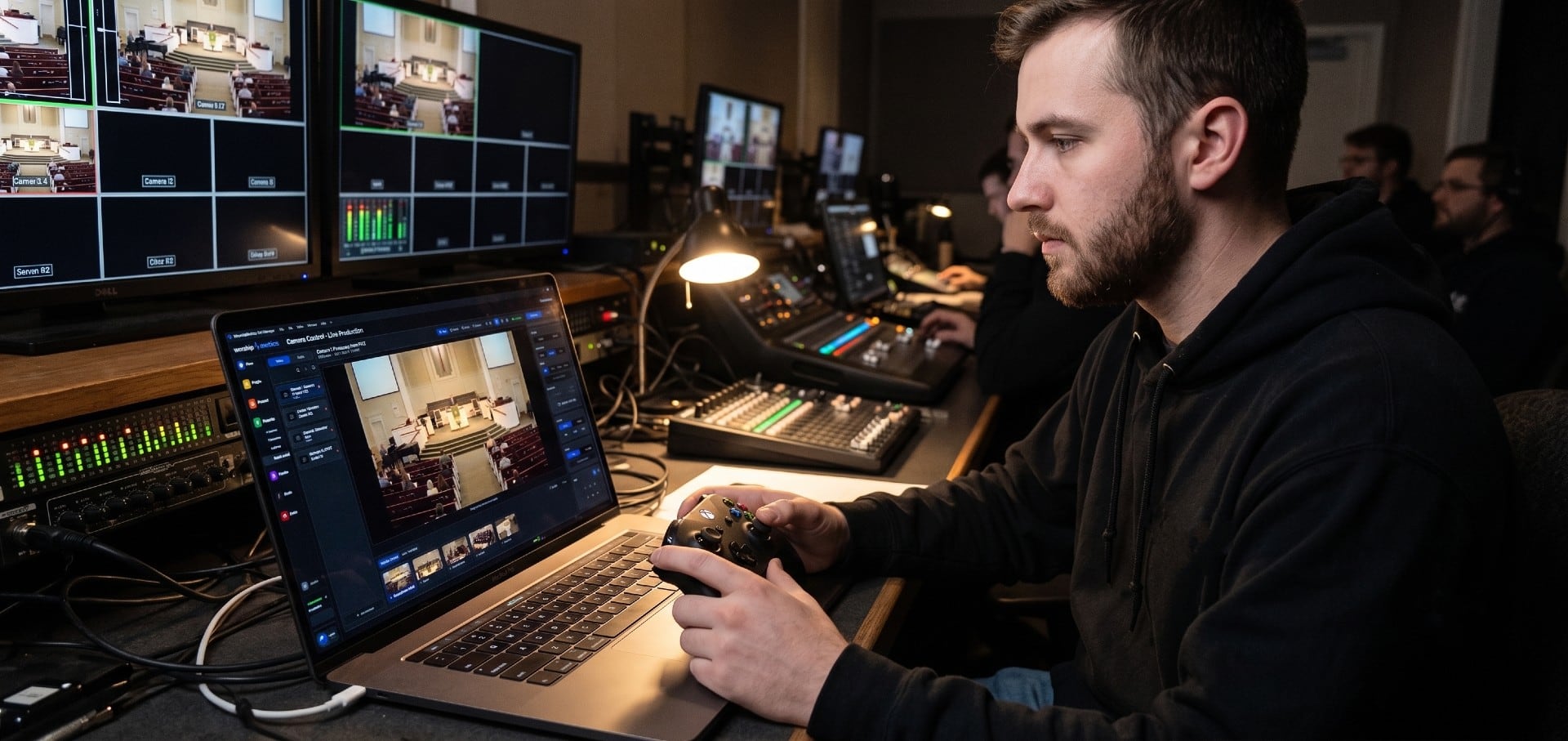
Training on site, for everyone who uses it
In your own booth, on your own gear. Each group learns the part of the system it will actually use.
Volunteers
Running the booth on Sunday: start-up, cameras, slides, the stream, and what to do if something stops.
Band members
Their side of the service: the songs and setlist in the plan, and the stage display with lyrics and chords.
Leadership staff
Service plans, and the in-person and online attendance after each Sunday, without having to ask the booth.
Operations
Volunteer scheduling, the people directory, the system documentation, and the alerts that tell the team when something needs attention.
After the install, WorshipMetrics watches the computer, the cameras and the stream, and alerts your team the moment something drifts, often before anyone in the room notices. How monitoring works
How it connects
What's in a church video system.
Every system is wired the same way. Cameras, slides and audio come in on the left, the computer does the work in the middle, and the stream and your screens go out on the right. What changes from Good to Best is how many cameras and screens it handles.
- Video (SDI / HDMI / DisplayPort)
- Network (Ethernet / NDI / Dante)
- Audio
- USB / control
- Internet
- Power
What plugs in
-
SDI / HDMI cameras
Wired cameras; SDI runs long distances without trouble
Plugs into the capture card by SDI or HDMI
-
ProPresenter computer
Lyrics, slides, scripture, sermon notes
Into the capture card by HDMI, or over the network by NDI
-
Network PTZ cameras
NDI|HX PTZ: video, audio, control and power on one cable
Plugs into the PoE network switch
-
Camera joystick
Pan, tilt, zoom and presets for the camera operator
Plugs into the PoE network switch
-
PoE network switch
Powers the cameras and carries their video and control signals
Connects to the network card by Ethernet
-
Sound board (audio console)
Your mix for the stream and recording
By USB, Dante over the network, or inside the SDI signal
-
Stream Deck Option
One-button scenes for volunteers
Plugs into a USB port
-
UPS battery backup Option
Keeps everything running through a power blip
Powers the whole system
Inside the computer
-
Capture card (Magewell)
Turns camera and slide signals into video: 4 · 8 SDI · 12+ with 4K
-
USB ports
Audio from the sound board, Stream Deck buttons
-
Network card
NDI cameras, Dante audio, internet. Dual 10GbE on Broadcast
-
Processor + memory (CPU, RAM)
Core Ultra 5 / 7 or Xeon W, 32-64GB; error-correcting memory on Broadcast
-
Production software: vMix or OBS
Switching, graphics, lyrics, recording
-
WorshipMetrics Tech Manager
Watches temperatures, dropped frames and stream status
-
Graphics card (NVIDIA RTX)
Encodes the stream and drives the monitors and screens in the room
-
Recording drives
System drive plus 2-4TB for every service
-
Remote management Best · option
Lets our team restart or repair it without a site visit
Where it goes
-
Livestream
YouTube, Facebook and your website at once
Sent out over the internet
-
Lobby TVs + overflow rooms Option
Over the network through Magewell NDI converters
Sent over the network by NDI
-
WorshipMetrics cloud
Health alerts on your phone, Browser Camera Control (beta)
Tech Manager reports over the internet
-
Operator monitors
Multiview of every camera plus the controls
From the graphics card by HDMI or DisplayPort
-
Projector / IMAG screens
The live picture on the screens in the sanctuary
From the graphics card by HDMI or DisplayPort
-
Confidence monitor Better & Best
Lyrics and notes for the people on stage
From the graphics card by HDMI or DisplayPort
-
Service recordings
A full-quality copy to archive or edit later
Saved on the recording drives
-
WorshipMetrics support team Best
Remote recovery when something freezes
Connects over the internet
Badges show parts that come with a specific tier or are optional add-ons. Why we suggest NDI PTZ cameras: one cable for video, control and power.
How a local install works
From the first call to Sunday morning.
- 1
Tell us about your church
Use the form below: your room, your services, your team, your budget and the gear you already have. Questions first? Call 910-WORSHIP.
- 2
Design and quote
We match a system and cameras to your room, reuse what already works, and quote only what's missing, with on-site installation and training on the same quote. A quote costs nothing.
- 3
Build and test
We build the system, install and tune the software, and burn it in under a real multi-camera load before it comes to your church.
- 4
Install at your church
Your project manager plans the timeline with you. We mount the cameras, run and label the cables, rack the system and configure everything in Tech Manager.
- 5
Train your team
Training in your own booth, on your own gear. Your on-site contact gets a walkthrough of the finished system, its documentation and the Sunday checklist.
- 6
Stay with you
Every system is monitored and covered by a 3-year warranty. Remote access lets us fix many problems without a visit, and on-site technical support is available too.
Rooted in West Chester
It started at a church in West Chester.
Our co-founder Paul Richards spent twelve years at PTZOptics helping churches get their services on camera and online, and wrote Helping Your Church Live Stream. He worships at First Presbyterian Church in West Chester, where the conversations about an AV club for the church's kids became WorshipMetrics. First Presbyterian's senior pastor, Rev. Andrew Esqueda, is part of the founding team too.
Read our story →Questions local churches ask
How much does a church camera system cost?
Every system is quoted for your room: the production computer, capture, software and monitoring, plus PTZ cameras, on-site installation and training on the same quote. Your final price depends on your room, how many cameras you need and what you already own. A quote costs nothing.
How many cameras does our church need?
It depends on the room, but our reference systems give a starting point. For roughly 100-400 seats, Good suggests 3 NDI PTZ cameras (1080p). For 500-2,000 seats with a production team and IMAG screens, Better suggests 4 PTZ cameras with 4K and 25x zoom. Large and multi-campus churches start from Best, with 6 PTZ cameras, 4K and 25x to 31x zoom. Each suggested set includes a PoE switch and a joystick. We fit the count to your sightlines and your team.
Do you install church sound systems, projectors or lighting?
No. We install cameras and livestream systems, and they connect to the sound and screens you already have: audio comes in from your console by USB, Dante or SDI, and Better and Best systems feed your projectors, IMAG screens, lobby TVs and overflow rooms.
Which areas do you serve on site?
Churches within about 50 miles of West Chester: Chester, Delaware, Montgomery, Bucks, Lancaster and Berks counties and Philadelphia in Pennsylvania, New Castle County in Delaware, and Cecil County in Maryland. Farther out? Ask. We're willing to travel for the right projects, and remote setup is included with every system wherever you are.
Is on-site installation included in the reference price?
No. Reference prices are for the system itself, and remote setup is included. On-site installation and training are quoted separately, so you only pay for what your team needs.
Can you use the cameras we already have?
Yes. Our systems work with any camera that has HDMI, SDI or NDI output. If you'd like new PTZ cameras, we'll suggest models that fit your room and budget, look for NDI|HX3 support so one network cable carries video, control and power, and quote them with your system.
Can volunteers run it?
That's what it's designed for: presets on the cameras, one window in Tech Manager, labeled cables, a Sunday checklist in the booth, and training on site for the people who'll run it. WorshipMetrics watches the system and alerts your team if something drifts.
Will it work with ProPresenter and our sound board?
Yes. Lyrics and graphics come in over NDI or capture, and audio comes from your console by USB, Dante or SDI.
What's included with the WorshipMetrics software?
Every Livestream System includes 1 year of WorshipMetrics Max, a $1,188 value: livestreaming to every destination and recording, plus monitoring, Tech Manager, and the rest of the platform. After that year, every module stays free forever, and you can keep Max for hosted streaming if you want it.
Who will we work with?
A dedicated project manager, assigned to your church for the whole project. We also ask you to name one on-site contact, who works with them and takes the system handoff.
What if something breaks?
Every system is monitored by WorshipMetrics and covered by a 3-year warranty, and Better and Best get advance replacement. Remote access lets us fix many problems without a visit, and on-site technical support is available.
Request a quote
Tell us where your church is, how many cameras you're thinking about and what you already have. We'll reply within 1–2 business days. Prefer to talk now? Call 910-WORSHIP. Just want the software? Get started free, no form needed.
Thank you. We got it.
We've emailed you the next steps, and we'll be in touch within 1–2 business days about your quote. If Sunday's coming fast, call 910-WORSHIP.
Reference prices are for planning only and may change. Final pricing is provided in your quote. Product names and specifications may be updated as hardware changes.