Most churches already have a sermon archive. It might be a YouTube channel, a Facebook video tab, a page of embedded videos on the website, or a hard drive in the booth. Every message is in there somewhere.
A content library is something more useful. It’s one organized home for everything your church preaches, built around your church instead of around a platform: every message, every sermon series, a podcast, and the short clips that bring new people in. And it gives everyone who watches a next step.
This guide is the hub for our series on church content libraries. It covers what goes in one, the jobs it does, where it should live, and a weekly rhythm a small team can keep.
The short answer: use social media and YouTube to get attention, and give your sermons a home of your own where people can binge a series, read the scripture, give, ask for prayer and plan a visit. Connect the two with clips that always lead back to the full message.
What goes in a church content library
| Piece | What it does | Where most churches start |
|---|---|---|
| Messages | Every sermon, findable by title, speaker, date and scripture | Last Sunday’s service, with a clean title |
| Series | Groups messages so newcomers can start at Part 1 | Your current series, with its artwork |
| Clips (Highlights) | Short moments that hook new viewers and link to the full message | Two or three clips a week |
| Podcast | Puts your messages in Apple Podcasts, Spotify and YouTube | Audio of every published message |
| Watch page | The one link where people watch, live on Sunday and on demand all week | Your church’s own page, linked from your website |
| Next steps | Giving, prayer requests, “I’m new here”, sermon notes | A Give button and a prayer request form |
| Analytics | Shows which messages people come back to | A monthly look at plays and watch time |
You don’t need all seven on day one. Start with messages and series, then add the rest as your team grows.
Why it matters now
Short clips are how most people will find your church for the first time. A minute of your pastor in someone’s feed reaches people who would never search for your church by name. We’ve written a whole series on that, starting with From Livestream to Front Door.
But a feed is built to move people along to the next video. If your sermons only live on social platforms, every curious viewer is one swipe away from someone else’s content. A content library is where attention turns into something deeper: a full message, a whole series, and eventually a visit.
The six jobs of a content library
1. Keep every message findable
A folder full of videos isn’t a library. Consistent titles, speakers, series names, dates and scripture references are what make an archive searchable. If someone remembers “that sermon on Romans 8 last spring”, they should find it in seconds. See Building a Searchable Sermon Archive and Video Library for the metadata that matters.
2. Organize messages into series
People already know how to watch a series: big artwork, every episode in order, and a button to start from the beginning. Your sermon series deserve the same treatment, so a newcomer can start at Part 1 and keep going. See How to Organize Sermon Series Online So People Watch the Next Part.
3. Turn clips into a path back
A clip that ends with nowhere to go is a missed invitation. Every clip should point to the full message it came from, both on social media and on your own page. See Sermon Clips That Lead Back to the Full Message and What Happens After Someone Watches Your Church’s Clip?
4. Reach people where they listen
Plenty of people will never watch an hour of video, but they’ll listen to a sermon on the drive to work. A podcast feed puts your messages in Apple Podcasts, Spotify and YouTube, and new messages arrive on their own. See How to Turn Your Sermons Into a Podcast.
5. Make room for a response
This is what a social platform can’t do for you. On your own page, a message can sit next to the scripture, your sermon notes, a Give button, an “I’m new here” link and a private way to ask for prayer. See Online Prayer Requests: The Workflow That Shows Whether Your Online Ministry Is Real and From Anonymous to Known.
6. Learn what’s connecting
When every message lives in one place, you can see which ones people come back to, which series hold attention, and whether online viewing is growing alongside your in-person attendance. See Which Sermons Do People Come Back To? and Which Sermons Resonate? What Clip Metrics Tell Pastors.
Where your library should live
The best answer is usually both: keep posting to YouTube and Facebook so new people can find you, and keep your library on a page your church owns, where the people who already chose you can watch without the distractions. Should Your Sermons Live on YouTube or Your Own Watch Page? walks through the tradeoffs, and YouTube, Facebook, or a Private Community? covers what each platform is good at.
Your own page should be easy to reach from everywhere: one link in your social bios, on your website, in the bulletin and on a QR code at the end of the service. If your website is where members look first, see How Do We Put Past Services and Sermons on Our Church Website?
And remember the people who can’t get to church at all. A library that works on a TV and a tablet serves homebound members as well as newcomers. See Helping Homebound Members Watch Church on a TV or iPad.
A weekly rhythm a small team can keep
| When | What happens |
|---|---|
| Sunday | The service streams live. Afterward, the recording lands in the library as this week’s message. |
| Sunday afternoon or Monday | A volunteer checks the title, speaker, series and scripture, and trims the pre-service loop. |
| Monday | Two or three clips get made from the message, each linking back to it. |
| Tuesday to Saturday | Clips go out on social media. The podcast picks up the new message on its own. |
| Once a month | Leadership looks at which messages and series people came back to. See The Monthly Media Insights Review. |
The key is that each step is small. Nobody has to edit video for hours, and nothing depends on one person remembering to upload a file.
How WorshipMetrics does it
WorshipMetrics keeps all of this in one place, the Content Library, shown on your church’s own watch page:
- Free: your watch page plays the YouTube or Facebook stream you start through WorshipMetrics, with Give, prayer request and “I’m new here” buttons.
- Pro: every message on its own page, sermon series with their own pages, a podcast feed for Apple Podcasts, Spotify and YouTube, Highlights from Reels, and analytics for every message.
- Max: hosted live streaming in your own player, with live chat, and every service recorded into your library automatically.
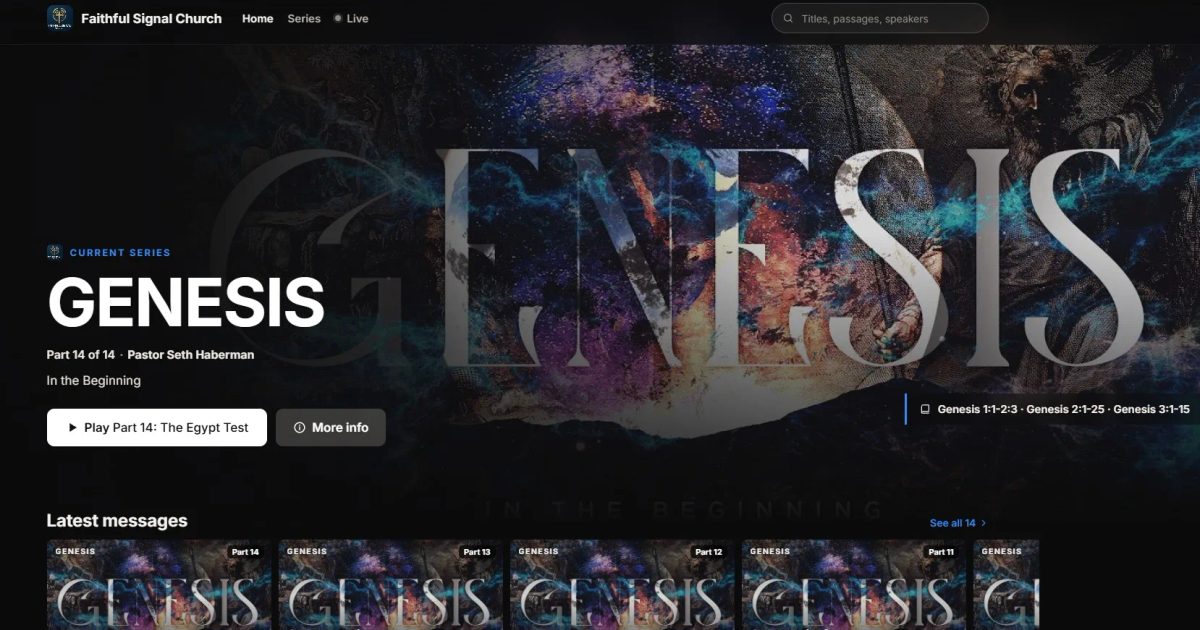
See it on our demo church, Faithful Signal Church: open it on your phone, swipe through the Highlights, and start the Genesis series from Part 1.
Keep going
This guide is the hub for our church content library series. Next:
- Should Your Sermons Live on YouTube or Your Own Watch Page?: what each does well, and how to use both.
- How to Organize Sermon Series Online So People Watch the Next Part: artwork, order, addresses and promotion.
- Sermon Clips That Lead Back to the Full Message: making every clip a doorway, not a dead end.
- How to Turn Your Sermons Into a Podcast: Apple Podcasts, Spotify and YouTube, step by step.
- Which Sermons Do People Come Back To?: reading the numbers from your sermon library.
- Helping Homebound Members Watch Church on a TV or iPad: one-tap watching for the people who need it most.
Ready to start? Create your church’s free WorshipMetrics account, or read more about the Content Library.
Related questions
- What is a church content library?
- A church content library is one organized home for everything your church preaches: every message with its speaker, date and scripture, your sermon series, a podcast feed, and the short clips cut from each service. Unlike a folder of videos or a YouTube channel, it's built around your church, and it gives viewers a next step such as giving, a prayer request or planning a visit.
- Isn't YouTube enough for our sermons?
- YouTube is great for being found, so keep posting there. But it's built to keep viewers on YouTube, with ads, suggested videos and autoplay into other channels. A content library on your own page is where people who already chose your church can watch without those distractions and take a next step.
- What should be in a church content library?
- At minimum: every full message with consistent titles, speakers, dates and scripture; your sermon series in order; and a clear way to watch the latest message. Most churches add short clips that link back to the full message, a podcast feed, and simple analytics to see which messages people come back to.
- How much work is it to keep up?
- Very little once it's set up. If your live stream is recorded, each service can land in the library on its own. A volunteer fills in the title, speaker, series and scripture, makes a few clips, and the podcast picks up new messages automatically.
SongShow Plus in 2026: Where It Stands Today & Alternatives
NextHow to Turn Your Sermons Into a Podcast on Apple Podcasts, Spotify and YouTube
Related Articles
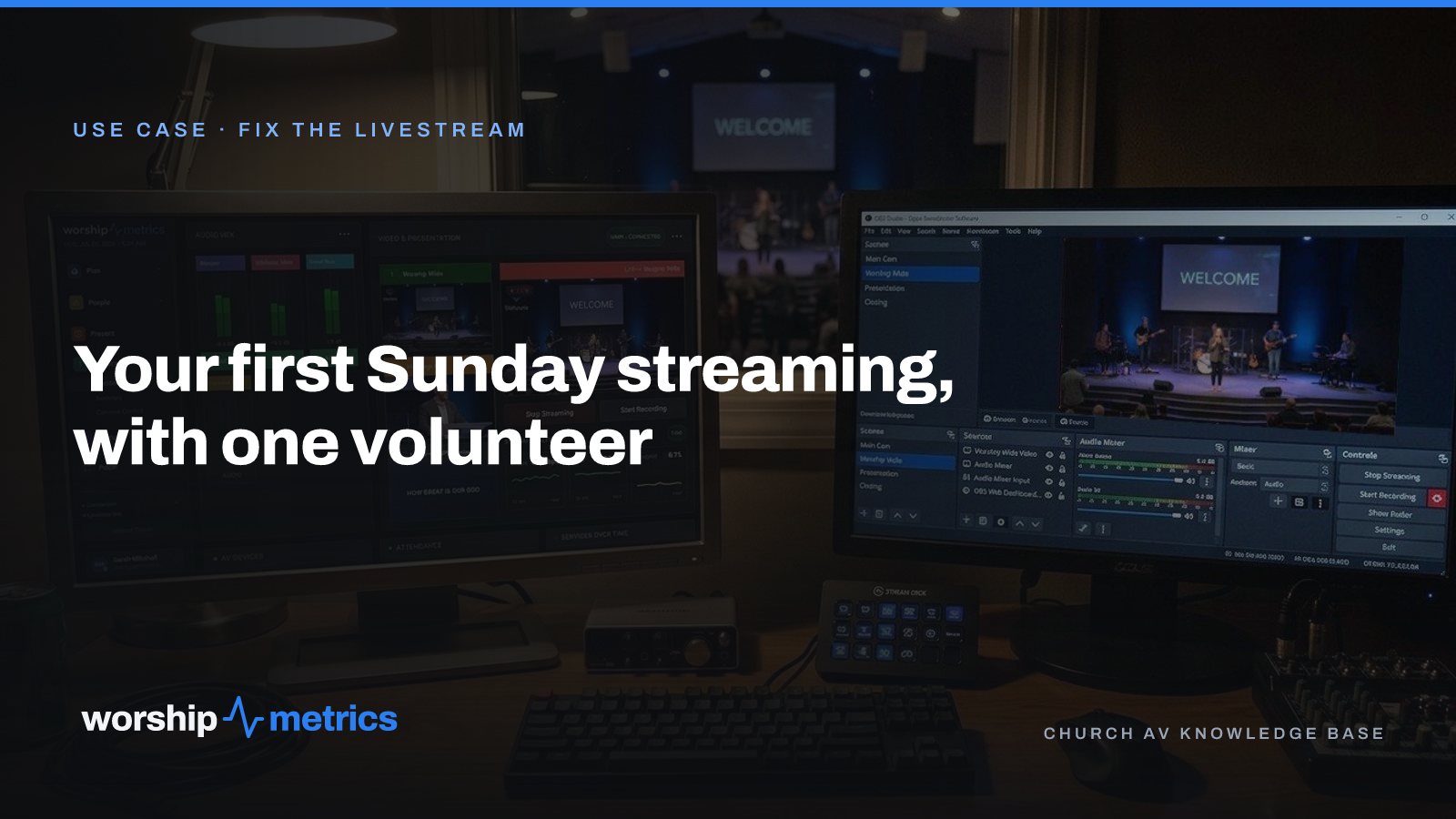
Your First Sunday Streaming: A Plan for a Church With One Volunteer
No media team, no budget line, one person who said yes. Here's the first-Sunday plan: what to set up during the week, what to check Sunday morning, and what the platform carries so the volunteer only has to click Go Live.
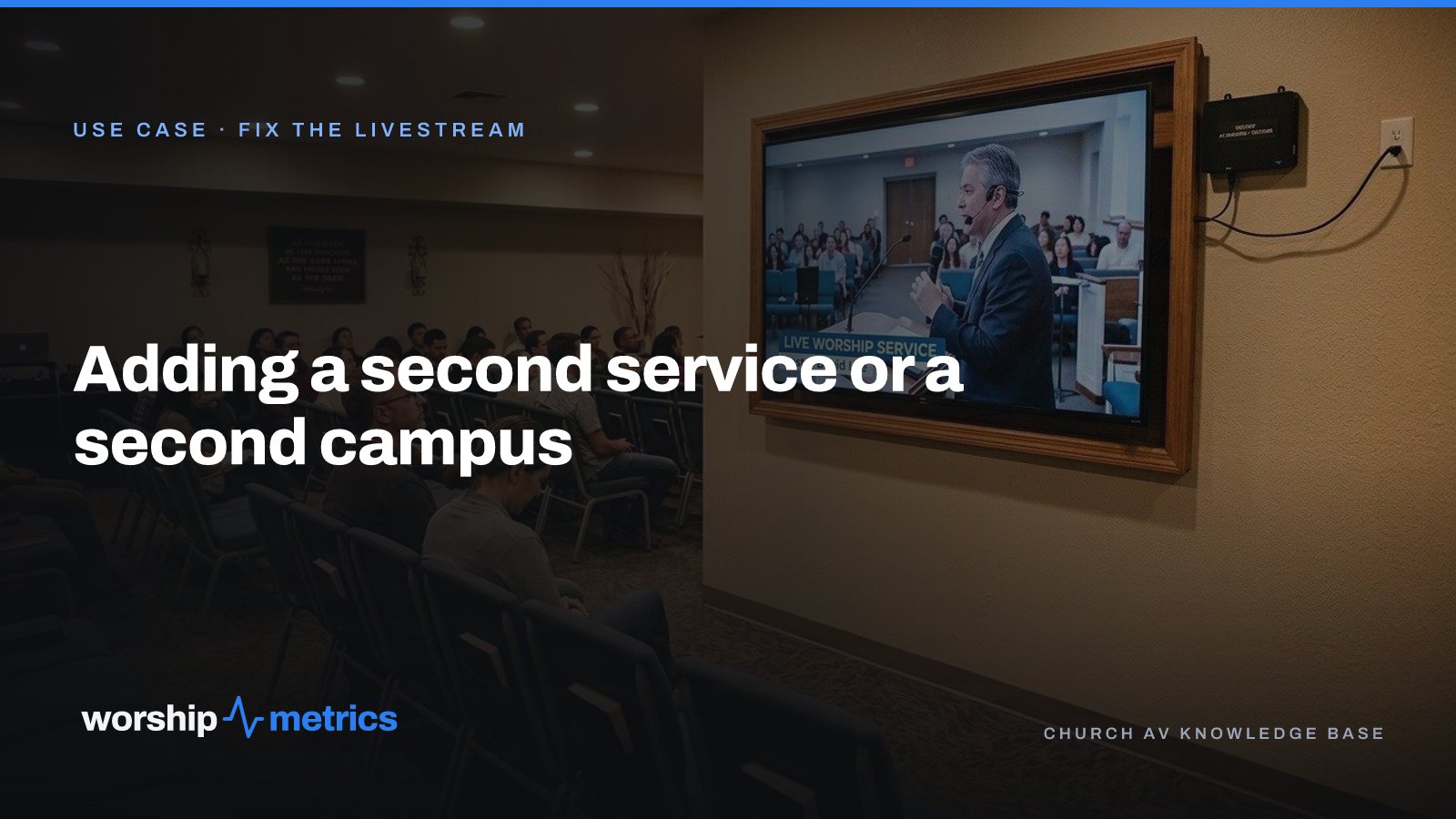
Adding a Second Service or a Second Campus to Your Church Livestream
The livestream was built for one service in one room. Now there's a 9:00 and an 11:00, or a second campus across town. Here's what actually changes, what carries forward, and what to set up once so the second Sunday isn't twice the work.
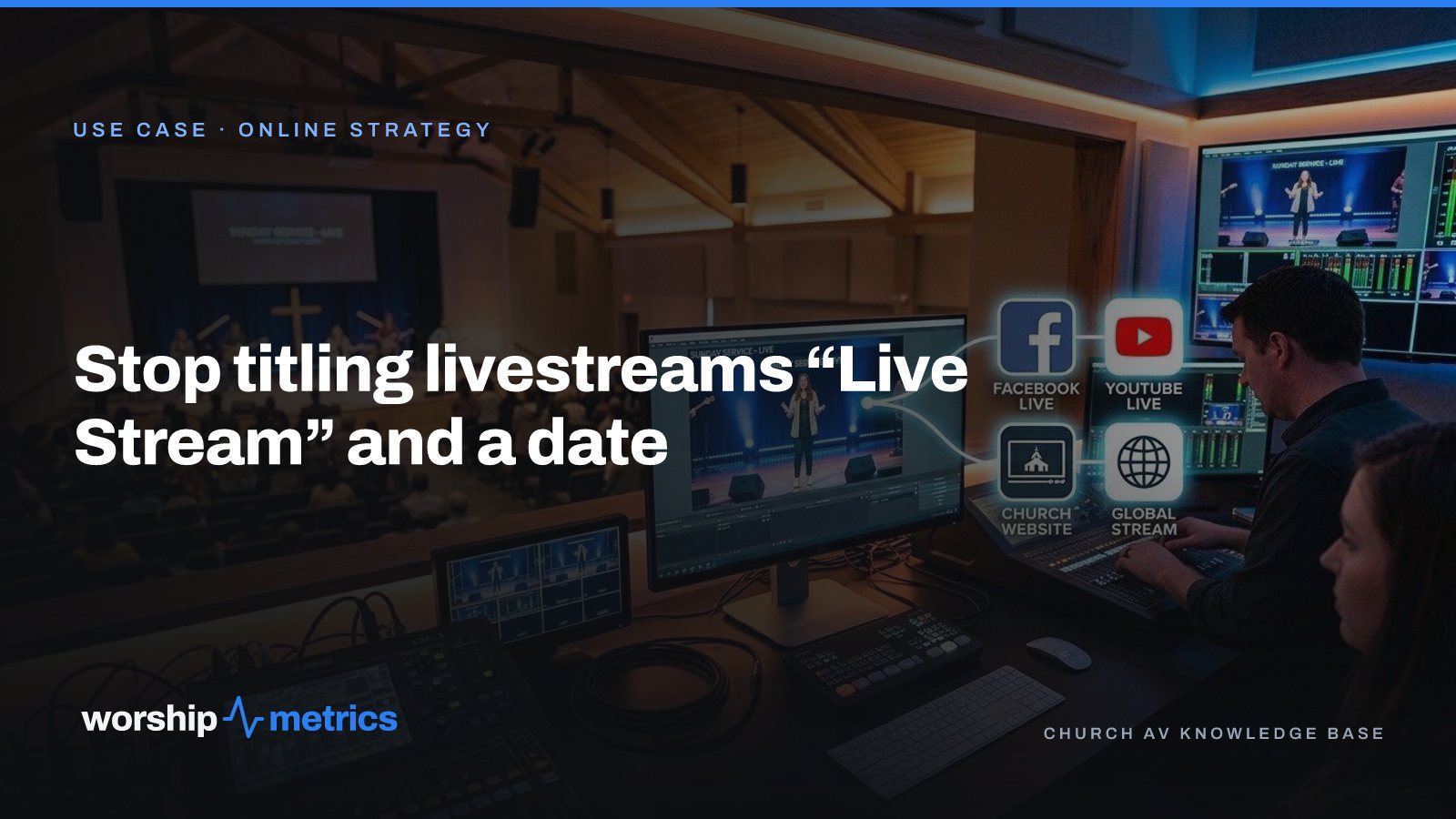
Stop Titling Church Livestreams 'Live Stream' and a Date: A Naming System That Makes Your Catalog Findable
Fifty videos called 'Live Stream, October 12' is a channel nobody can search, not even the church. Here's a naming system for church livestreams and messages, and where the AI fills in the title, description, and series for you.