Plenty of people in your community will never watch an hour-long sermon video. But many of them will listen to one: on the drive to work, at the gym, while cooking dinner. A podcast puts your messages in the apps they already open every day.
The good news is that you don’t need a studio or a separate recording. If you record your services, you already have a podcast. You just need to put it where listeners can find it.
The short answer: create a podcast feed from the sermons you already publish, give it square cover art and a short description, and submit it once each to Apple Podcasts, Spotify and YouTube. After that, every new message becomes an episode by itself.
How a podcast actually works
A podcast is a list of episodes published as an RSS feed: a web address that apps check for new episodes. You don’t upload your sermon to Apple or Spotify. You give them your feed’s address once, and they keep checking it. When a new message appears in the feed, it shows up in their apps.
That’s why it’s worth getting the feed right at the start. Change the feed address later, and you’ll have to tell every directory.
Audio or video?
| Format | Where it plays as intended | Good for |
|---|---|---|
| Audio | Every podcast app | Listeners who are driving, walking or working |
| Video | Apple Podcasts and YouTube; Spotify plays it as audio | Churches whose sermons lean on slides or visuals |
Audio is the safe default. If your pastor uses a lot of visuals, a video podcast can work well on Apple Podcasts and YouTube.
What you need before you submit
- Cover art. Square, between 1400 and 3000 pixels on a side. Your church name, readable at thumbnail size. Avoid tiny text and busy photos.
- A show title. Usually your church name plus “Sermons” or “Messages”, so people searching for your church find it.
- A description. A few sentences about your church and what listeners will hear, with your city if you want local listeners to find you.
- An author. Usually your church’s name.
- An owner name and owner email. Use a shared inbox someone checks. Directories send verification codes there, and listeners never see it.
- A category and language. Religion & Spirituality, then Christianity, is the usual choice.
- At least one episode. Directories won’t accept an empty feed.
Submit your podcast
You submit once to each directory. In short:
- Apple Podcasts: sign in to Apple Podcasts Connect, add a new show, choose to add it with an RSS feed, and paste your feed address. Apple reviews the show, usually within a few days, and emails the owner email.
- Spotify: in Spotify for Creators, add an existing podcast from an RSS feed, paste the address, and enter the code Spotify sends to the owner email.
- YouTube: in YouTube Studio, choose Create, then New podcast, then submit an RSS feed. Paste the address and verify with the code sent to the owner email.
Once each one is approved, you’re done. New episodes arrive on their own.
Which sermons go in the feed?
- Every published message is the simplest choice, and keeps the feed growing every week.
- Only certain series works if your library includes things that don’t suit a podcast, such as special events or announcements.
- Keep private messages out. A members’ meeting or a password-protected service shouldn’t become a public episode.
Give each episode a clear title, and put the speaker, series and scripture in the description so listeners can find what they’re looking for.
Measuring your podcast
Each directory counts its own listeners: Apple Podcasts Connect, Spotify for Creators and YouTube Studio all have dashboards for the shows you own. Check them monthly, alongside your other numbers. See The Monthly Media Insights Review for Church Leadership.
How WorshipMetrics does it
In WorshipMetrics, your podcast is built from your Content Library, under Publish > Library > Podcast. You add the cover art (upload your own, or make one with AI), the show details and the owner email, then choose audio or video and whether the feed carries every published message or only the series you pick. A check on the page says Ready to submit when nothing is missing, and the page walks you through submitting to Apple Podcasts, Spotify and YouTube. After that, each new message you publish becomes an episode by itself.
The podcast comes with Pro and Max, because it’s built from the messages you publish to your Content Library. WorshipMetrics doesn’t count podcast listens; each podcast app counts its own.
Keep going
This article is part of our church content library series. Related reading:
Related questions
- How do I start a sermon podcast for my church?
- Start from the sermons you already record. You need a podcast feed (an RSS feed) that lists your messages as episodes, square cover art, a title, a description and an owner email. Submit the feed once each to Apple Podcasts, Spotify and YouTube. After that, every new message you add to the feed appears in those apps on its own.
- Should a church podcast be audio or video?
- Audio works in every podcast app and is the safe default. A video podcast plays as video on Apple Podcasts and YouTube, while Spotify plays it as audio. If most of your listeners are driving or exercising, audio is all they need.
- What size should podcast cover art be?
- Square, between 1400 and 3000 pixels on a side, which is Apple's requirement and works everywhere else too. Keep the church name large enough to read at thumbnail size.
- How long does it take to get a podcast approved?
- Apple reviews new shows, usually within a few days, and emails the owner email when it's done. Spotify and YouTube verify you with a code sent to the owner email, then list the show.
- Do we have to resubmit every week?
- No. You submit the feed once to each directory. When a new episode is added to the feed, Apple Podcasts, Spotify and YouTube pick it up on their own.
The Church Content Library: How Sermons, Series, Podcasts and Clips Work Together
NextShould Your Sermons Live on YouTube or Your Own Watch Page?
Related Articles
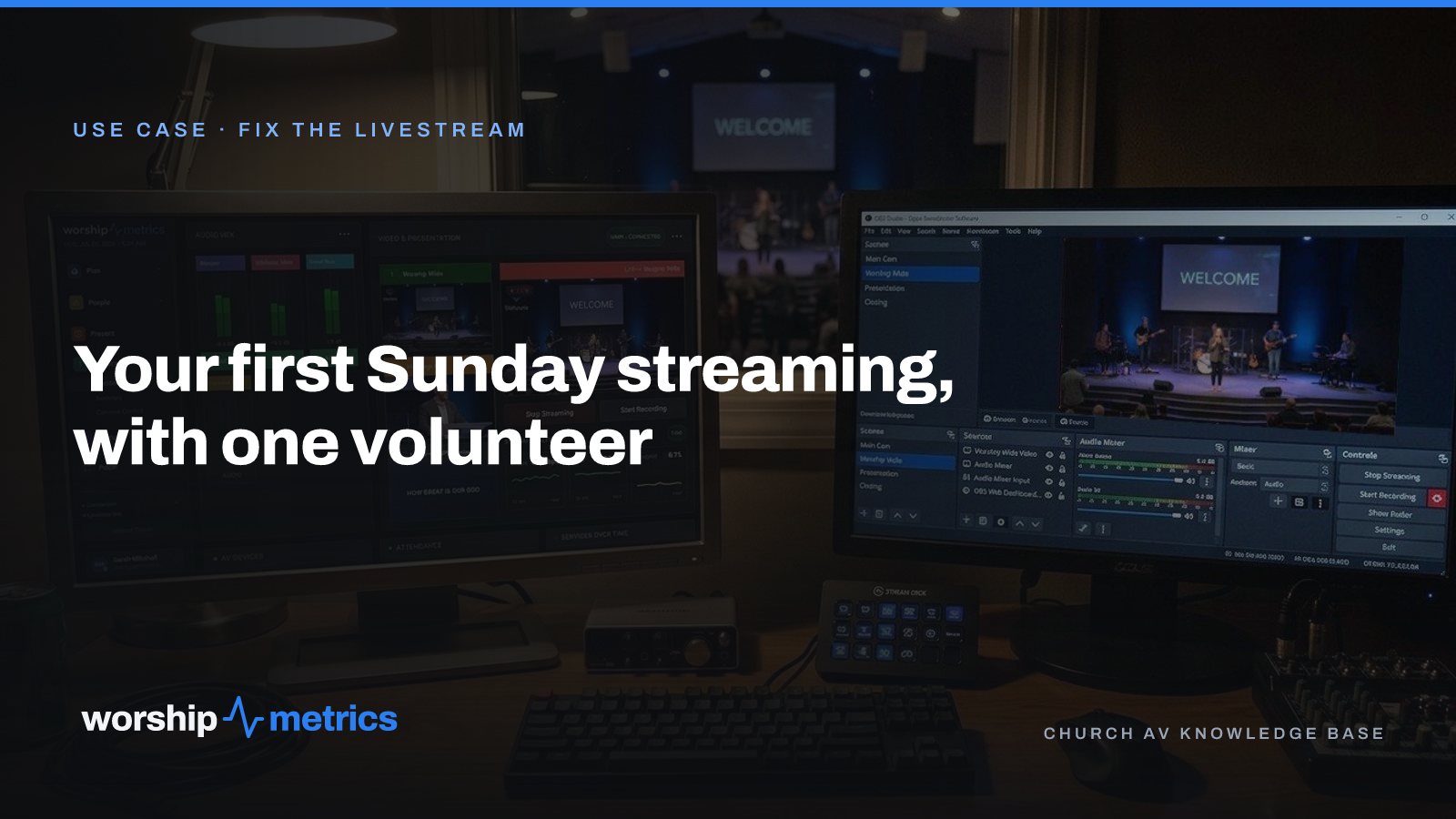
Your First Sunday Streaming: A Plan for a Church With One Volunteer
No media team, no budget line, one person who said yes. Here's the first-Sunday plan: what to set up during the week, what to check Sunday morning, and what the platform carries so the volunteer only has to click Go Live.
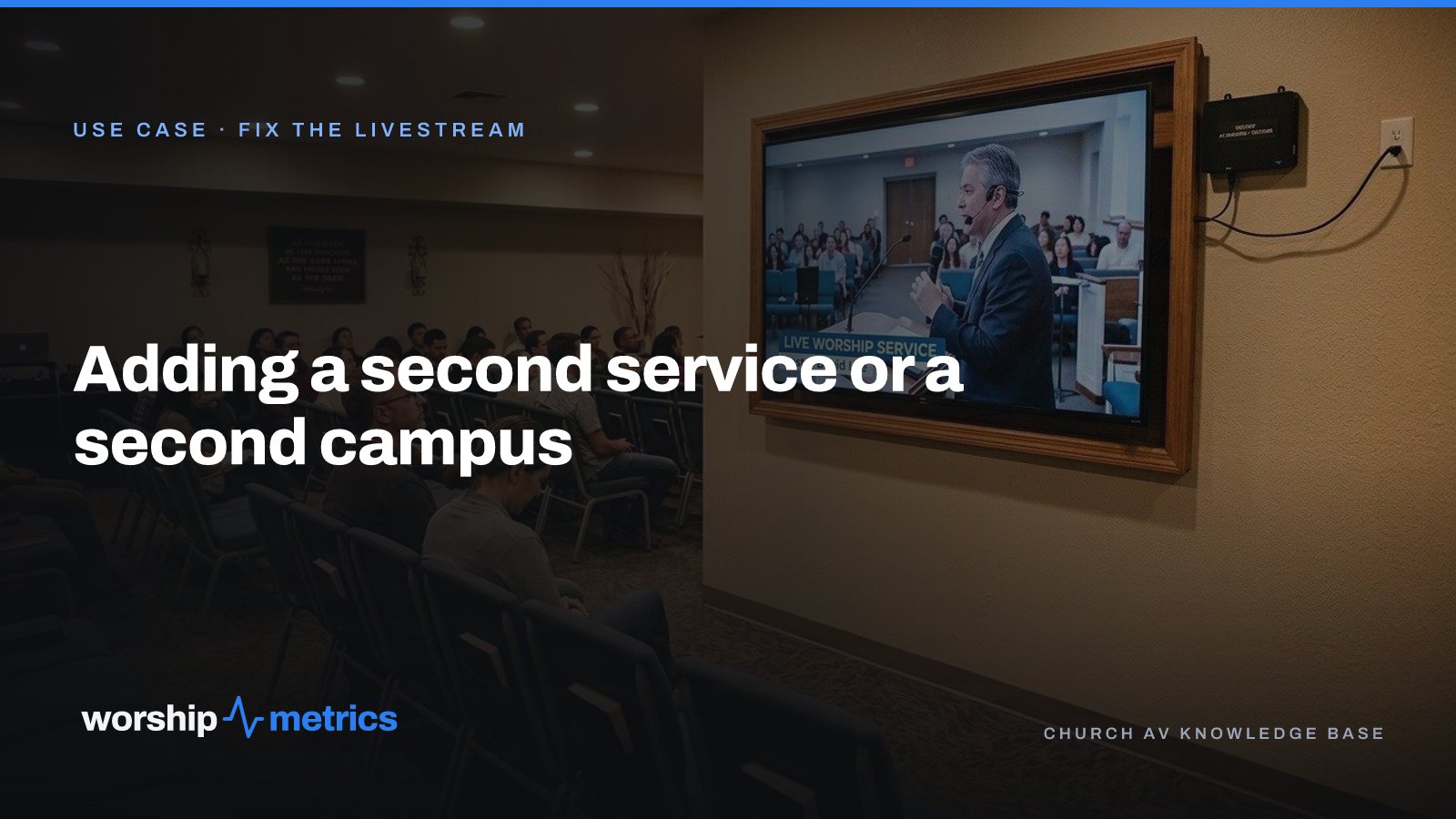
Adding a Second Service or a Second Campus to Your Church Livestream
The livestream was built for one service in one room. Now there's a 9:00 and an 11:00, or a second campus across town. Here's what actually changes, what carries forward, and what to set up once so the second Sunday isn't twice the work.
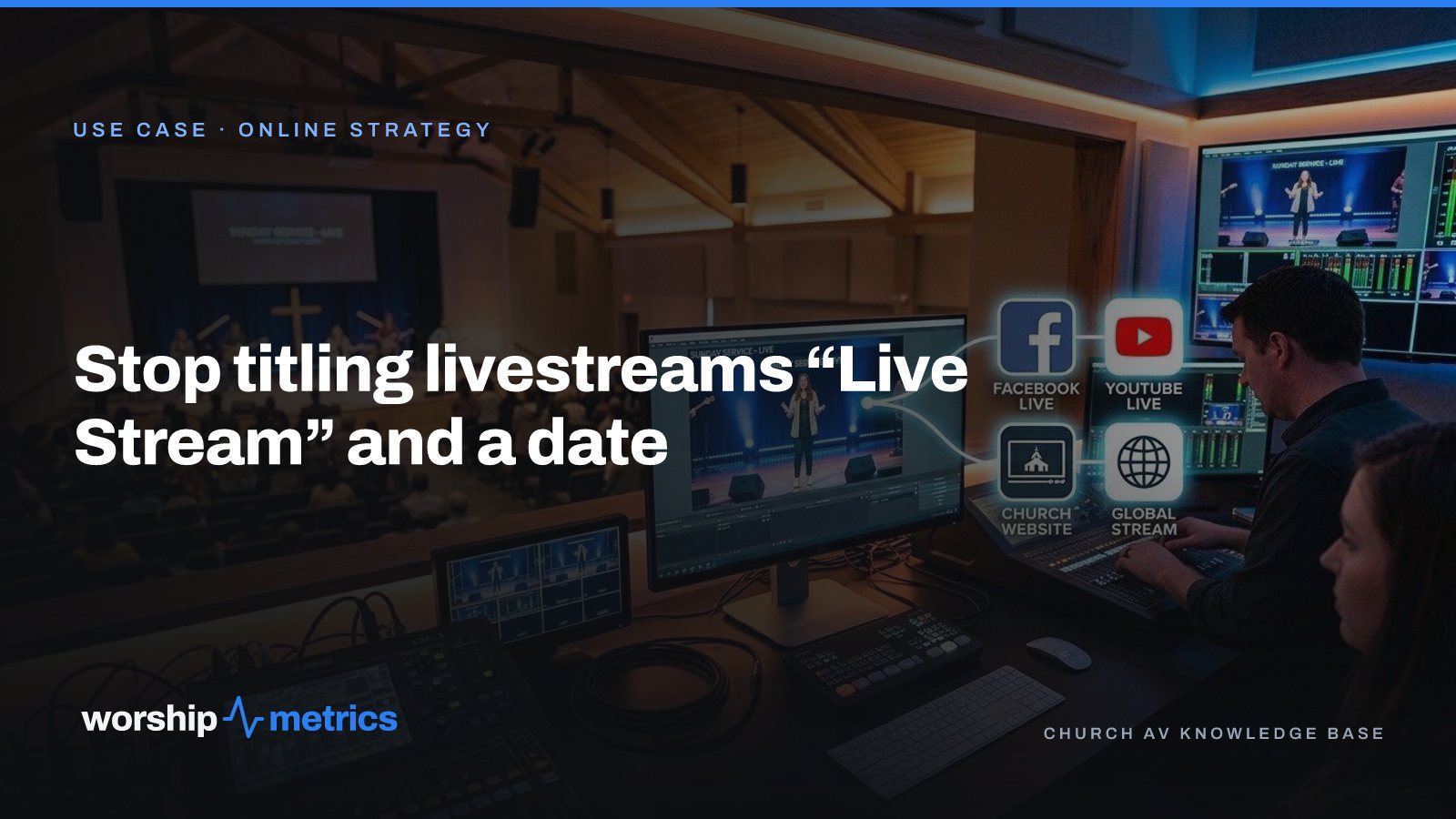
Stop Titling Church Livestreams 'Live Stream' and a Date: A Naming System That Makes Your Catalog Findable
Fifty videos called 'Live Stream, October 12' is a channel nobody can search, not even the church. Here's a naming system for church livestreams and messages, and where the AI fills in the title, description, and series for you.