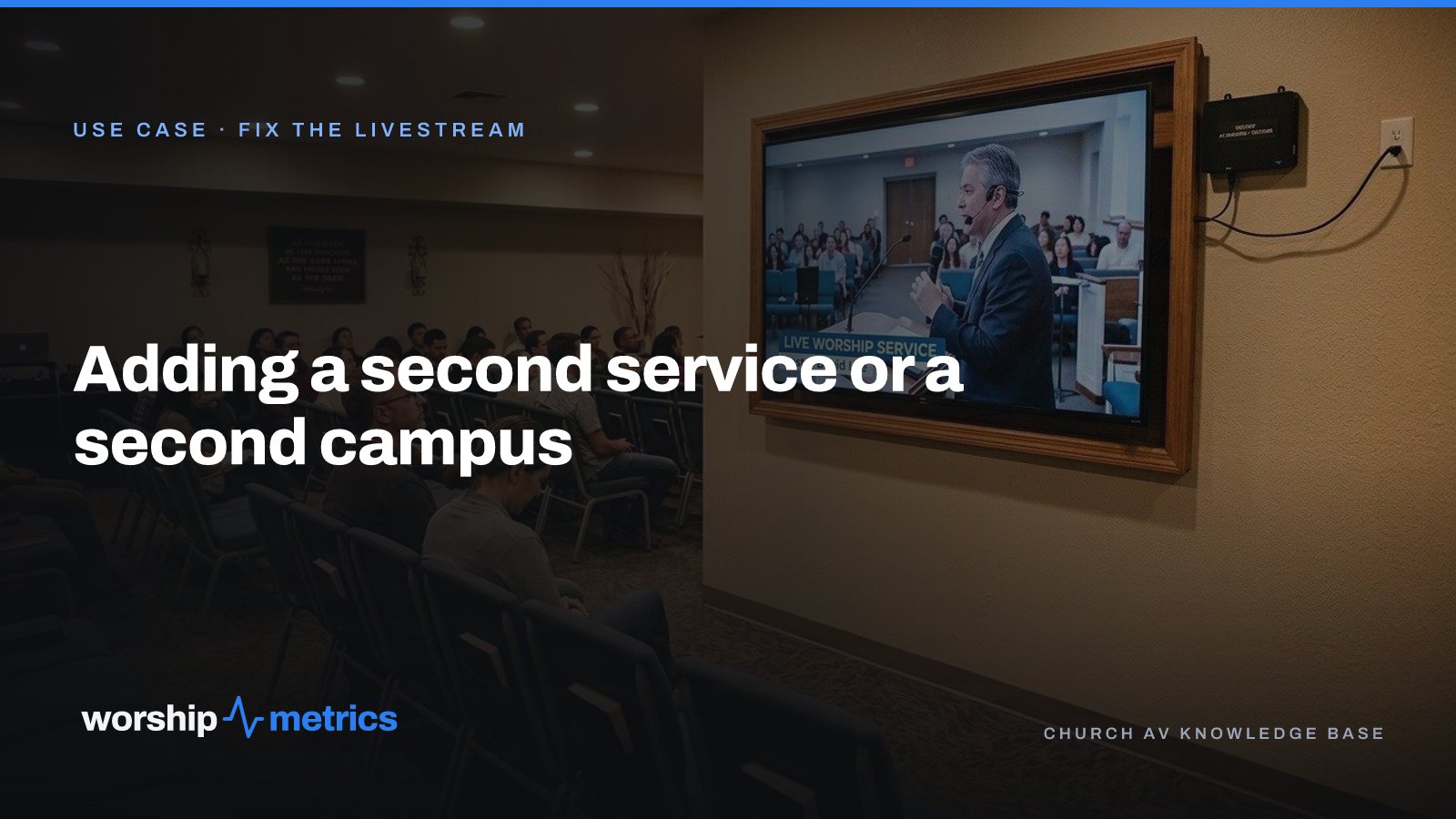
The first livestream was built for one service in one room, and it works. Then the church grows into a 9:00 and an 11:00, or a youth service on Wednesday, or a second campus across town, and the question is whether the whole thing has to be built again.
It doesn’t. Most of what you built carries forward. Here’s what actually changes.
A second service: the schedule and the plan
The broadcast. The second service is a second entry on the recurring schedule: Sunday 9:00 and Sunday 11:00, each creating its own broadcast on YouTube and Facebook with its own title and time. Nothing about the booth changes between them; the second stream starts the way the first one did.
The plan. Copy the 9:00 plan to the 11:00 with its items, slides, cues, and positions carried forward, then change what’s different. The same songs in the same keys, the same sermon slides, and the same playlist mean the slides volunteer at 11:00 opens what the 9:00 volunteer closed. Repeating plans know that “monthly” means the second Sunday, not the 14th.
The team. Positions exist per service, so the 11:00 has its own camera, slides, audio, and stream slots, filled from the same list of people. A volunteer who serves at 9:00 and worships at 11:00 shows both on My Schedule.
The count. Each service is counted on its own, and the recap shows each one’s in-person number and, on Max, its online peak, so leadership can see which service reaches the most people in the room and which reaches furthest online. A 9:00 and 11:00 count once each in the CCLI report, not twice.
An overflow room: a TV on the program feed
The first thing most growing churches add isn’t a second service; it’s a room. The lobby fills, the youth room becomes overflow, and someone asks how to get the service in there.
The answer is a TV on the program feed, over the network. With NDI, a small decoder behind the TV picks up the booth’s program output without a new cable run through the ceiling. The room joins the service, and the booth didn’t change. The same approach puts the service on a lobby TV or a nursery screen, and the signage system can run the welcome loop on those same TVs before the service starts.
A second campus: the same account, another booth
A second campus is where churches expect to pay twice and build twice. Neither is true.
One account, every campus. Every WorshipMetrics plan covers every campus for one price per church, and allowances are shared across campuses. Support add-ons cover one campus each, because a person on the line for Sunday is a per-campus thing.
Another booth computer. The second campus has its own computer running Tech Manager, its own cameras and devices, and its own rooms on the Signal Map. Pulse watches both booths from the same System Health page, and an alert says which campus it’s about.
Its own schedule, or a shared one. A campus with its own live service has its own recurring entry and its own broadcast. A campus that plays the main campus’s sermon has the recording in the Library the moment the first service ends.
The same people directory. Members, guests, and volunteers are one directory with a campus on each person, so a family that moves between campuses isn’t two records.
What to set up once, before the second Sunday
- The recurring schedule with every service type, so each broadcast is created on its own.
- The plan template for each service type, so copying forward is the default.
- Positions per service, so the second service has slots to fill, not a blank list.
- Rooms on the Signal Map for the overflow space or the new campus, so the TV behind the decoder is on the map before it’s on the wall.
- Who hears about what: the second campus’s booth-offline alert should reach the person who can walk to that booth.
The test
The week after you add the second service or the second room, ask the volunteer who ran it what was different. If the answer is “I opened the next plan and clicked Go Live again,” the setup carried forward the way it should.
Next: see what a church livestream needs, the setups by church size, and how OBS, vMix, and the ATEM compare, on the Fix the livestream page.
Related questions
- Do we need a second streaming setup for a second service?
- No. A second service is a second entry on the recurring schedule, and its broadcast is created the same way the first one is. The booth, the computer, and the connections are the same. What changes is the plan, the team, and the counting, all of which copy forward.
- Does a second campus need its own WorshipMetrics plan?
- No. Every plan covers every campus for one price per church, and allowances are shared across campuses. Support add-ons cover one campus each. Each campus has its own booth computer, devices, and rooms on the map, under the one church account.
- How do we get the livestream into an overflow room?
- A TV in the overflow room on the program feed, usually over the network. With NDI, a small decoder behind the TV picks up the booth's output without a new cable run, and the room joins the service without rewiring the booth.
Your First Sunday Streaming: A Plan for a Church With One Volunteer
NextWhy Your Lyrics Slides Keep Coming Out Wrong (and the Fix That Ends It)
Related Articles
Your First Sunday Streaming: A Plan for a Church With One Volunteer
No media team, no budget line, one person who said yes. Here's the first-Sunday plan: what to set up during the week, what to check Sunday morning, and what the platform carries so the volunteer only has to click Go Live.
Stop Titling Church Livestreams 'Live Stream' and a Date: A Naming System That Makes Your Catalog Findable
Fifty videos called 'Live Stream, October 12' is a channel nobody can search, not even the church. Here's a naming system for church livestreams and messages, and where the AI fills in the title, description, and series for you.
How to Schedule a Church Livestream on YouTube from the Service Plan
Pasting a stream key at 9:58 is a habit, not a plan. Here's how a church schedules every YouTube and Facebook broadcast from its service schedule, checks it on a pre-flight screen, and never creates one by hand again.