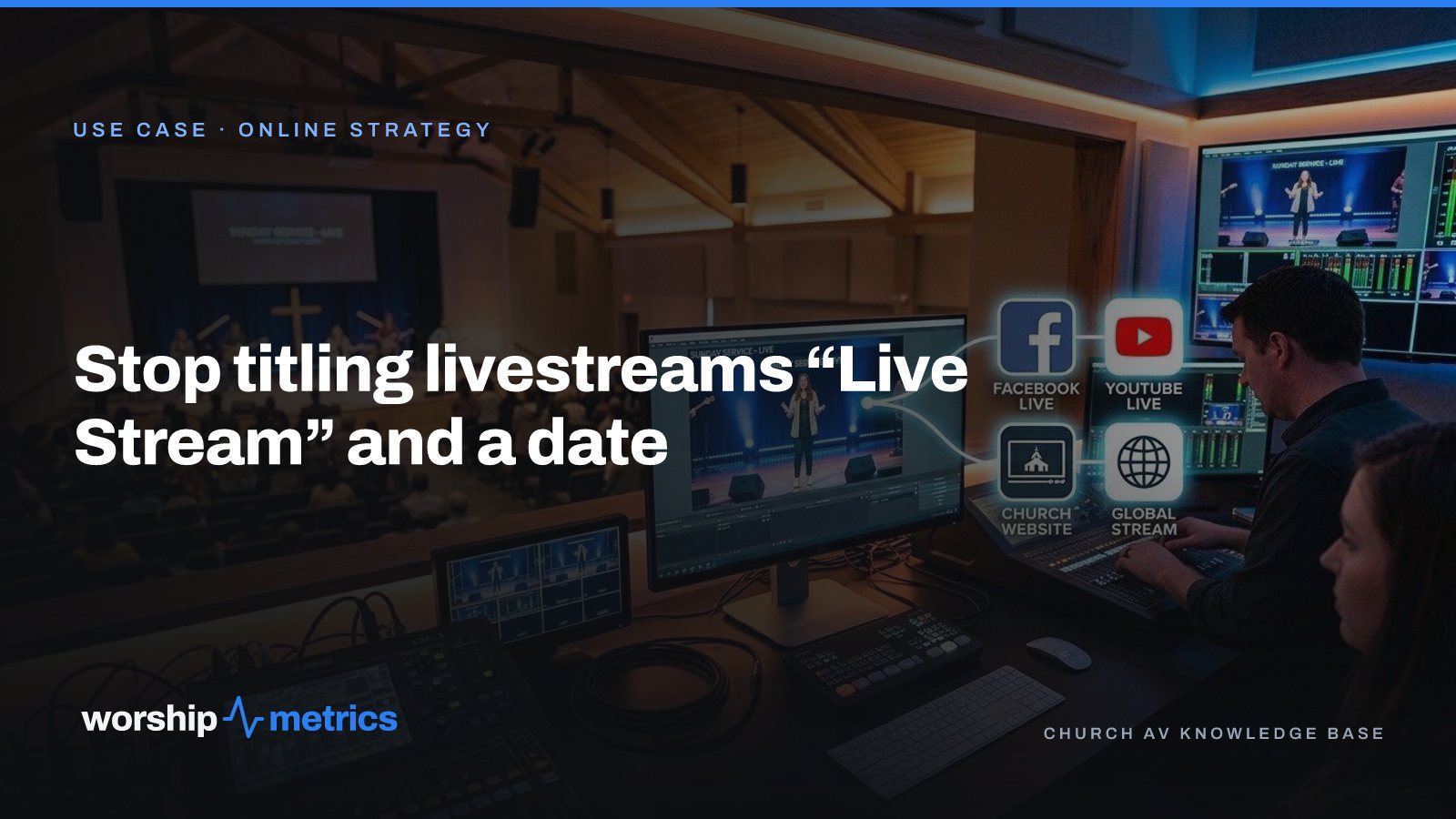
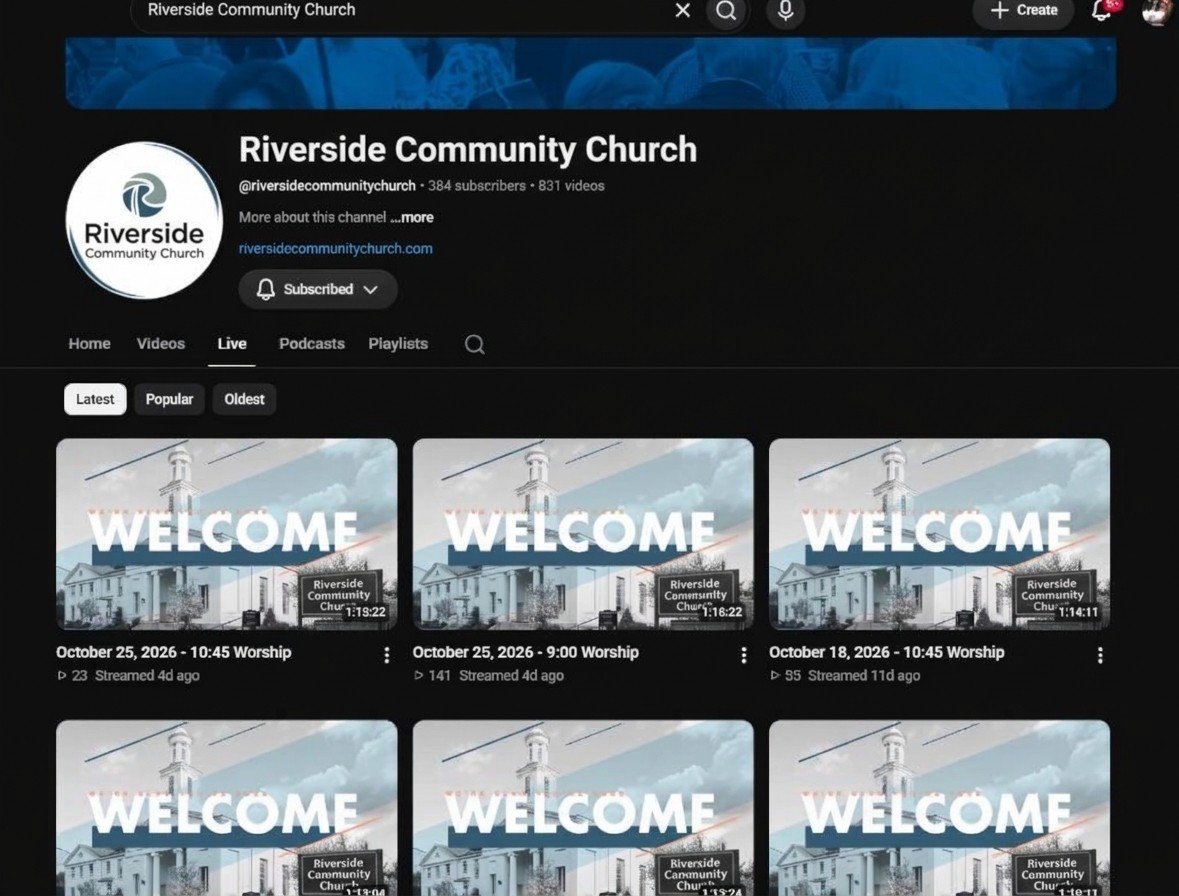
Open most church YouTube channels and you’ll find the same thing: a grid of videos with the same thumbnail and a title that is the date. “Live Stream, October 12.” “Sunday Worship 10/19.” Eight hundred of them. Nobody can find the message on grief from February, and the church can’t point anyone to it either. The sermon was good. It’s just unfindable, which online is the same as gone.
This is a naming problem before it’s a strategy problem, and naming has a fix.
What a title is for
A title does two jobs. For a member, it has to match a memory: “the one about the prodigal son” or “the week Pastor talked about Ruth.” For a stranger, it has to match a search: “sermon on grief,” “what does the Bible say about anxiety,” “Genesis 22 explained.”
“Live Stream, October 12” does neither. It describes the broadcast, which nobody is looking for, instead of the message, which someone always is.
The naming system
Use the same shape for every message, so the catalog reads as a catalog:
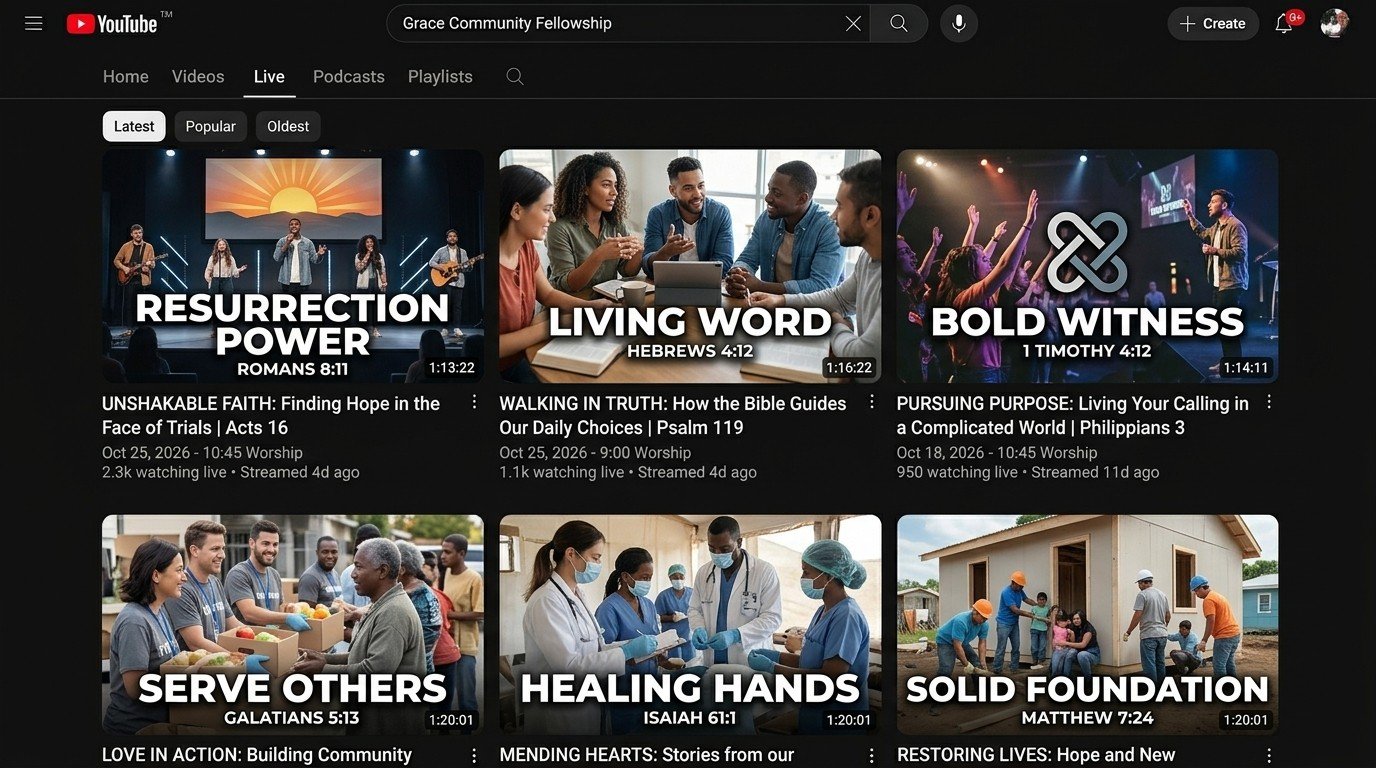
Series, part, and the point. “Genesis, Part 14: The Testing of Abraham.” “Anxious for Nothing, Part 3: What Prayer Changes.” The series and part give the catalog a shape; the point is what a member remembers and a stranger searches.
The description carries the rest. The scripture passages, the speaker, two sentences on what the message is about, and where it sits in the series. This is what search engines read, and it’s what a person reads before clicking.
The date goes last, if at all. Nobody searches for a date. Put it at the end of the description, where it helps a member and hurts no one.
Tags are the words people would use. The topic in plain language (grief, anxiety, prayer), the book of the Bible, the series name. Not “church,” which every video on the platform shares.
The part nobody has time for
The reason channels end up as a grid of dates is that writing that title and description for every message is a real job, and the person who runs the stream doesn’t have time for it on Sunday afternoon.
So let the transcript do it. When every service is transcribed, with each line timed to the video, the words are already there. In WorshipMetrics, Fill it in with AI reads the transcript and suggests the message’s title, description, speaker, series, scripture, and tags for your Content Library. A person reads what it wrote, fixes a word, and approves. The job goes from writing to checking, which fits in the ten minutes between the recording landing and lunch.
The same idea runs the clips: Write it for me in Reels writes a clip’s title, description, hashtags, and tags from what was said, so the short version of the message is as findable as the long one.
Series: the shape of the catalog
Naming makes a message findable. Series make the catalog navigable. Group messages into a series with its own artwork, description, and order, and every series gets its own page on your watch site that someone can watch from Part 1. The person who found Part 14 through a search has a place to go next, and that place is yours, not a recommendation into someone else’s channel.
Series also feed the podcast: every published message becomes an episode on Apple Podcasts, Spotify, and YouTube, for every message or only the series you pick.
Fixing eight hundred videos
You don’t. You fix the next one, and then the one after that, and you fix the ones people actually look for. Publish a recording to your Library, let the AI fill in the details, put it in its series. The watch page and the series pages give the catalog a shape from the first message you name properly, and the old grid of dates stays where it is, doing no harm, while the new catalog grows in front of it.
The live broadcast itself gets the right title and time from your service schedule when it’s created on your account, so next Sunday’s stream doesn’t start life as “Live Stream” either.
Next: see the five parts of a church online strategy, from scheduled broadcasts to a catalog named from the transcript to the watch page, on the Online strategy page.
Related questions
- What should a church name its YouTube livestreams?
- The message, not the broadcast. A title that says what was preached (the series, the part, and the point) can be found by a member who remembers the sermon and discovered by a stranger who is searching for the topic. 'Live Stream' and a date can be found by nobody.
- How do churches write titles and descriptions for every sermon without a media team?
- From the transcript. When every service is transcribed, an AI can suggest the message's title, description, speaker, series, scripture, and tags from what was actually said, and a person edits and approves. The work goes from writing to checking.
- Should a church livestream be organized into series?
- Yes. A series is how a catalog gets a shape. Each series gets its own page people can watch from Part 1, its own artwork, and its own place in the podcast feed, which turns fifty Sundays into something a new viewer can navigate.
The Church Tech Problems Nobody Reports
NextThe Saturday-Night Slide Change: Last-Minute Sermon Edits Without a Drive to the Building
Related Articles
Your First Sunday Streaming: A Plan for a Church With One Volunteer
No media team, no budget line, one person who said yes. Here's the first-Sunday plan: what to set up during the week, what to check Sunday morning, and what the platform carries so the volunteer only has to click Go Live.
Adding a Second Service or a Second Campus to Your Church Livestream
The livestream was built for one service in one room. Now there's a 9:00 and an 11:00, or a second campus across town. Here's what actually changes, what carries forward, and what to set up once so the second Sunday isn't twice the work.
How to Schedule a Church Livestream on YouTube from the Service Plan
Pasting a stream key at 9:58 is a habit, not a plan. Here's how a church schedules every YouTube and Facebook broadcast from its service schedule, checks it on a pre-flight screen, and never creates one by hand again.