 Plan Services, songs, and attendance, with the team scheduled.
 People Your directory, volunteers, and team chat in one place.
 Present Lyrics, scripture, slides, and stage display, free in any browser.
 Produce One dashboard for the switcher, PTZ cameras, and the stream.
 Publish Stream Sunday, keep every sermon on your watch page, clip it.
 Patch Every device, cable, and signal path, mapped and printable.
 Pulse Know the moment the stream or a device drops.
Use case · Online strategy
Stop streaming to YouTube and hoping for the best.
A church online strategy doesn't need a media team. It needs the stream scheduled with the service, every message named so people can find it, a watch page that's open all week, the best moments cut and posted, and the numbers in the same report as Sunday attendance. One platform does that for a church with one volunteer.
Or call 910-WORSHIP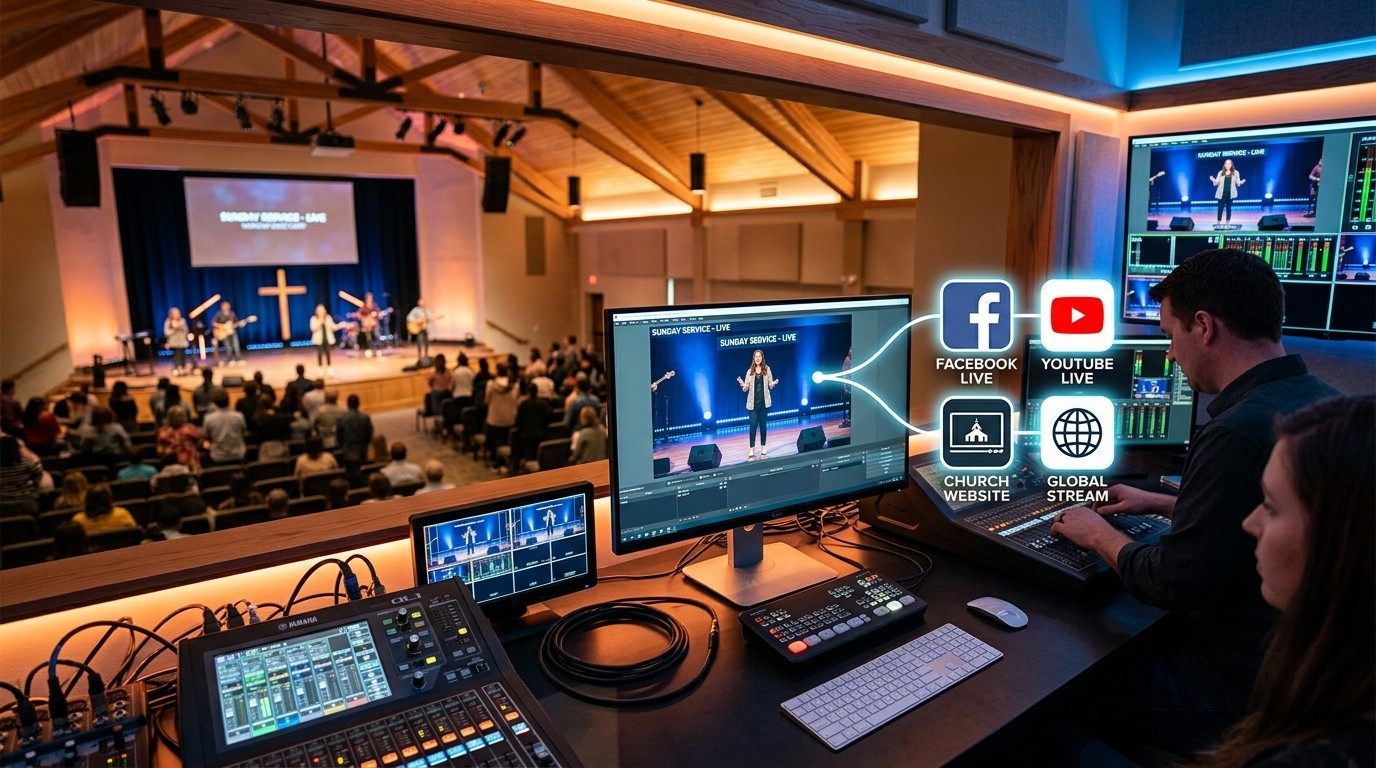
Sunday, 9:58 am
A stream key, a Start button, and a prayer.
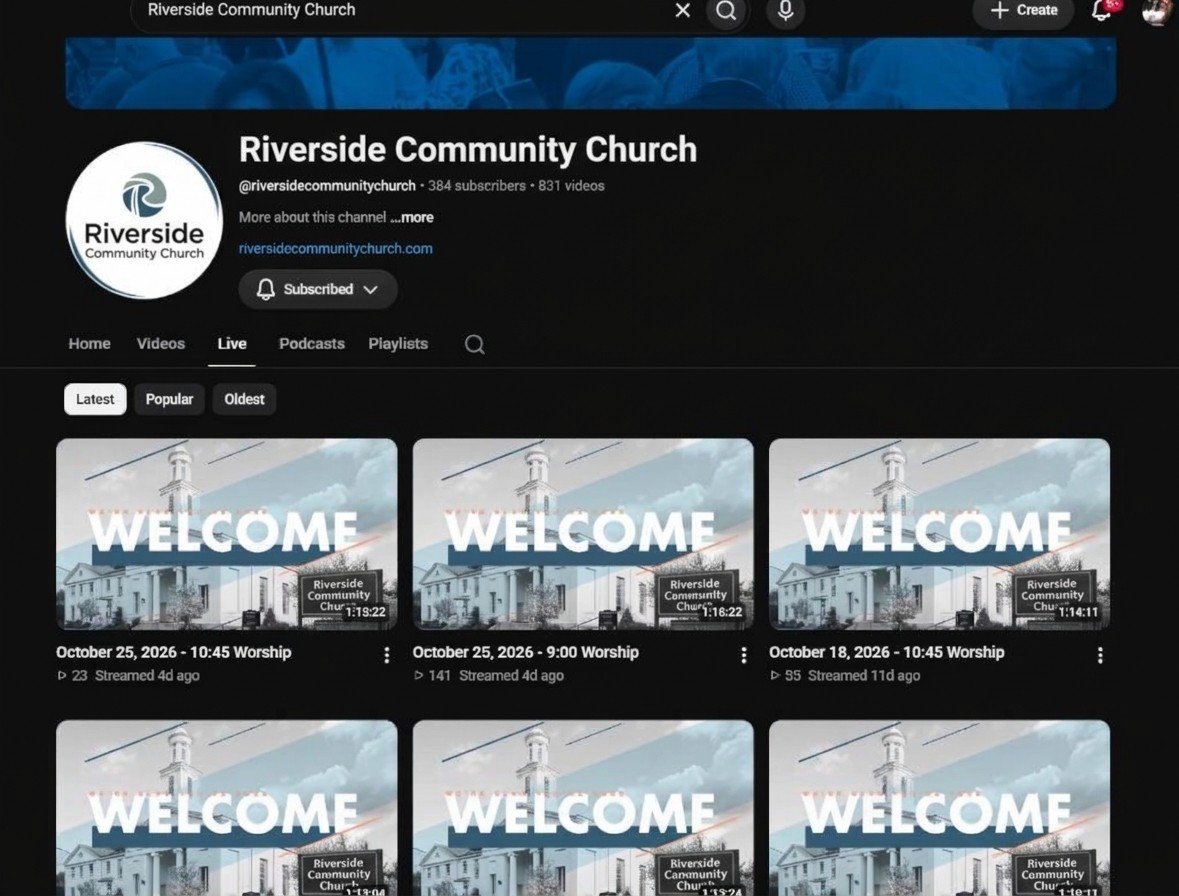
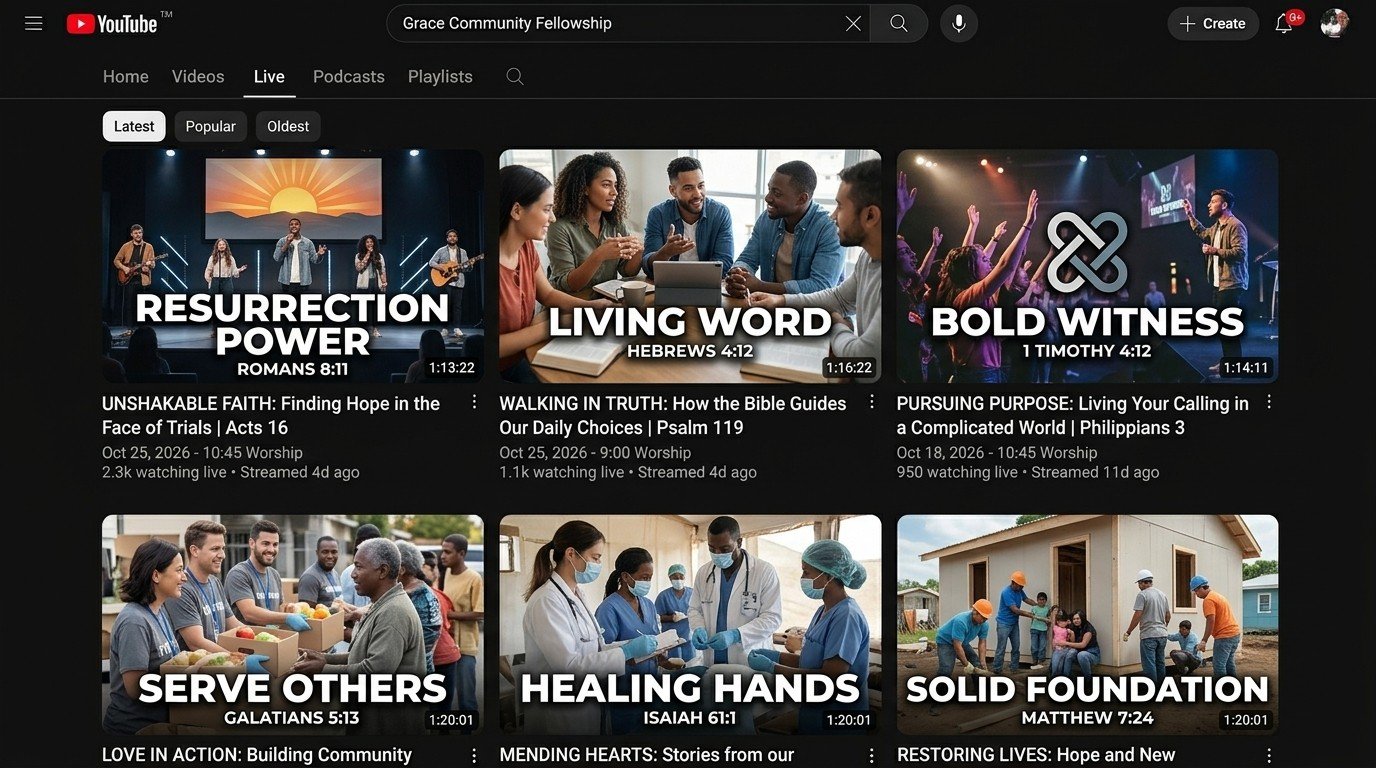
Someone pastes a stream key into the encoder at 9:58, clicks Start, and hopes. The broadcast is titled “Live Stream” and the date, like the fifty before it, so nobody can find the message on grief from February, and the church can't point anyone to it either. The link changes every week, so the website still points at last Sunday. On Monday the whole service sits on YouTube as a 74-minute video with a view count nobody writes down.
That isn't a strategy. It's a habit, and it's the honest state of most churches' online ministry, because the person doing it also runs sound.
Here is what a strategy looks like when the platform does the scheduling and the volunteer does the deciding.
Five parts, one platform
A strategy one volunteer can run.
The schedule
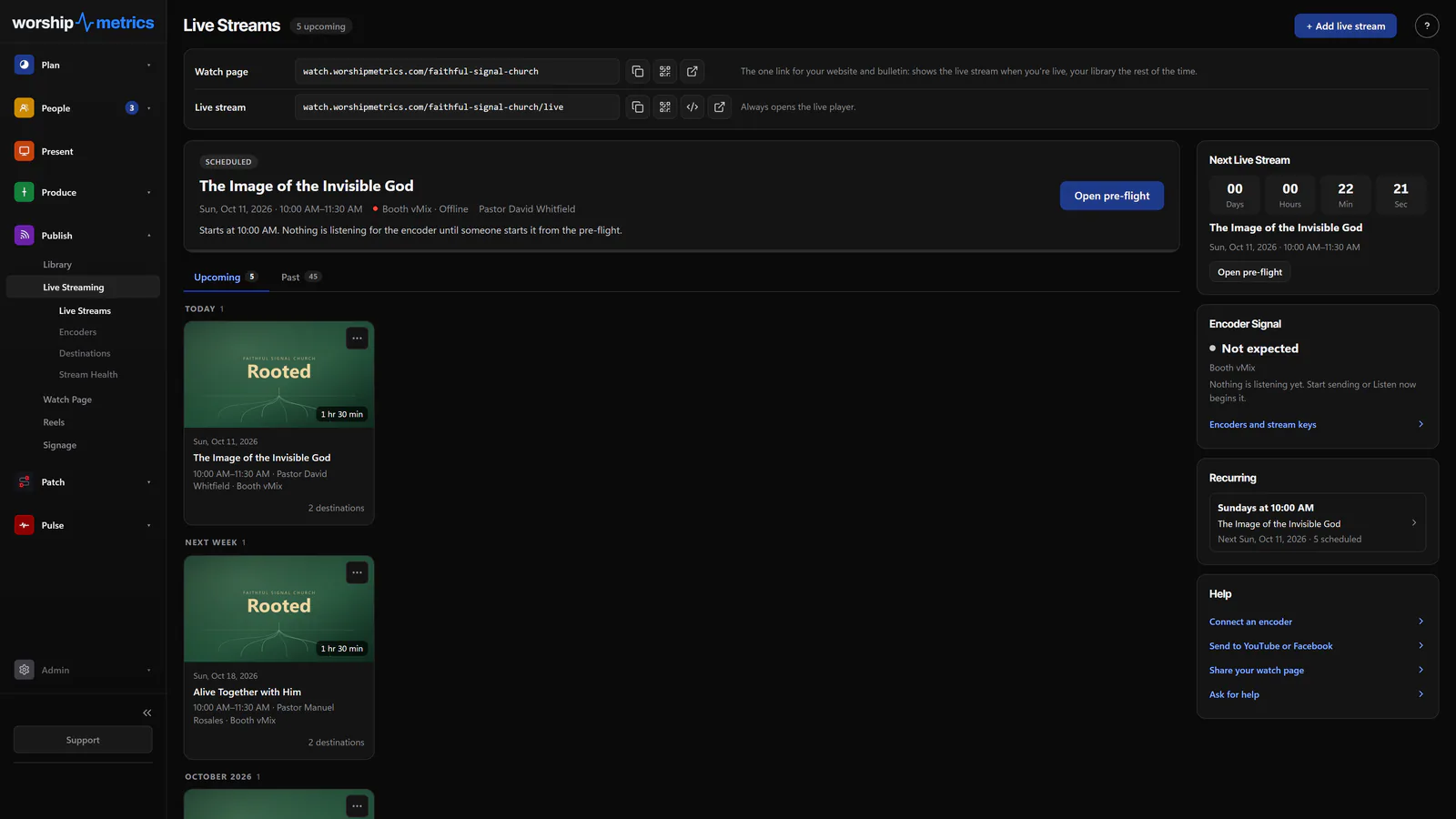
Scheduled with the service, not by hand at 9:58.
Connect YouTube and Facebook once. WorshipMetrics creates each broadcast on your account from your service schedule, with the right title and time, so nobody pastes a stream key on Sunday morning. A pre-flight screen checks everything before you go live, and the recurring Sunday schedule carries forward week after week.
- YouTube and Facebook broadcasts, scheduling to history, free
- Go live from Tech Manager or any browser
- On Max, one stream reaches up to ten destinations at once
The catalog
Every message named, described, and findable.
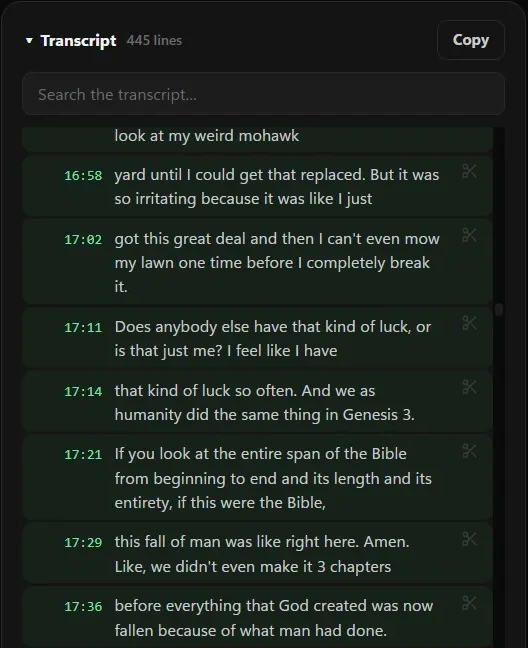
A channel of videos called Live Stream and a date is a jumble nobody can search, not even the church. With every service transcribed, Fill it in with AI suggests the message's title, description, speaker, series, scripture, and tags for your Content Library. Each message becomes something a member can find again and a new viewer can discover, and series turn fifty Sundays into a catalog with a shape.
- Every service transcribed, free in Tech Manager; any browser on Pro
- Title, description, speaker, series, scripture, and tags suggested from the transcript
- Search the transcript for a phrase and jump the video to it
The front door
One link that works all week, with fewer distractions.
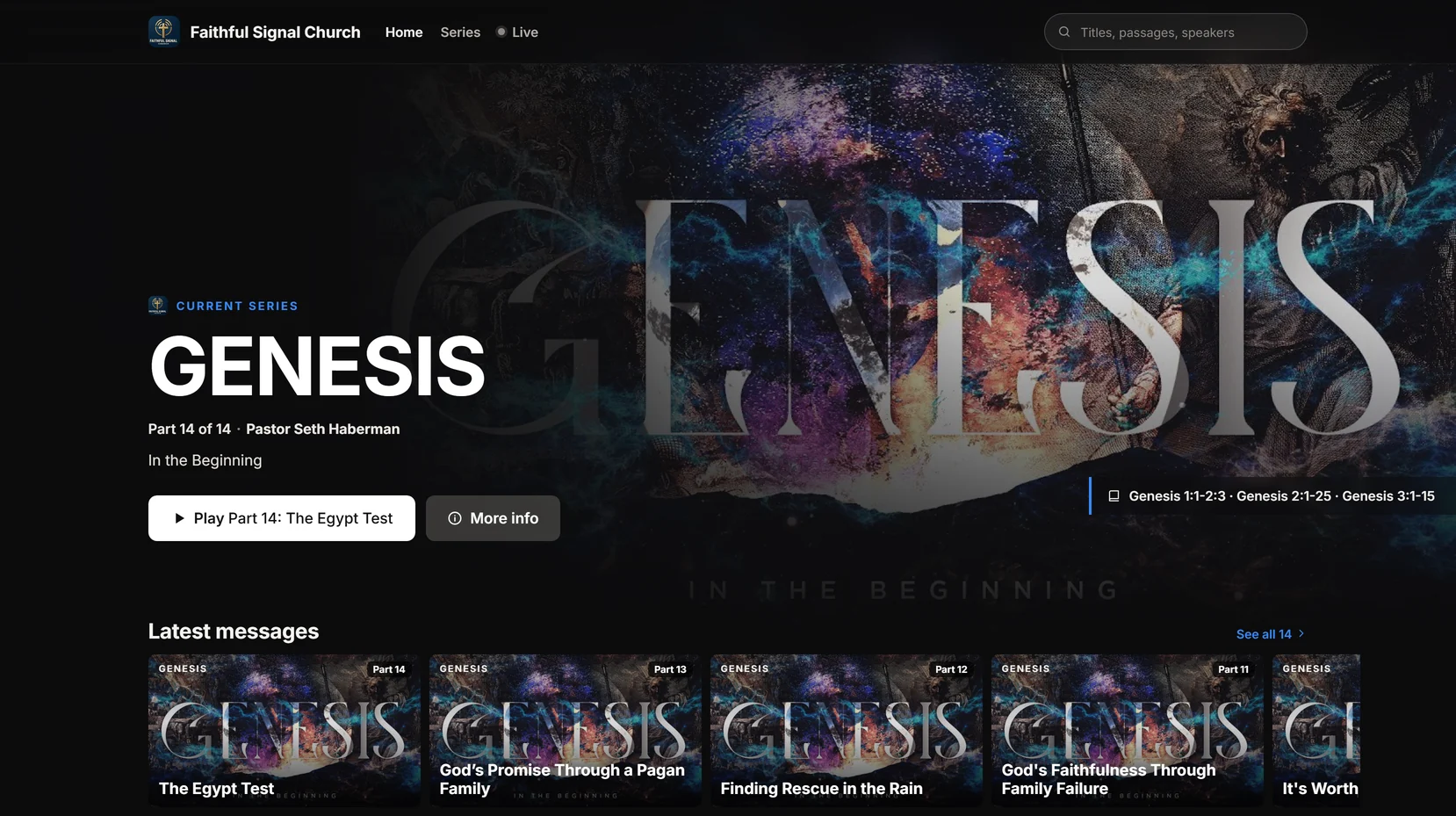
Your watch page plays the live stream when you're on and your messages, series, and Highlights the rest of the week. On your page there is no autoplay into someone else's channel: your notes, the scripture, your Give button, and a private prayer request that goes straight to your prayer team. Share one link everywhere; it never goes stale. Every series gets its own page people can watch from Part 1, and your published messages become a podcast on Apple Podcasts, Spotify, and YouTube.
- A watch page that plays your YouTube or Facebook stream, free
- Publishing to your Library, its look, series pages, and the podcast on Pro
- Analytics on Pro: plays, viewers, and watch time for every message
The content
Clips are how they find you. Your page is where they land.
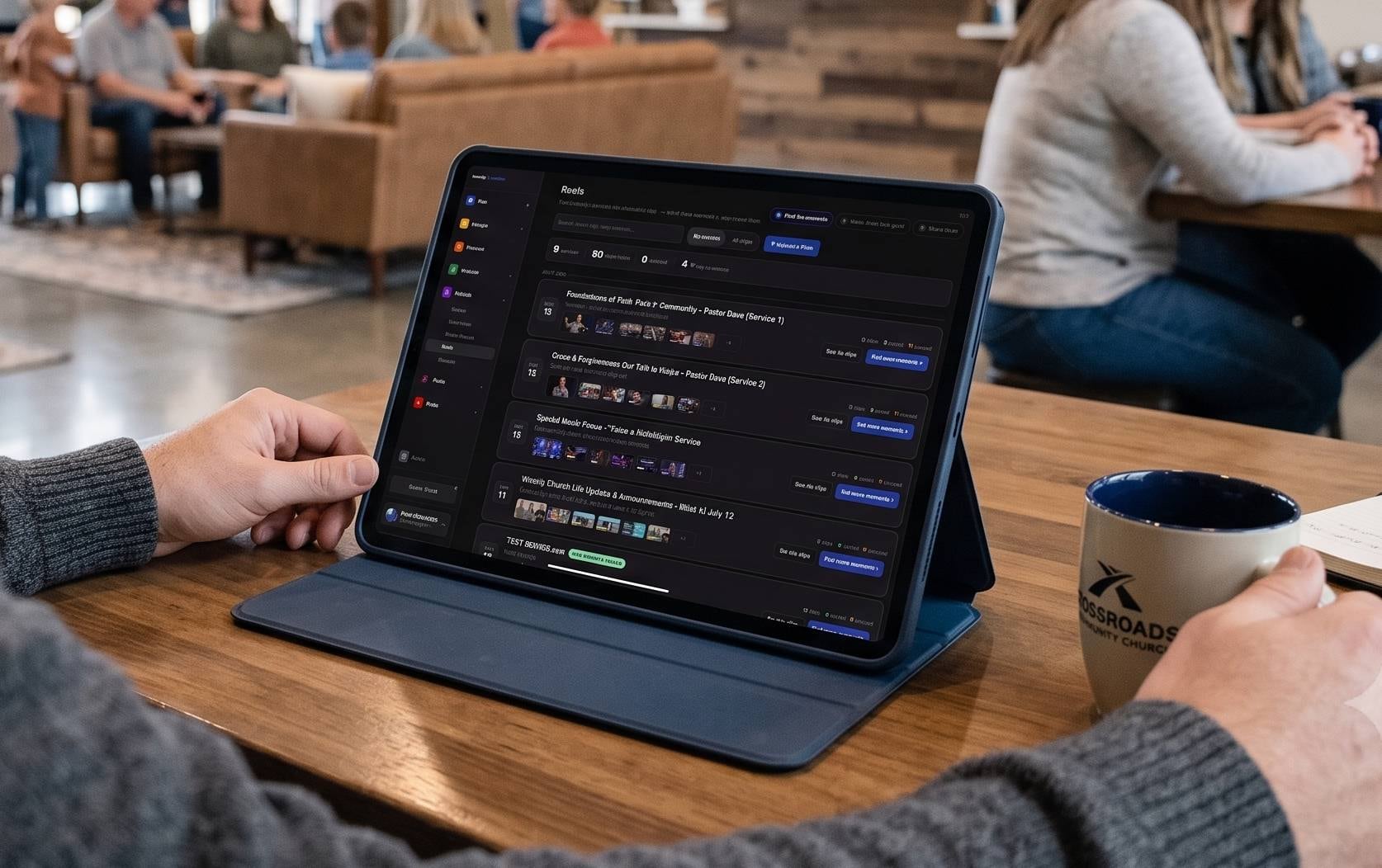
Reels finds the moments that stand on their own and renders captioned clips in your brand, and Write it for me writes the title, description, hashtags, and tags from what was said. Post now, schedule them across the week, or send them to the watch page as Highlights. Every clip is a doorway from the feed to your own page, where the whole message, the series, and the prayer button are waiting. A person approves every clip, so the strategy stays yours.
- Free on the booth computer in Tech Manager
- Post or schedule to YouTube, Facebook, Instagram, and TikTok
- Cloud clipping and AI-written posts on Pro
The numbers
In the same report as Sunday attendance.
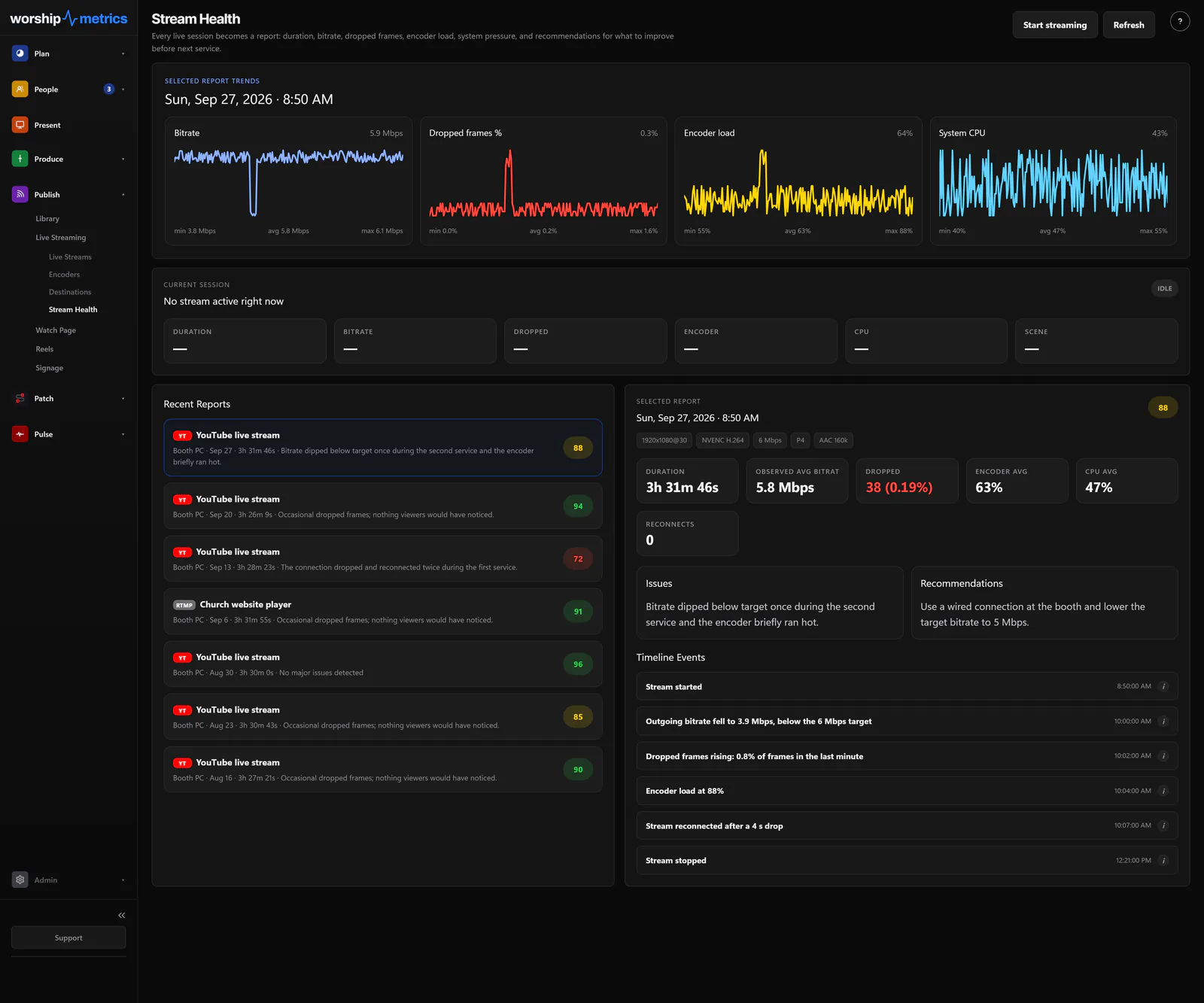
Stream Health scores every stream and tells you what to fix before next Sunday. On Max, concurrent viewers are sampled every minute, and when the broadcast ends the peak and average roll into that day's attendance, so nobody transcribes YouTube numbers into a spreadsheet on Monday.
- Bitrate, dropped frames, and encoder load while you're live, free
- A scored report after every stream
- Online attendance beside in-person in Service Metrics, on Max
What's free and what isn't
The strategy is free. The reach is the upgrade.
Scheduled YouTube and Facebook broadcasts, pre-flight, go live, history
Free
Every service transcribed, searchable, with Fill it in with AI for the Library
Free
In Tech Manager; from any browser on Pro
A watch page that plays your YouTube or Facebook stream
Free
Your Library, its look, series pages, podcast, and analytics on Pro
Reels on the booth computer
Free
Cloud clipping and AI-written posts on Pro
Stream Health while you're live and the scored report after
Free
Live viewer numbers and online attendance on Max
Hosted stream to up to ten destinations and your own player with live chat
Max
Pro is $49/mo and Max is $99/mo, or $39 and $79 at founding prices. See pricing
FAQ
Questions churches ask about an online strategy
We don't have a media team. Who runs this?
The same volunteer who starts the stream today. The schedule comes from your service plan, the broadcasts are created for you, the watch page updates itself, and Reels proposes the clips. The human work is approving clips and glancing at the stream health score.
Can we keep streaming straight to YouTube?
Yes. WorshipMetrics manages your YouTube broadcasts end to end on your own channel: scheduling, visibility, go-live, and history. Facebook works the same way. Both are free. On Max, the same feed also fans out to up to ten destinations and your own player.
Where does the schedule come from?
From your service schedule in WorshipMetrics. Set the recurring Sunday service once and each week's broadcast is created on your account ahead of time. If you plan in Planning Center, sync brings your plans and times in.
Our channel is fifty videos called Live Stream and a date. Can that be fixed?
Yes, one message at a time, and faster than you'd think. Publish a recording to your Library, let Fill it in with AI suggest the title, description, speaker, series, scripture, and tags from the transcript, edit what you like, and put it in its series. The watch page and the series pages give the catalog a shape, and the podcast feed carries every new message to Apple Podcasts, Spotify, and YouTube.
What do we actually get to see afterward?
A stream health report with a score and what to fix, and, on Pro, analytics for every published message: plays, viewers, and watch time. On Max, live viewer counts become online attendance next to the in-person count in Service Metrics.
From the Knowledge Base
Online strategy questions, answered in the Knowledge Base.
Get started
Schedule next Sunday's stream today.
Create your church's free account, connect YouTube and Facebook, and set the recurring Sunday service. Every module is free forever. No credit card, and no call or approval needed.
Questions? Call 910-WORSHIP or email hello@worshipmetrics.com.
- Sign up on your own, any time
- Setup help by phone and email
- On-site installation and training available
- AI phone support any hour