Ask a room of church leaders where their sermons should live and you’ll hear one answer more than any other: YouTube. It’s free, everyone knows how to use it, and people really do look for churches there.
All of that is true. But YouTube is a business, and its business is keeping viewers watching YouTube. That shapes what happens to your sermon the moment someone presses play.
The short answer: use both. Post to YouTube so new people can find you. Keep a watch page your church owns, where the people who already chose you can watch without distractions and take a next step. Then connect the two, so every YouTube video and clip points back home.
What YouTube does well
- Being found. People search YouTube for sermons, worship songs and “church near me”. A steady channel helps strangers find you.
- Recommendations. A clip that connects can travel well past your congregation through Shorts and suggested videos.
- Familiarity. Nobody needs to learn a new app or create an account to watch.
- Free hosting. Unlimited uploads at no cost.
If you want a deeper look at each platform’s job, see YouTube, Facebook, or a Private Community? What Each Platform Does for Your Church.
What YouTube is built to do
None of this is a criticism. It’s how the platform pays for itself, and it’s worth knowing:
- Ads you didn’t choose can play before or during your sermon.
- A column of other videos sits beside the message while it plays.
- Autoplay picks what comes next when the message ends, and it’s rarely the next part of your series.
- Comments are public. Someone who wants prayer has to ask in front of strangers.
- You can’t add your own buttons. There’s no Give button, no sermon notes, no “I’m new here” next to the video, only a link in the description.
- The algorithm decides who sees your video and when.
For a curious newcomer, that means your pastor’s message is competing for attention while it plays, and the next thing on screen is someone else.
What your own watch page can do
A watch page your church owns works the other way round:
| On YouTube | On your own watch page |
|---|---|
| Ads you didn’t choose | No ads in your own player |
| ”Up next” from other channels | Every next video is yours |
| Public comments | A private prayer request that goes to your prayer team |
| A link in the description | Give, sermon notes and “I’m new here” right under the video |
| Videos sorted by upload date | Sermon series in order, with a way to start from Part 1 |
| YouTube’s look | Your logo, your colors, your church |
One caution: if your watch page plays a YouTube video inside YouTube’s own player, YouTube’s ads and end screens can still appear inside that player. Videos in your own player, like a message library or a hosted live stream, don’t have them.
How to use both
- Keep streaming to YouTube. It’s still where many people will first see your church.
- Play the same stream on your own page. Members get one link that always works: your watch page, live on Sunday and on demand all week.
- Put your watch page link everywhere. Channel description, every video description, your social bios, the bulletin, a QR code at the end of the service.
- Make clips that lead home. Post short clips to Shorts, Instagram, Facebook and TikTok, and make sure each one points to the full message on your page. See Sermon Clips That Lead Back to the Full Message.
- Give people a reason to come to your page. Series in order, sermon notes, scripture, giving and prayer are things they can’t get on YouTube.
Think of YouTube and social media as the front porch, and your watch page as the living room.
How WorshipMetrics does it
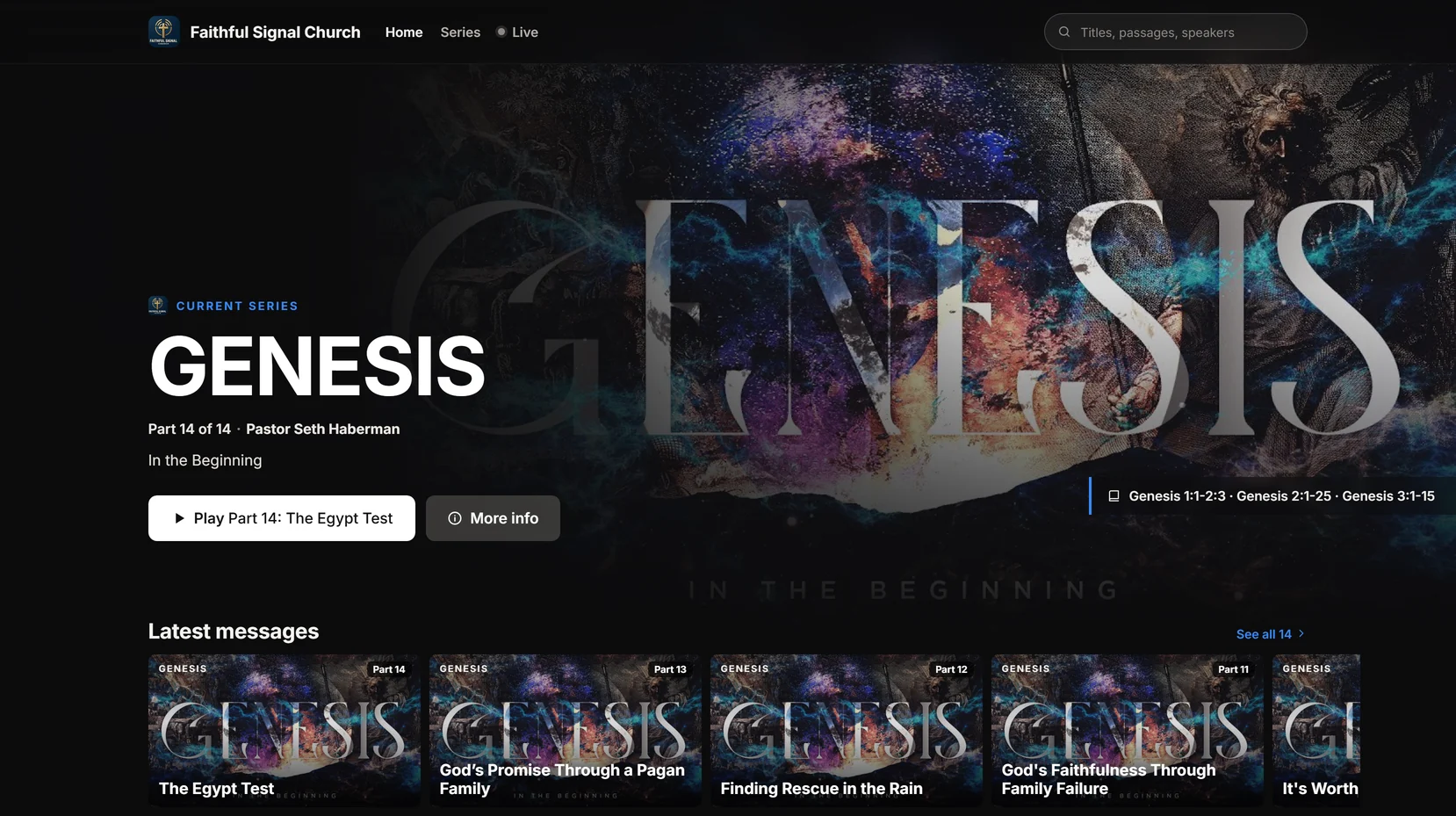
On every WorshipMetrics plan, including Free, your watch page plays the YouTube or Facebook stream you start through WorshipMetrics, with your Give, prayer request and “I’m new here” buttons. With Pro, your Content Library adds every message on its own page, sermon series, a podcast and Highlights from Reels. With Max, hosted streaming plays your service in your own player, with live chat, and sends the same feed to up to ten destinations at once.
See it for yourself on our demo church, Faithful Signal Church.
Keep going
This article is part of our church content library series. Related reading:
- How to Live Stream a Church Service: The Complete Setup Guide
- How Do We Stream Our Service to Facebook and Our Church Website at the Same Time?
- How Social Media Algorithms Work: A Plain-English Guide for Pastors
Next: see the five parts of a church online strategy one volunteer can run, from scheduled broadcasts to a catalog named from the transcript, on the Online strategy page.
Related questions
- Should our church stop posting sermons on YouTube?
- No. YouTube is one of the first places many people go to check out a church before visiting. Keep posting there. Just don't make it the only place your sermons live, and point viewers from YouTube back to your own page.
- What is a church watch page?
- A church watch page is one web address where people watch your church: your live stream on Sunday, and your past messages, series and clips the rest of the week. Because it's your page, you decide what's next to the video, such as a Give button, sermon notes or a prayer request form.
- Will our own watch page show YouTube ads?
- It depends on the player. If your watch page plays your YouTube stream inside YouTube's own player, YouTube can still show its own ads and end screens there. Videos hosted in your own player, such as your message library or a hosted live stream, play without them.
- Can we stream to YouTube and our own page at the same time?
- Yes. Most churches do. With WorshipMetrics, the stream you start to YouTube or Facebook plays on your watch page too, on every plan. Hosted streaming on Max sends one feed to your own player and up to ten destinations at once.
How to Turn Your Sermons Into a Podcast on Apple Podcasts, Spotify and YouTube
NextHelping Homebound Members Watch Church on a TV or iPad
Related Articles
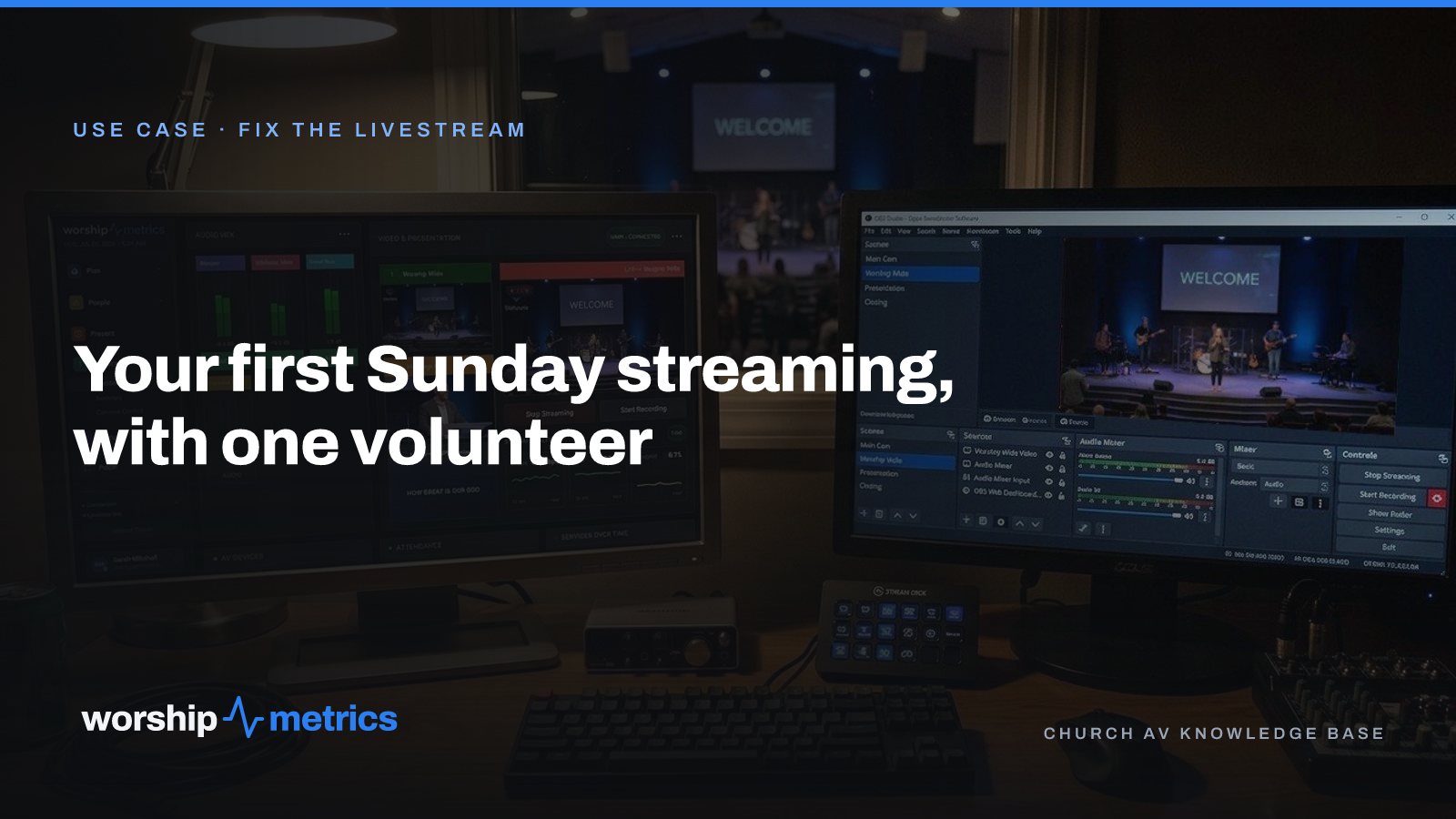
Your First Sunday Streaming: A Plan for a Church With One Volunteer
No media team, no budget line, one person who said yes. Here's the first-Sunday plan: what to set up during the week, what to check Sunday morning, and what the platform carries so the volunteer only has to click Go Live.
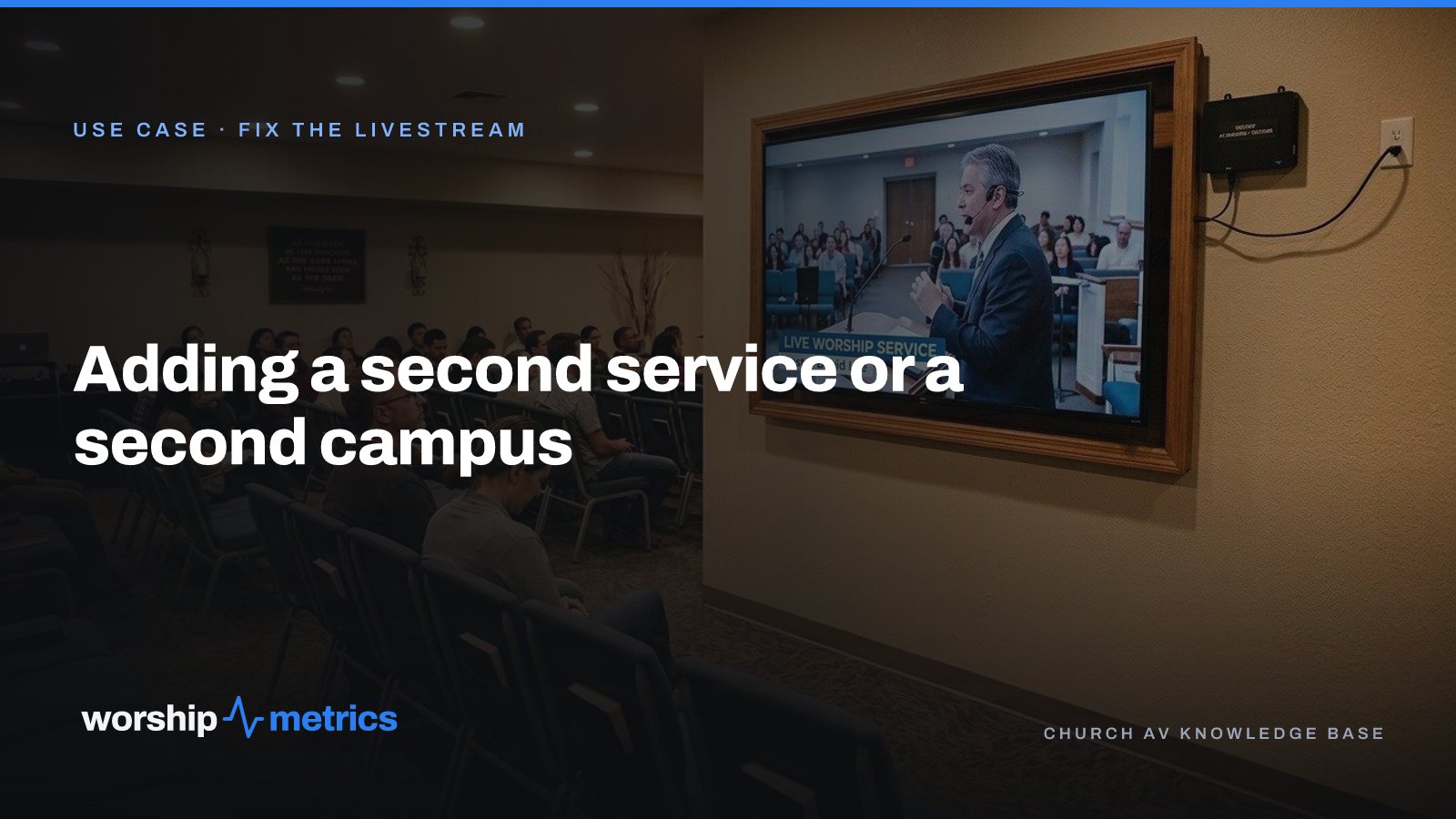
Adding a Second Service or a Second Campus to Your Church Livestream
The livestream was built for one service in one room. Now there's a 9:00 and an 11:00, or a second campus across town. Here's what actually changes, what carries forward, and what to set up once so the second Sunday isn't twice the work.
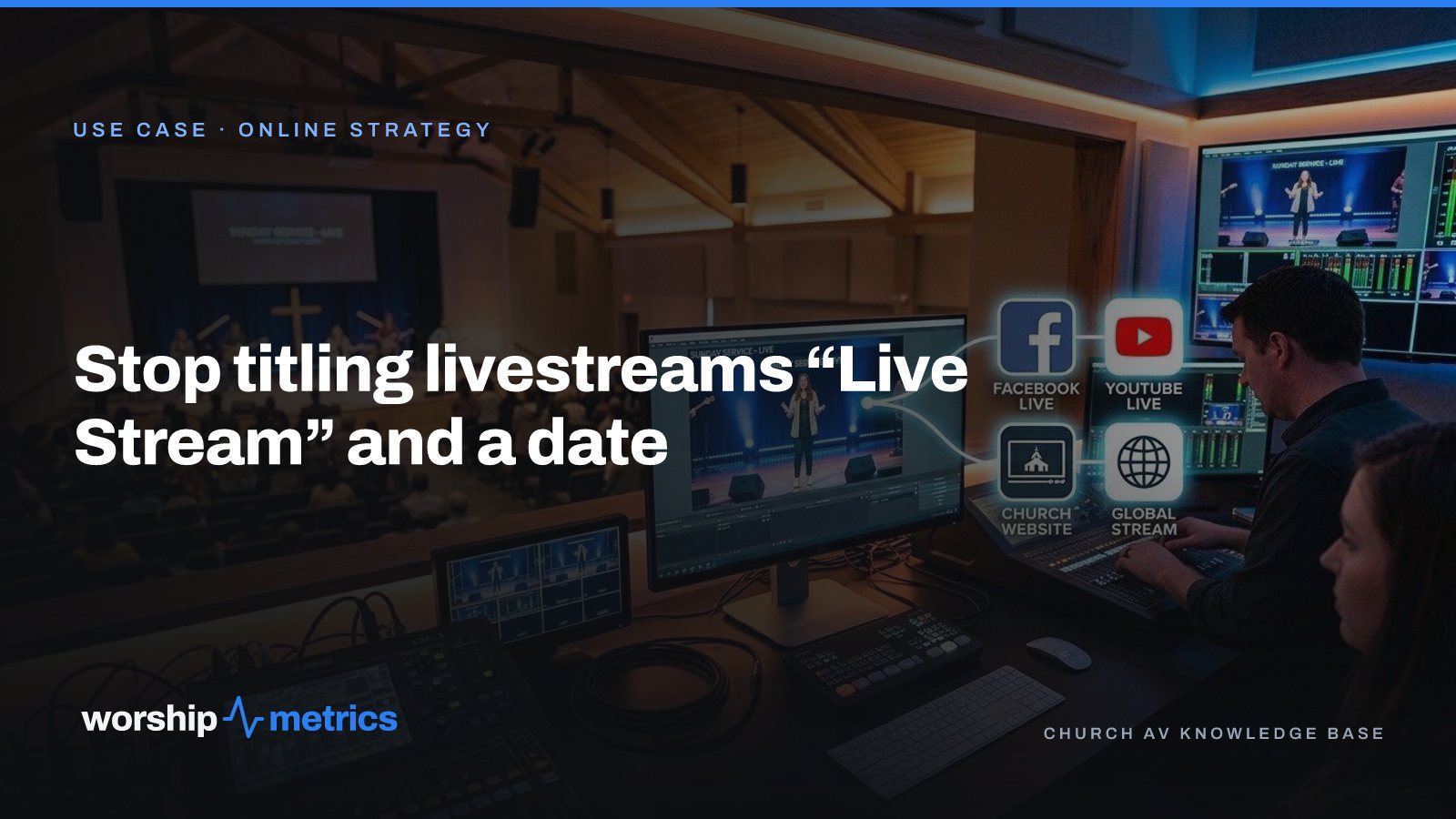
Stop Titling Church Livestreams 'Live Stream' and a Date: A Naming System That Makes Your Catalog Findable
Fifty videos called 'Live Stream, October 12' is a channel nobody can search, not even the church. Here's a naming system for church livestreams and messages, and where the AI fills in the title, description, and series for you.