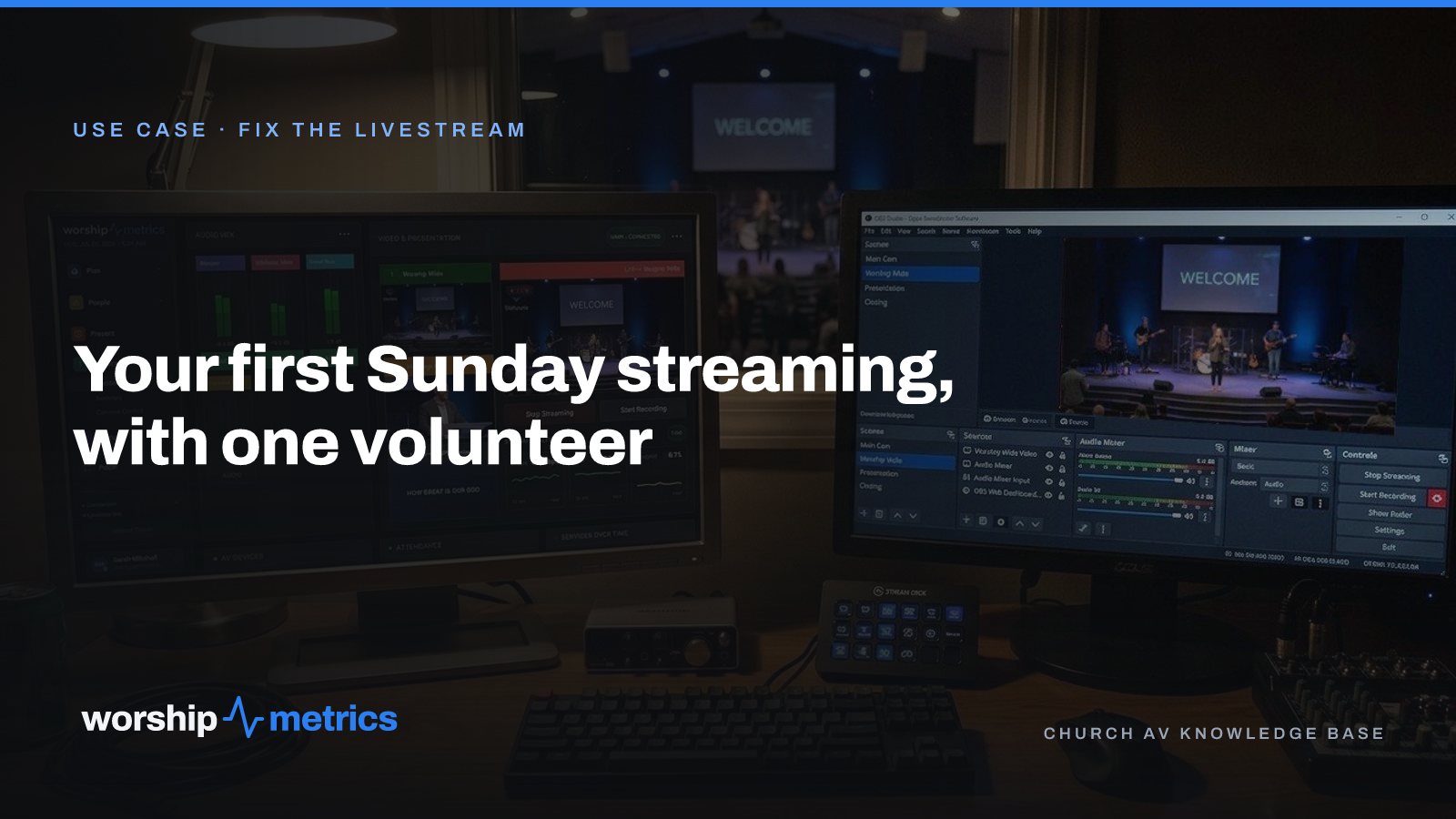
Every church livestream started with one person who said yes. Not a media team, not a budget line, not a plan. One person, one camera, and a Sunday coming.
Here’s the plan for that first Sunday, written so the volunteer only has to do the small things on the day, because the big things were done during the week.
Tuesday evening: the account and the connections
Sit down with a laptop for an hour.
Create the church’s free account. Every module is free forever, no credit card, no call to schedule. This is the account the whole team will use, not the volunteer’s personal one, so when a second person joins, they sign in as themselves.
Connect YouTube and Facebook once. From then on, the platform creates each broadcast on your accounts from your service schedule. Nobody pastes a stream key on Sunday morning, and the broadcast has the right title and time before anyone arrives.
Set the recurring service. Sunday, 10:00 am, every week. That one entry is what creates next Sunday’s broadcast, and the one after.
Install Tech Manager on the church’s computer. The free desktop app for Mac and PC is the encoder, the switcher control, and the monitoring, on a computer the church already owns. If you’re using OBS or vMix, it connects to them; if you’re not, it doesn’t need them for a one-camera stream with slides.
Thursday: an hour at the building
Place the camera. One camera, one angle that holds the whole platform, at the back of the room on a tripod or a shelf. A single steady wide shot is better than two shaky ones.
Get the computer off the lobby Wi-Fi. A wired connection to the booth if there’s any way to run one. If the stream has to share a connection, make sure nothing else is using it on Sunday morning: no backup job, no sync, no update.
Send the stream mix to the computer. If you have a sound board, feed the computer from an aux or matrix output, not the main mix the room hears. If you don’t, the camera’s audio is where you start, and you fix sound the second month.
Run a test. Schedule a private test broadcast, go live, watch it on a phone for five minutes. Look at the stream health panel: bitrate steady, dropped frames near zero. This is the only part of the plan that needs a second person, so bring one.
Saturday: ten minutes from home
Open the pre-flight screen for Sunday’s broadcast. The broadcast exists, the title and time are right, the destinations are on. Open the service playlist and see the slides in order. Then close the laptop. The point of the week was to make Saturday short.
Sunday, 8:55: power on in order
Network switch, then camera, then the mixer if you have one, then the computer, about a minute apart. Tape the Sunday Morning AV Checklist to the desk and follow it line by line. It’s short the first week and shorter every week after.
Sunday, 9:40: one window
Open Tech Manager. The dashboard puts the audio meters, the preview and program, and the stream health on one screen, with the stream and the recording one click away. The volunteer watches one window, not five apps.
Sunday, 9:58: Go Live
Click it. Confirm the stream is up on the platform’s side, not just in the encoder, and that the confidence monitor shows what the phone shows. Then watch the room, because the platform is watching the stream: if it stops, a pop-up offers a restart, and nothing restarts until a person taps.
Sunday, 11:30: stop, and look at the score
Stop the stream after the closing music and confirm the platform shows offline. Shut the computer down properly. Later, open the stream health report: a score out of 100 and what to fix before next Sunday. The first week’s score is a baseline, not a grade.
What the volunteer never had to do
Paste a stream key. Create a broadcast. Title it. Decide what bitrate to use. Diagnose a dropped stream from a text message. Call someone who couldn’t see the booth. That’s the difference between a volunteer who said yes once and a volunteer who’s still there in a year.
If something does go wrong, 910-WORSHIP answers any hour with the booth’s live state in front of it, and the question “what switcher do you have?” never gets asked.
Next: see what a church livestream needs, the setups by church size, and how to split the booth so no Sunday depends on one person, on the Fix the livestream page.
Related questions
- What does a church need to livestream for the first time?
- A camera, a computer, an internet connection the stream doesn't share with the lobby, and a YouTube or Facebook account. The computer is the encoder when it runs Tech Manager, so there's no streaming box to buy. The rest is setup done during the week, not on Sunday.
- How long does it take to set up a church livestream?
- An evening for the account and the connections, an hour at the building to place the camera and run a test, and a Sunday with the regular standing beside the volunteer. The first Sunday is the test; the second is the routine.
- Can one volunteer run a church livestream alone?
- Yes, for a single-camera stream with slides. The broadcast is scheduled ahead of time, the volunteer clicks Go Live from one window, and the platform watches the stream and the booth computer. The second volunteer is for growth, not survival.
A Church Communications Plan One Volunteer Can Run in Two Hours a Week
NextAdding a Second Service or a Second Campus to Your Church Livestream
Related Articles
Adding a Second Service or a Second Campus to Your Church Livestream
The livestream was built for one service in one room. Now there's a 9:00 and an 11:00, or a second campus across town. Here's what actually changes, what carries forward, and what to set up once so the second Sunday isn't twice the work.
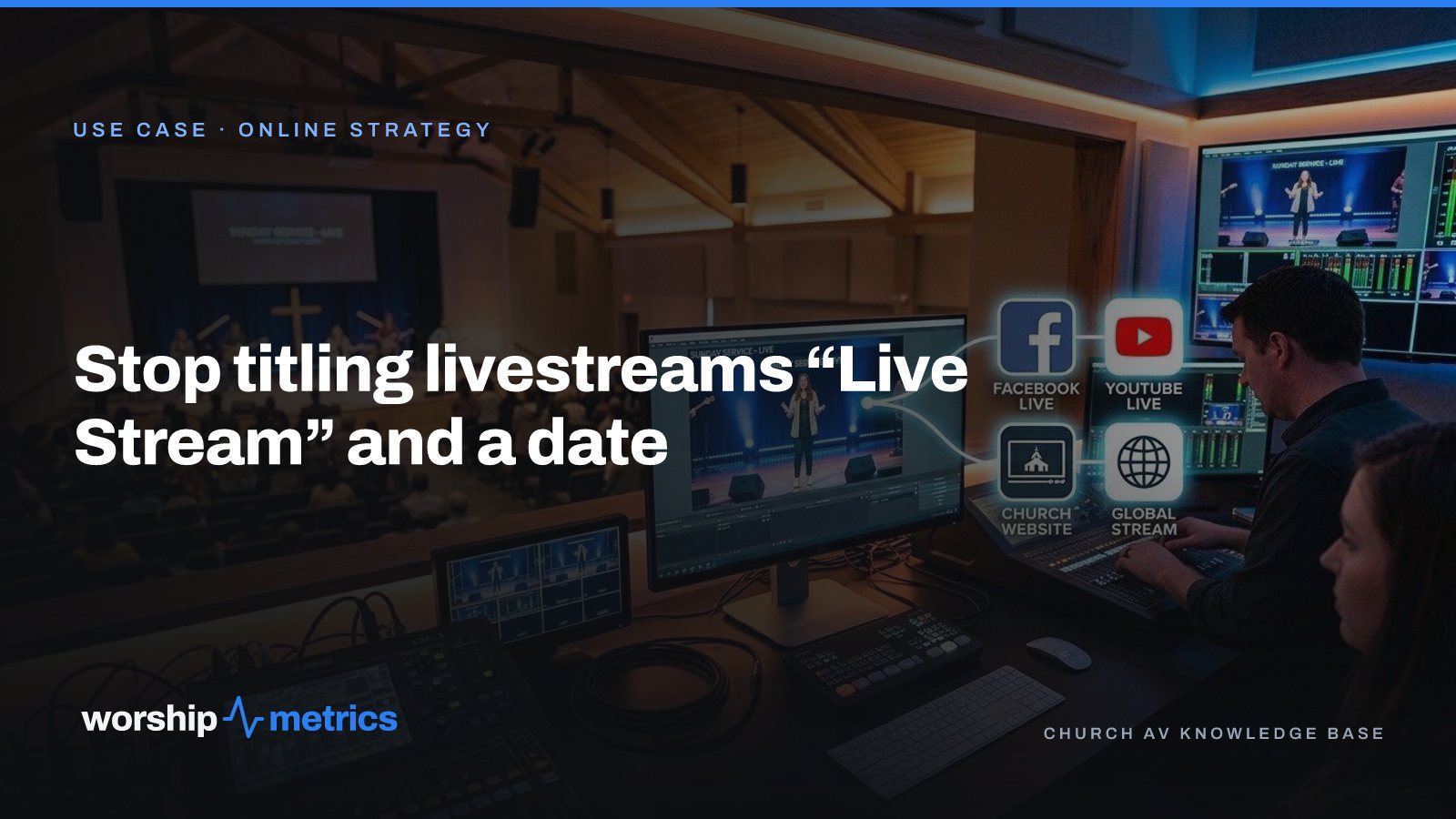
Stop Titling Church Livestreams 'Live Stream' and a Date: A Naming System That Makes Your Catalog Findable
Fifty videos called 'Live Stream, October 12' is a channel nobody can search, not even the church. Here's a naming system for church livestreams and messages, and where the AI fills in the title, description, and series for you.
How to Schedule a Church Livestream on YouTube from the Service Plan
Pasting a stream key at 9:58 is a habit, not a plan. Here's how a church schedules every YouTube and Facebook broadcast from its service schedule, checks it on a pre-flight screen, and never creates one by hand again.