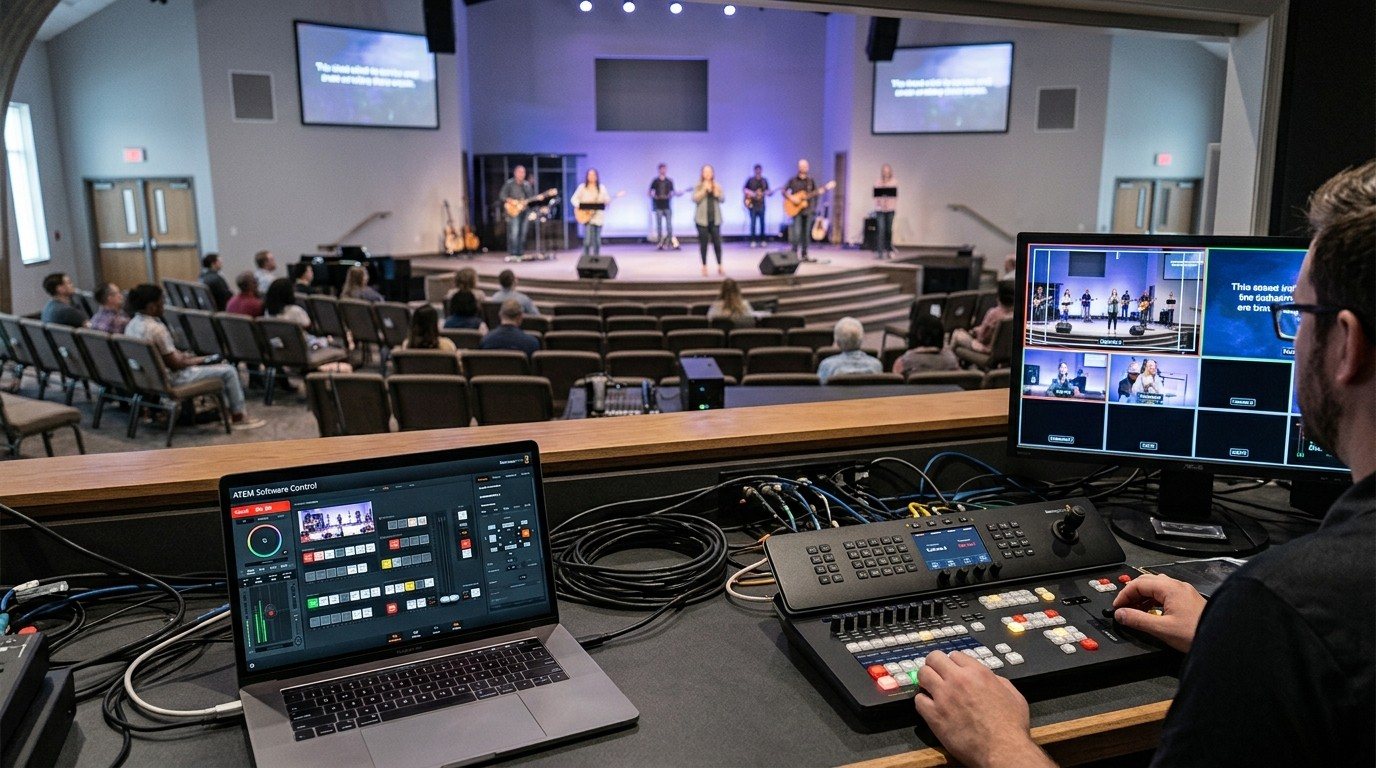
What WorshipMetrics does with an ATEM
| What it does | Where | |
|---|---|---|
| Switching | Cut, preview, and program control | Tech Manager in the booth, free on every plan |
| Slides that cut | A Present slide can cut the ATEM when it goes live | Present, sent by the booth |
| Cameras | Camera Control: picture presets, joystick, focus lock | In the booth free; from any browser on Pro and Max |
| Recorders | HyperDeck status monitoring | Tech Manager |
| Team | Chat, alerts, the Signal Map, AI help, scheduling | Any browser, any device |
What stays on the ATEM
Some things are best done in Blackmagic’s own tools, and that’s fine:
- Keys, audio, media, and macros in ATEM Software Control. (See ATEM Software Control on a second computer.)
- Streaming and recording settings on streaming models. (See ATEM Mini Pro direct streaming.)
- Plain-word buttons for all of it through Bitfocus Companion, which WorshipMetrics Present can show in its Companion tab on Pro and Max.
Honest about remote
ATEM switching in WorshipMetrics happens locally, in the booth. Unlike vMix and OBS (scenes, stream, and recording from any browser on Pro and Max), we don’t offer ATEM switching from outside the building.
What the team can do from anywhere:
- Talk and plan in team chat.
- Get alerts when a networked device goes offline or the booth computer has a problem.
- See the wiring in the Signal Map.
- Ask Luminos, or call Journey at 910-WORSHIP, with your setup in view.
- Run PTZ cameras from a browser on Pro and Max.
If remote switching matters to you, that’s often a sign to add vMix or OBS. (See when your church outgrows the ATEM Mini.)
Setting it up
- Put the ATEM on the church network with a fixed IP address.
- Install Tech Manager on the booth computer and connect it to the ATEM.
- Add the ATEM in Present’s Connections settings (leave the address blank to use the ATEM the booth is connected to) if you want slides to cut it.
- Document it in the Signal Map.
- Invite the team so volunteers share the schedule, chat, and alerts.
More on splitting the booth: splitting ATEM jobs for volunteers.
Related questions
- Does WorshipMetrics work with Blackmagic ATEM switchers?
- Yes. Tech Manager on the booth computer controls an ATEM's cut, preview, and program over the local network, free on every plan. WorshipMetrics Present can cut the ATEM from a slide, and HyperDeck status can be monitored alongside.
- Can WorshipMetrics control our ATEM from home?
- ATEM control in WorshipMetrics is local, in the booth. The team can still work together from anywhere with chat, alerts, the Signal Map, AI help, and scheduling, and PTZ cameras can be controlled from a browser on the Pro and Max plans.
- What ATEM features still live in ATEM Software Control?
- Keys, the audio mixer, media, macros, and streaming and recording settings stay in Blackmagic's own ATEM Software Control, or in Bitfocus Companion if you've built buttons for them.
Splitting ATEM Mini Jobs for Church Volunteers: Switching, Software Control, Cameras, and the Stream
NextBitfocus Companion for Churches: One Button Panel for Your Whole AV System
Related Articles

Bitfocus Companion + ATEM Mini: A Stream Deck Panel for Your Church Switcher
A Stream Deck running Bitfocus Companion turns a Blackmagic ATEM into plain-word buttons with colors that show what's live, and the same panel can run PTZ cameras, projectors, and more. Here's how to connect Companion to an ATEM and build a volunteer page.

Lyrics Over the Camera on an ATEM Mini: Luma Keys, Chroma Keys, and the Slides Computer
To put song lyrics over the camera shot on a Blackmagic ATEM Mini, feed the slides computer into an ATEM input and key it over the camera. Here's how luma and chroma keys work for lyrics, how to design slides that key cleanly, and who should run it.

ATEM Mini + OBS for Church: Hardware Camera Switching with OBS for Graphics and Streaming
Many churches use an ATEM Mini as a camera switcher and send its output into OBS over USB as a webcam. The ATEM gives volunteers real buttons; OBS adds lyrics, graphics, recording, and streaming. Here's how to set it up, split the jobs, and avoid the common sync and quality problems.