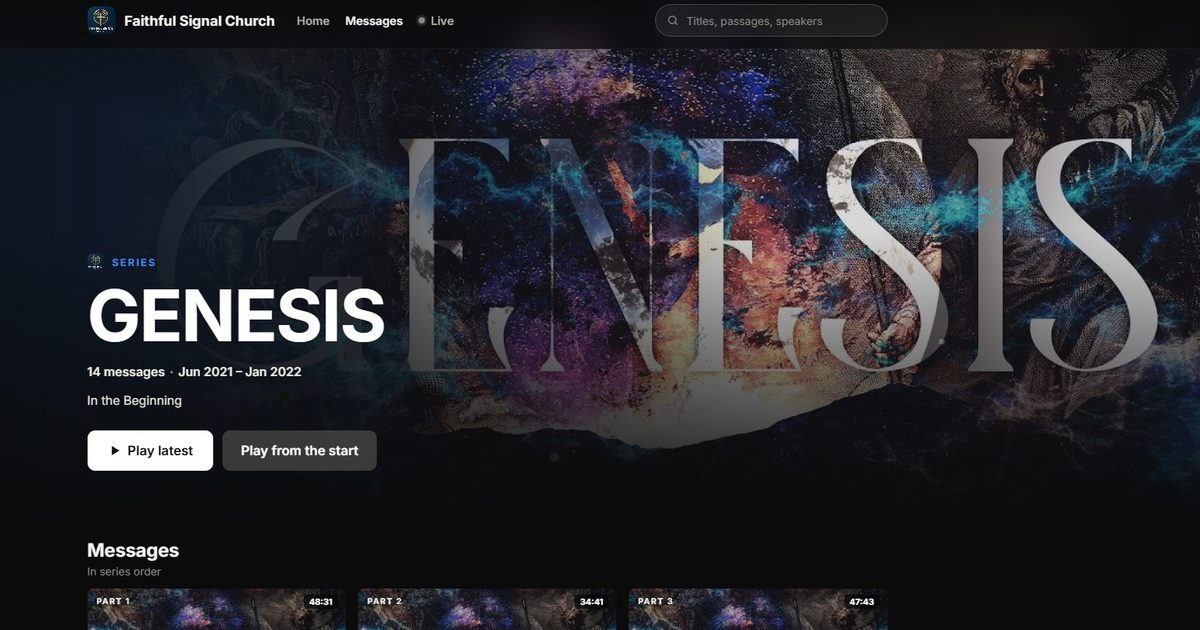
Streaming services figured out long ago how to keep people watching: big artwork, every episode in order, a button to start from the beginning, and the next episode waiting when the last one ends.
Churches have been doing series for much longer than streaming services have. Eight weeks in Ephesians, an Advent series, a summer in the Psalms. But online, most sermon series end up scattered across a YouTube channel sorted by upload date, mixed in with announcements and special events. A newcomer who finds Part 5 has no easy way to find Part 1.
The short answer: give every series its own page, with its own artwork, a short description, every part in the order you preached it, and a way to start from the beginning. Then make every clip and every message point back to the series.
Why series matter more online than in the room
In the room, people get context every week: the announcements, the recap, the bulletin. Online, a viewer might arrive in the middle of a series from a clip a friend shared. A series page gives them what the room gives everyone else:
- Context. What the series is about, in a sentence or two.
- A starting point. Part 1, one tap away.
- A reason to come back. The next part is right there when this one ends.
A series is also the easiest thing in your library to share. “Watch our series on anxiety” is a far better invitation than “check out our YouTube channel”.
What makes a good series page
| Element | Why it matters |
|---|---|
| Artwork | It’s the first thing people see, in tiles, link previews and podcast apps |
| A one- or two-sentence description | Tells a newcomer what the series is about and who it’s for |
| Every part, in order | Lets someone start at the beginning and keep going |
| Part numbers | ”Part 3 of 8” tells people where they are |
| Play from the start, and the latest part | Newcomers start at Part 1; regulars jump to this week |
| Scripture on each part | Helps people follow along and find messages on a passage |
| A short, stable address | Easy to print on a slide or a bulletin |
Artwork that works everywhere
Your series artwork shows up in more places than you’d think: a wide banner at the top of the series page, a 16:9 card in link previews, and a square tile in podcast apps and grids.
- Design once, for three shapes. Keep the series name and the key image in the center, so a square crop and a wide crop both still read.
- Fewer words. The series name and maybe a subtitle. Dates and speaker names change; put them in the description instead.
- Readable at thumbnail size. If you can’t read the title on a phone at the size of a postage stamp, simplify it.
- No artwork yet? A solid color or a simple background with the series name is better than a blank tile. Many tools can generate a background for you.
Names, order and addresses
- Name parts consistently. A clear title for each message, plus its part number. Avoid “Week 3” alone; give each part a name people can search for.
- Order by when you preached it. Not by upload date. If a guest speaker fills in mid-series, decide on purpose whether that message belongs in the series.
- Pick the address once. If you print a series page address on a slide or a QR code, changing it later breaks every printed link. Choose a short address at the start and keep it.
Promote each part
- A clip from every part. Short clips on social media are the hook. Each one should link to the full message, inside its series. See Sermon Clips That Lead Back to the Full Message.
- A QR code at the end of the service. “Missed a week? Catch up on the whole series here.”
- The podcast. If your podcast carries the series, listeners get every new part automatically. See How to Turn Your Sermons Into a Podcast.
- Small groups. A series page is a ready-made curriculum. Send groups the link with discussion questions.
After the series ends
Keep it. A finished series is a complete resource, and some of your best series will be evergreen: marriage, anxiety, prayer, the Gospel of John. Re-share them when they fit the calendar, and point new believers to them.
How WorshipMetrics does it
In WorshipMetrics, series are part of your Content Library. You create a series with a name, a short description and artwork, then add messages and drag them into order. Artwork is kept in three shapes automatically (square for tiles and the podcast, wide for cards and link previews, a banner for the watch page), and you can upload your own, pick a stock image, or generate a background with AI. With no image, the series is painted from a color you choose.
Every series gets its own page on your watch site, with Play latest and Play from the start, and renaming a series keeps its address. Your podcast can carry every message or only the series you pick, and your website can embed one series. Series pages come with Pro and Max. See Sermon Series.
Want to see one? Open the Genesis series on our demo church, Faithful Signal Church, and start from Part 1.
Keep going
This article is part of our church content library series. Related reading:
Related questions
- How should we organize sermons online?
- By series first. Give each series its own page with artwork, a one- or two-sentence description and every message in the order it was preached, with a way to start from Part 1. Inside each message, keep titles, speakers, dates and scripture consistent so the whole library is searchable.
- What size should sermon series artwork be?
- Make one design that works in three shapes: a square for tiles and podcast apps, a wide 16:9 card for link previews and thumbnails, and a wide banner for the top of the series page. Keep the series name and key art in the center so nothing important gets cropped.
- Should a series list newest first or in order?
- In the order you preached it. Newcomers usually want to start at the beginning. Make it easy to jump to the latest part too, for regular viewers who are keeping up week by week.
- What should we do with a series after it ends?
- Keep it. A finished series is a complete resource someone can watch start to finish. Re-share evergreen series when they fit the calendar, such as an Advent series each December, and use them for small groups and new believers.
Which Sermons Do People Come Back To? Reading Your Sermon Library Numbers
NextHow to Control PTZ Cameras with an Xbox Controller
Related Articles
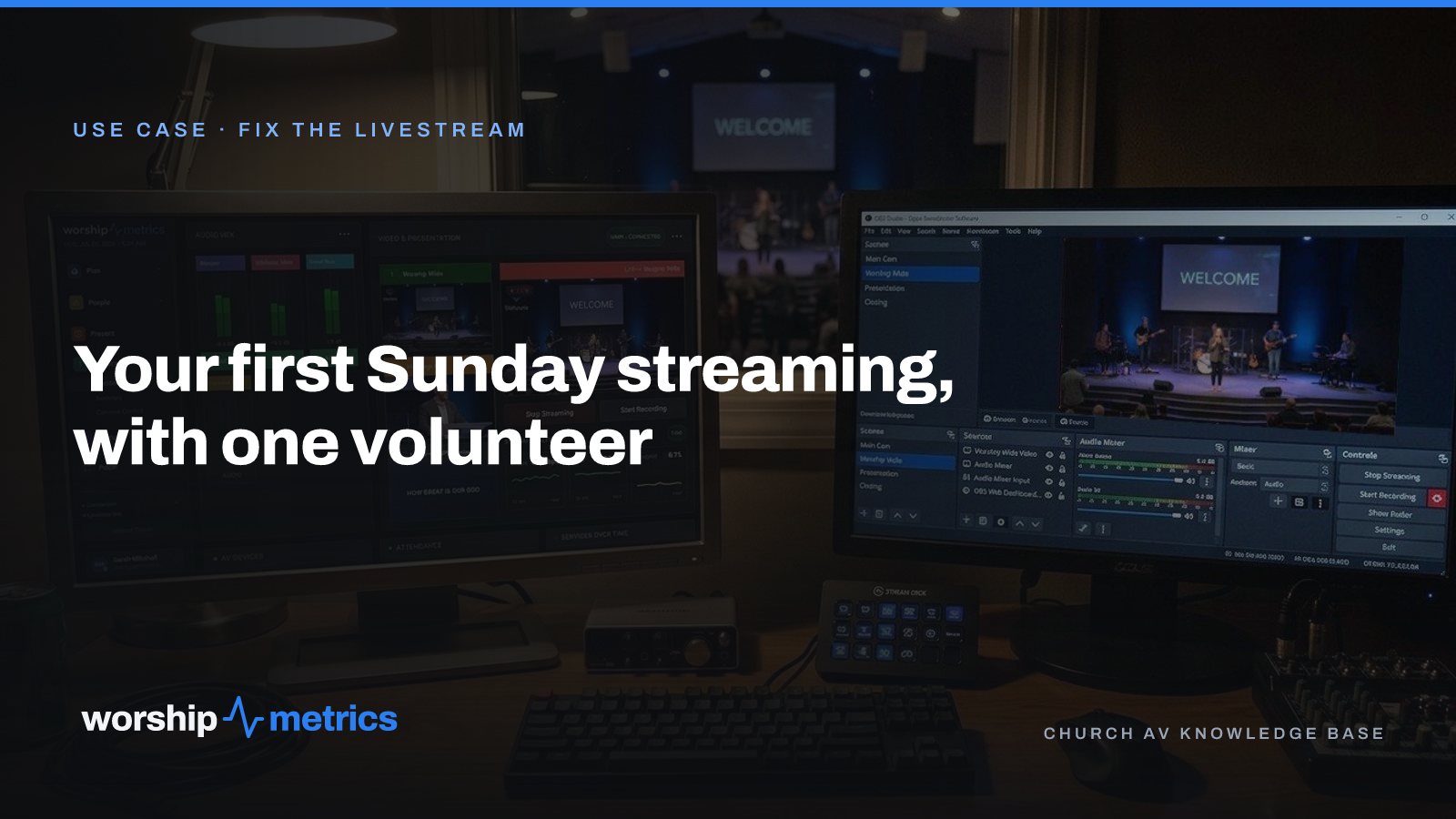
Your First Sunday Streaming: A Plan for a Church With One Volunteer
No media team, no budget line, one person who said yes. Here's the first-Sunday plan: what to set up during the week, what to check Sunday morning, and what the platform carries so the volunteer only has to click Go Live.
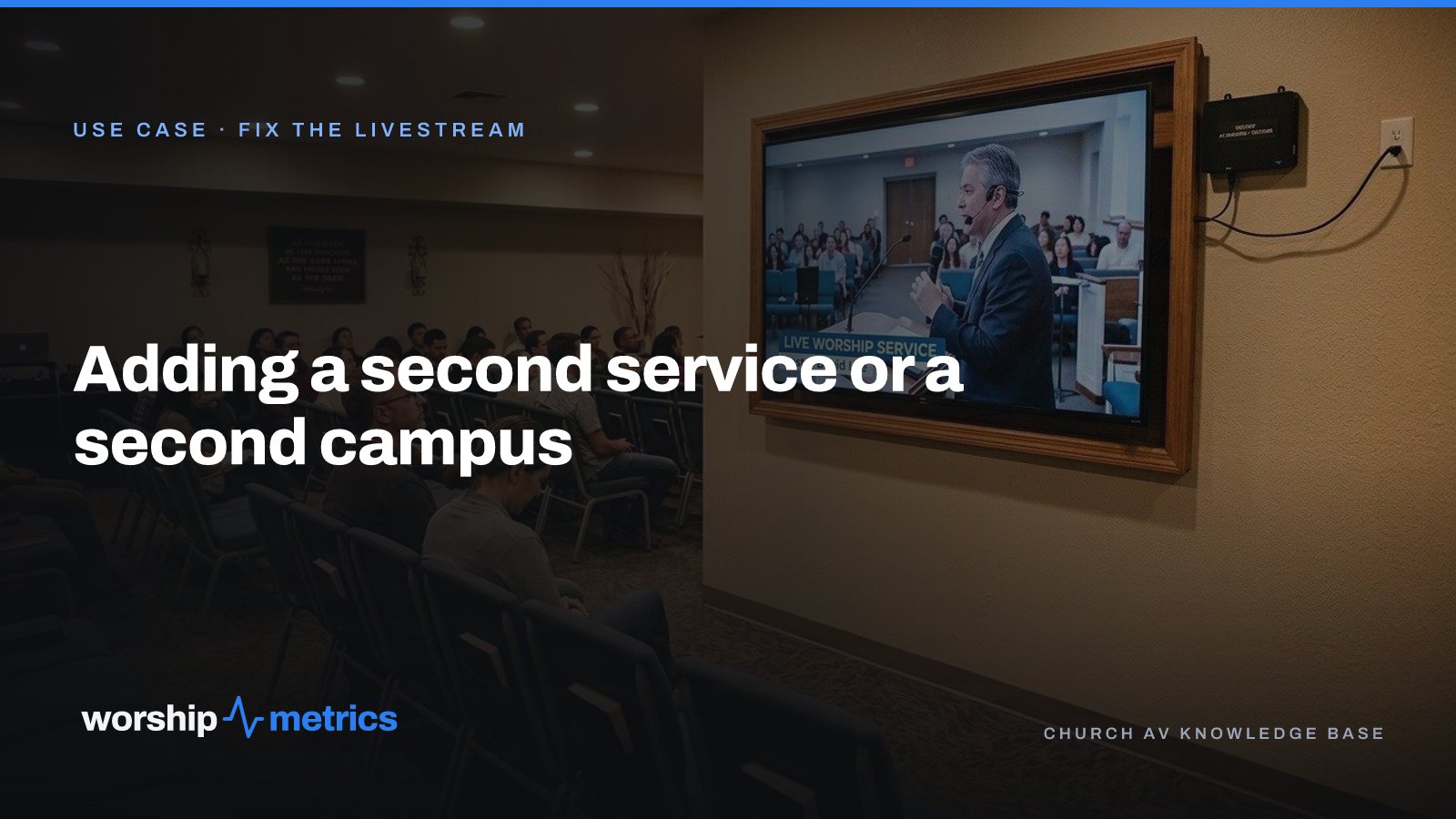
Adding a Second Service or a Second Campus to Your Church Livestream
The livestream was built for one service in one room. Now there's a 9:00 and an 11:00, or a second campus across town. Here's what actually changes, what carries forward, and what to set up once so the second Sunday isn't twice the work.
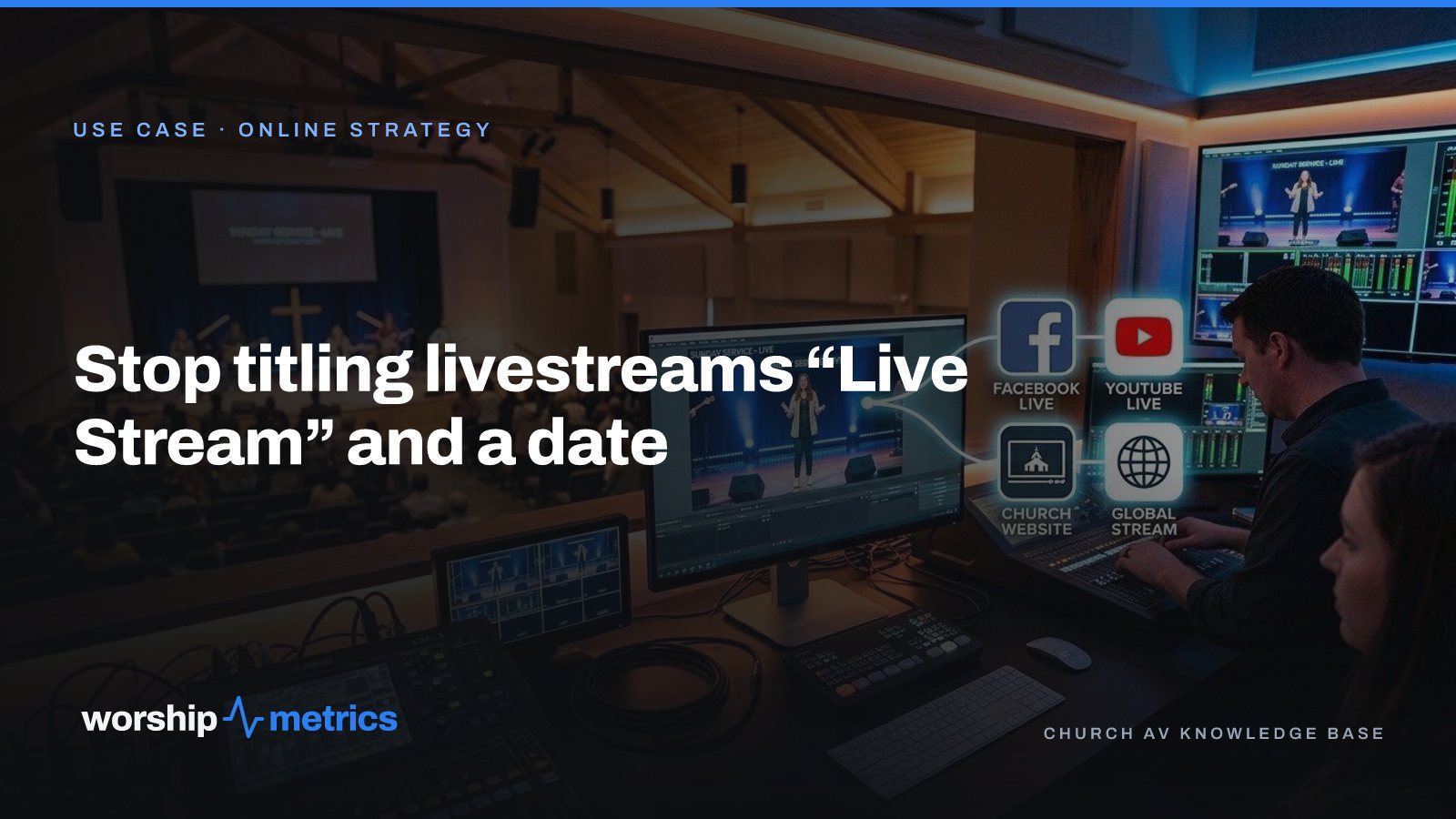
Stop Titling Church Livestreams 'Live Stream' and a Date: A Naming System That Makes Your Catalog Findable
Fifty videos called 'Live Stream, October 12' is a channel nobody can search, not even the church. Here's a naming system for church livestreams and messages, and where the AI fills in the title, description, and series for you.