The clip worked. Now what?
Someone just watched your pastor’s 45-second clip to the end. Maybe it hit them. Maybe they watched it twice. What happens in the next ten seconds decides whether that moment goes anywhere.
Usually, they do one of three things:
- Scroll on. Most do, and that’s fine. A good clip still leaves an impression.
- Tap your profile to see who made it.
- Look for more: the full message, another clip, or how to visit.
For the second and third group, your church needs a clear path waiting for them.
Stop 1: The caption
Most people read only the first line. Use it to add to the clip, not repeat it:
- One sentence that connects: “For anyone carrying something heavy this week.”
- Where to find the full message: “Full sermon on our YouTube channel.”
- One next step: “New here? Plan your visit, link in bio.”
Skip the wall of hashtags and the five different links.
Stop 2: Your profile
After a good clip, many people check the profile. In a few seconds, it should answer: who are you, where are you, and why should I care?
- Name and city, so locals know you’re nearby.
- Service times.
- One link in the bio that goes to a page for first-time visitors, not your homepage’s full menu.
- Highlights or pinned posts that show the church: people, worship, kids’ ministry, a baptism (with consent).
- A steady stream of clips, so the profile looks alive. (See a sermon clip posting schedule.)
Stop 3: The full message
Some people want more of what they just heard. Make it easy:
- Link the full sermon in the clip description on YouTube.
- Organize your channel with playlists: full services, sermons, worship. (See YouTube, Facebook, or a private community?.)
- Use a searchable title, like “When God feels silent | Psalm 13,” not “Sunday Service 10/5.”
Stop 4: “Plan your visit”
This is the most important page you have for turning online viewers into guests. It answers the questions people are too nervous to ask: where to park, what to wear, what happens with the kids, whether anyone will single them out. A short video from the pastor helps a lot. (See the what to expect page.)
Stop 5: The welcome
When they finally walk in, the welcome has to match the clip that brought them. Someone at the door. A simple, low-pressure way to say hello. A follow-up that week. (See from anonymous to known.)
In WorshipMetrics, first-time guests can check in with a QR code and land in People, your directory, without a volunteer typing anything. They’re recognized automatically when they come back, so the person who first found you through a clip doesn’t stay a stranger.
Ask how they found you
Add one question to your welcome card or check-in: “How did you first hear about us?” Include “a video or clip on social media” as an option. Review the answers monthly. That’s how you’ll know the path is working. (See are your clips bringing people in?.)
Make the first stop easy to keep up
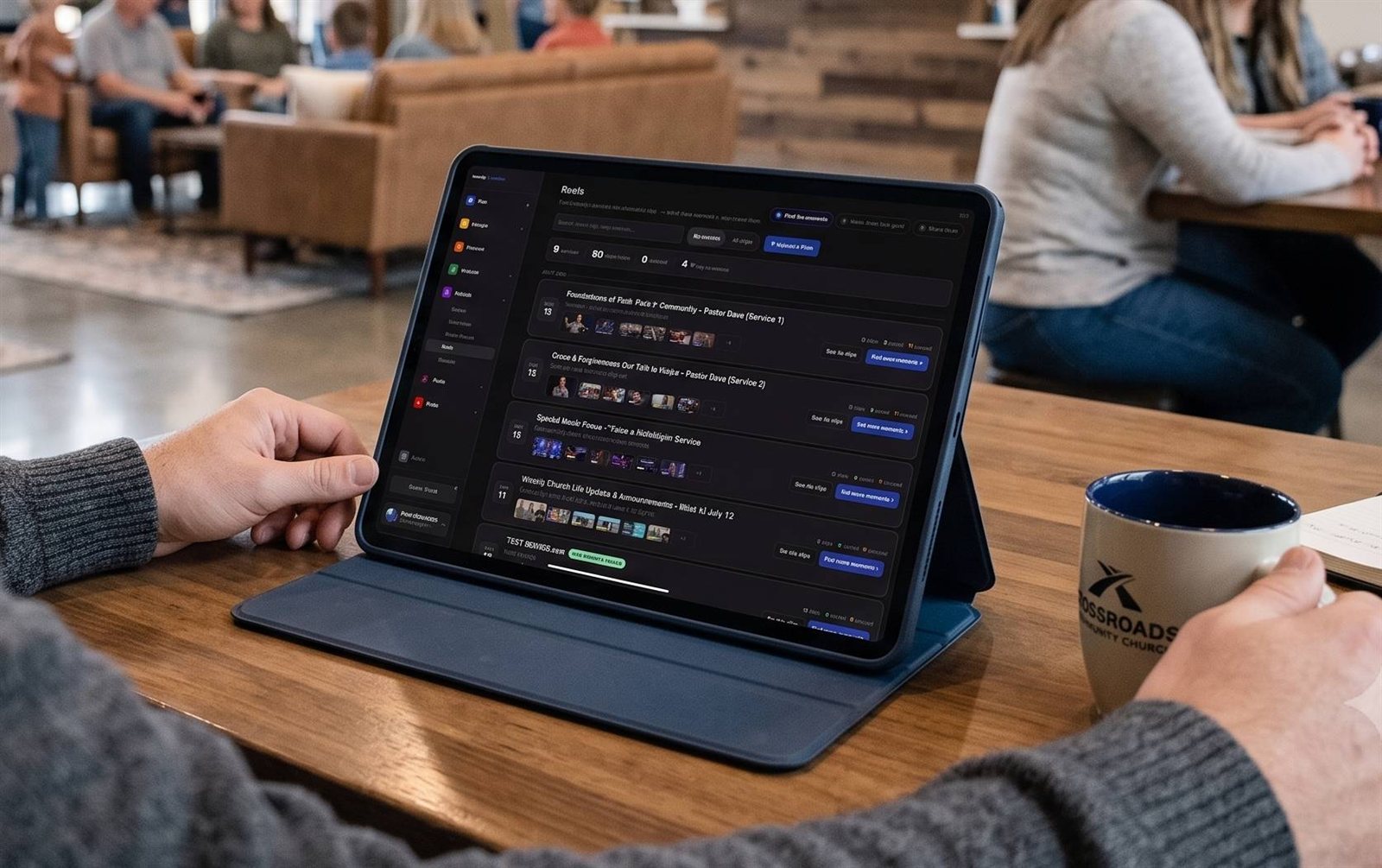
None of this matters if the clips stop after a month. Reels (formerly Worship Clips) keeps the first stop running: connect your YouTube livestream, review the AI-suggested moments, and get captioned clips in vertical, square, and horizontal. A volunteer, often a student working from home, can keep it going in an hour a week. (See the Youth Clip Team.)
See how every stop connects: grow your church online.
Related questions
- What should be in a church clip's caption?
- One line that adds to the clip, a link or pointer to the full message, and one simple next step, like a 'plan your visit' page. Keep it short; most people only read the first line.
- What should a church's social media profile include?
- A clear name and location, service times, one link in the bio that leads to a page for first-time visitors, and pinned or highlighted posts that show what the church is like. Many people check the profile after watching a clip they liked.
- How do we know if someone found us through a clip?
- Ask. A simple 'How did you first hear about us?' question on your welcome card or check-in form, reviewed every month, tells you which clips and platforms are bringing people in.
Hiring a Part-Time Church Tech Director: When, What to Look For, and the Alternatives
NextAI Sermon Clip Tools Compared: Choosing the Right One for Your Church (2026)
Related Articles
A Content Engine That Stays Personal: More Clips, Better Titles, Better Thumbnails
Keeping up online means more content than most church teams can make by hand. Clipping every service, with AI help on titles, descriptions, and thumbnails, turns one sermon into a week of posts. Here's how to build a church content engine that stays personal, controllable, and true to your voice.
Which Sermons Resonate? What Clip Metrics Tell Pastors
When you clip every service, each clip becomes a small signal: what people watched, finished, shared, and came back to. Here's how pastors can read sermon clip metrics to learn what's connecting with their congregation and community, without letting the numbers write the sermon.
Which Worship Songs Does Your Congregation Love? Song Insights From Clips
Worship leaders usually choose songs by feel, familiarity, and theme. Clip metrics add another view: which songs people play again and again, at church and online. Here's how to read worship song insights to plan stronger sets, and the licensing to check along the way.