 Plan Services, songs, and attendance, with the team scheduled.
 People Your directory, volunteers, and team chat in one place.
 Present Lyrics, scripture, slides, and stage display, free in any browser.
 Produce One dashboard for the switcher, PTZ cameras, and the stream.
 Publish Stream Sunday, keep every sermon on your watch page, clip it.
 Patch Every device, cable, and signal path, mapped and printable.
 Pulse Know the moment the stream or a device drops.
Use case · Sunday at a glance
Know the booth is ready before you walk in.
One page that says whether Sunday is ready: the computers, the devices, the network, and the stream, each with a word and a reason. Alerts reach the people you choose the moment something drifts, the stream offers a one-tap restart when it stops, and the checklist your team actually follows is taped to the desk. Free, forever.
Or call 910-WORSHIP
Sunday, 8:40 am, the breakfast table
The problem you don't hear about is the one that gets you.
Most Sunday-morning disasters were quiet for a week first. The booth computer has been restarting itself since Tuesday. The lobby TV went dark and the greeters shrugged. A volunteer noticed the backup camera stopped answering and worked around it, because there was no one to tell and no easy way to tell them. Then it's 9:55, the stream won't start, and the tech director is hearing about all of it at once.
As long as the checklist gets followed, things usually go fine. The hard part is the week in between, when nobody is in the booth and nobody is looking.
Here is what 8:40 looks like when the platform is looking.
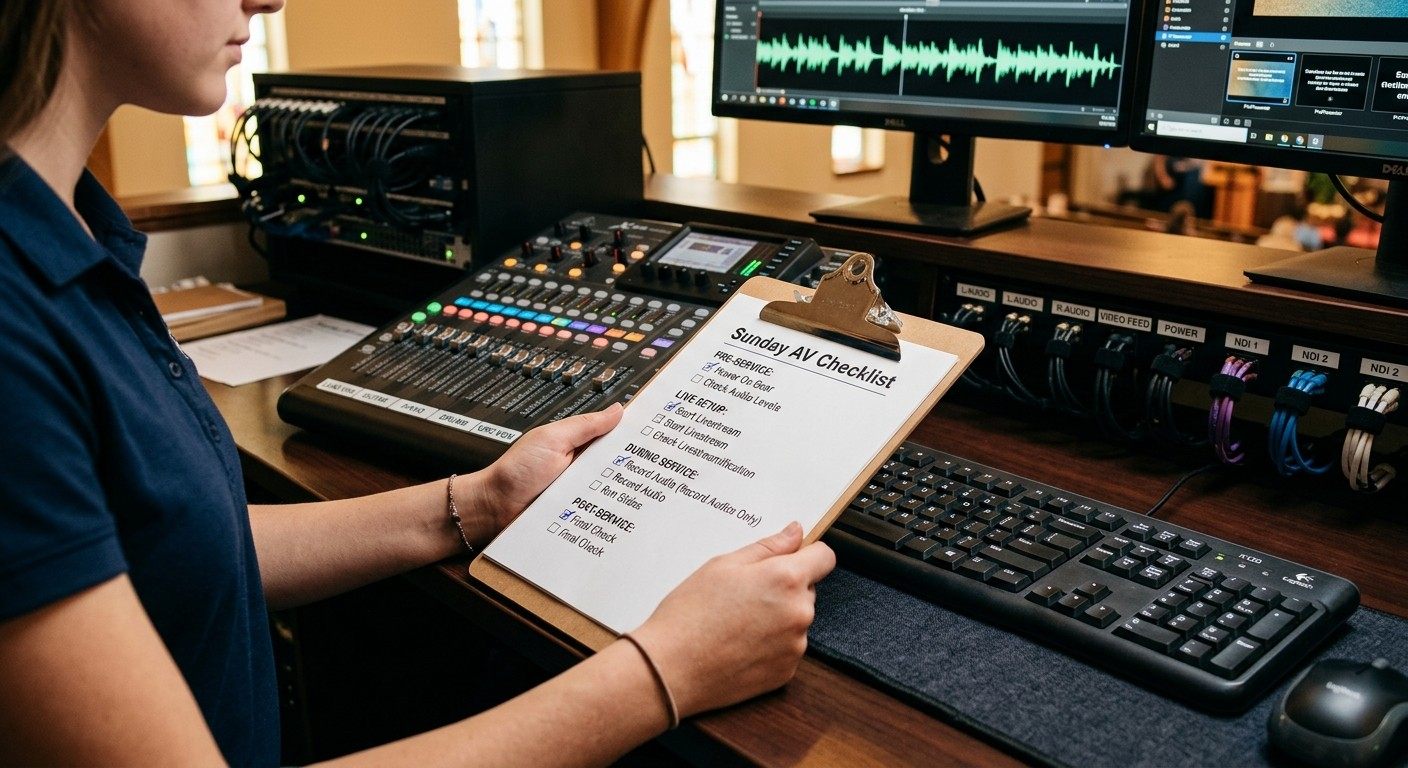
8:40 am, with the platform looking
Four things you know before you leave the house.
Ready, or not
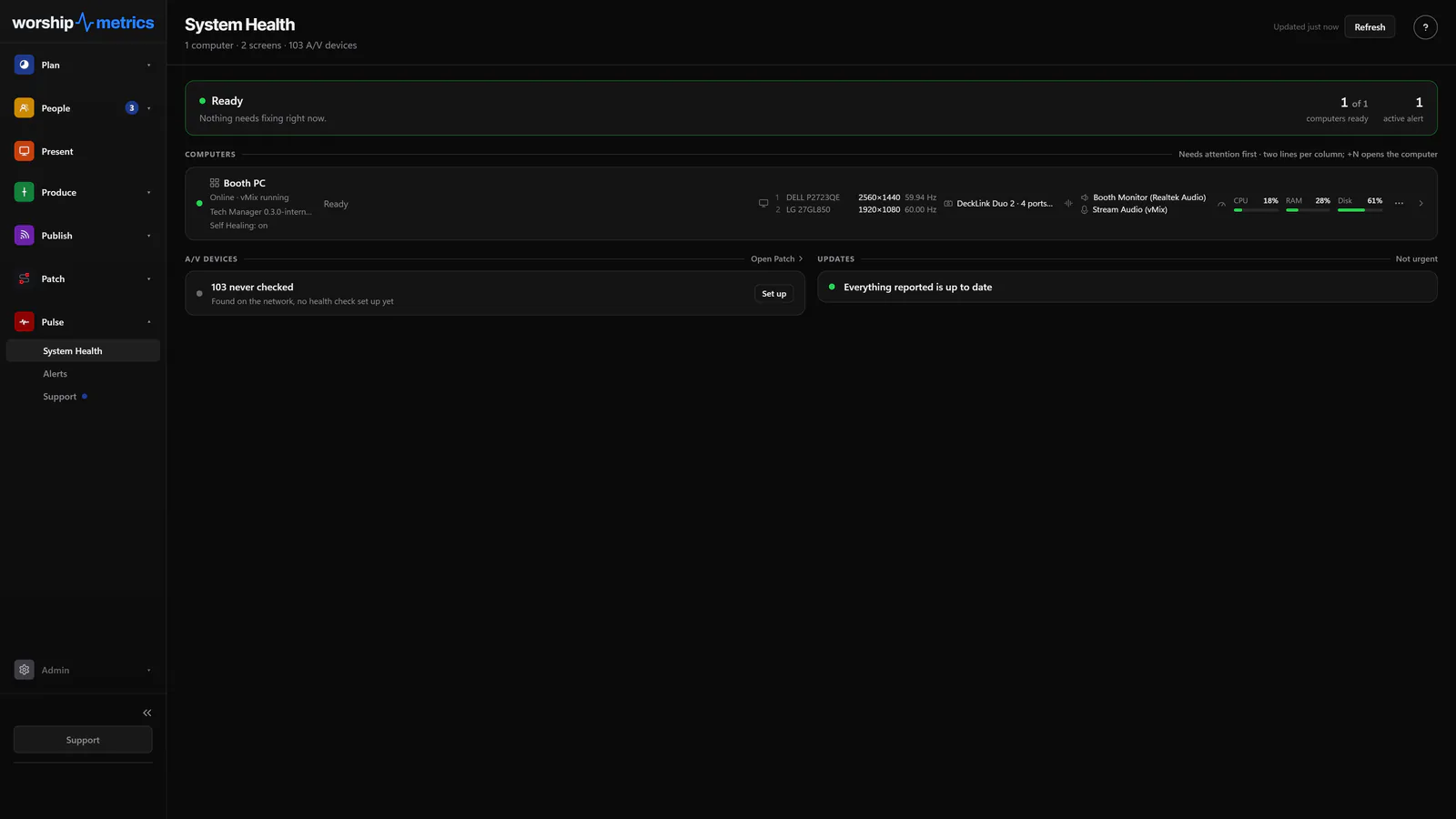
One page that says whether the booth is ready.
System Health is three words with a reason behind each: Computers, Devices, and Network. Open any computer and see what it sees: CPU load and temperature, memory, every disk, the GPU and its driver, every display, the audio endpoints with their volume and mute state, USB peripherals, and WiFi signal. A telemetry beat lands every 15 seconds, so the page is seconds-fresh at 8:40 am.
- Computers, Devices and Network, each with a word and a reason
- A booth computer earns its offline badge after 90 seconds of silence
- The same page from the booth, the second row, or the breakfast table
Nobody has to report it
Alerts go to the people you choose, once per problem.
A fleet watcher scans whether or not anyone has a page open. A booth offline, CPU or memory or disk critical, the stream dropped, no audio going out, the booth's default output muted before service: each lands as a card in Alerts, and the people who switched that kind on hear about it by email and the booth notification, by text on Pro. One outage sends one alert, and a flapping machine sends one email, not forty.
- Acknowledge, resolve, or mute each card; choose who hears about each kind
- A muted default output or microphone raised as a warning before service
- A camera, console, or switcher flagged in Devices alarms only when every booth computer agrees it is unreachable
When the stream stops
One tap to restart it, and nothing restarts on its own.
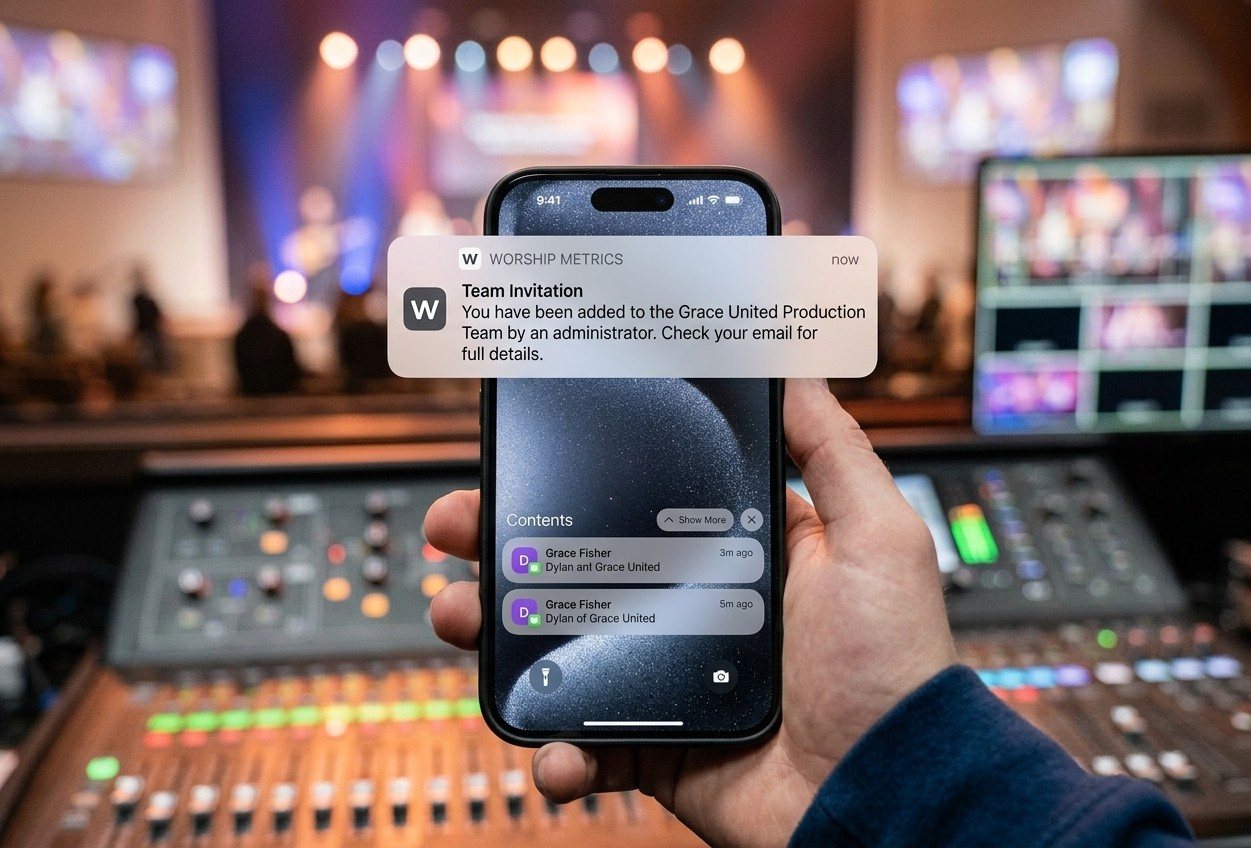
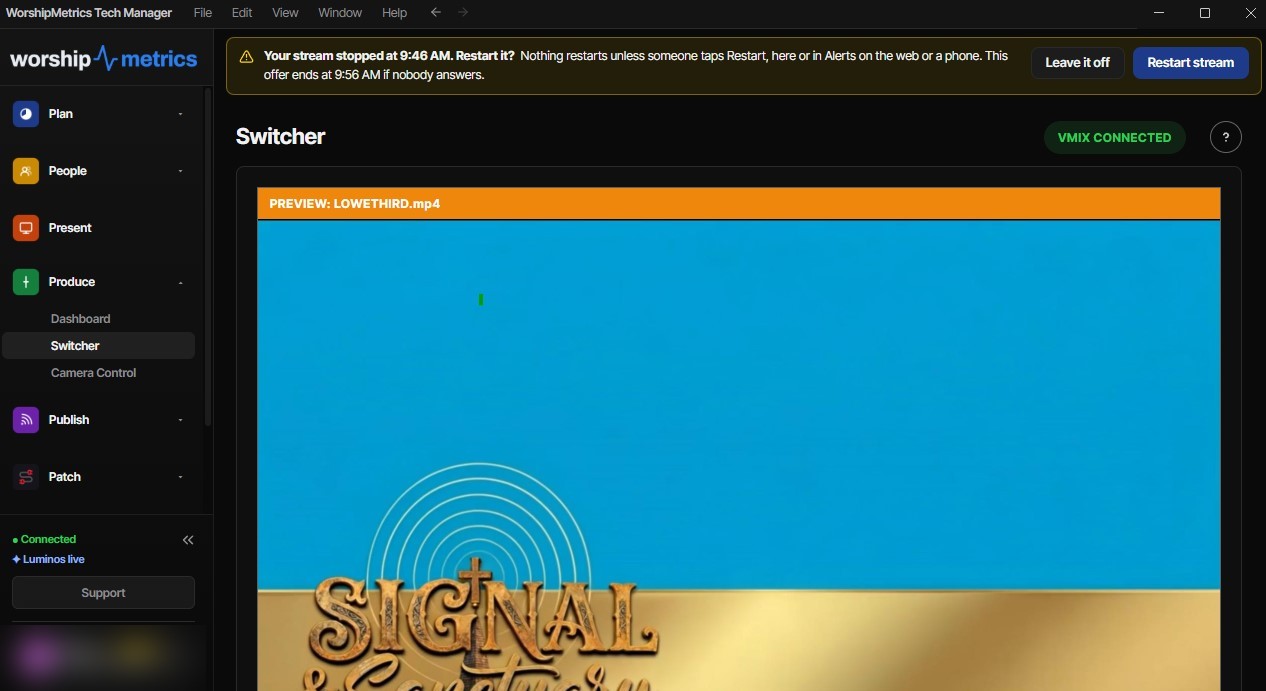
The stream or recording you started from WorshipMetrics is checked every five seconds. When it stops, a pop-up appears on the Tech Manager screen where the volunteer is already looking, and a row appears in Alerts on the web and on your phone, with Restart and Leave it off. Whoever taps first wins. About twenty seconds later the booth looks again and reports back: verified, not fixed, or couldn't confirm.
- vMix today; checked every five seconds
- The volunteer in the booth, the tech director in the second row, or a spouse at home can tap
- Offers lapse after ten minutes, so a stale prompt can't restart anything later
Everything for service
The whole booth on one screen, and the team on the plan.
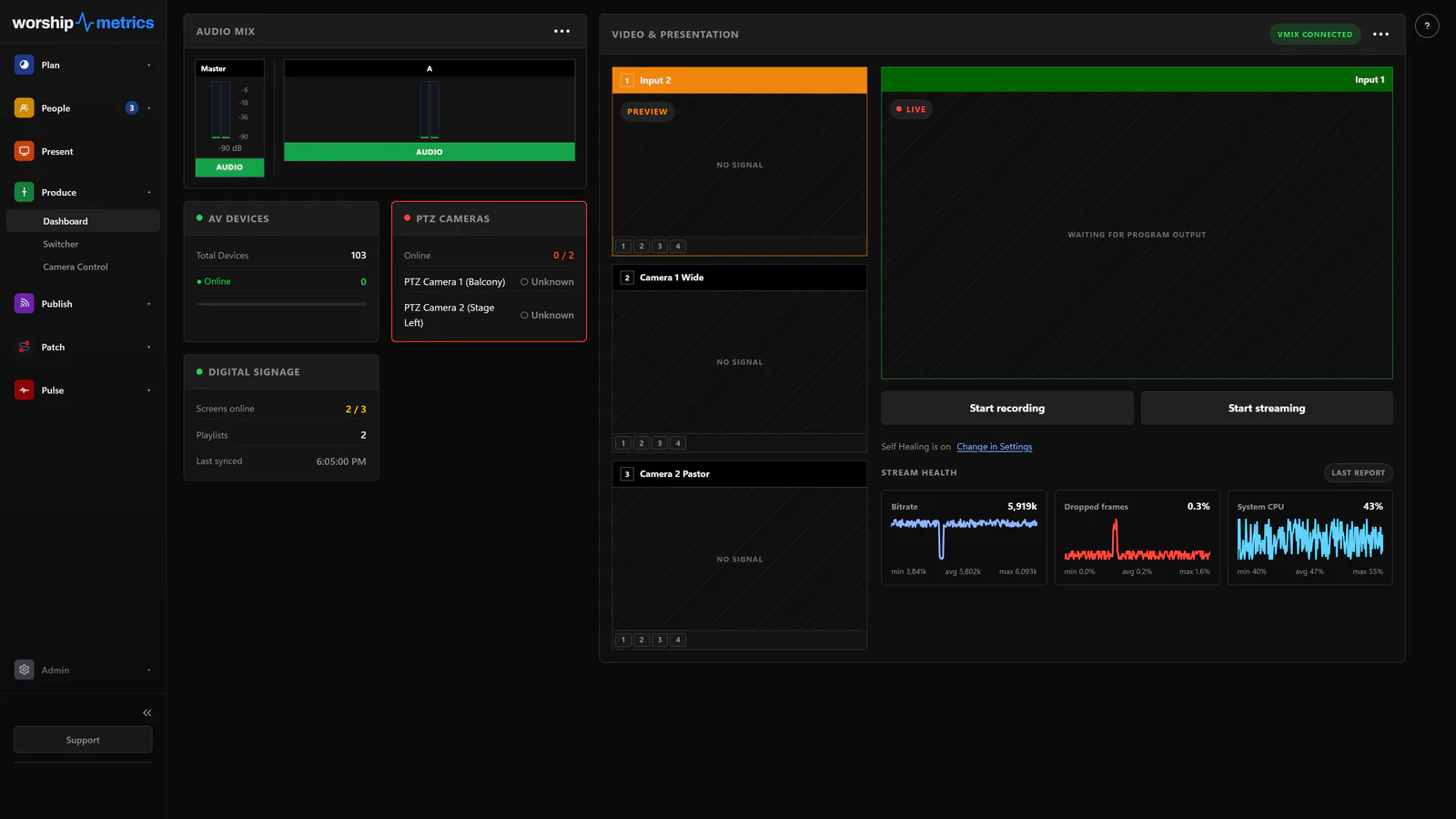
The production dashboard in Tech Manager puts the audio meters, preview and program, the AV devices, the PTZ cameras, signage, and stream health on one screen, with the stream and the recording one click away. Before you go live, a pre-flight screen checks the broadcast. And the service plan shows who is on audio and who is running cameras this week, so 'who's scheduled?' is answered before anyone asks.
- Audio, video, devices, cameras, signage, and stream health together
- A pre-flight screen before every stream
- Each plan shows who is on audio and cameras; each person sees their own Sundays in My Schedule
From the second row
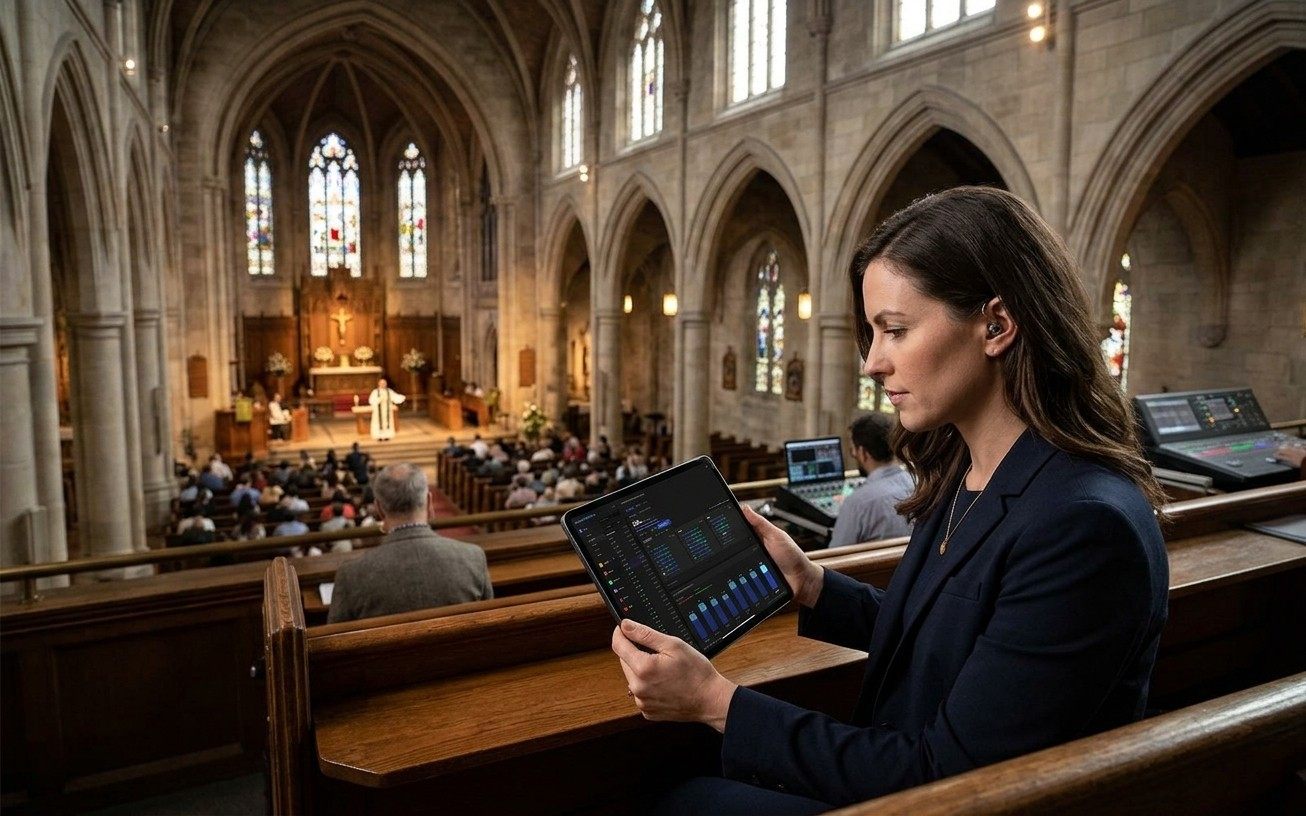
The pastor can see Sunday without asking the tech team.
The same System Health page, the same alerts, and the same attendance recap open on a phone or a tablet in the pew. A leader who wants to know whether the stream is up, who is in the booth, or how many people came doesn't have to interrupt the people running it.
How a pastor checks Sunday without asking the tech team →What's free and what isn't
Watching, the alerts, and the map are free forever.
System Health, the event feed, and the booth's full health page
Free
Alerts by email and the booth notification, to the people you choose
Free
Text message alerts on Pro
Self Healing: the restart offer in the booth and on your phone
Free
The production dashboard and the pre-flight screen in Tech Manager
Free
The Sunday Morning AV Checklist, printable
Free
Journey AI, with your live system in front of it
Free
Chat for verified churches; unlimited chat and the 910-WORSHIP phone line on Pro
Pro is $49/mo and Max is $99/mo, or $39 and $79 at founding prices. See pricing
FAQ
Questions tech directors ask about knowing Sunday is ready
Will it tell me something broke even if nobody on the team says anything?
Yes. A server-side watcher scans continuously whether or not anyone has a page open. A booth computer that goes quiet earns its offline badge after 90 seconds, a dropped connection is caught in about a minute, and each outage alerts exactly once per incident to the people who switched that alert on.
Who gets the alert?
You choose, per kind of alert. Critical computer alerts land in the inbox for everyone and email the church's owners, admins, and members; quieter ones, like a booth going offline, notify only the people who switch them on for themselves. Email and the booth notification are free; text messages come with Pro.
Does it restart things by itself?
No. When a stream or recording you started from WorshipMetrics stops, it offers a restart in the booth and on your phone, and nothing restarts until a person taps Restart. About twenty seconds later it checks and tells you whether the restart worked.
Does it track whether the checklist was followed?
No. The Sunday Morning AV Checklist is a printable page you tape to the desk. What the platform does is watch the things the checklist exists to catch: the booth computer online, the audio not muted, the devices answering, the stream running. That makes the checklist shorter, and it means a skipped step shows up as an alert instead of a surprise.
From the Knowledge Base
Sunday-morning questions, answered in the Knowledge Base.
Get started
See next Sunday from the breakfast table.
Create your church's free account, install Tech Manager on the booth computer, and choose who hears about what. Watching, the alerts, and the map are free forever. No credit card, and no call or approval needed.
Questions? Call 910-WORSHIP or email hello@worshipmetrics.com.
- Sign up on your own, any time
- Setup help by phone and email
- On-site installation and training available
- AI phone support any hour