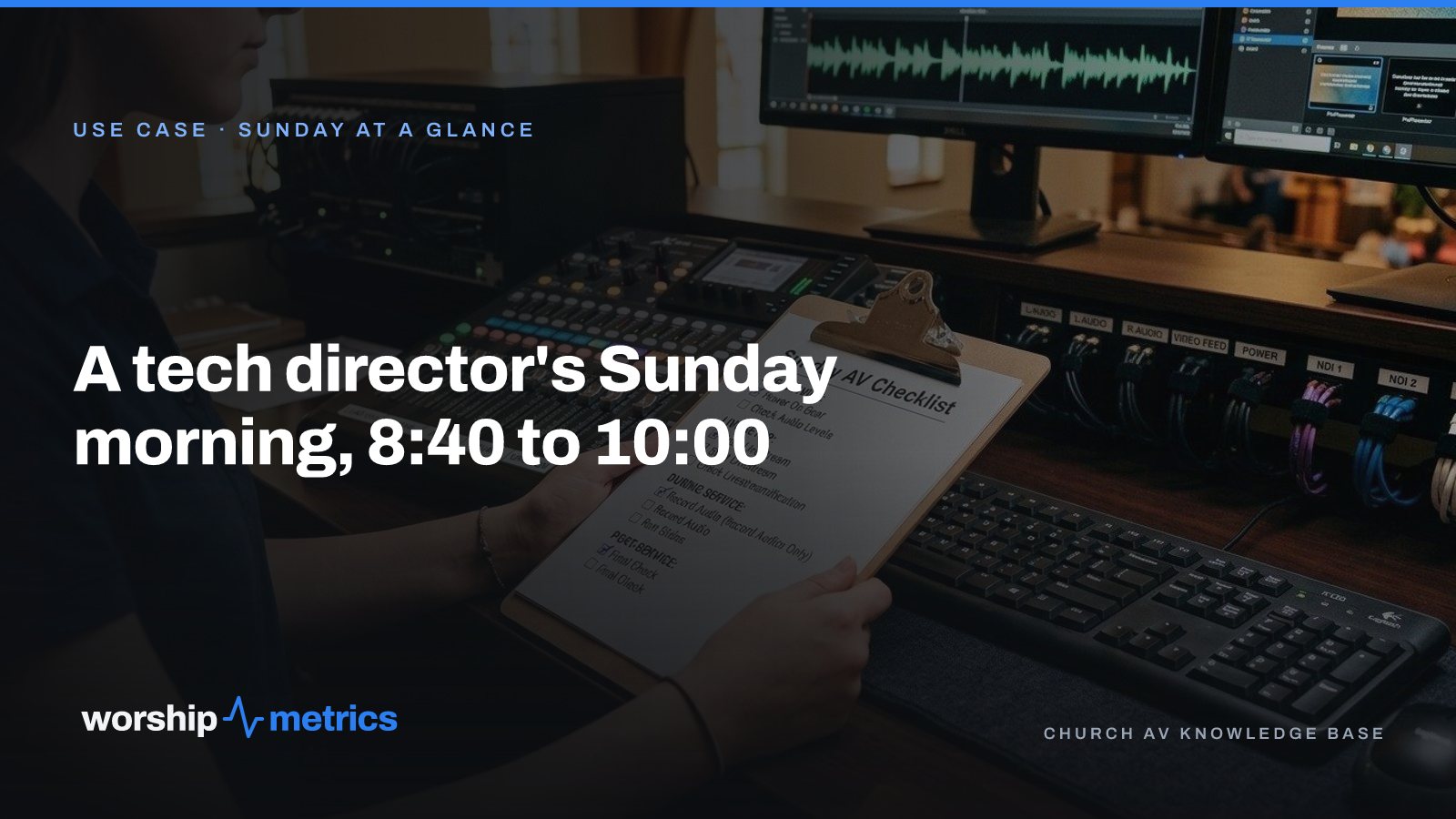
Every church tech director has a Sunday morning routine. Most of them live in one person’s head, which is the problem. Here is a timeline you can hand to whoever is in charge this week, with one honest distinction running through it: what a person checks, what the team checks, and what the platform has already checked before anyone arrives.
8:40 am, the breakfast table
The platform already checked: whether the booth computer is online and how it’s doing, whether the devices you flagged are answering, and whether anything drifted overnight. System Health is three words with a reason behind each: Computers, Devices, Network. If an alert fired at 2 am because Windows rebooted the booth PC into a login screen, it’s in the inbox now, not at 9:55.
The director checks: the phone. If the three words are green, the morning is about the service. If one is not, there’s time to call someone who is already at the building, or to leave ten minutes early.
8:55 am, the booth
The team checks: power on, in order, about sixty seconds apart. Network switch, then cameras, then the switcher, then the mixer, then the streaming computer. Each piece finds the network and the devices it depends on before the next one asks for them. This is the first line of the Sunday Morning AV Checklist, and it’s the one that prevents the most mysterious failures, the ones where everything is on but nothing can see anything else.
The director checks: who’s here. The service plan shows who is on audio and who is on cameras this week, so “is Marcus coming?” is a glance, not a text. The people who accepted the invite are the people on the plan.
9:05 am, the room
The team checks: walk the room. Every camera shows power and network, no dark or red LEDs. The confidence monitor and the lobby feeds show what they should. Nothing else on the network is eating upload: no backup job, no sync, no update that decided Sunday morning was a good time.
The platform already checked: the things the walk used to be for. A camera that isn’t answering was an alert before the walk started. A disk that’s nearly full, a CPU that’s been pinned since Wednesday, a muted default output on the booth computer: those are warnings in the inbox, raised once, cleared when they’re put right.
9:20 am, the booth window
The director checks: one screen. The production dashboard in Tech Manager puts the audio meters, preview and program, the AV devices, the PTZ cameras, signage, and stream health on one screen, with the stream and the recording one click away. The point of one screen is that the person on duty watches one thing instead of five, and knows what every light means.
The team checks: the slides. The playlist is open, every slide in order, before the first song. If the pastor added three slides from home on Saturday night, they’re there, in order, with version history behind them.
9:40 am, the pre-flight
The platform already checked: the broadcast. It was created on your YouTube and Facebook accounts from the service schedule, with the right title and time, so nobody is pasting a stream key. The pre-flight screen before you go live shows the connection, the encoder, and the destinations.
The director checks: the pre-flight screen, once, with coffee.
9:58 am, go live
The team checks: the stream is up on the platform’s side, not just in the encoder. The confidence monitor shows program. The stream mix has sound, which the muted-output warning would already have caught, but a human ear is still the final check.
The director checks: nothing, if the morning went the way it was supposed to. That’s the goal. A morning where the director is not the one discovering problems is a morning where the director can be in the room.
During the service
The platform watches: the stream, every five seconds. If the stream or the recording you started from WorshipMetrics stops, a pop-up appears on the Tech Manager screen where the volunteer is already looking, and a row appears in Alerts on the web and on the phone, with Restart and Leave it off. Whoever taps first wins, and nothing restarts until a person taps.
The team watches: the room, the band, the slides. The things a system can’t.
After the service
The team checks: stop the stream after the closing music and confirm the platform shows offline. Shut down properly: encoder closed normally, faders zeroed, master muted, PC shut down cleanly. The last line of the checklist is the one that makes next Sunday’s 8:55 uneventful.
The platform already did: the recording landed, the stream health report scored the morning out of 100 with what to fix before next week, and on Max the live viewer count rolled into the day’s attendance.
The point of the timeline
The checklist still exists, taped to the desk, laminated, handed to the new volunteer. What changes is how much of it is a discovery and how much is a confirmation. The more the platform has already seen, the more of the director’s hour is spent on the service and the less on finding out what broke on Wednesday.
Next: see what 8:40 am looks like with the platform looking, from System Health to the one-tap restart and the pew view, on the Sunday at a glance page.
Related questions
- What should a church tech director check on Sunday morning?
- In order: that the booth computer is online and healthy, that the devices are answering, that the audio going to the stream is not muted, that the broadcast is scheduled and the pre-flight screen is clean, and that the people on the plan are the people in the booth. Most of that can be known before leaving the house.
- What order should church AV equipment be powered on?
- Network switch first, then cameras, then the switcher, then the mixer, then the streaming computer, about sixty seconds apart, so each piece finds the network and the devices it depends on before the next one asks for them.
- How early should the tech team arrive on Sunday?
- Early enough to power on in order, walk the room, and fix one thing. For most churches that is sixty to seventy-five minutes before the service. The more the platform has already checked, the less of that hour is spent discovering problems and the more is spent on the service.
Why Your Lyrics Slides Keep Coming Out Wrong (and the Fix That Ends It)
NextThe Church Tech Problems Nobody Reports
Related Articles
Build the Church Tech Schedule in 20 Minutes: Positions First, Then People
The schedule that takes all week is the one that starts with people. Start with positions, let availability narrow the list, and invite one person per slot. A month of Sundays in twenty minutes.

What Church Leadership Should See on Monday: Attendance Trends That Mean Something
A single Sunday number tells leadership almost nothing. Here's what to put in front of the elders on Monday instead: in-person and online together, total reach per service, the trend by month and year, and the one list that turns a number into a phone call.
One Sunday, Four Audiences: The Lobby, the Room, the Feed, and the Living Room
Every Sunday a church talks to four audiences on four kinds of screen, usually with four tools and four people. Here's what each audience actually needs, and how one platform covers all four without a media team.