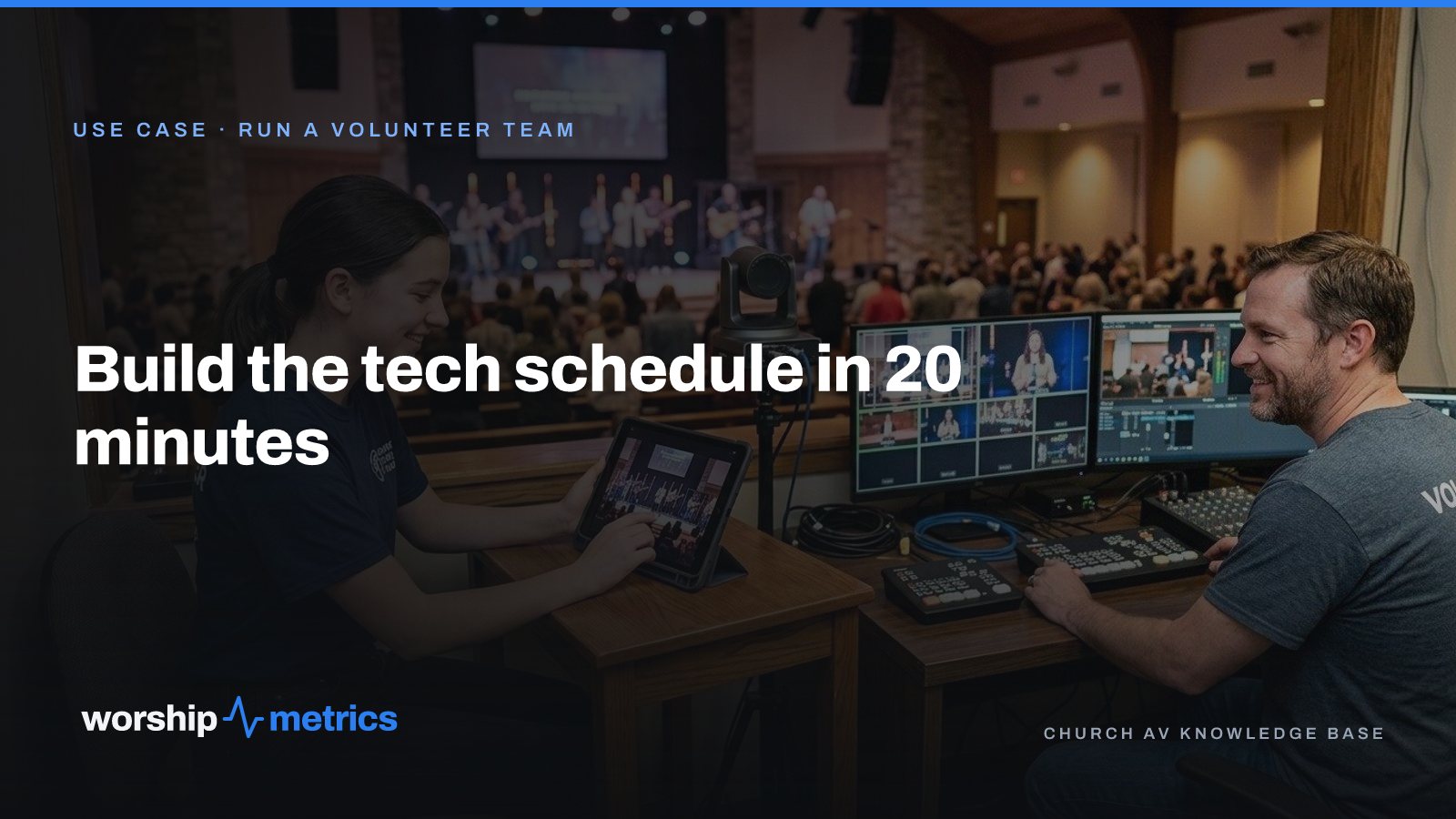
There are two ways to build a church tech schedule. One takes all week and ends in a group text. The other takes twenty minutes and ends with invitations. The difference is where you start.
The schedule that takes all week
It starts with people. Who’s around this month? Text everyone, wait, text again. Collect a pile of maybes. Then try to fit the maybes into jobs: Sarah said she’s free the 9th, can she do slides? Does she know slides? Ask her. She’s done camera before. Can Dave do slides then? Dave’s away the 16th. Start over for the 16th.
Every step depends on a reply that hasn’t come, so the schedule can’t be finished until everyone has answered, and everyone never answers. By Thursday the director is filling the gaps by calling people, and the schedule for the 23rd hasn’t been started.
The schedule that takes twenty minutes
It starts with positions.
Minute one: the positions exist. Every Sunday service has the same slots: camera, slides, audio, stream. Name them once. In Services, the positions sit on the service plan, so when you copy last week forward, the slots come with it, open and ready to fill.
Minutes two to five: people have positions. Each person’s record says what they can do. Marcus: camera, stream. Sarah: slides, camera. Priya: audio. This is the step most churches skip, and it’s the one that makes everything else fast, because now “who can do slides?” is a list, not a question.
Minutes five to ten: availability narrows the list. Volunteers keep their own blackout dates: the trip, the exam week, the Sunday they’re singing instead. The director never asks “are you free?” because the list for the 16th already excludes the people who aren’t.
Minutes ten to twenty: invite one person per slot. For each open position, pick from the short list and send an invitation. One person, one job, one date, accept or decline. Do a month of Sundays in a sitting. The invitations go out from the schedule; reminders follow on their own.
That’s the twenty minutes. The following weeks are spent only on the slots that come back declined, which means inviting the next person on the list.
What the schedule tells you back
A positions-first schedule shows you things a text thread can’t.
Who’s overloaded. If Marcus is on camera three Sundays out of four, it’s visible, and the list shows who else can do camera and hasn’t been asked.
Who’s ready for more. A person with one position who’s been reliable for a season is a person to add a second position to. The record is where that growth gets written down.
Where the gaps really are. If “stream” has two people who can fill it and one is away for a month, the schedule says so in October, not on the Sunday in November when nobody’s there. That’s a recruiting conversation with time to have it.
The volunteer’s side
The twenty minutes only hold if volunteers can see their own schedule without asking. Each person’s upcoming Sundays, their positions, the invitations waiting, all in one place (My Schedule). The Saturday-night “am I on tomorrow?” text goes away because the answer is on their phone.
If your church plans in Planning Center
Keep planning there. Linking your Planning Center account brings the plans, items, times, people, teams, positions, and scheduling into WorshipMetrics and keeps them in sync every five minutes, so the booth, the slides, and the schedule are all looking at the same Sunday. The twenty-minute method works the same either way; it’s a way of thinking about the schedule, not a feature of one tool.
Next: see the Tuesday night when the schedule starts from real positions and the invite has a button, plus positions, availability, reminders, and My Schedule, on the Run a volunteer team page.
Related questions
- How far ahead should a church schedule tech volunteers?
- A month at a time works for most churches. It's far enough ahead that people can plan around it and close enough that availability is still accurate. Build the month, send the invitations, and spend the following weeks only on the slots that come back declined.
- What positions should a church tech schedule have?
- Whatever your Sunday actually needs run, named plainly: camera, slides, audio, stream, and a director if you have one. The point of naming positions is that a person can be scheduled for a job they know how to do, not for 'tech' in general.
- What if the same three people get scheduled every week?
- That's the sign to look at the position list, not the people. When positions are defined and each person's positions are recorded, the schedule shows who is overloaded and who hasn't been asked in a month. Spreading the load is a matter of inviting from the longer list.
How to Control PTZ Cameras with an Xbox Controller
NextWhat Church Leadership Should See on Monday: Attendance Trends That Mean Something
Related Articles

What Church Leadership Should See on Monday: Attendance Trends That Mean Something
A single Sunday number tells leadership almost nothing. Here's what to put in front of the elders on Monday instead: in-person and online together, total reach per service, the trend by month and year, and the one list that turns a number into a phone call.
One Sunday, Four Audiences: The Lobby, the Room, the Feed, and the Living Room
Every Sunday a church talks to four audiences on four kinds of screen, usually with four tools and four people. Here's what each audience actually needs, and how one platform covers all four without a media team.

A Church Communications Plan One Volunteer Can Run in Two Hours a Week
No media team, no communications director, one volunteer who also runs the stream. Here's a weekly rhythm for clips, screens, the stream, and the team that fits in two hours and survives a busy week.