 Plan Services, songs, and attendance, with the team scheduled.
 People Your directory, volunteers, and team chat in one place.
 Present Lyrics, scripture, slides, and stage display, free in any browser.
 Produce One dashboard for the switcher, PTZ cameras, and the stream.
 Publish Stream Sunday, keep every sermon on your watch page, clip it.
 Patch Every device, cable, and signal path, mapped and printable.
 Pulse Know the moment the stream or a device drops.
Use case · Worship on the road
A small worship team, one laptop, and slides that look like your night.
Retreats, worship evenings, a youth night in a borrowed room. You need slides you can build yourselves, lyrics in the right key, chords the band can read, and a plan that still plays when the retreat center has no signal. Free forever, with no per-seat subscription to keep up.
Unlimited users. Bring your ProPresenter files with you.
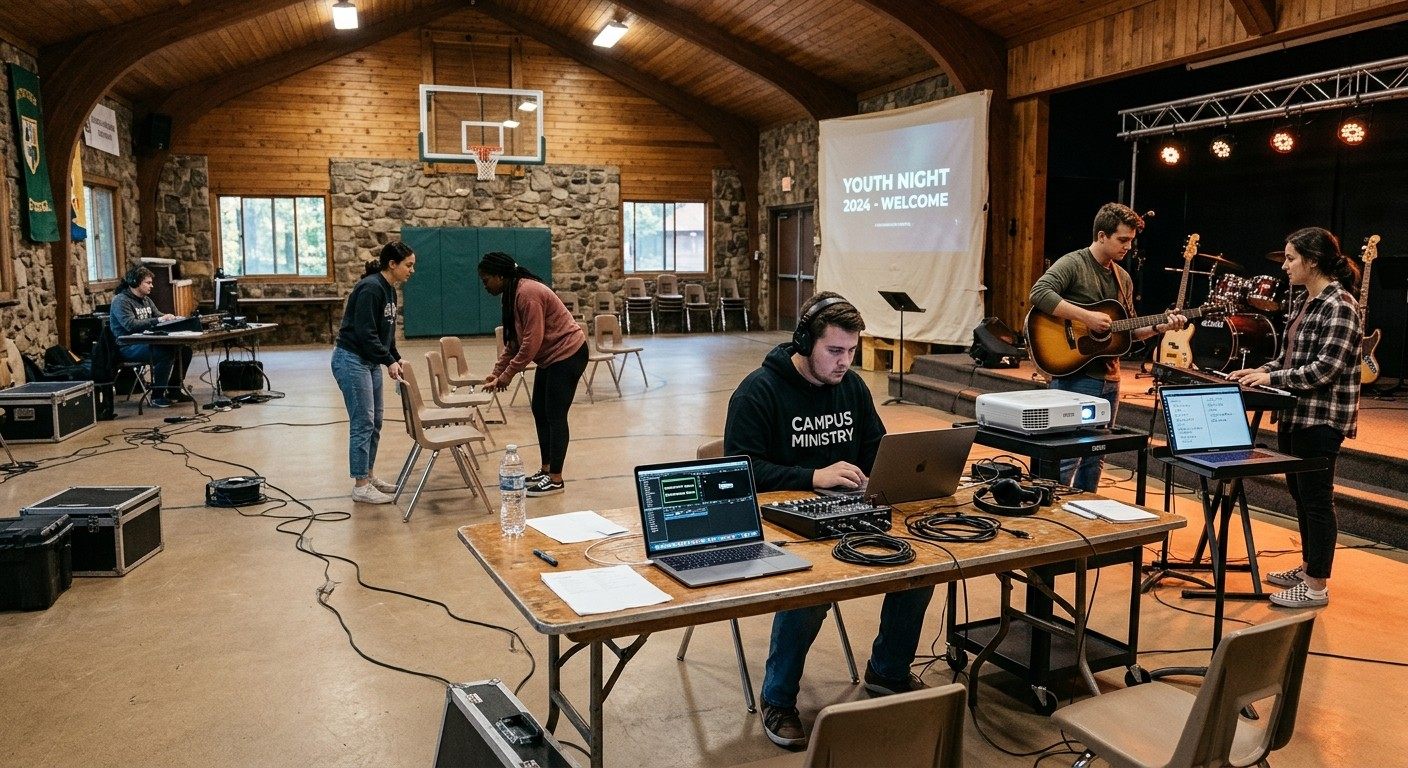
Friday, 6:50 pm, a retreat center
Four musicians, a borrowed projector, and a subscription nobody renewed.
A student worship team drives two hours to lead a Friday night. The slides live on one person's laptop in a presentation program the ministry stopped paying for in May, so the trial is over and the files are locked. The worship leader wants the second song in D tonight. There's no signal in the lodge, and the chord chart is a photo on someone's phone.
They lead the night from memory and the room sings along to a lyric screen that is a beat late. It's still worship. It is also harder than it needs to be, every single time.
Here is the same Friday with the slides, the songs, and the chords in one free account the whole team can edit.
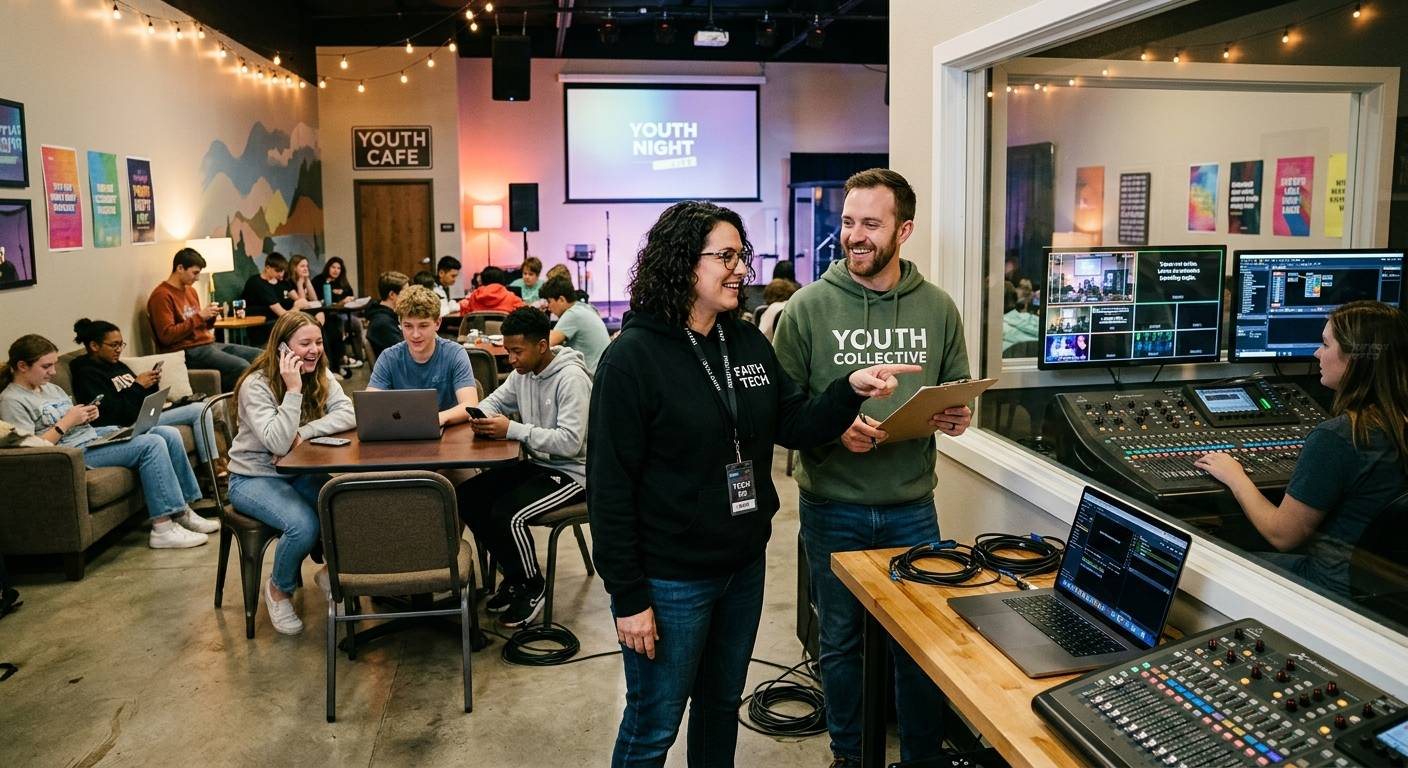
The same Friday, after
Everything the night needs, on the laptop you already own.
Your look
Slides that look like your night, built by your team.
A full slide editor with layers, your fonts and colors saved as a theme, motion backgrounds from the media library, and your own images and videos on any slide. Build the look once on Tuesday, and Friday's songs drop into it. Nobody designs under pressure in the lodge.
See Present →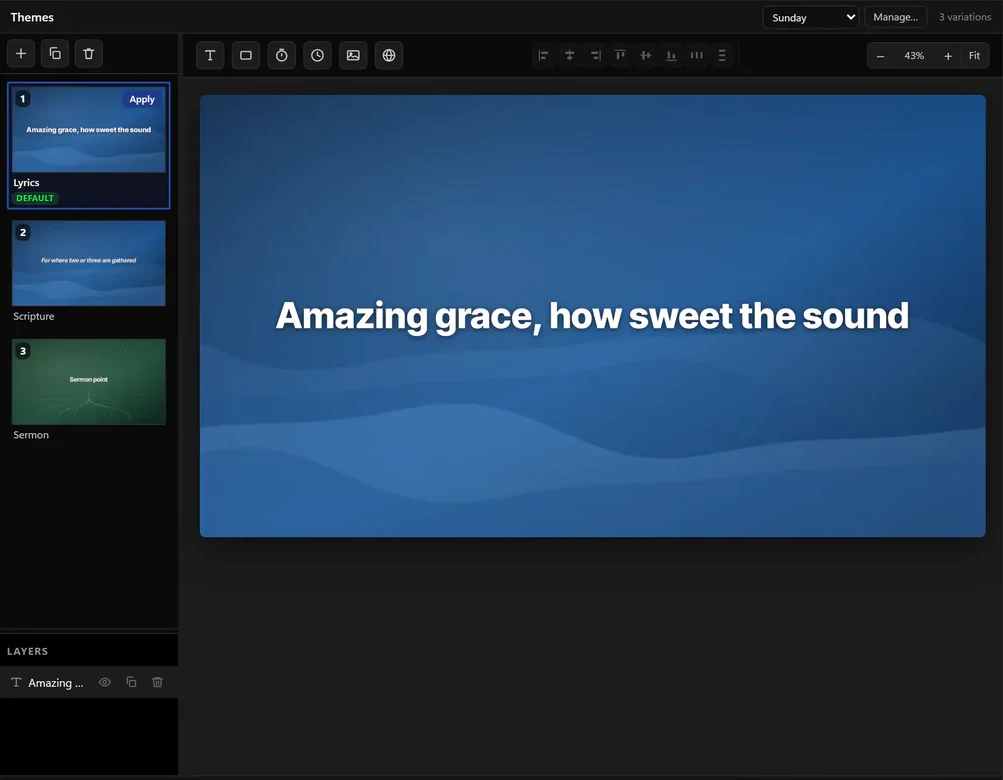
The band
Chords on the stage display, in tonight's key.
The worship leader changes the song to D and the chord chart transposes with it, on a stage display that runs from any spare laptop or screen in a browser. The lyrics on the projector and the chords on the stage come from the same arrangement, so they can't disagree.
See stage display →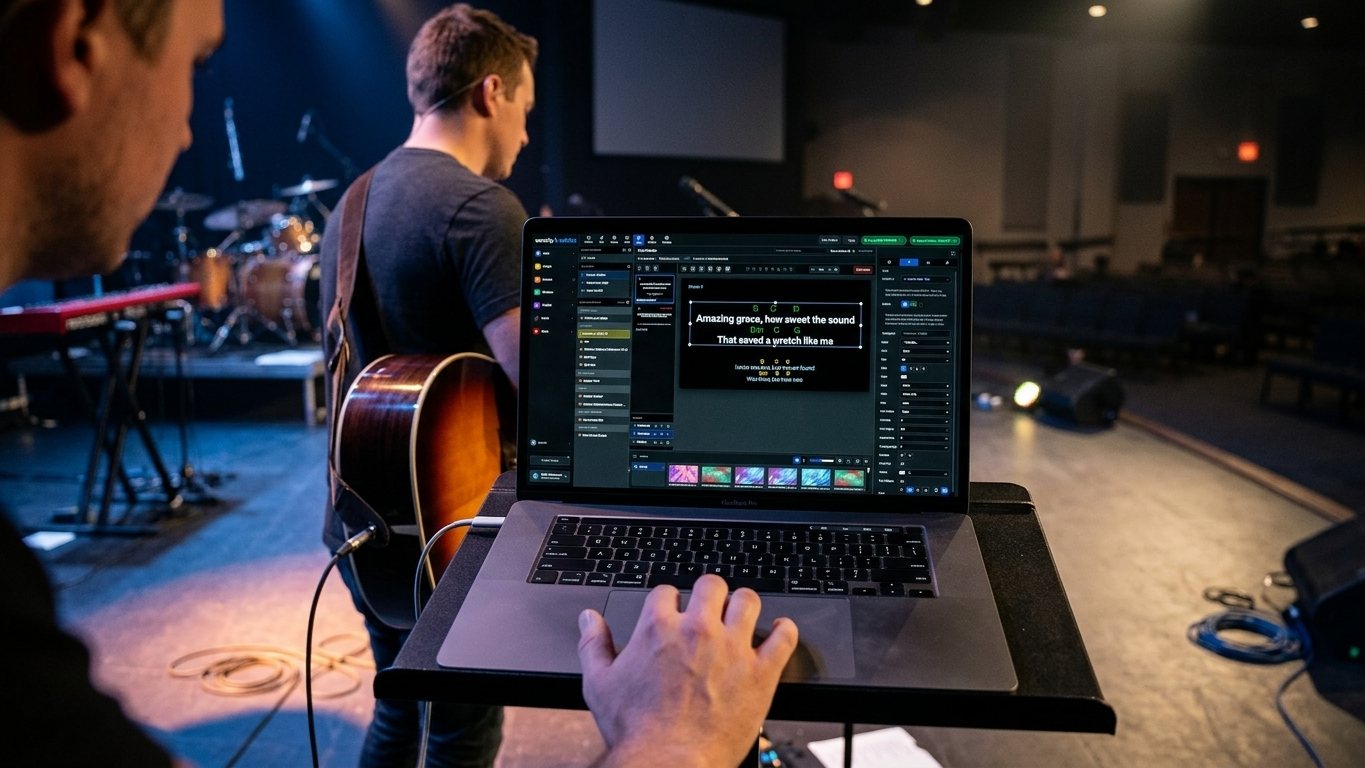
No signal
Prepare it Thursday. It plays Friday, signal or not.
The night lives in your team's account, so anyone can build it from anywhere during the week. In Tech Manager, our free desktop app for Mac and PC, a plan you've prepared plays even offline, and anything you change in the lodge is saved on the laptop and sent when you're back in range.
Download Tech Manager →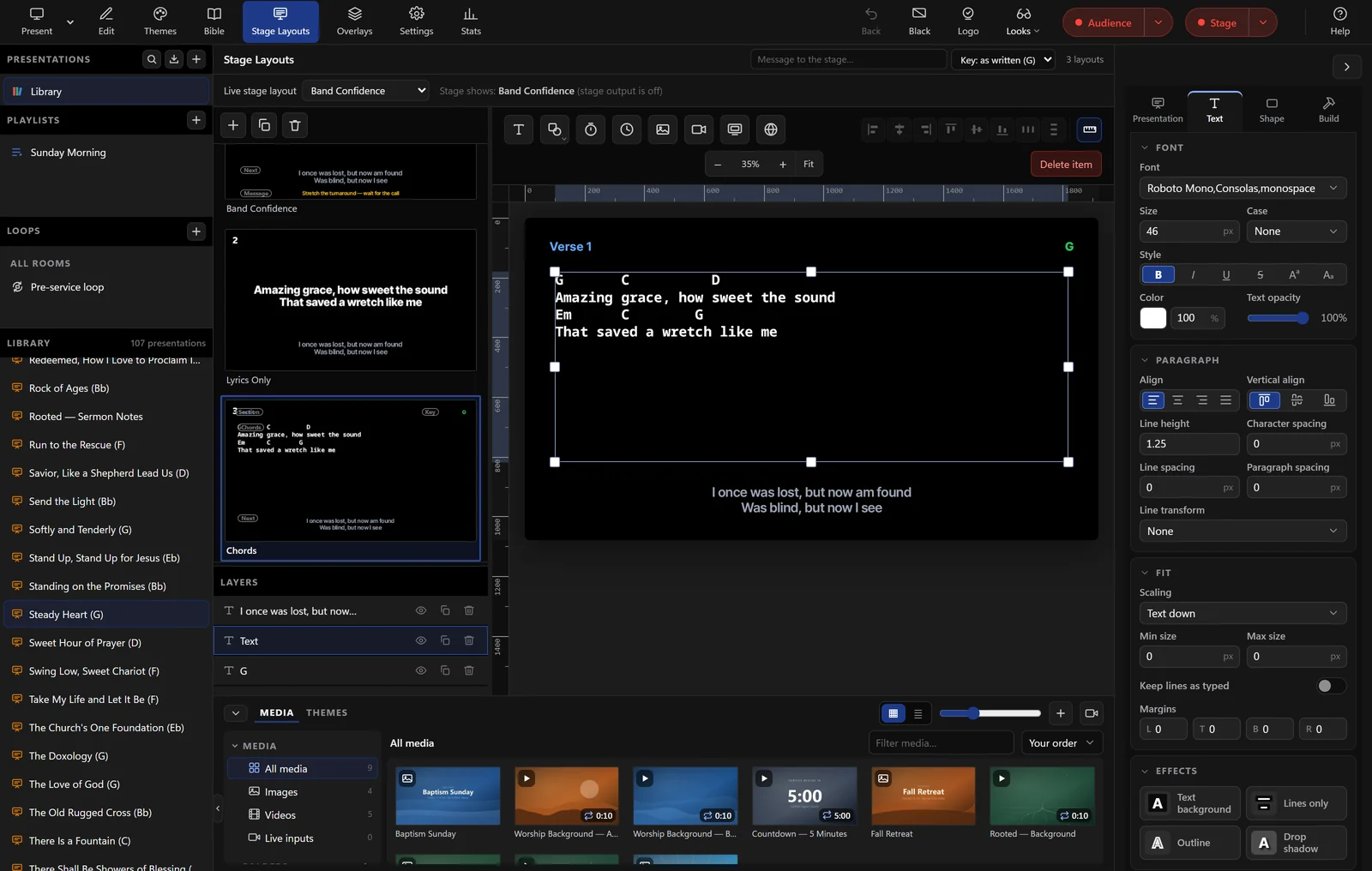
The budget
Free forever, for the whole team, with your old files.
No per-seat subscription, no trial clock, unlimited users. Import the ProPresenter, ChordPro, OpenLyrics, and OpenSong files the ministry has collected for years, and the 93 public-domain hymns are one checkbox away. When the team grows into a church booth, the same account runs the stream and the clips.
See exactly what's free →
Before the first night
What a traveling team needs to know.
Runs on
The laptop you already own: any Chromium-based browser (Chrome, Edge), or Tech Manager, the free desktop app for Mac and PC
Outputs
Multiple program and stage outputs across connected monitors, in 720p, 1080p, 4K, portrait, or a custom size; NDI output with Tech Manager; a web link shows the live slides on any signed-in laptop
No signal at the retreat center
Edits made offline are saved on your computer and sent when the connection returns. In Tech Manager, a plan you've prepared plays even offline
Your look
A full 1920×1080 slide editor with layers, per-team themes in your colors, fonts, and logo, seven lyric layouts, and a media library with motion backgrounds; images and videos up to 250 MB each
Songs and chords
Arrangements with named keys, a chord chart editor that transposes live, CCLI tracking, and 93 public-domain hymns one checkbox away
Bring your files
ProPresenter 7 shows straight into Present; ProPresenter 4–6, ChordPro, OpenLyrics, and OpenSong files through Songs; Planning Center sync; plain pasted text
Price
Free forever, with unlimited users, for a team of four or a church of four hundred. No per-seat subscription. Pro and Max add Bitfocus Companion control and cloud clipping
Running the slides on a Sunday instead? See running church slides. Building the night with the whole team? See building Sunday together.
FAQ
Questions small teams ask
We're a student team, not a church. Does it still work for us?
Yes. The account belongs to your team, with unlimited users, and every module is free forever. When our pages say church, read it as any worship gathering: a campus ministry, a retreat, a worship night in a borrowed room.
Does it work without internet at a retreat center?
Prepare the night before you leave. In Tech Manager, our free desktop app for Mac and PC, a plan you've prepared plays even offline, and edits made offline are saved on your computer and sent when the connection returns.
Can we bring our ProPresenter files?
Yes. ProPresenter 7 shows import straight into Present, and ProPresenter 4 to 6 song files come in through Songs, along with ChordPro, OpenLyrics, and OpenSong. Keep ProPresenter or replace it; either way the work comes with you.
Can the slides actually look like a youth night and not a Sunday service?
That is the point of the editor. Full-canvas layouts, your fonts and colors, motion backgrounds, images and videos on any slide, and themes you save once and reuse every night. Lyrics still build from the song library, so the look changes and the words stay right.
From the Knowledge Base
Small-team questions, answered in the Knowledge Base.
Get started
Build Friday night on Tuesday.
Create your team's free account, import the songs you already have, and give everyone on the team a login. Every module is free forever. No credit card, and no call or approval needed.
Questions? Call 910-WORSHIP or email hello@worshipmetrics.com.
- Sign up on your own, any time
- Setup help by phone and email
- On-site installation and training available
- AI phone support any hour