Every student worship team hits the same wall. The ministry paid for presentation software last year. The person who set it up graduated. The renewal didn’t happen, the trial clock ran out, and now the files are locked on a laptop that belongs to someone who moved to Minneapolis. Friday’s worship night is in a gym, and the slides are a problem again.
ProPresenter, EasyWorship, and the others are good at what they’re built for, which is a church with a booth, a budget line, and a staff member who owns the setup. A student team is none of those things. Here’s what a small team actually needs from presentation software, and what it can skip.
What you need
Lyrics from a library, not a text box. A team that leads twenty songs in rotation should type each one once. Sections labeled (verse, chorus, bridge), arrangement set, key named. Then the slides build themselves for every night, and nobody retypes a verse in the gym.
Chord charts for the band, in tonight’s key. The key changes with whoever is singing. The chart has to change with it, on a screen the band can see, without printing. That means a stage display that follows the slides and transposes the chart from the song’s key.
Editing from anyone’s laptop. The person who builds Friday’s night shouldn’t have to be the person who owns the laptop. When the service lives in the team’s account, anyone can build it from anywhere, and the laptop in the gym just opens it. That also solves the graduation problem: the account belongs to the team, not to a person.
Playback with no signal. Retreat centers don’t have Wi-Fi where the worship happens. The software has to play a prepared night offline and sync what changed when you’re back in range.
A price that doesn’t lapse. Per-seat subscriptions and annual renewals are built for churches with a budget line. A student team needs free forever, with unlimited logins, and no trial that ends mid-semester.
What you can skip
Multi-camera production, NDI, switcher control. You have one laptop and a projector. These matter for a sanctuary booth; they’re noise for a youth night. (They’re there when a team grows into a church booth, but you don’t pay for them now and you don’t need to learn them.)
Hardware encoders and dedicated presentation computers. The laptop you already own is the booth. Software that assumes a dedicated machine is solving a problem you don’t have.
Per-seat licensing. Any software that charges by the number of people who can edit is charging you for the thing a student team has the most of: people who want to help.
How WorshipMetrics Present fits
Present is built around exactly the list above, and it’s free forever with unlimited users. Lyrics build from the song library with sections and named keys. The stage display runs in a browser on any spare laptop or tablet and transposes the chord chart live. The whole team edits from their own laptops in a browser, and the service lives in the team’s account. In Tech Manager, the free desktop app for Mac and PC, a prepared night plays offline. The slide editor is full-canvas, with layers, your fonts and colors saved as a theme, and motion backgrounds, so the night looks like your night.
If the team ever leads in a church with a booth, the same account runs the stream and the clips. You don’t have to think about that now.
Bringing your files with you
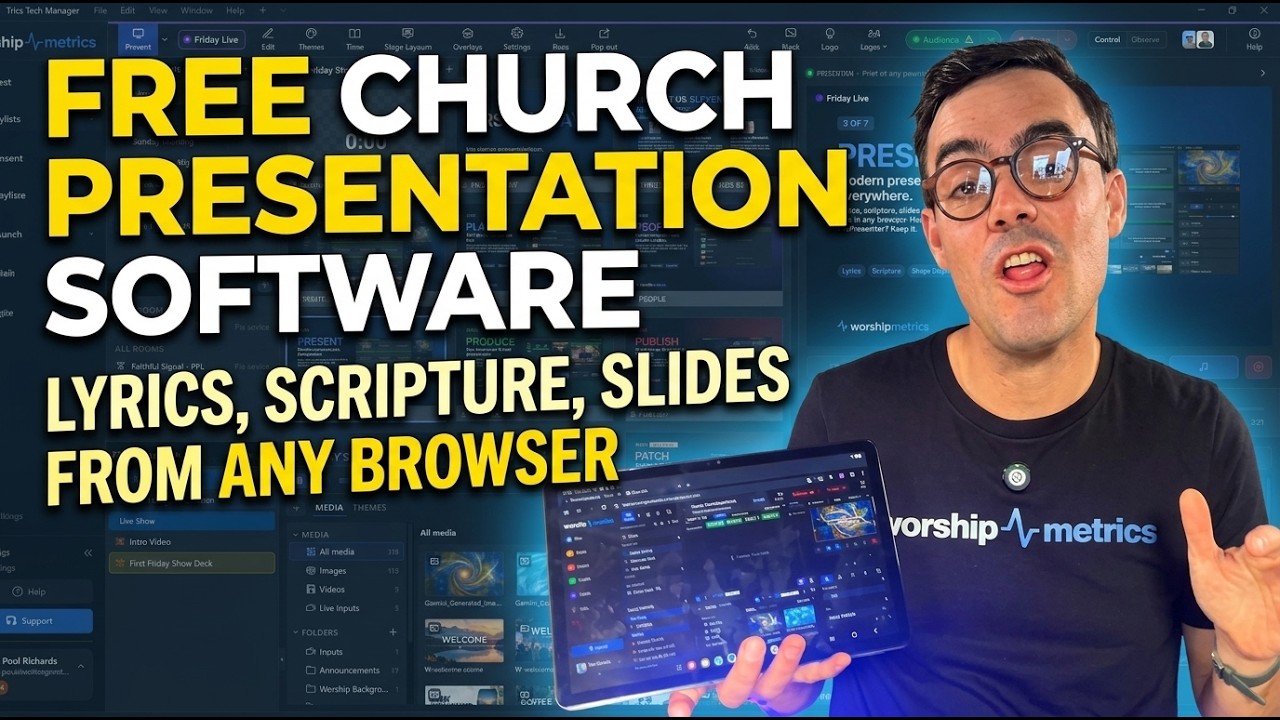
The lock on last year’s files isn’t permanent. ProPresenter 7 shows import straight into Present. ProPresenter 4 to 6 song files, ChordPro, OpenLyrics, and OpenSong files come in through the song library, with duplicate detection on the CCLI number so the import doesn’t create a mess. Plain pasted text works too. You can keep ProPresenter running alongside while you move; nothing requires you to choose on day one. Switching from ProPresenter has a four-minute video of the import, with the steps written out.
The honest comparison
The established presentation tools are not bad software. They’re the right tool for a different team: one with a booth, a budget, and a person whose job is the setup. A student team needs something that belongs to the team, costs nothing when the budget is nothing, and plays in a gym with no signal. Pick for the team you are, and keep the door open for the team you might become.
Next: see the student team’s Friday night, from a lapsed subscription and a borrowed projector to slides that look like your night and a plan that plays offline, on the Worship on the road page.
Related questions
- What presentation software should a small worship team use?
- One that builds lyric slides from a song library, shows the band a chord chart in the key you're playing, lets the whole team edit from their own laptops, and plays offline on the night. For a team on a student budget, it also has to be free without a trial that ends, which rules out anything priced per seat.
- Can we keep using our ProPresenter files if we switch?
- Yes. WorshipMetrics imports ProPresenter 7 shows straight into Present, and ProPresenter 4 to 6 song files through the song library, along with ChordPro, OpenLyrics, and OpenSong. Years of work come with you, and you can keep ProPresenter alongside if you want.
- Is free worship presentation software good enough for a real worship night?
- The question is whether it does the five things a night needs: slides in your look, lyrics from a library, chord charts on a stage display, offline playback, and editing from any laptop. WorshipMetrics Present does all five free forever, with unlimited users.
Planning Center and Your Presentation Software: What Syncs, What Doesn't, and How to Stop Retyping
NextHow to Schedule a Church Livestream on YouTube from the Service Plan
Related Articles
Why Your Lyrics Slides Keep Coming Out Wrong (and the Fix That Ends It)
The bridge in the wrong place, a verse split mid-sentence, the chart in E and the slides in G, lyrics pasted from the planning app that never format right. Every one of these is the same problem, and it has one fix.
The Saturday-Night Slide Change: Last-Minute Sermon Edits Without a Drive to the Building
The pastor emails three new slides at 9:40 on Saturday night. In most churches that means someone drives to the building Sunday morning. Here's how churches handle last-minute sermon slide changes when the service lives in the cloud instead of on the booth computer.
How to Train a Church Slides Volunteer in One Sunday
The person at the keyboard shouldn't need four Sundays of shadowing. A one-morning training plan for running lyrics, scripture, and the stage display, built around a presentation system that does the hard parts itself.