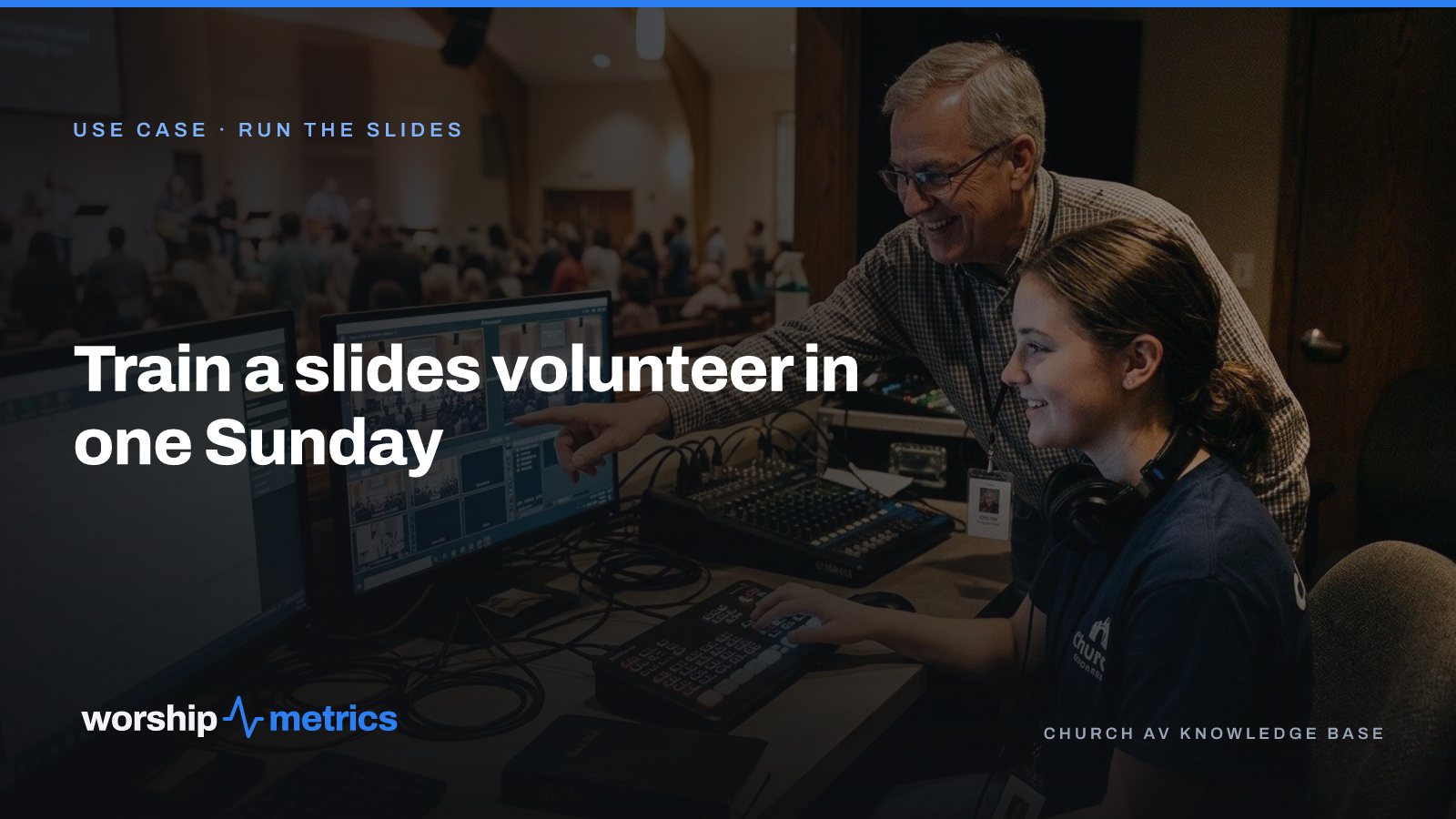
Churches remember slides training as a four-Sunday ordeal because of what they were teaching: how to build slides, how to fix the ones that came out wrong, how to retype a verse at 9:50 while the worship leader waits. None of that is running slides. It’s building them, under pressure, in front of people.
Take the building away and the job gets small enough to teach in a morning. Here’s the plan.
Before Sunday: make the job small
The training only works if the system has already done the hard parts. That means three things are true before the new volunteer sits down:
- Lyrics come from the library, not a text box. Every song is in the song library with its arrangement, its sections labeled (verse, chorus, bridge), and its key. The slides build themselves from that. The volunteer never types a lyric.
- Scripture comes from a reference. The pastor’s passage is typed as a reference (John 3:16-20) and becomes ready slides in the translation your church reads. Nobody pastes verses from a website.
- The service is a playlist. Sunday’s songs, scripture, announcements, and sermon slides are in one ordered playlist that the volunteer opens, not six files on a desktop.
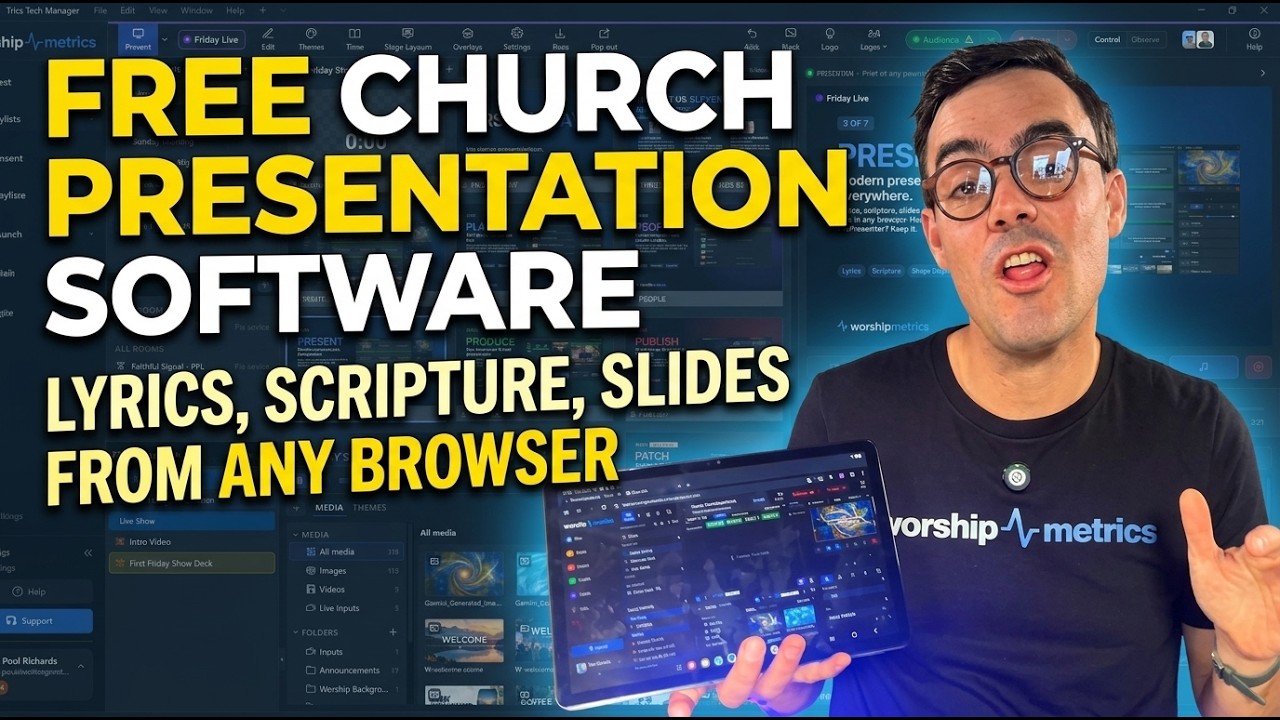
If those aren’t true yet, the training will be about fixing them, which is the old four-Sunday problem. Spend the week before getting the library right. Present is free, and importing the files your church already has is where to start.
8:45 am: the walkthrough, fifteen minutes
Sit the new volunteer at the keyboard and the regular beside them. Open Sunday’s playlist and show them one thing: every slide, in order, on one screen. That’s the whole secret. Nothing about this morning should be a surprise, because they can see the whole service before the first song starts.
Walk through four moves:
- Advance. Next slide, on the word the band sings it, not a beat after. Show them that the section labels and colors (verse, chorus, bridge) tell them where they are in the song without reading the words.
- Jump. The worship leader repeats the chorus, or skips the bridge. Show them how to click straight to any slide in the song instead of arrowing through.
- Next item. Song to song, song to scripture, scripture to the sermon slides. The plan is in order; they follow it.
- Clear to logo. Something unexpected happens: a prayer, a testimony, a baby dedication nobody put on the plan. One button puts the church’s logo up and takes the pressure off. Show them that button twice.
9:00 am: run the first song together
The regular runs the first song with the new volunteer watching the screen, narrating: “chorus is coming, see the color change, now.” Then swap seats and let the new volunteer run the second song with the regular narrating. By the third song, stop narrating.
Rehearsal, if your church has one before the service, is the best possible training ground, because the band will repeat things and change things, and the volunteer learns the jump move for real.
9:30 am: the stage display is not their job
New volunteers worry about the stage display because it looks like a second thing to run. Tell them plainly: the stage display follows the program. When they advance the lyrics, the band sees the current and next line and the chord chart in the right key, automatically. The volunteer runs one thing. The stage follows.
The same is true of backgrounds. Media, lyrics, and announcements live on separate layers, so the motion background behind a song never moves the words, and the volunteer never has to fix a slide where the text landed on top of the picture.
10:00 am: the service, with a safety net
The regular sits in the second row, not the booth. That’s the point of the morning. If something goes wrong, the new volunteer has one move that always works (clear to logo) and one person two rows away. Almost nobody needs either.
Afterward, five minutes: what felt hard, what they’d want to see before next Sunday. Usually the answer is “nothing, actually,” which is the sign the system did its job.
What this plan doesn’t teach, on purpose
It doesn’t teach building slides, editing themes, importing songs, or fixing a lyric that came in wrong. Those are real jobs, and they belong to the person who prepares the service during the week, from any browser, with the whole team able to see the result. Separating preparing from running is what makes the running teachable in a morning, and it’s what lets a teenager take the seat with a regular beside them instead of being called on vacation.
Next: see what the person at the keyboard never has to build by hand, from lyrics to scripture to the stage display, on the Run the slides page.
Related questions
- How long does it take to train a volunteer to run church slides?
- One Sunday, if the slides are built from a song library and the volunteer only has to advance them. The weeks of training most churches remember were spent teaching someone to build and fix slides under pressure, which a good system does for them.
- What does a slides volunteer actually need to know?
- How to open the service, see every slide in order before it starts, advance on the right word, go to the next song or the scripture when the plan changes, and clear to the logo when something unexpected happens. Everything else is setup, and setup is done before Sunday.
- Should the slides volunteer also run the stage display?
- They don't have to run it at all. The stage display follows the program automatically, showing the band the current and next line and the chord chart in the right key. The volunteer runs one thing and the stage follows.
Six Signs Your Church Livestream System Needs an Upgrade
NextCounting the Room From the Back Pew: The Usher's Seat Map on a Tablet
Related Articles
Why Your Lyrics Slides Keep Coming Out Wrong (and the Fix That Ends It)
The bridge in the wrong place, a verse split mid-sentence, the chart in E and the slides in G, lyrics pasted from the planning app that never format right. Every one of these is the same problem, and it has one fix.

The Saturday-Night Slide Change: Last-Minute Sermon Edits Without a Drive to the Building
The pastor emails three new slides at 9:40 on Saturday night. In most churches that means someone drives to the building Sunday morning. Here's how churches handle last-minute sermon slide changes when the service lives in the cloud instead of on the booth computer.
Presentation Software for a Student Worship Team on a Budget: What You Need, What You Don't
A campus ministry or student worship team needs slides, lyrics in the right key, and chord charts for the band, on one laptop, without a subscription that lapses when the budget does. Here's what to look for, and what a small team can skip.