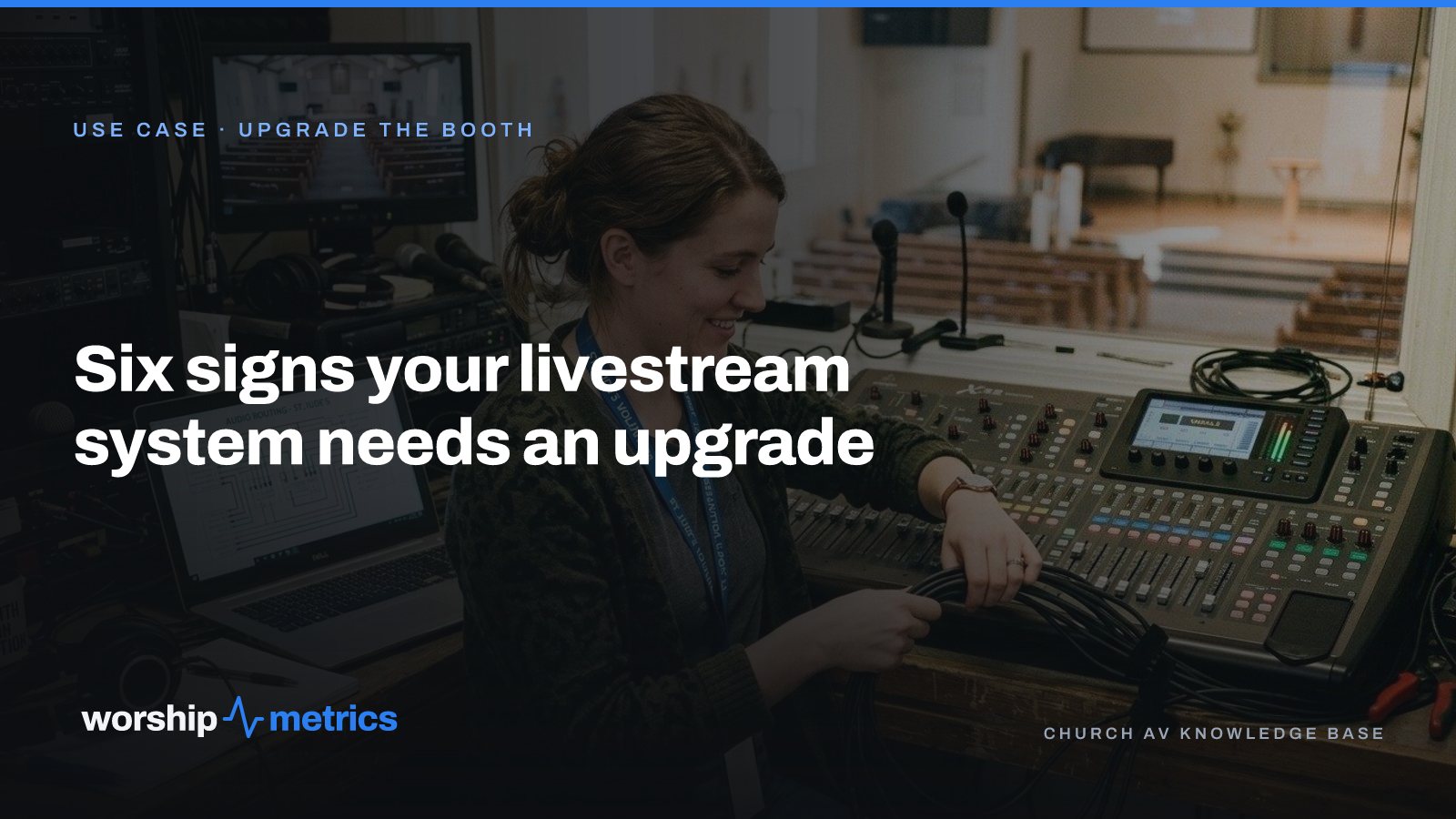
Almost no church sits down and decides, calmly, that it is time to upgrade the livestream. The decision gets made for them. The stream freezes during the baptism. The one volunteer who knows the streaming computer moves away. The second service starts and the system that was built for one can’t keep up.
If you’d rather see it coming, here are the six signs, in roughly the order churches notice them. One of them matters more than the other five, and it isn’t the one most people fix first.
1. The stream drops, or it looks like 2016
This is the sign everyone sees, because the people at home see it. A frozen stream. Audio a half-second behind the video. One wide shot for seventy minutes. The texts start arriving before the sermon does.
It’s also the sign that sends churches shopping for the wrong thing. A dropped stream is usually not a camera problem. It’s an aging streaming computer, a network path that something else is sharing on Sunday morning, or an encoder working harder than it should. The stream health report after a service will usually say which: bitrate, dropped frames, and encoder load, scored out of 100, with what to fix before next Sunday.
2. Only one person can run it
This is the sign that matters most, and it’s the quietest. The system works. It works because Dave is there. Dave built it, Dave knows which cable to wiggle, and Dave has not taken a Sunday off in four years because nobody else can run it.
That is not a stable system. It’s a person holding a system together, and the cost shows up the week Dave is sick. Everything an upgrade does well comes back to this: a booth that runs from one window instead of five apps, a Signal Map that records every device and cable run so the next person can read it, and a system that doesn’t depend on anyone’s memory. If you fix only one thing this year, fix this one.
3. You’re adding something
A second camera for the baptistry. A TV in the overflow room. A second service, a youth service, a second campus. The old setup wasn’t designed for the thing you’re adding, so each addition is a workaround on top of a workaround.
Adding to a system is the right moment to fix its foundation, because you’re going to be in the rack anyway. A system designed for your room is built with the next thing in mind: a camera added over the network, a TV on the program feed, a service copied forward without rewiring the booth.
4. The gear is aging out
The streaming PC is the old office computer from 2017. The switcher ran out of inputs two cameras ago. The capture card drops out when the room gets warm. The cables behind the desk are a bundle nobody labeled, and the one you need is always in the middle of it.
Aging gear isn’t a crisis until it is, and the crisis arrives on a Sunday. The Pulse monitoring that comes free with every WorshipMetrics account will tell you when a booth computer’s CPU is pinned, a disk is nearly full, or a device stopped answering, which is how you find out on a Tuesday instead of at 9:58. But a computer that alerts every week is a computer that needs replacing, not watching.
5. The booth is teachable only in theory
You’ve tried to train a second person. It took four Sundays, and they still call Dave. That’s not a training problem. A booth with five applications, three remotes, and a wiring diagram in someone’s head cannot be taught in a morning, no matter how patient the teacher.
A booth that can be handed to someone new looks different: one calm window with the switcher, the cameras, the audio meters, and the stream health on it, a printed patch sheet in the binder, and a Sunday morning checklist taped to the desk. Teenagers learn that booth in a morning, with the regular standing beside them instead of being called on vacation.
6. Support can’t see your system
When something breaks, the person you call starts from zero. What switcher? Which computer? What changed? You describe the booth from memory while the service countdown runs.
That’s the sign that the system is isolated. A connected booth is different: support opens with your system already on screen, the cable it suggests reseating has a label that matches the map, and the AI on the phone line answers from what’s actually happening in the booth, any hour. It’s hard to overstate how much calmer Sunday gets when the person helping you can see what you see.
Which sign to fix first
Fix the one-person problem first, then the aging gear, then add what you’re adding. Churches that go in the other order buy a camera to fix a problem that was really a computer, and a computer to fix a problem that was really the fact that only one person knew where the cables went.
The honest first step costs nothing: map what you have. Write down the room, the team, the budget, and what keeps breaking, then put your current gear into the Signal Map so someone can tell you what to reuse. Most upgrades keep the cameras, the sound board, and the screens.
Next: see how an upgrade works from the first call to Sunday morning, including what every system includes and what’s quoted separately, on the Upgrade the booth page.
Related questions
- How do we know if our church livestream needs an upgrade or just a fix?
- A fix solves one Sunday. An upgrade changes what happens on the next fifty. If the same problem has come back three times, or the fix only works when one specific person is in the booth, you are past fixing. Map what you own first; many upgrades keep the cameras and the sound board and replace only the computer and the cables.
- What should a church fix first in a livestream system?
- The thing that depends on one person. A system that only one volunteer can run is the most expensive problem in the booth, because every vacation becomes an outage. Documentation and a booth that runs from one window fix that before any new camera does.
- Does a church livestream upgrade mean replacing everything?
- Rarely. Churches usually keep the cameras, the sound board, and the screens, and replace an aging streaming computer, an outgrown switcher, and cable runs nobody can trace. A good upgrade quotes only what is missing.
How to Schedule a Church Livestream on YouTube from the Service Plan
NextHow to Train a Church Slides Volunteer in One Sunday
Related Articles
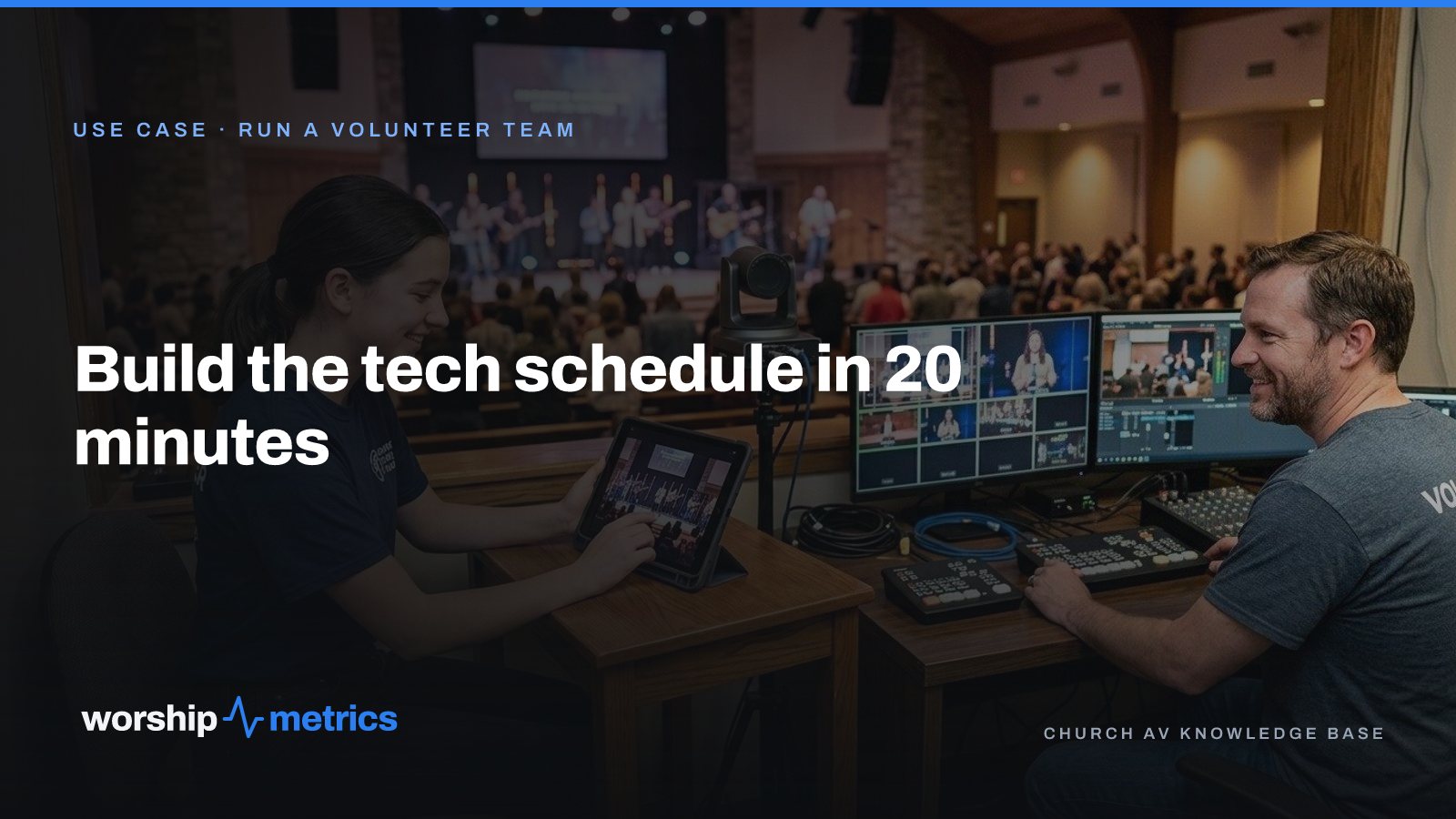
Build the Church Tech Schedule in 20 Minutes: Positions First, Then People
The schedule that takes all week is the one that starts with people. Start with positions, let availability narrow the list, and invite one person per slot. A month of Sundays in twenty minutes.

What Church Leadership Should See on Monday: Attendance Trends That Mean Something
A single Sunday number tells leadership almost nothing. Here's what to put in front of the elders on Monday instead: in-person and online together, total reach per service, the trend by month and year, and the one list that turns a number into a phone call.
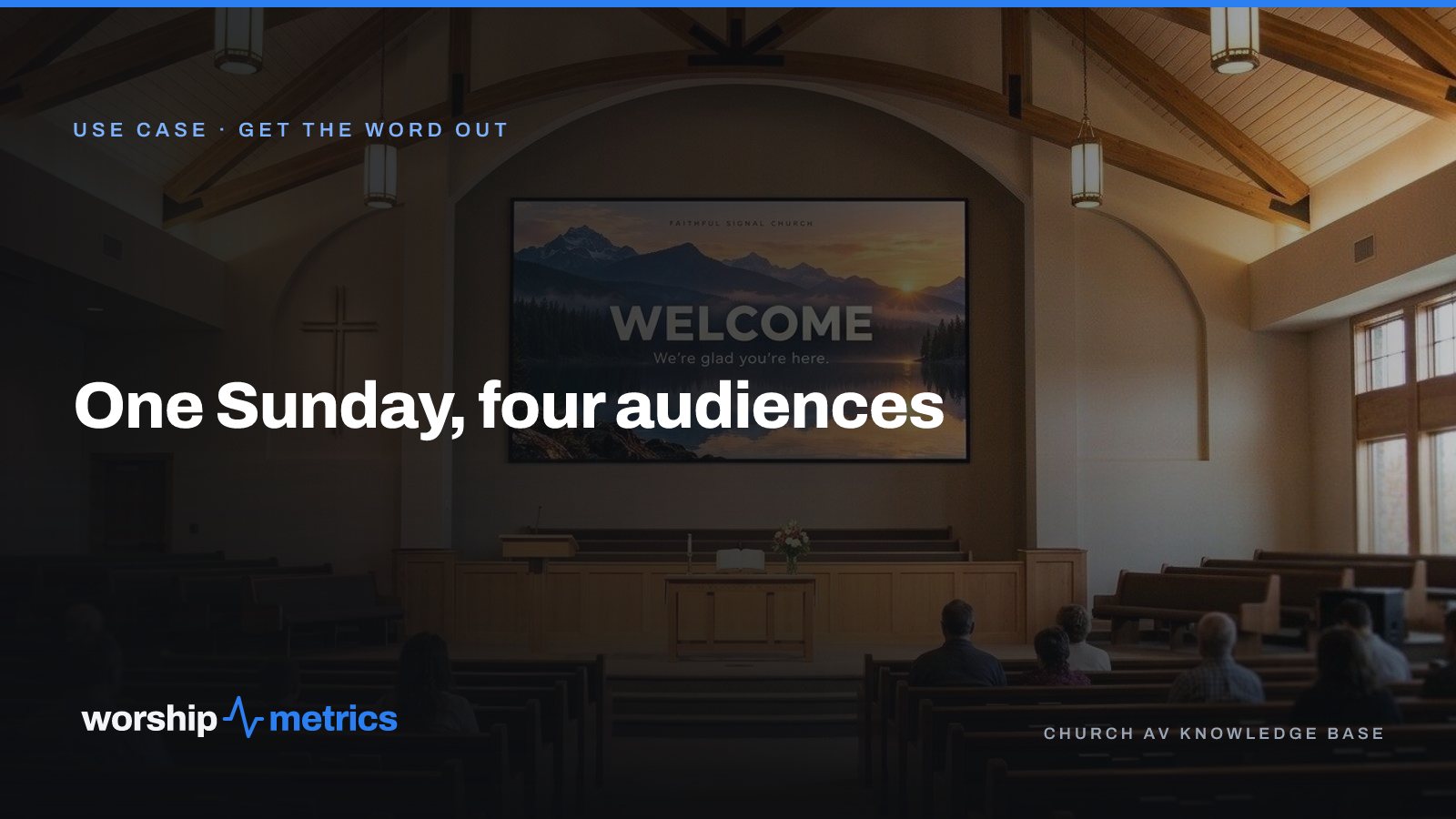
One Sunday, Four Audiences: The Lobby, the Room, the Feed, and the Living Room
Every Sunday a church talks to four audiences on four kinds of screen, usually with four tools and four people. Here's what each audience actually needs, and how one platform covers all four without a media team.