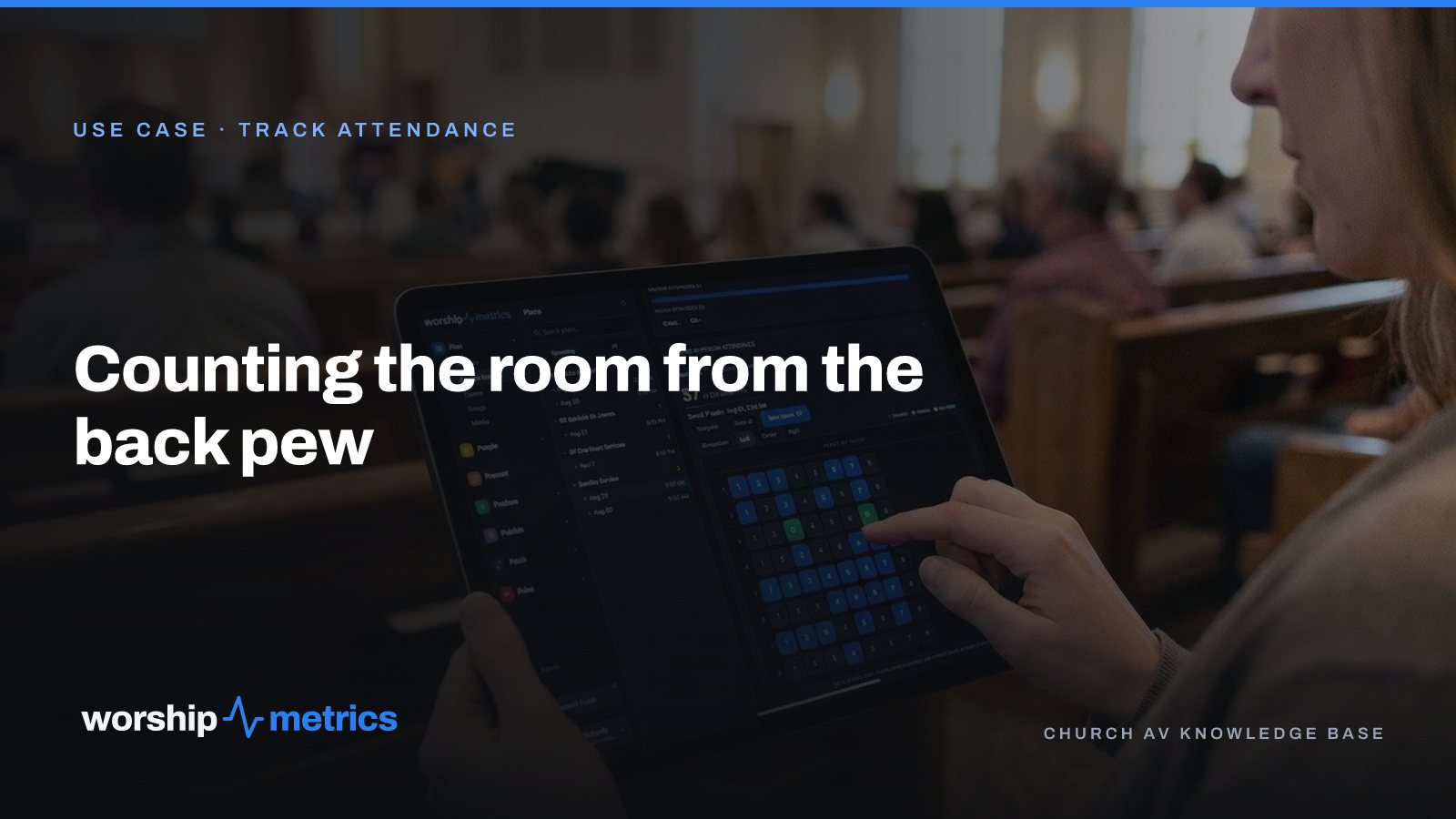
Most churches count attendance three different ways on the same Sunday. An usher clicks a counter at the door. Someone does a head count from the back during the sermon. A slip of paper goes to the office on Monday with a number that doesn’t match either. All three answer “how many?” and none of them answer “who?”
Here’s how one usher counts a Sunday from the back pew in about two minutes, with names on the seats.
The seat map is the room
Before the first Sunday, someone builds a seat template: the room as it actually is, with its sections, rows, and seats. It takes an afternoon once, and after that every Sunday opens on the same map. A church with a sanctuary and a chapel has two templates; a church that sets up chairs in a gym builds the gym.
The template is what makes the count fast. The usher isn’t counting people; the usher is tapping seats.
10:12, the second song
The usher stands at the back with a tablet, or a phone, in a browser. Open the Sunday service in Plan › Metrics, tap Enter In-Person Attendance, and the seat map appears. Tap a seat to fill it. Tap along the row. The second song is the right moment: people have settled, latecomers have mostly arrived, and nobody is moving.
For most rooms it’s done before the song is. The count is on the service, not on a slip of paper.
Names on the seats
A tap fills a seat. A hold does something better: it puts a person in it. Hold a seat and pick a member, a family, or a new visitor. The usher who knows the congregation seats the regulars by name as they go, and the family that always sits third row left takes one hold, not four taps.
This is the difference between a number and a record. Each person’s profile keeps their attendance history, so the office doesn’t reconstruct who was there from memory on Monday.
The new visitors
Someone the usher doesn’t recognize gets marked as a new visitor on the seat, right there, during the song. After the service, the new visitors from the map are added in People, with a name, from a phone or a laptop, and the greeter’s note from the lobby goes on the profile. Follow-up has a name by Monday morning.
When the camera counts
On Pro and Max, camera Auto-Count counts the room from a camera that can see it. The usher’s job changes: check the number against the room, mark the new visitors, seat the people who matter to seat. The count stops being the work; the people become the work.
After the service: the recap
The service’s attendance recap shows what the morning was: the in-person count, the online peak on Max, and the total reach, compared with recent weeks. The pastor sees it from a phone in the parking lot. Leadership sees it Monday without asking anyone.
Each service also lists the members who weren’t there, with a call or an email one tap away. Not a report to run, not a spreadsheet to compare: a list, on the service, of the people someone might want to check on this week.
What the usher didn’t do
Click a counter and forget the number. Estimate from the back. Write on a slip of paper. Count the 9:00 and the 11:00 into one pile. Type anything into a spreadsheet. The seat map is on every plan, free, and it’s the same tool the office looks at on Monday, so there’s nothing to reconcile.
Next: see how counting the room, including online attendance, and following up connect in one workflow, on the Track attendance page.
Related questions
- What is the easiest way for ushers to count church attendance?
- A seat map of the room on a tablet. The usher taps the seats that are filled during the second song, from the back of the sanctuary, and the count is done. Holding a seat puts a member, a family, or a new visitor in it by name, so the number has people behind it.
- Can the camera count attendance automatically?
- Yes, on Pro and Max. Camera Auto-Count counts the room from a camera that sees it, and the usher's job becomes checking the number and marking the new visitors instead of counting every seat by hand.
- What happens to the count after the service?
- It becomes the service's attendance recap: in person, online at peak on Max, and total reach, compared with recent weeks. Each service also lists the members who weren't there, with a call or an email one tap away, and new visitors go into People for follow-up.
How to Train a Church Slides Volunteer in One Sunday
NextWhy Volunteers Don't Answer the Group Text (and What Gets a Yes)
Related Articles
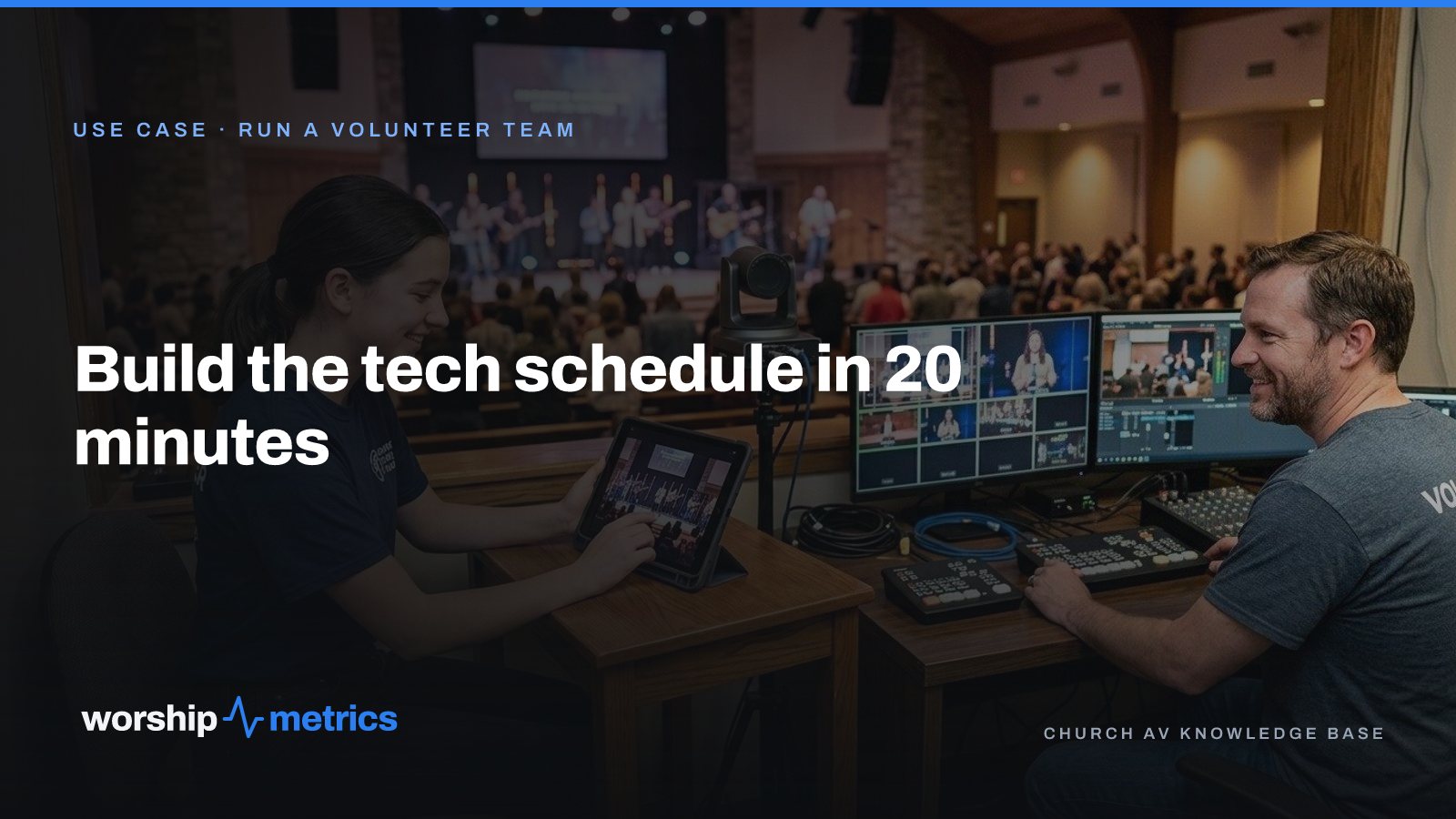
Build the Church Tech Schedule in 20 Minutes: Positions First, Then People
The schedule that takes all week is the one that starts with people. Start with positions, let availability narrow the list, and invite one person per slot. A month of Sundays in twenty minutes.

What Church Leadership Should See on Monday: Attendance Trends That Mean Something
A single Sunday number tells leadership almost nothing. Here's what to put in front of the elders on Monday instead: in-person and online together, total reach per service, the trend by month and year, and the one list that turns a number into a phone call.
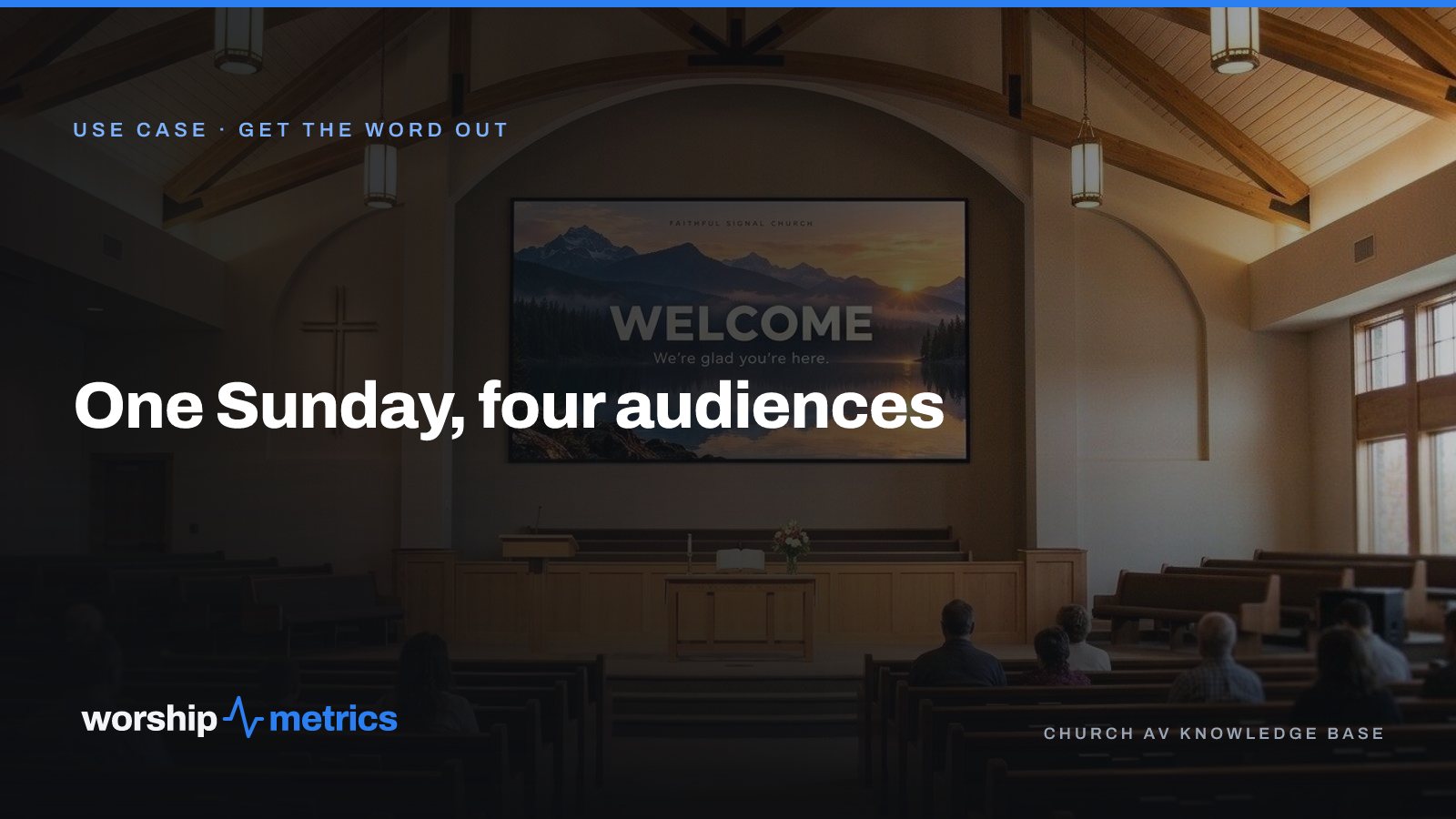
One Sunday, Four Audiences: The Lobby, the Room, the Feed, and the Living Room
Every Sunday a church talks to four audiences on four kinds of screen, usually with four tools and four people. Here's what each audience actually needs, and how one platform covers all four without a media team.