Why every worship team ends up with five copies of the same song
Open any church’s shared drive and you’ll find the same archaeology: Cornerstone - C.pdf, Cornerstone - Bb FINAL.pdf, Cornerstone - Bb FINAL v2 (use this one).pdf, a Word doc in E for the youth band, and a photo of a handwritten capo chart someone texted a substitute guitarist in 2023. Every one of those files was correct on the day it was made. None of them agree today, because at some point somebody fixed a wrong chord in the bridge — in exactly one of the five copies.
This is the problem ChordPro was designed to solve, decades before worship software existed. It’s a plain-text format that stores a song once, in one key, with the chords anchored to the lyrics — and lets software render every other key, every capo position, and every printed page from that single source of truth. Fix the bridge once, and every key is fixed.
This article covers the format itself, why transposition should be non-destructive, how correct flat-and-sharp spelling actually works, and how WorshipMetrics turns one stored chart into a full set of per-key PDF charts automatically.
ChordPro in ten minutes
A ChordPro file is plain text. You’ll see it with three interchangeable extensions — .cho, .crd, and .chopro — but they’re all the same format, and any of the three imports identically. Two conventions do all the work:
Chords live in square brackets, inline with the lyric. The chord sits immediately before the syllable it lands on:
{title: Every Hour}
{key: G}
{tempo: 72}
{time: 4/4}

{start_of_verse}
We [G]lift our eyes to [C]You a[G]gain
For [Em7]every hour You [C]hold us [D]still
{end_of_verse}

{start_of_chorus}
[C]You are faithful, [G/B]You are good
[Am7]Every promise [D]stands
{end_of_chorus}
Directives live in curly braces. {title:}, {key:}, {tempo:}, and {time:} carry metadata; {start_of_verse}/{end_of_verse}, {start_of_chorus}/{end_of_chorus} (often abbreviated {sov}, {soc}, and so on) mark sections; {comment:} carries performance notes like “band drops out, vocals only.”
Compare that to the two-line “chords floating above lyrics” text chart most of us grew up with. In a two-line chart, alignment is an illusion maintained by a monospace font and a prayer. Change the font, paste it into an email, or view it on a phone, and the chords drift off their words. In ChordPro, the chord is structurally attached to its syllable. It survives reflowing, restyling, reformatting — and, critically, transposing, because software knows exactly which token is a chord and which is a lyric.
Non-destructive transpose: store once, render anywhere
Here’s the principle that makes one chart serve every musician: transposition is a rendering step, not an edit.
The chart is stored in a single source key — say, G. When your worship leader needs it in A for Sunday, the software doesn’t create a second chart. It parses the stored chart, shifts every chord token up two semitones at display time, and renders the result. The stored file never changes. Ask for B♭ tomorrow and it renders B♭ from the same source. Fix a typo in the lyrics or correct that bridge chord, and the fix appears in every key instantly, because there’s only ever been one chart.
This is the WorshipMetrics model: the ChordPro engine applies transpose at render time, so the chart you stored is the chart you keep. Contrast that with the copy-per-key workflow, where transposing means “save as” — and every save-as is a future disagreement waiting to happen.
Non-destructive transpose also changes team behavior in a subtle way. When making a new key is free and instant, people stop hoarding PDFs. The chart in the library is the song; keys become a view of it, not a version of it.
Spelling matters: why B♭ is not A♯
Transposing is trivial arithmetic — until you write the answer down. Every pitch on a guitar neck has two names (A♯ and B♭ are the same fret), and a transposer that just walks a sharp-side chromatic scale will happily hand your team a chart “in A♯” with a D♯ and a G♯ in it. Musically literate players wince, and newer players get genuinely confused, because nobody charts worship songs in A♯ major.
Correct spelling follows the destination key’s signature:
- Flat keys spell flat. Take a song charted in G and move it up three semitones. The destination is B♭ major — a two-flat key — so the I–IV–V renders as B♭, E♭, F. Never A♯, D♯, F.
- Sharp keys spell sharp. Move the same song up four semitones instead and you’re in B major, so the chart renders B, E, F♯ — not G♭.
- Some destinations are legitimately ambiguous. F♯ major and G♭ major are the same sounding key with different spellings, and reasonable musicians pick differently depending on the band. That’s a choice the software should hand to you, not make silently.
WorshipMetrics handles this with an enharmonic-aware key picker: keys are grouped as flats, naturals, and sharps, minor keys are listed explicitly rather than inferred, and the transposer covers seventeen distinct major-key spellings plus twelve minor keys. Whichever destination you pick, every chord in the rendered chart is spelled to match that key’s signature — so the E♭ in your B♭ chart never shows up wearing a D♯ costume.
If you’ve ever manually re-spelled an auto-transposed chart before rehearsal, this is the feature that gives you that hour back.
Named keys: the vocalist layer
Real worship libraries don’t just need “any key on demand” — they need specific, remembered keys. Your congregation sings a song in G when your male worship leader carries it and in E when the female vocalist does, and those aren’t arbitrary choices; they’re decisions your team made once and wants to keep.
That’s what named keys are for. In WorshipMetrics, each song holds one or more arrangements (the chorus-double version, the acoustic version), and each arrangement carries named keys — “Guy Key” in G, “Girl Key” in E — with a starting key, an ending key (for songs that modulate up for the final chorus), and an optional capo. If your team has used Planning Center, this shape will feel immediately familiar; it’s the same arrangement-and-named-keys structure, which also makes life easier for teams planning in both tools. For the broader picture of what syncs between the platforms, see connecting Planning Center to WorshipMetrics.
Files attach at whichever level they belong: a reference recording at the song level, a section-order note at the arrangement level, and key-specific charts at the key level — so the Girl Key’s chart lives with the Girl Key.
Capo renditions: two charts, one key
A capo chart is the same song in the same sounding key, written in friendlier shapes. A song in B is a barre-chord workout; put a capo on the second fret and the guitarist plays A-shape chords while the band hears B. For most volunteer guitarists, capo 2 playing A is the difference between confidence and white-knuckling.
Because each named key can carry a capo, WorshipMetrics renders two charts for a capoed key: the concert chart (what the keys player and bassist read) and the capo rendition (what the guitarist actually fingers). Both come from the same stored ChordPro source — the capo rendition is just one more render-time transposition, shifted down by the capo interval and spelled for the shaped key. Nobody maintains the capo chart by hand, so it can never drift out of sync with the concert chart.
PDFs that generate themselves
Everything above happens on screen. Sunday morning still runs on paper and tablets, and that’s where the last piece lands: every named key gets its own print-quality, US Letter PDF chord chart, generated automatically on save — plus the second capo rendition wherever a capo is set.
Two details make this reliable rather than noisy:
- A content hash skips unchanged keys. When you save a song, only keys whose rendered content actually changed get regenerated. Editing the Guy Key’s capo doesn’t churn out fresh PDFs for four untouched keys.
- Human-uploaded charts are never overwritten. If your music director hand-crafted a chart for one key — a Nashville-number chart, a rhythm chart with kicks notated — and uploaded it, the generator leaves it alone. Auto-generation fills gaps; it doesn’t bulldoze craftsmanship.
The result is a library where every song, in every key you actually use, always has a current printable chart — without anyone owning “make the PDFs” as a job. And because charts and projection lyrics come from the same song record, the words your band reads and the words on screen through Present’s multi-screen output can’t disagree.
Getting your existing charts into the format
You don’t have to retype your library. WorshipMetrics imports songs from ChordPro files themselves (.cho, .crd, .chopro), plain-text paste (those two-line charts convert on the way in), OpenLyrics XML, ProPresenter 4–6 documents (ProPresenter 7 shows import straight into Present), and MultiTracks structure data (key, tempo, and section map — MultiTracks doesn’t supply lyrics), with a starter set of public-domain hymns already seeded. If ProPresenter is your current home for lyrics, our ProPresenter 7 guide covers how those documents are organized before you export.
One quiet bonus of structured song data: because each song carries its CCLI number, author credits, and copyright line as real fields rather than text on a page, your usage reporting gets dramatically easier — see CCLI reporting from what was actually sung for how that works at renewal time.
How WorshipMetrics handles this
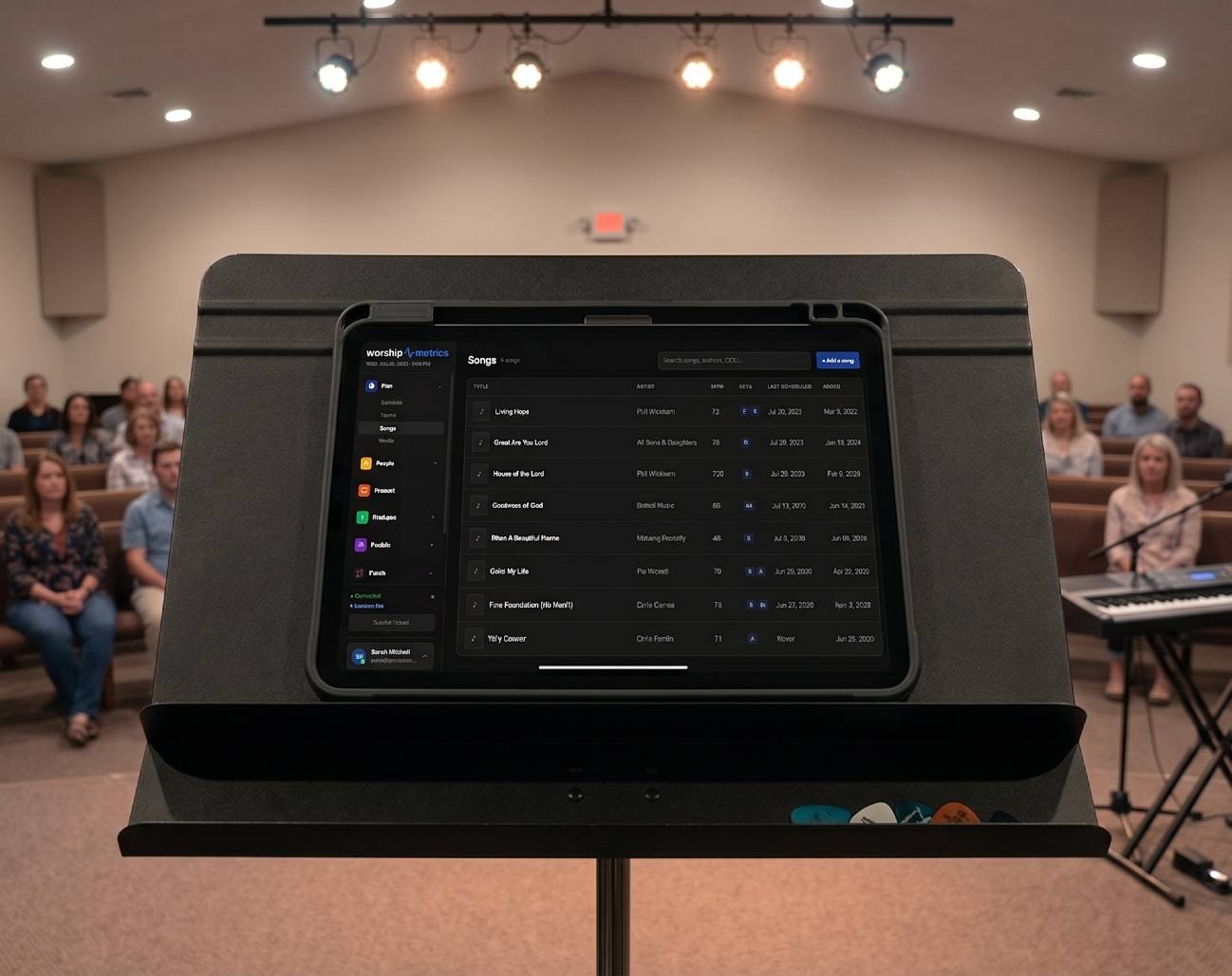
The Songs library stores each song once as ChordPro, with arrangements and named keys as first-class structure. Transpose is applied at render time with enharmonic-correct spelling across seventeen major and twelve minor key pickers, capoed keys render both concert and capo charts, and every named key auto-generates a print-ready PDF on save — regenerating only what changed and never touching charts your team uploaded by hand. One chart, every key, always current — and it plugs straight into service planning so the chart your band rehearses is the chart Sunday runs on. The same arrangement drives lyrics slides on the screens and the transposed chart on the stage display, so the band and the booth are reading from one source.
Camera Auto-Count Attendance: Setup, Scheduling, and Remote Runs
NextHow Church AV Alerts Reach Your Phone (Text and Email)
Related Articles

Making a Complicated Church AV System Easy to Run, Without Hiring an AV Company
Many church AV systems aren't too old or too small. They're too complicated for a volunteer. A simple button panel built with Bitfocus Companion can hide that complexity behind plain-word buttons, and a church can often build it themselves. Here's when that works, when to call a professional, and how to start.

Your Church Livestream Team, Connected Even When They're Not at Church
A three-person livestream team only works if everyone shares the same plan, the same wiring diagram, and the same news when something breaks. Here's how WorshipMetrics connects the director, slides, and camera volunteers through the week: chat, alerts, documentation, AI help, scheduling, and cloud control for OBS and vMix.

The Three-Person Church Livestream Team: Director, Slides, and Cameras
A church livestream runs best with three clear jobs: a director on OBS or vMix, a slides operator, and a camera operator. Here's what each role does before, during, and after the service, what skills it takes, and how the three talk to each other.