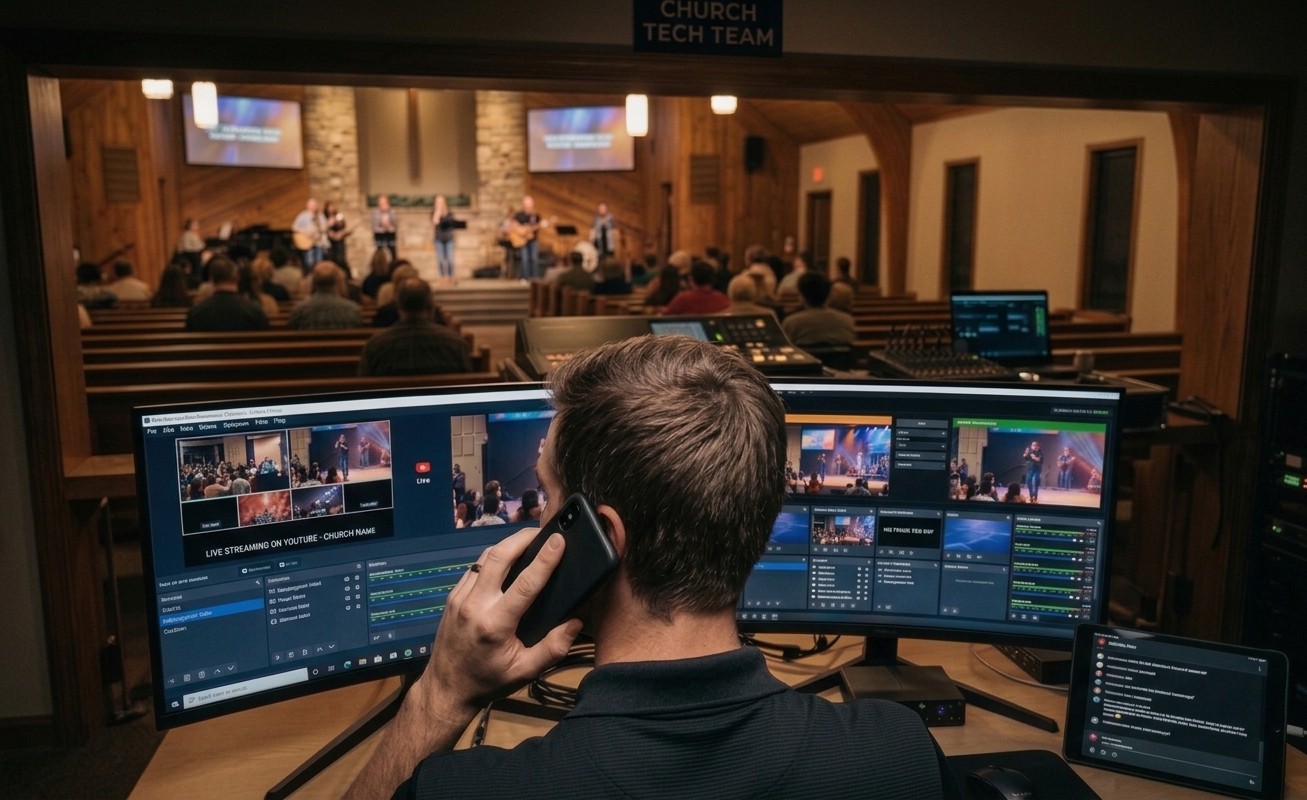
The short answer: yes — because the booth can finally testify
For most of church AV history, “remote support” was a polite fiction. Whoever you called couldn’t see anything, so the session was twenty minutes of describe the screen — a game of telephone where one player was a frightened volunteer and the other was guessing. The conclusion churches drew was reasonable: real help requires a body in the building.
What changed isn’t the helpers — it’s the booth. A connected booth testifies: Tech Manager streams its machine vitals, stream and recording state, and encoder performance continuously; the health reports hold every service’s history with the settings it ran under; and the Signal Map documents the physical system down to cable and port labels. Remote support stops being description and becomes diagnosis from evidence — which turns out to be most of what churches needed a body in the building for. Here’s the full anatomy of remote support that actually works, and the honest boundary where on-site still wins.
What the remote helper can see
Everything that matters, arranged for speed: is the machine up (the 90-second-honest badge), is the stream live, is the recording rolling, what’s the encoder doing right now, what did Self Healing already offer and who answered, what does this booth’s normal look like across the last month of reports. Plus the map: which camera, which port, which labeled cable — so “camera two is dark” becomes a conversation about a specific SDI run, not a mime act. This is the same visibility that powers AI support that knows your system — Luminos in the app and Journey on 910-WORSHIP read the identical live context a human pro sees.
What the remote helper can do
Seeing is half; on the Pro and Max plans, authorized helpers can also act: switch scenes and start or stop the stream and recording in OBS, or drive the full switching surface in vMix. The security posture stays conservative — one outbound connection from the booth, no port forwarding, no screen-sharing wrestling — and every remote action is logged with a name. That’s what lets remote support graduate from advice to resolution: “I’ve switched you to the backup scene; you’re clean” instead of “now click the third button.”
It’s also what makes your own people the best first line: the veteran mentoring from a couch, the trainer supervising a rookie’s real controls — remote support isn’t only something you buy; it’s something your team does once the booth is visible. The wider tooling — remote counts, signage, the whole reach-into-the-building layer — is covered in our remote AV support systems guide.
The honest boundary: where a body still wins
Remote support owns operation — diagnosis, guidance, fixes, coaching, Sunday-morning rescue. It does not pull cable. Installs, rigging, acoustic treatment, camera mounting, and the hands-on training day where someone stands at your console: that’s physical work, and it belongs to local integrators for builds and on-site consulting when the situation calls for it — WorshipMetrics’ own professional services run virtual or on-site for exactly that reason. The mature plan isn’t remote versus on-site; it’s remote for the weekly 95%, on-site for the physical 5%, and never confusing which is which.
Why this matters beyond convenience
Here’s the deeper reason remote-capable support changes a church’s trajectory: it collapses the geography that kept expertise scarce. The best helper for your booth no longer has to live in your zip code — or even be awake in your time zone, once AI that knows your system answers the routine questions. The departed tech director can still coach from their new city. A student can run Sunday with three adults able to see them. Support stops being a person you’re lucky to have nearby and becomes a property of the system — which is exactly what a volunteer-run ministry always needed it to be.
Related questions
- How does remote tech support work for a church AV system?
- The booth reports itself: the Tech Manager app streams live telemetry — machine vitals, stream and recording state, encoder performance — over one secure outbound connection, and your documentation (inventory, Signal Map with cable labels) lives alongside it. A remote helper starts from what's actually true, and on the paid plans can act: switching scenes, starting or stopping streams and recordings.
- Is remote support secure for a church network?
- More conservative than the alternatives: one outbound connection from the booth, no port forwarding, no VPN, no remote-desktop screen sharing. Only people invited to your team (or the support pros you call) can see the system, and every remote action lands in the support history with a name attached.
- When does a church still need on-site help?
- Physical work: installs, cable pulls, rigging, acoustics, hands-on training days. Design and construction belong to local integrators and on-site consultants; remote support owns the weekly operation layer — diagnosis, guidance, fixes, and training that doesn't require touching hardware.
Reaching the Next Generation: Why Your Church Needs Short Video
NextShould Our Church Switch from OBS?
Related Articles

Making a Complicated Church AV System Easy to Run, Without Hiring an AV Company
Many church AV systems aren't too old or too small. They're too complicated for a volunteer. A simple button panel built with Bitfocus Companion can hide that complexity behind plain-word buttons, and a church can often build it themselves. Here's when that works, when to call a professional, and how to start.

Your Church Livestream Team, Connected Even When They're Not at Church
A three-person livestream team only works if everyone shares the same plan, the same wiring diagram, and the same news when something breaks. Here's how WorshipMetrics connects the director, slides, and camera volunteers through the week: chat, alerts, documentation, AI help, scheduling, and cloud control for OBS and vMix.

The Three-Person Church Livestream Team: Director, Slides, and Cameras
A church livestream runs best with three clear jobs: a director on OBS or vMix, a slides operator, and a camera operator. Here's what each role does before, during, and after the service, what skills it takes, and how the three talk to each other.