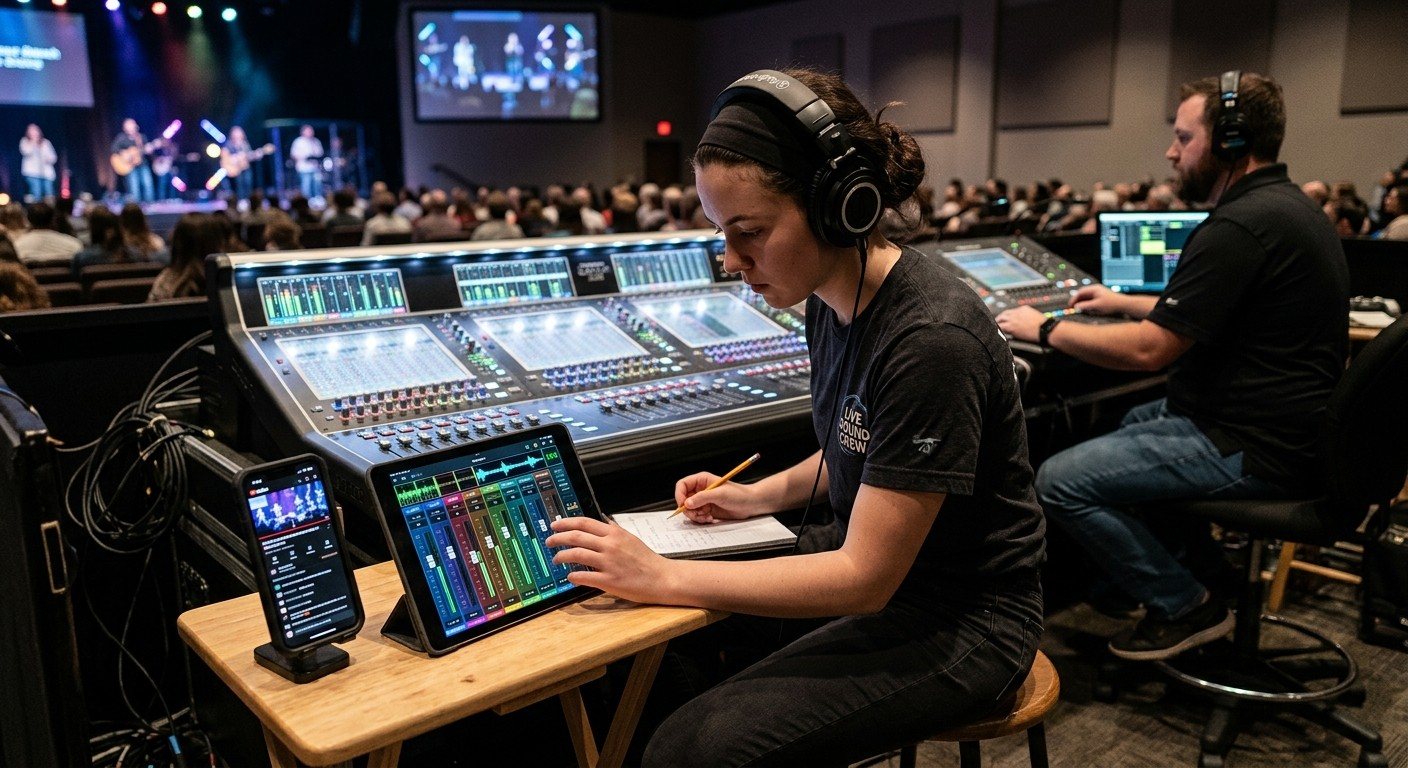
Two mixes, two jobs
The front-of-house engineer mixes for the people in the room, and that’s a full-time job during worship. The stream needs its own ears. Give it to a volunteer: the stream audio seat. (Why it matters: why your livestream sounds bad.)
It fits alongside the other livestream seats. (See the three-seat setup.)
| Seat | Listens to | Controls |
|---|---|---|
| Front of house | The room | The main mix |
| Stream audio | The stream, on headphones | The stream mix (aux or matrix), the stream limiter |
| Director | The stream, occasionally | Pictures, lyrics, the stream itself |
What the seat needs
- Closed-back headphones, so the room doesn’t leak into what they hear.
- The stream mix, on the main board, a tablet app, or a second mixer. (See setting up a stream mix.)
- Meters for the stream audio.
- A phone to check the real stream, with its delay.
The Sunday checklist
Before the service
- Recall the Sunday scene, including the stream mix.
- Check every microphone in the stream mix on headphones.
- Confirm the stream mix reaches OBS, vMix, or the ATEM, with no doubled sources.
- Clap test for sync if anything changed. (See the three classic audio problems.)
During the service
- Ride the pastor’s level between speaking and singing.
- Bring room mics up for congregational singing, down for speaking.
- Glance at the meters; watch for clipping.
- Check the actual stream on a phone a few times.
After the service
- Note anything that sounded wrong for next week.
Working with front of house
- Agree who owns what. Front of house owns the inputs and the main mix; the stream seat owns the stream bus.
- Post-fader stream sends mean a mute at front of house also mutes the stream, which is usually what you want.
- Talk before changing scenes, so nobody is surprised.
Making it easier
A Stream Deck, a tablet, or board scenes can turn this seat’s common moves into buttons. (See sound board scenes, Stream Deck, and WorshipMetrics.) And scheduling the seat a month at a time means it’s covered every week.
Where WorshipMetrics helps
Monitoring flags silence and clipping on the stream as a safety net for this seat, team chat keeps sound and stream on the same page, and the Signal Map shows exactly how the stream mix is routed.
Related questions
- Who should mix audio for a church livestream?
- Ideally a volunteer whose only audio job is the stream: they listen on good headphones to what people at home hear, ride the stream mix, and watch the meters. In smaller churches, the director or front-of-house engineer can cover it with a stream mix that's set up well and a quick check of the actual stream.
- What equipment does a stream audio volunteer need?
- Closed-back headphones, access to the stream mix (on the board, a tablet app for the board, or a second mixer), meters for the stream audio, and a phone to check the actual livestream with sound.
- Can the stream audio volunteer work from a tablet?
- Often, yes. Many digital boards have tablet apps that can control an aux or matrix, so the stream audio volunteer can sit beside the streaming computer instead of at the main console, as long as everyone agrees who controls what.
How to Make Your Church Livestream Easier for Volunteers: The Three-Seat Setup for OBS and vMix
NextHow to Set Up a Church Stream Mix: Aux, Matrix, or a Second Mixer
Related Articles
Sound Board Scenes, Stream Deck, and WorshipMetrics: Making Church Audio Volunteer-Friendly
Church audio gets easier when the hard work is saved once and recalled with a button. Board scenes, Bitfocus Companion on a Stream Deck or tablet, and WorshipMetrics slide actions and monitoring turn complicated console moves into plain-word buttons a volunteer can trust.
Pastor Too Quiet, Out of Sync, or Echoey: Fixing the Three Classic Church Livestream Audio Problems
Most church livestream audio complaints come down to three problems: levels (the pastor is too quiet or the band is too loud), sync (lips and sound don't match), and room sound (echoey, distant, or doubled). Here's how to spot each, why it happens, and how to fix it in OBS, vMix, or an ATEM.
Why Your Church Livestream Sounds Bad, and How a Separate Stream Mix Fixes It
The mix that sounds great in the sanctuary almost never sounds right on a phone at home. The room adds drums, voices and reverb the board never sends. A separate stream mix (an aux, a matrix, or a second mixer) is the single biggest audio upgrade most churches can make. Here's why, and how to start.