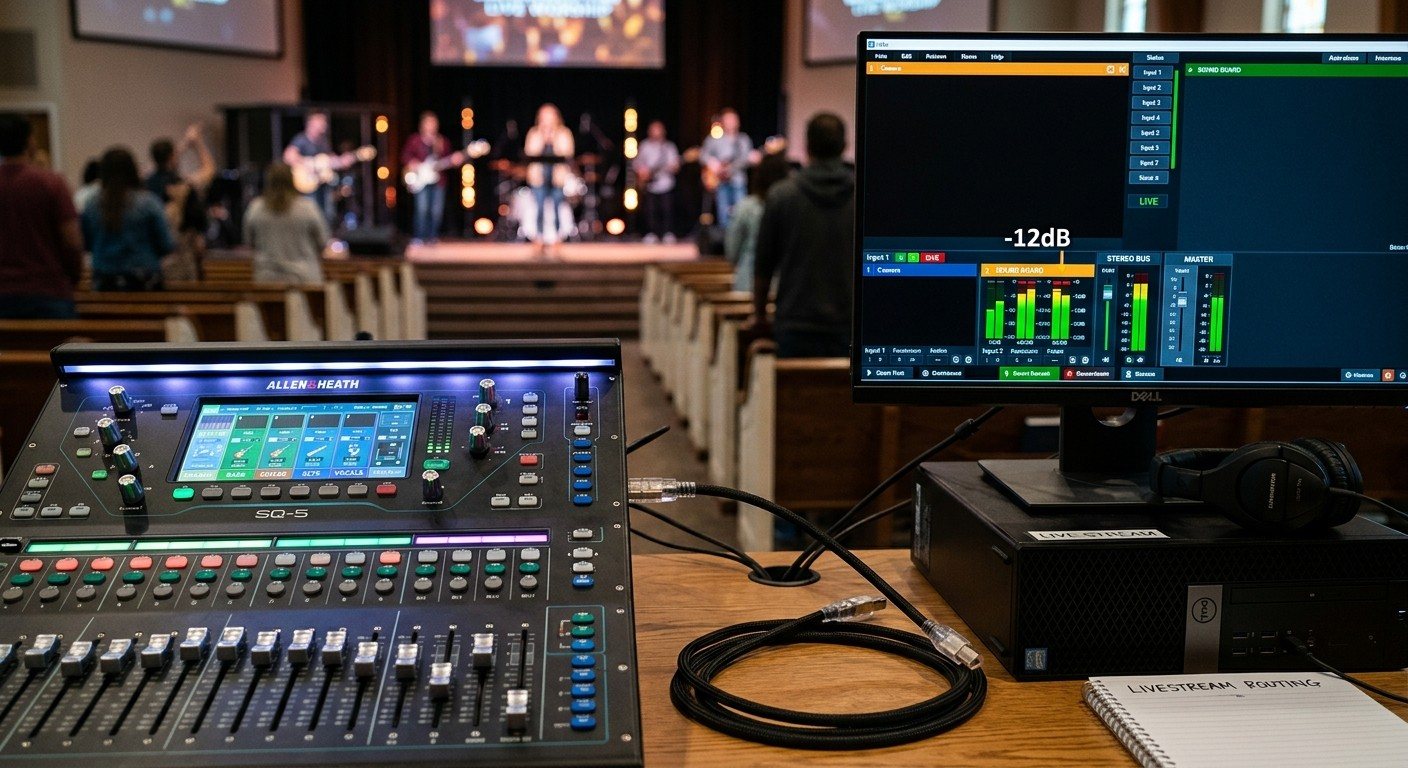
Three ways to get the stream mix out of the board
| Connection | How it works | Best for |
|---|---|---|
| USB | The board’s built-in audio interface sends channels to the computer | Most digital boards, one streaming computer |
| Dante | Audio over the network | Booths already using Dante; longer distances |
| Analog | Cables from an output to an interface or the ATEM | Analog boards; ATEM Mini setups |
(Building the mix first? See setting up a stream mix.)
USB from a digital board
- Route the stream mix (your STREAM aux or matrix) to the board’s first two USB outputs.
- Connect the board to the streaming computer with a good USB cable, directly, not through a hub.
- Install the board maker’s driver if it needs one.
In OBS: add an Audio Input Capture, choose the board, and use only the stream mix channels. Mute the computer’s other audio sources so nothing doubles up.
In vMix: add the board as an Audio Input and select the stream mix channels.
Board-specific guides: X32 into OBS and vMix · XR18 over USB · SQ-5 over USB · TF1 over USB
USB trouble? See X32 USB audio not working and mixer USB not recognized.
Dante over the network
If your board speaks Dante, the stream mix can travel over the network to the streaming computer through Dante Virtual Soundcard or a Dante audio interface. Route it in Dante Controller, then add it in OBS or vMix like any other audio device. (See how WorshipMetrics knows you run Dante.)
Analog cables
- Into a USB audio interface on the streaming computer: simple and reliable for analog boards.
- Into an ATEM Mini’s microphone inputs: set the level with care, because those inputs expect a lower level than a board’s line output. Adjust in ATEM Software Control’s audio mixer, and turn off camera audio you don’t want. (See ATEM Mini audio routing with a Behringer board.)
Common problems
- Doubled or echoey audio: two sources are on at once, such as the board and a camera’s microphone. Keep only the stream mix live.
- Audio ahead of the video: cameras and processing delay the picture. Add audio delay in OBS, vMix, or the ATEM. (See the three classic livestream audio problems.)
- Silence after a restart: the computer picked a different audio device. Set the board as the default, and check before every service.
Where WorshipMetrics helps
Monitoring flags silence and clipping on the stream, which is exactly what you’d see if the USB device dropped or a mute stuck. Tech Manager can set the computer’s default audio input and output remotely, shows live vMix meters, and detects Dante on the network. Record the connection in the Signal Map.
Related questions
- How do I get audio from our sound board into OBS?
- Most digital boards have a USB audio interface built in. Connect the board to the streaming computer by USB, route the stream mix to the first two USB outputs on the board, then in OBS add an Audio Input Capture for the board and select those channels. Analog boards can feed a USB audio interface instead.
- Can we send sound board audio to vMix over Dante?
- Yes. With Dante Virtual Soundcard or a Dante-enabled audio interface on the vMix computer, the board's stream mix arrives over the network and appears in vMix as an audio input, which is tidy for booths that already use Dante.
- How do we get audio into an ATEM Mini?
- Connect the board's stream mix output to the ATEM Mini's microphone inputs (3.5 mm) with the right cable and level, or embed the audio in an HDMI source. Then set the input levels in ATEM Software Control and turn off the camera audio you don't want.
Smaller Seats Get More Yeses: Recruiting Church Livestream Volunteers by Splitting the Job
NextvMix + Bitfocus Companion Setup for Church: Buttons for Inputs, Overlays, and Lyrics
Related Articles
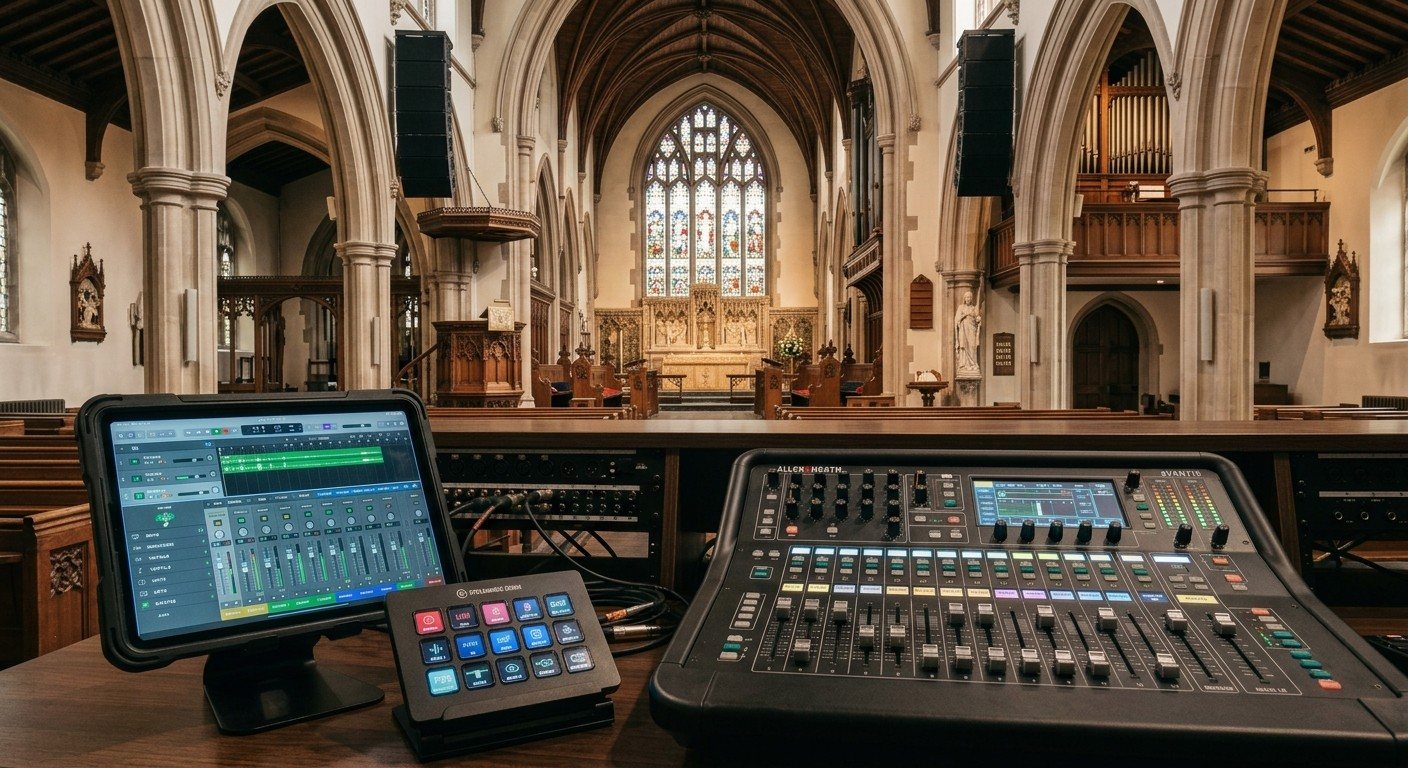
Sound Board Scenes, Stream Deck, and WorshipMetrics: Making Church Audio Volunteer-Friendly
Church audio gets easier when the hard work is saved once and recalled with a button. Board scenes, Bitfocus Companion on a Stream Deck or tablet, and WorshipMetrics slide actions and monitoring turn complicated console moves into plain-word buttons a volunteer can trust.
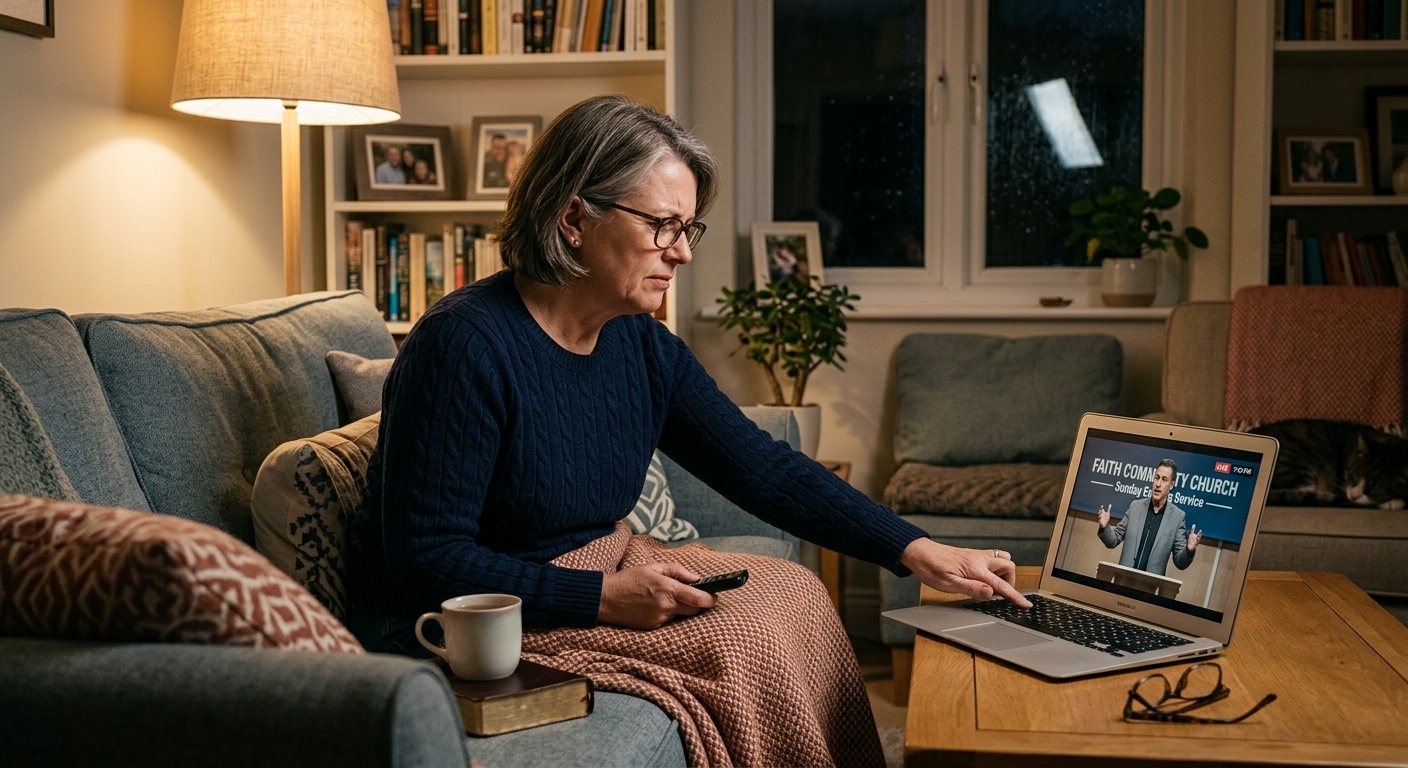
Pastor Too Quiet, Out of Sync, or Echoey: Fixing the Three Classic Church Livestream Audio Problems
Most church livestream audio complaints come down to three problems: levels (the pastor is too quiet or the band is too loud), sync (lips and sound don't match), and room sound (echoey, distant, or doubled). Here's how to spot each, why it happens, and how to fix it in OBS, vMix, or an ATEM.
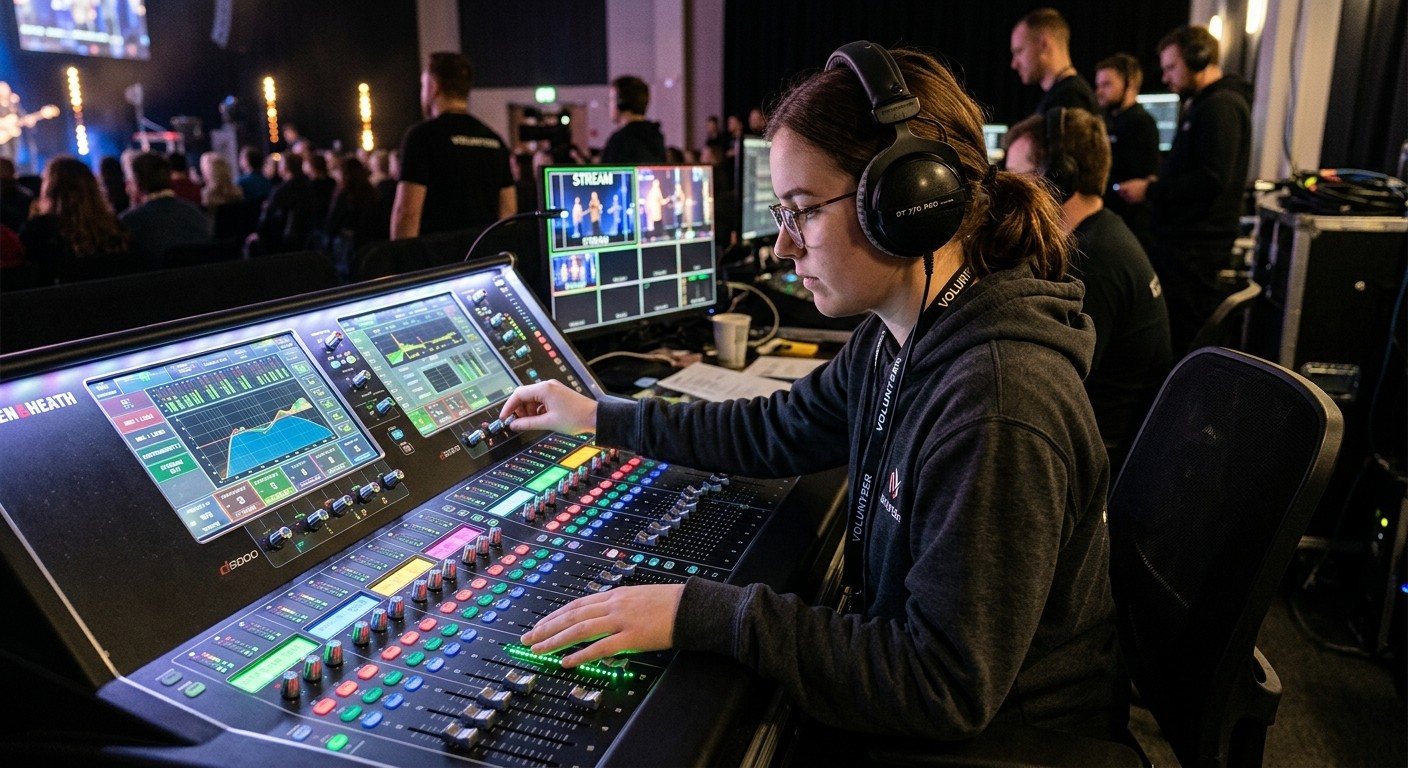
Why Your Church Livestream Sounds Bad, and How a Separate Stream Mix Fixes It
The mix that sounds great in the sanctuary almost never sounds right on a phone at home. The room adds drums, voices and reverb the board never sends. A separate stream mix (an aux, a matrix, or a second mixer) is the single biggest audio upgrade most churches can make. Here's why, and how to start.