The Behringer WING’s streaming capabilities extend far beyond what smaller mixers offer. With USB audio interfaces supporting multiple channels, Dante networking, and AES67 compatibility, the WING can feed multiple streaming destinations simultaneously, each with completely independent mixes optimized for different platforms. For churches serious about professional streaming with multiple simultaneous productions, the WING is the right choice.
USB Audio Interface Configuration
The WING supports multiple USB audio interfaces connected simultaneously, allowing you to send different mixes to different streaming computers or software. Connect USB cables from the WING to your streaming computers.
Go to Setup on the WING and navigate to IO > USB. Configure which output buses get routed to each USB connection. For example, you might route your main L/R output to USB 1 for OBS, and an auxiliary streaming mix to USB 2 for vMix or YouTube Live.
Each USB connection appears as a separate audio device on your computers. This flexibility means your primary streaming software receives one mix while a backup recording system receives another mix, both simultaneously from the same physical mixer.
Creating Complex Streaming Scenarios
The WING’s six stereo auxiliary outputs allow you to create multiple independent streaming mixes simultaneously. You might have an Aux 1 feed configured for Facebook Live (with emphasis on the vocal for online viewers who can’t see the stage), an Aux 2 feed for YouTube (with more balanced instrumentation), and an Aux 3 feed for a satellite campus (emphasizing projection or specific instruments).
Each auxiliary has its own send levels from every input channel. Your streaming engineer can adjust these sends independently for each platform, ensuring optimal audio for each audience.
Dante Networking for Professional Setups
With the optional WING-DANTE card, the WING supports Dante audio networking, a professional standard for distributing audio over Ethernet. This allows you to send high-quality audio to remote mixing stations, networked monitors, or other Dante-compatible equipment without running long analog cables.
Connect the WING to your network switch with an Ethernet cable. The mixer appears on your network as a Dante device. Configure which audio channels and mixes flow over Dante. Remote mixing stations can now access these audio streams.
For a large church with multiple services running simultaneously in different rooms, Dante networking allows your streaming operator at one location to receive audio from all the spaces. They manage multiple audio streams and create unified streaming output.
AES67 Compatibility
The WING supports AES67, an open standard for networked audio. This means you can integrate non-Dante equipment into your audio network if both devices support AES67. This is valuable for complex multi-room churches or ones using equipment from different manufacturers.
AES67 configuration is advanced and typically requires IT support, but the option exists if you need it.
Managing Multiple Simultaneous Streams
With the WING, you can feed multiple streaming software packages simultaneously, each receiving different mixes. Here’s a realistic large church scenario:
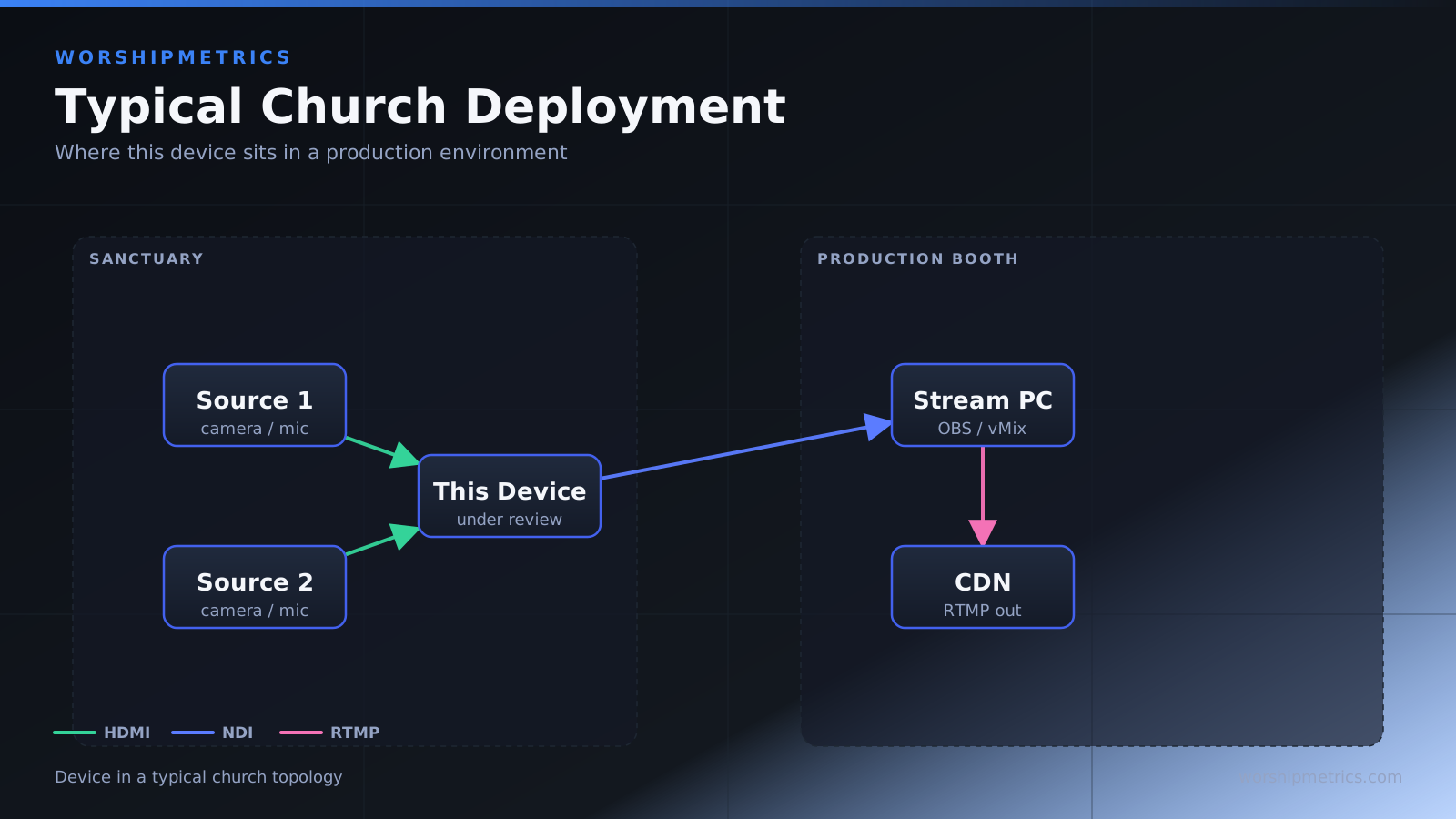
Your main streaming computer runs OBS, receiving the primary worship mix from the WING. A second streaming computer runs vMix for graphics overlay and multi-camera production, receiving a different mix optimized for video. A satellite campus receives their own custom mix over Dante. YouTube Live gets its own optimized feed.
All of this happens simultaneously from one WING, with one primary mixing engineer operating the main mix and one streaming engineer managing the auxiliary buses and Dante sends.
Scene Management for Multiple Streaming Scenarios
Create scenes not just for different service elements, but for different streaming scenarios. You might have a “Main Stream Scene” that configures all streaming auxiliary buses, USB connections, and Dante sends for typical Sunday streaming. You might have a “Special Event Scene” for holiday services with different streaming requirements.
Load the appropriate scene before the service, and all your streaming connections are configured correctly. The WING’s motorized faders move to position, and your streaming audio is ready to go.
Monitoring and Metering for Streaming
The WING’s detailed metering shows you signal levels on every output including your streaming mixes. Watch the auxiliary bus meters during the service to verify streaming audio is staying at appropriate levels.
Headphone monitoring lets you listen to any mix while the main output plays elsewhere. Flip your headphone monitoring to Aux 1 to verify your Facebook stream audio, then switch to Aux 2 to check YouTube.
USB Multi-Channel Recording
Beyond streaming, the WING can record all 32 input channels simultaneously to your streaming computer via USB. This creates a complete multi-track archive of every service.
Launch Reaper or another multi-track DAW, set the audio input to the WING’s USB, create 32 tracks, and hit record. You now have every microphone, instrument, and electronic input captured as individual tracks. After the service, remix for podcast, extract sermon audio, or provide the worship team with perfect recordings.
Backup Streaming Architecture
For mission-critical streaming (perhaps your church’s sole connection to homebound members), design redundancy into your WING streaming setup. Have your primary stream flowing to YouTube via OBS on Computer A. Have a backup stream flowing to a secondary platform via vMix on Computer B, using a different USB connection.
If Computer A fails, your stream continues on Computer B. If one internet connection fails, you have a backup connection. The WING’s multiple USB interfaces and networking options make this redundancy possible.
Network Architecture for Large Streaming Operations
A professional large-church streaming setup might look like this: The WING sits in the main tech booth, hardwired to the network via Ethernet. Multiple streaming computers connect to the same Ethernet switch. Each receives different audio feeds from the WING via USB or Dante.
A satellite campus location receives audio over Dante from the main building. Their local mixer (perhaps an X32) feeds the satellite service while the WING’s audio from the main room is also available.
The streaming engineer has a control station—possibly a separate mixing console or a laptop with control software—that manages all the auxiliary bus levels and Dante sends independent of the main engineer.
This architecture handles incredibly complex scenarios: multiple simultaneous services, multiple streaming platforms, multi-campus distribution, and professional-grade mixing quality.
Troubleshooting Streaming Issues on the WING
No audio on one of multiple USB streams: Verify that the USB connection is properly routed to an output in the WING’s USB configuration. Check that the streaming software has selected the correct USB device as audio input.
Clipping on stream while main mix is fine: Your streaming auxiliary levels are too hot. Reduce the send levels from channels to the streaming auxiliary, or reduce the auxiliary’s main fader.
Dante audio not reaching remote location: Verify the Dante cable is connected. Check that Dante is enabled on the WING. Verify the remote device is properly networked and configured to receive the audio streams you’re sending.
Multiple USB devices not working simultaneously: Verify each is properly configured in the WING’s USB IO settings. Restart your streaming computers. Ensure the WING isn’t overloaded (unlikely but possible with 32 channels plus multiple USB streams).
Testing Your Streaming Setup
Before relying on your WING streaming setup for critical service, do a comprehensive test. Set up all your streaming connections. Have someone perform at the WING like they would during service. Verify that all streaming feeds are working. Record 5 minutes from each stream and play back to check quality.
This test run prevents surprises during an actual service.
The WING’s Streaming Advantage
The WING’s strength for streaming is flexibility and capacity. You’re not limited to a single mix or a single streaming output. You can handle professional multi-platform streaming from a single mixing console. You have the connections and processing power to manage whatever complexity your streaming production requires.
For churches serious about streaming as a primary ministry (serving homebound members, reaching online audiences, multi-campus operations), the WING delivers capabilities that smaller mixers simply can’t match.
For the livestream: Why your church livestream sounds bad, and how a separate stream mix fixes it, and setting up a stream mix.