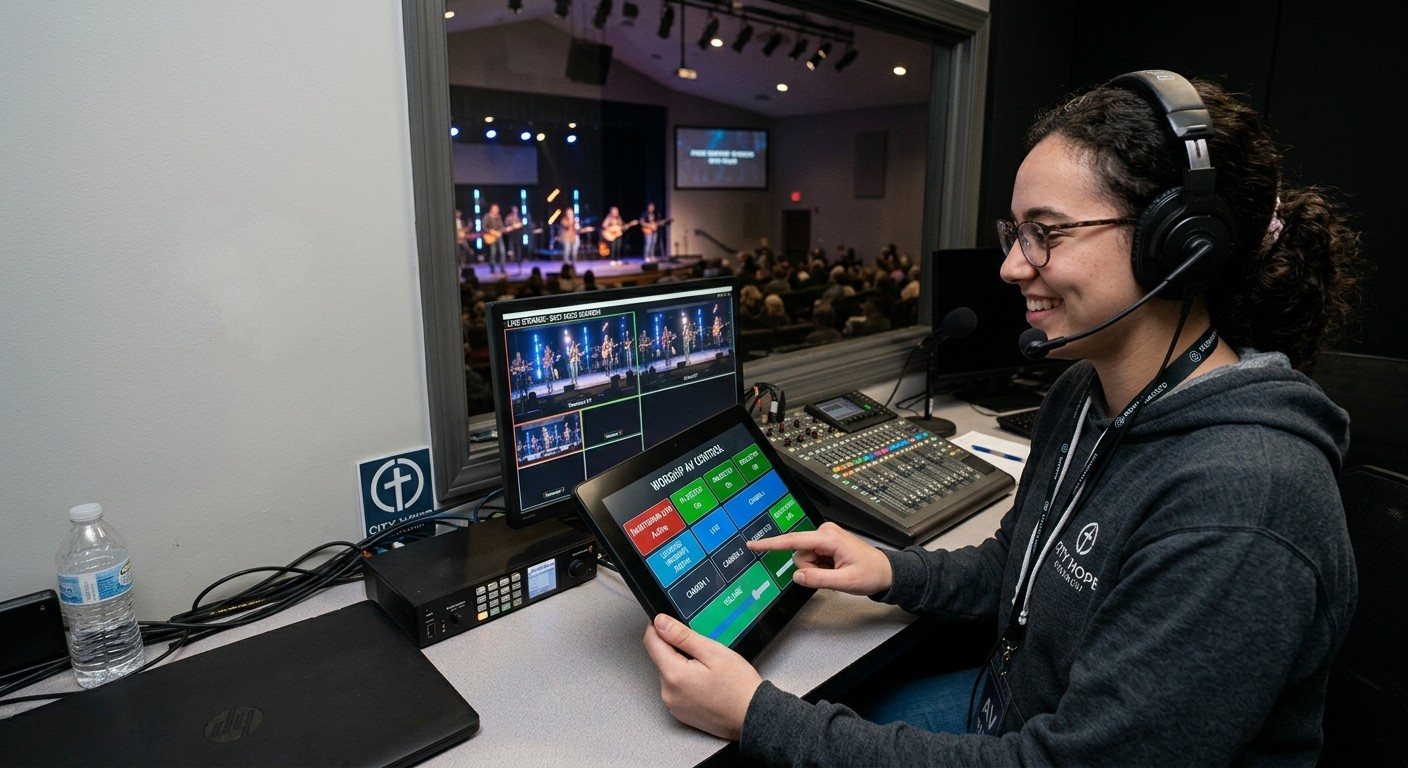
The idea: every shot is an input
vMix can save PTZ camera positions as virtual inputs. Instead of one input called “Camera 2,” you get inputs called “Pulpit,” “Wide,” “Piano,” and “Baptistry,” all using the same physical camera.
The key behavior: when a PTZ virtual input goes into Preview, vMix moves the camera to that position. The camera gets framed off air, and the director takes it when it’s ready.
That makes “calling shots” something a volunteer can do with a tap, from anywhere on the church network.
Setting up PTZ virtual inputs
- Add your PTZ camera in vMix as a PTZ-capable input, following vMix’s PTZ instructions for your camera model.
- Frame a shot using vMix’s PTZ controls.
- Create a virtual input for that position and name it plainly: “Pulpit,” “Wide,” “Band.”
- Repeat for each regular shot, on each camera.
- Test the moves: put each virtual input into Preview and make sure the camera lands where you expect.
(For camera networking and setup, see PTZ camera setup for churches and why we recommend NDI PTZ cameras.)
Giving shots to a volunteer
The camera volunteer opens the vMix Web Controller on a tablet, laptop, or phone and:
- Puts the next shot into Preview from the Switcher page, or with shortcuts you’ve set up for each virtual input, then
- Tells the director it’s ready: “Pulpit’s ready.”
- The director takes it to Program.
That’s the same rhythm as a camera operator working with a vMix director, just from a browser.
Rules that keep the stream calm
- One camera, one shot at a time. If two virtual inputs share a camera, only one can be in use: don’t preview “Wide” on camera 1 while camera 1 is live as “Pulpit.”
- Plan around the live camera. Prepare the next shot on a camera that isn’t on air.
- Name every virtual input so the volunteer reads shots, not numbers.
Where WorshipMetrics helps
WorshipMetrics Camera Control gives the camera seat a dedicated panel: nine picture presets per camera, showing the actual shot; touch, keyboard, game pad, or joystick control; and focus lock. It’s free in the booth, and on Pro and Max the same panel works from any browser. The Signal Map keeps each camera’s address and presets documented for the next volunteer.
Build your own buttons: vMix shortcuts as a volunteer button panel in the Web Controller.
Related questions
- What is a vMix PTZ virtual input?
- A saved camera position that appears in vMix as its own input, such as 'Pulpit' or 'Wide.' Several virtual inputs can share one PTZ camera. When you put a virtual input into Preview, vMix moves the camera to that saved position.
- Can a volunteer move PTZ cameras from the vMix Web Controller?
- Yes. Because putting a PTZ virtual input into Preview moves the camera, a volunteer can choose shots from the Web Controller on a phone, tablet, or laptop, for example from the Switcher page or with shortcuts you set up, and the director takes the shot when it's ready.
- Why does the camera only move when the shot is in Preview?
- So the move happens off air. The camera gets into position while it's in Preview, and the viewer only sees it once it's framed and the director takes it to Program.
Adding a Camera Operator to Your vMix Church Production
NextvMix Shortcuts: Build Your Own Button Panel for Church Volunteers in the Web Controller
Related Articles

Bitfocus Companion + ATEM Mini: A Stream Deck Panel for Your Church Switcher
A Stream Deck running Bitfocus Companion turns a Blackmagic ATEM into plain-word buttons with colors that show what's live, and the same panel can run PTZ cameras, projectors, and more. Here's how to connect Companion to an ATEM and build a volunteer page.

Lyrics Over the Camera on an ATEM Mini: Luma Keys, Chroma Keys, and the Slides Computer
To put song lyrics over the camera shot on a Blackmagic ATEM Mini, feed the slides computer into an ATEM input and key it over the camera. Here's how luma and chroma keys work for lyrics, how to design slides that key cleanly, and who should run it.

ATEM Mini + OBS for Church: Hardware Camera Switching with OBS for Graphics and Streaming
Many churches use an ATEM Mini as a camera switcher and send its output into OBS over USB as a webcam. The ATEM gives volunteers real buttons; OBS adds lyrics, graphics, recording, and streaming. Here's how to set it up, split the jobs, and avoid the common sync and quality problems.