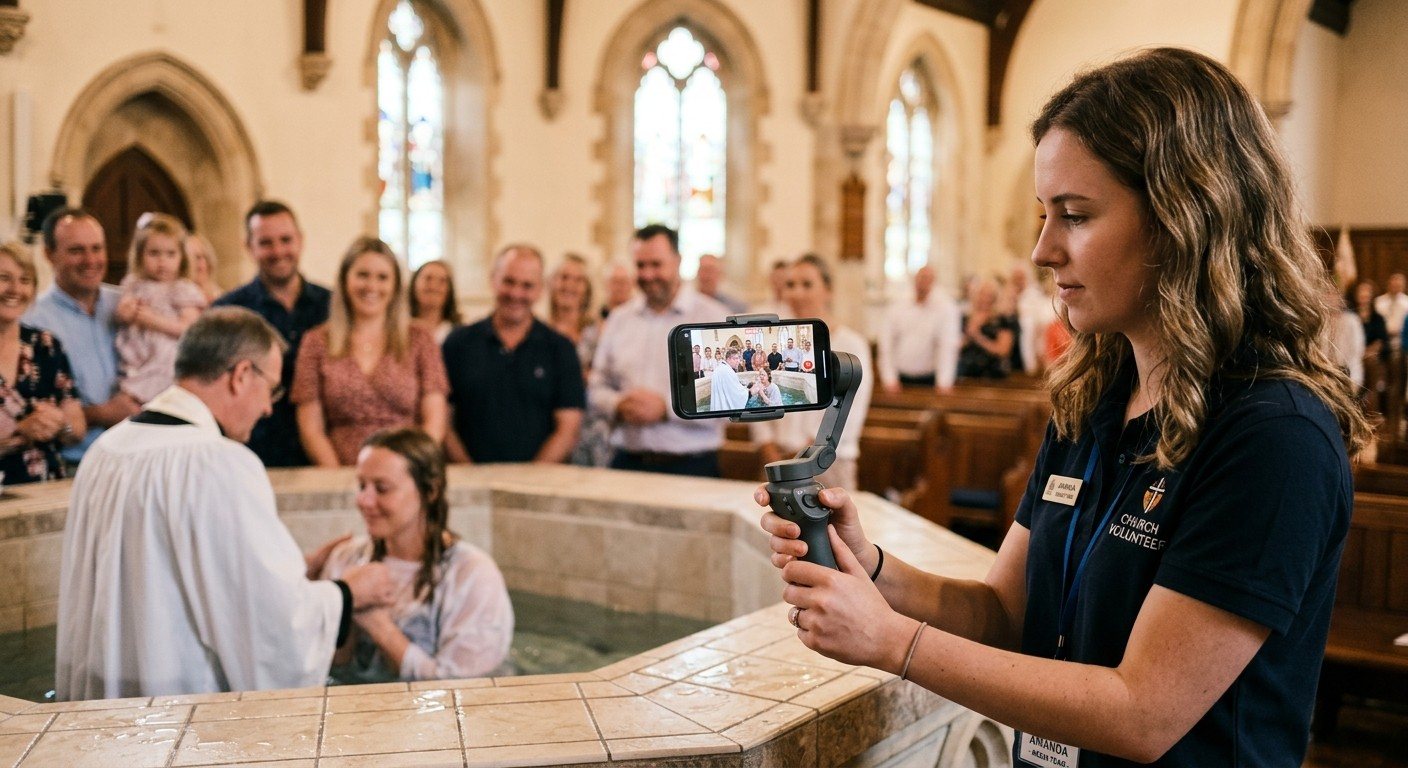
The camera already in your pocket
A wireless camera usually means two expensive things: a camera, and a wireless video transmitter to get its picture back to the booth. For many churches, that’s out of reach.
But almost everyone on your team carries a phone with an excellent camera. With the NDI Camera app (formerly NDI HX Camera) for iPhone and Android, that phone sends its picture over Wi-Fi as an NDI source, and it shows up in your production software like any other camera. No cables, no transmitter, no capture card.
It’s one of the biggest ways NDI saves churches money.
Where a phone camera shines
- Baptisms, from the edge of the baptistry where a fixed camera can’t see
- Kids’ moments, children’s choir and dedications
- Worship team close-ups: hands on the keys, the drummer, the choir
- A roaming angle for special services, dramas and Christmas programs
- Interviews and testimonies in the lobby or on stage
- The youth room or a second venue, without a permanent install
It’s also a great first job for a student volunteer: holding a steady shot is a real ministry role. (See how to start a church AV Club.)
How it works
- Install the NDI Camera app on the phone, from the App Store or Google Play. Check that the publisher is NDI; there are look-alike apps.
- Join the production network. The phone and the streaming computer must be on the same network. Use a strong 5 GHz production Wi-Fi network, not the guest network.
- Open the app. It appears on the network as an NDI source.
- Add it in your software:
- vMix: Add Input, then NDI, and pick the phone
- OBS: with the free DistroAV plugin, add an NDI Source
- Wirecast and ProPresenter: add it as an NDI source
- WorshipMetrics Present: NDI sources can go on slides as live video
Set it up for Sunday
- Turn on Do Not Disturb. A text message on the livestream is not a good look.
- Plug it in. Video drains the battery fast; use a power bank or a long cable.
- Mount it. A small gimbal or tripod beats a shaky hand.
- Lock focus and exposure in the app so the picture doesn’t pulse as people move.
- Shoot landscape, unless you’re capturing vertical clips on purpose.
- Take audio from the sound board, not the phone’s microphone. Mute the phone’s audio in your mix.
- Test from the far corner. Walk the full path the operator will use and watch for dropouts.
The limits to know
- Wi-Fi is the weak link. A phone camera is only as good as the wireless signal. A dedicated production access point near the stage makes all the difference. (See what network does a church need for NDI?)
- There’s a little delay. Wireless adds latency, so cut to the phone for visual moments, and keep the audio from the board.
- It’s an extra angle, not your main camera. For the shots you need every week, use fixed NDI PTZ cameras on a wired network.
Want help building it in?
Phones work best alongside a solid wired system. Map your current system and tell us where you’d like a roaming camera. We’ll make sure the network and software are ready.
More low-cost NDI ideas on our NDI for churches page.
Related questions
- Can we use a phone as a camera for our church livestream?
- Yes. The NDI Camera app (formerly NDI HX Camera) for iPhone and Android sends the phone's camera over Wi-Fi as an NDI source, which vMix, OBS (with the free DistroAV plugin), Wirecast and ProPresenter can bring straight into your production.
- How much does it cost to use a phone as an NDI camera?
- The phone, which many churches already have, plus the NDI Camera app, which is an inexpensive purchase; check the App Store or Google Play for the current price. Compare that with a camera plus a wireless video transmitter, which can cost hundreds or thousands of dollars.
- Is a phone camera good enough for a church stream?
- For a second or roaming angle, absolutely. Modern phones have excellent cameras. Use it alongside your main cameras, keep it on a strong production Wi-Fi network, and take audio from the sound board rather than the phone's microphone.
How Do We Put Past Services and Sermons on Our Church Website?
NextHow Do We Stream Our Service to Facebook and Our Church Website at the Same Time?
Related Articles

Bitfocus Companion + ATEM Mini: A Stream Deck Panel for Your Church Switcher
A Stream Deck running Bitfocus Companion turns a Blackmagic ATEM into plain-word buttons with colors that show what's live, and the same panel can run PTZ cameras, projectors, and more. Here's how to connect Companion to an ATEM and build a volunteer page.

Lyrics Over the Camera on an ATEM Mini: Luma Keys, Chroma Keys, and the Slides Computer
To put song lyrics over the camera shot on a Blackmagic ATEM Mini, feed the slides computer into an ATEM input and key it over the camera. Here's how luma and chroma keys work for lyrics, how to design slides that key cleanly, and who should run it.

ATEM Mini + OBS for Church: Hardware Camera Switching with OBS for Graphics and Streaming
Many churches use an ATEM Mini as a camera switcher and send its output into OBS over USB as a webcam. The ATEM gives volunteers real buttons; OBS adds lyrics, graphics, recording, and streaming. Here's how to set it up, split the jobs, and avoid the common sync and quality problems.