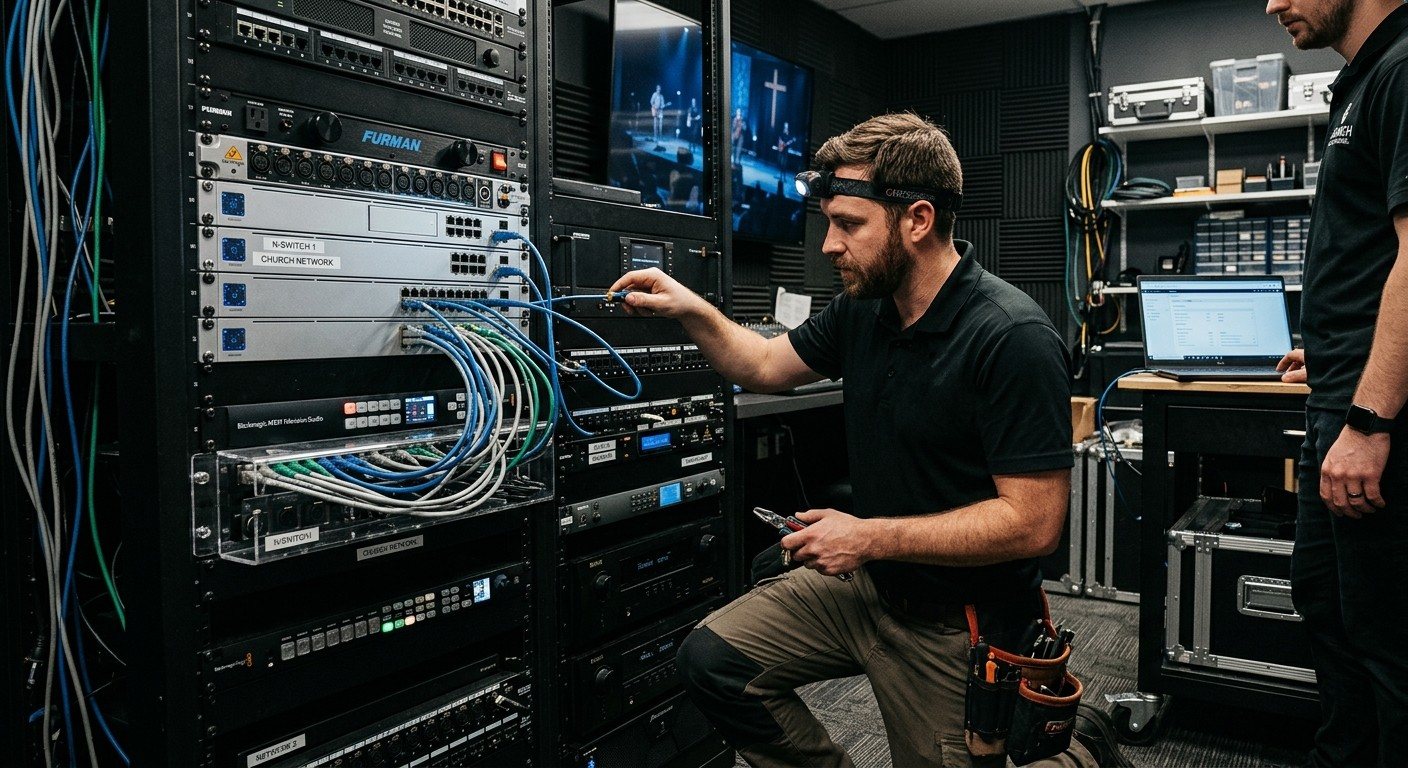
Why the process matters as much as the gear
Two churches can buy the same equipment and have completely different experiences. One gets a system the whole team understands. The other gets a system one person understands, and a binder nobody opens.
The difference is almost always the process: who’s involved, who’s trained, and what’s left behind. Here’s how a church AV project should run, and how we run ours.
Step 1: A free consultation
We start with your church, not a catalog: your room, your services, your team, your budget, and what’s going wrong on Sundays. The consultation is free, and it’s fine if the answer turns out to be “you can fix this with what you have.”
Step 2: Map what you already own
Before we recommend anything, we want to see your current setup: cameras, computer, sound board, screens, internet, and who runs each part. Our system map walks you through it in a few minutes. (See how to map your system before a consultation.)
This is the single biggest way to lower the price. When we can see what plugs in and what works, we reuse it and quote only what’s missing.
Step 3: The recommendation
You get a clear plan: what to reuse, what to upgrade, and what to add. That might be one of our Livestream Systems in Good, Better, or Best, a tailored version, or a modernization plan built around your equipment. (Not sure which tier? See which system fits your church.)
Then you decide. Build it yourself with our free parts list, or have us build it.
Step 4: Your project manager and your on-site contact
When the project begins, your church is assigned a project manager. They plan the timeline with you, coordinate the build, shipping, and installation, and stay your one point of contact until the system is handed over.
On your side, we ask you to name one on-site contact. That person works with the project manager, takes the system handoff, and joins any training you choose, so someone in the building knows how it all fits together. It doesn’t have to be your most technical person. It should be someone who’ll be around.
Step 5: Build, tune, and test
We build the system, install and tune the software, and test everything before it ships. Then we burn it in under a real multi-camera load, so problems show up on our bench instead of on your Sunday. Each system runs a long-term-support edition of Windows that takes security fixes but skips surprise feature updates.
Step 6: Setup
Remote setup is included: the system arrives ready to connect, and we finish configuration with your on-site contact. If you’d like on-site installation, it’s available and quoted separately, so you only pay for what your church needs.
Step 7: Training for everyone who uses it
Training is quoted separately, so you choose what your team needs. Because WorshipMetrics touches more than the booth, it’s available for every group:
| Who | What they learn |
|---|---|
| Volunteers | Running the booth on Sunday: start-up, cameras, slides, the stream, and what to do if something stops |
| Band members | The songs and setlist in the plan, and the stage display with lyrics and chords |
| Leadership staff | Service plans, and in-person and online attendance after each Sunday |
| Operations | Volunteer scheduling, the people directory, the system documentation, and alerts |
Step 8: Handoff
Before we call it done, we walk your on-site contact through the finished system, its documentation, and the Sunday checklist. The system is documented in the Signal Map, so the next person starts from facts, not memory. (See the handoff checklist.)
Step 9: The Sundays after
Every system reports its health to WorshipMetrics monitoring, comes with a 3-year warranty, and has help a phone call away at 910-WORSHIP. (See what happens after install day.)
What we’ll ask of your church
- One on-site contact who can be reached during the project and will be around after it.
- An honest map of what you have today, even the parts that don’t work.
- Access to the booth, the rack, and your network when we need it.
- Time for training before the first Sunday on the new system.
That’s it. The goal is simple: when the project wraps up, everyone feels good about the system, on day one and as it grows with your church.
Ready to start? Map your current system or book a free consultation.
Related questions
- How does a church AV installation project work?
- A well-run project moves through a consultation, a map of what the church already owns, a recommendation and quote, a project manager and on-site contact, building and testing the system, setup, training for the people who will use it, and a handoff with documentation and ongoing support.
- What does a church need to provide during an AV project?
- Mainly people and information: one on-site contact who works with the project manager and takes the system handoff, an accurate picture of current equipment, access to the building and network, and time on the calendar for training before the first Sunday on the new system.
- How long does a church AV upgrade take?
- It depends on the scope and on how much equipment is reused: a focused livestream upgrade moves faster than a full sanctuary project, and reusing gear you already own usually shortens it. Your project manager sets the timeline with you at the start, working around your Sundays and church calendar.
How to Choose a Church AV Integrator Who Actually Understands Churches
NextCable Management for Church Booths: Clear Tables, Labeled Cables and the Binder
Related Articles

Making a Complicated Church AV System Easy to Run, Without Hiring an AV Company
Many church AV systems aren't too old or too small. They're too complicated for a volunteer. A simple button panel built with Bitfocus Companion can hide that complexity behind plain-word buttons, and a church can often build it themselves. Here's when that works, when to call a professional, and how to start.

Your Church Livestream Team, Connected Even When They're Not at Church
A three-person livestream team only works if everyone shares the same plan, the same wiring diagram, and the same news when something breaks. Here's how WorshipMetrics connects the director, slides, and camera volunteers through the week: chat, alerts, documentation, AI help, scheduling, and cloud control for OBS and vMix.

The Three-Person Church Livestream Team: Director, Slides, and Cameras
A church livestream runs best with three clear jobs: a director on OBS or vMix, a slides operator, and a camera operator. Here's what each role does before, during, and after the service, what skills it takes, and how the three talk to each other.