The short answer: the service continues — the rest depends on Tuesday
Here’s the reframe that takes the terror out of the question: when the booth PC dies, worship doesn’t stop. The pastor keeps preaching, the band keeps playing, and in most rooms the sound console isn’t the machine that crashed. What’s actually at stake is the stream, the recording, and the lyrics — real losses, but recoverable ones, and how quickly they recover was decided before Sunday ever arrived.
So the honest answer has two halves: what the platform does in the seconds after a failure, and what you set up on a calm Tuesday so that a crash is an anecdote instead of an incident.
First, the failures that never become “the PC crashed”
Most Sunday booth problems aren’t outright crashes — they’re the stream dropping, the recording quietly stopping, the disk filling, the network blipping. Those well-understood failures have well-understood fixes, and Tech Manager makes sure they’re never missed: the moment a stream or recording stops unexpectedly, it tells you — a pop-up on the booth and a row in Alerts on your team’s phones — and offers a one-tap Restart that anyone on the team can answer from anywhere. About 20 seconds later the booth reports whether it worked. Disk space and bitrate are watched continuously and alerted on, so a filling drive or a struggling network reaches a human before it reaches the congregation.
Every offer, answer, and restart result is logged to your support history — nothing happens silently — and the practical effect is that a large share of “crashes” people remember from the old days shrink to a few seconds of buffering and one tap.
What an actual crash looks like, minute by minute
Suppose the encoder application genuinely goes down mid-sermon.
The system tells the truth instead of guessing. A crashed application is deliberately reported, not silently relaunched. That restraint is a feature: a crash can mean a corrupted scene collection, a dying capture card, or a driver problem, and blind relaunching could compound the damage or mask hardware that needs attention. Restarting a stream output is routine; resurrecting a crashed application is a human decision.
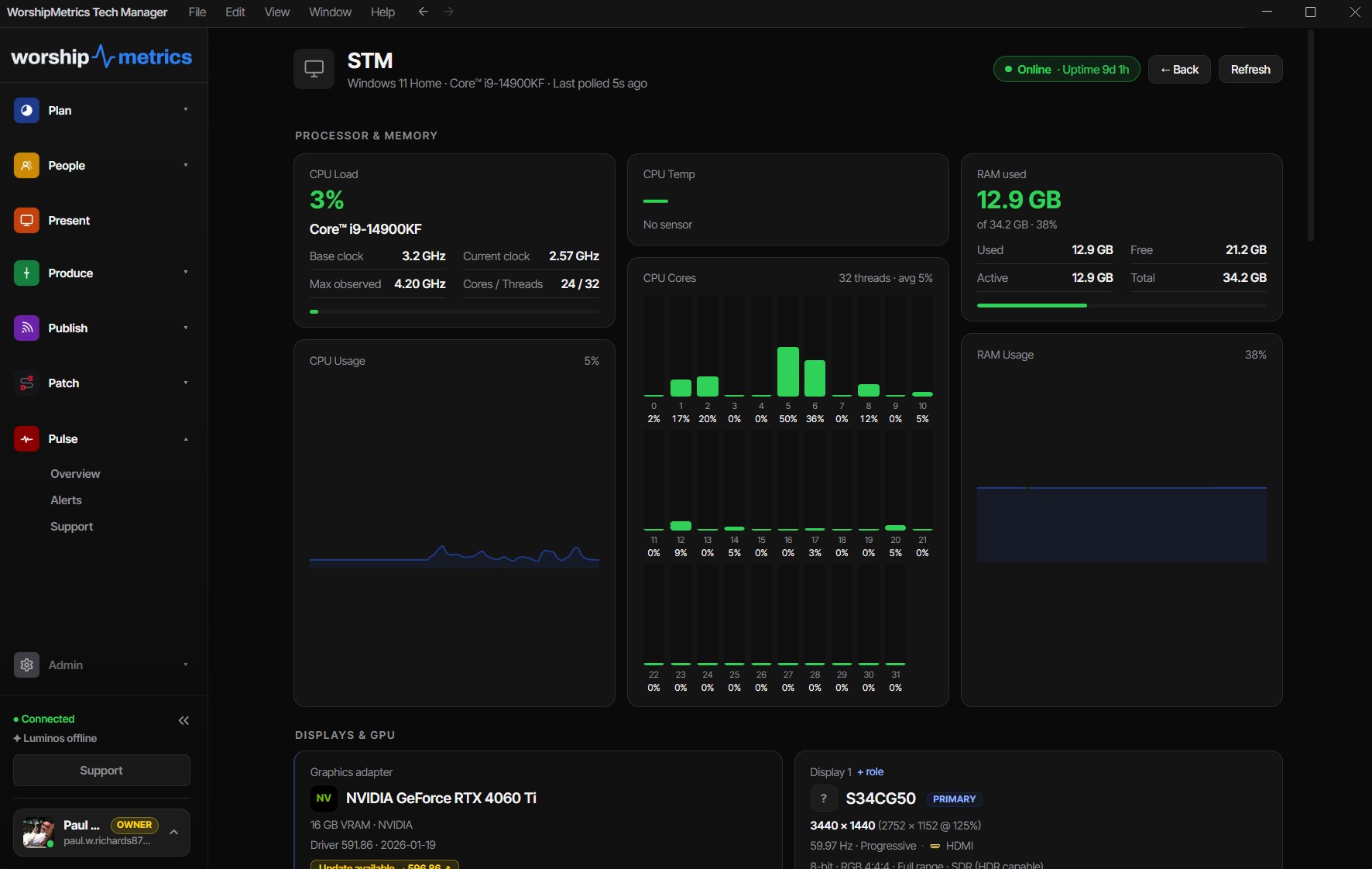
The humans find out fast. If the whole machine went down, its status badge flips to offline after 90 seconds of missed heartbeats, and a high-confidence offline alert email goes out after more than 5 minutes of silence — timings published in the alert thresholds reference. Anyone with phone alerts set up gets buzzed, including people who aren’t in the building. Detection runs server-side, around the clock, so it never depends on someone staring at a dashboard.
The recovery is a checklist, not an improvisation. For the stream, the calm sequence is written down in the dropped-stream recovery playbook. For the online congregation, “Stream Offline” on the platform reads as a technical hiccup, not a canceled service — resist the urge to over-announce, get the encoder back, and most viewers rejoin without drama.
Help can see your system. On the Pro and Max plans, a trusted helper — or, with the Sunday Assurance add-on, a production pro from the WorshipMetrics team on call Sunday mornings — can see the booth’s state remotely and assist. And a call to 910-WORSHIP starts from your support history, where the Self Healing log already shows what stopped, what was offered, and who answered — no “so what happened?” archaeology.
The Tuesday list: five preparations that change the story
- Decide the degradation order out loud. In-room audio beats the stream; the pastor’s face beats the graphics. When everyone knows what gets sacrificed first, nobody panics. Our Sunday failure recovery workflow walks the five most common failures with this mindset.
- Set up alerts on more phones than one. The tech director’s phone, the streaming lead’s, whoever is on call. A minute per phone.
- Have a backup internet path. A tested cellular hotspot turns “the internet is down” from an outage into a network switch. Test it on a Tuesday, not at 10:15.
- Document the system. When the person who built the booth isn’t in the room, the Signal Map is how a volunteer answers “what plugs into what” — and it prints, so a paper copy can live in the booth for the morning the PC itself is the casualty.
- Watch the pattern, not just the incident. A booth that needs a restart once a quarter is healthy; one that needs one every week is telling you something about its hardware or network. The support history makes that trend visible — and worth acting on before it escalates. If the answer is the hardware, our Livestream Systems are streaming computers built, tested and burned in for exactly this job.
How WorshipMetrics handles this
Booth reliability in WorshipMetrics is layered on purpose: Tech Manager catches the routine failures in seconds with a one-tap restart and refuses to paper over the ambiguous ones, Pulse monitoring notices a dead machine in 90 seconds and alerts real phones within minutes, cloud control puts trusted eyes on the system from anywhere, and every action lands in the support history your helpers read when you call. The goal was never a booth that can’t fail — it’s a Sunday where a failure costs you minutes of stream, zero minutes of worship, and no mystery afterward about what happened.
Related questions
- Will the stream restart itself if the encoder has a problem?
- Not on its own — by design. The moment a stream or recording that WorshipMetrics started stops unexpectedly, Tech Manager tells you and offers a one-tap restart, on the booth and in Alerts on your team's phones; nothing restarts until someone taps Restart. A full application crash is different again: it's reported to a human rather than relaunched, because a crash can signal a problem that blind restarting would mask.
- How fast does anyone find out the booth machine went down?
- The machine's status badge flips to offline after 90 seconds of missed heartbeats, and a high-confidence offline alert email goes out after more than 5 minutes of silence — with push notifications on any phone that's set them up. Detection runs server-side, so it doesn't depend on anyone watching a dashboard.
- What's the single best preparation for a booth failure?
- Decide your degradation order in advance: the in-room service continues no matter what, and the stream recovers second. Then set up phone alerts, keep the recovery playbook bookmarked, and document the system so any volunteer — not just the person who built it — can bring things back.
The Volunteer Scheduling Email Lifecycle: Invites, Declines, and Reminders
NextDo We Still Need to Report to CCLI If Our Lyrics Software Tracks Songs?
Related Articles

Making a Complicated Church AV System Easy to Run, Without Hiring an AV Company
Many church AV systems aren't too old or too small. They're too complicated for a volunteer. A simple button panel built with Bitfocus Companion can hide that complexity behind plain-word buttons, and a church can often build it themselves. Here's when that works, when to call a professional, and how to start.

Your Church Livestream Team, Connected Even When They're Not at Church
A three-person livestream team only works if everyone shares the same plan, the same wiring diagram, and the same news when something breaks. Here's how WorshipMetrics connects the director, slides, and camera volunteers through the week: chat, alerts, documentation, AI help, scheduling, and cloud control for OBS and vMix.

The Three-Person Church Livestream Team: Director, Slides, and Cameras
A church livestream runs best with three clear jobs: a director on OBS or vMix, a slides operator, and a camera operator. Here's what each role does before, during, and after the service, what skills it takes, and how the three talk to each other.