The honest version
Plenty of churches have a volunteer who’s built gaming PCs and could build a streaming computer this weekend. That can work well. The question isn’t can we build it? It’s who owns it after we do?
What you save by building
- Money on the parts list. You pay for components, not assembly.
- Total control over every part.
- A learning project for a capable volunteer, sometimes a great one for a student.
What you’re actually buying when you buy it built
The parts are only part of the price. A built-and-tested system also includes:
- Known-good parts that work together. Capture card, graphics card, motherboard and drivers that have been tested as a set, not just individually.
- A locked-down install. Windows set up so it takes security fixes without surprise feature updates, power settings that don’t sleep mid-service, and nothing else running. (See why Windows updates break church livestreams.)
- Tuning. OBS and vMix configured for church content, which is harder to encode than most video. (See why OBS says “encoding overloaded” during worship.)
- Burn-in. Hours under a real multi-camera load before it ships, so a bad stick of memory fails in our shop, not during the sermon.
- A warranty and someone to call. On our Livestream Systems, that’s a 3-year warranty, with advance replacement on Better and Best.
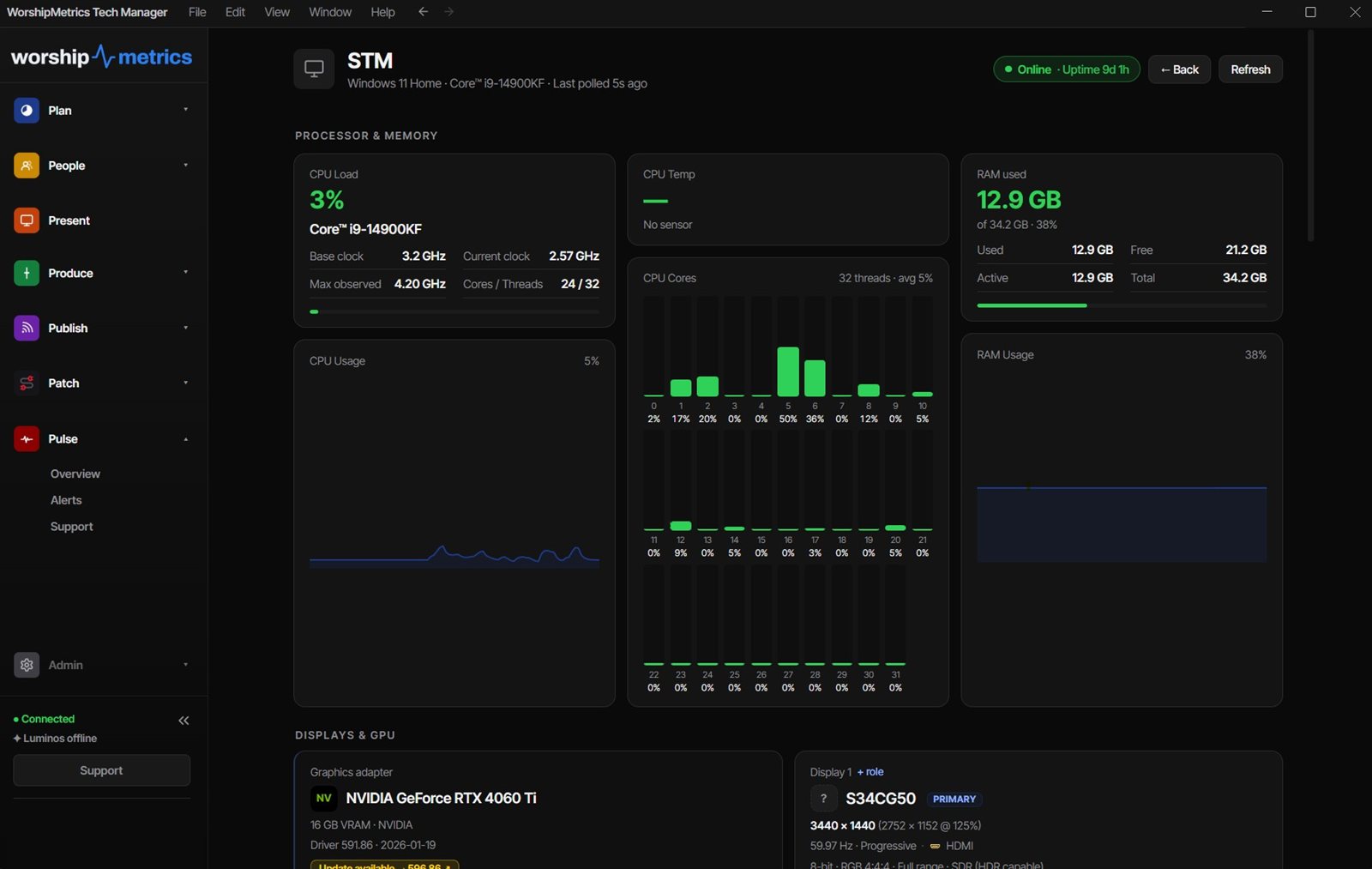
- Monitoring from day one. WorshipMetrics reports temperatures, dropped frames and stream status, so trouble shows up before Sunday.
The question that decides it
If the person who builds it moves away, who fixes it?
A home-built system often lives in one person’s head. That’s the same trap as an old, complicated AV system. (See nobody else is qualified to run our church tech.) If you build, document it: every part, every setting, every cable. The Signal Map is built for that.
The middle path: build to a proven list
You don’t have to choose between guessing and buying. Every WorshipMetrics Livestream System has a parts list. Build it yourself to a spec that’s already been tested, and you keep the savings without the guesswork. See the parts list for each tier on the Livestream Systems page.
Or keep what you have
Sometimes the right answer is neither. If your current computer is decent and one part is the bottleneck, such as a missing graphics card, a cheap USB capture dongle or Wi-Fi instead of a cable, fix that one thing. Our Extras cover the most common single upgrades.
The quickest way to know which path fits: map your current system and send it with a free consultation request. It’s the best way to get the best price. We’ll tell you what to reuse, what to upgrade, and whether building makes sense for your team.
Related reading
Related questions
- Is it cheaper to build a church streaming computer yourself?
- The parts usually cost less than a built system. What you give up is the testing, tuning, burn-in, warranty and support. If a skilled volunteer has the time and will be around to maintain it, building can make sense.
- What should we test after building a streaming computer?
- Run a full multi-camera load for several hours: every input live, recording, streaming and graphics at once. Watch temperatures and dropped frames, and check that it survives a restart with every setting intact. Most failures show up in that burn-in, not on the first boot.
- Can we get a parts list for a WorshipMetrics Livestream System?
- Yes. Each Livestream System has a high-level parts list on the Livestream Systems page, free to read and print.
What's the Best Computer for Church Livestreaming in 2026?
NextNot a Tech Person? A Church Administrator's Guide to the AV Booth
Related Articles

Bitfocus Companion + ATEM Mini: A Stream Deck Panel for Your Church Switcher
A Stream Deck running Bitfocus Companion turns a Blackmagic ATEM into plain-word buttons with colors that show what's live, and the same panel can run PTZ cameras, projectors, and more. Here's how to connect Companion to an ATEM and build a volunteer page.

Lyrics Over the Camera on an ATEM Mini: Luma Keys, Chroma Keys, and the Slides Computer
To put song lyrics over the camera shot on a Blackmagic ATEM Mini, feed the slides computer into an ATEM input and key it over the camera. Here's how luma and chroma keys work for lyrics, how to design slides that key cleanly, and who should run it.

ATEM Mini + OBS for Church: Hardware Camera Switching with OBS for Graphics and Streaming
Many churches use an ATEM Mini as a camera switcher and send its output into OBS over USB as a webcam. The ATEM gives volunteers real buttons; OBS adds lyrics, graphics, recording, and streaming. Here's how to set it up, split the jobs, and avoid the common sync and quality problems.