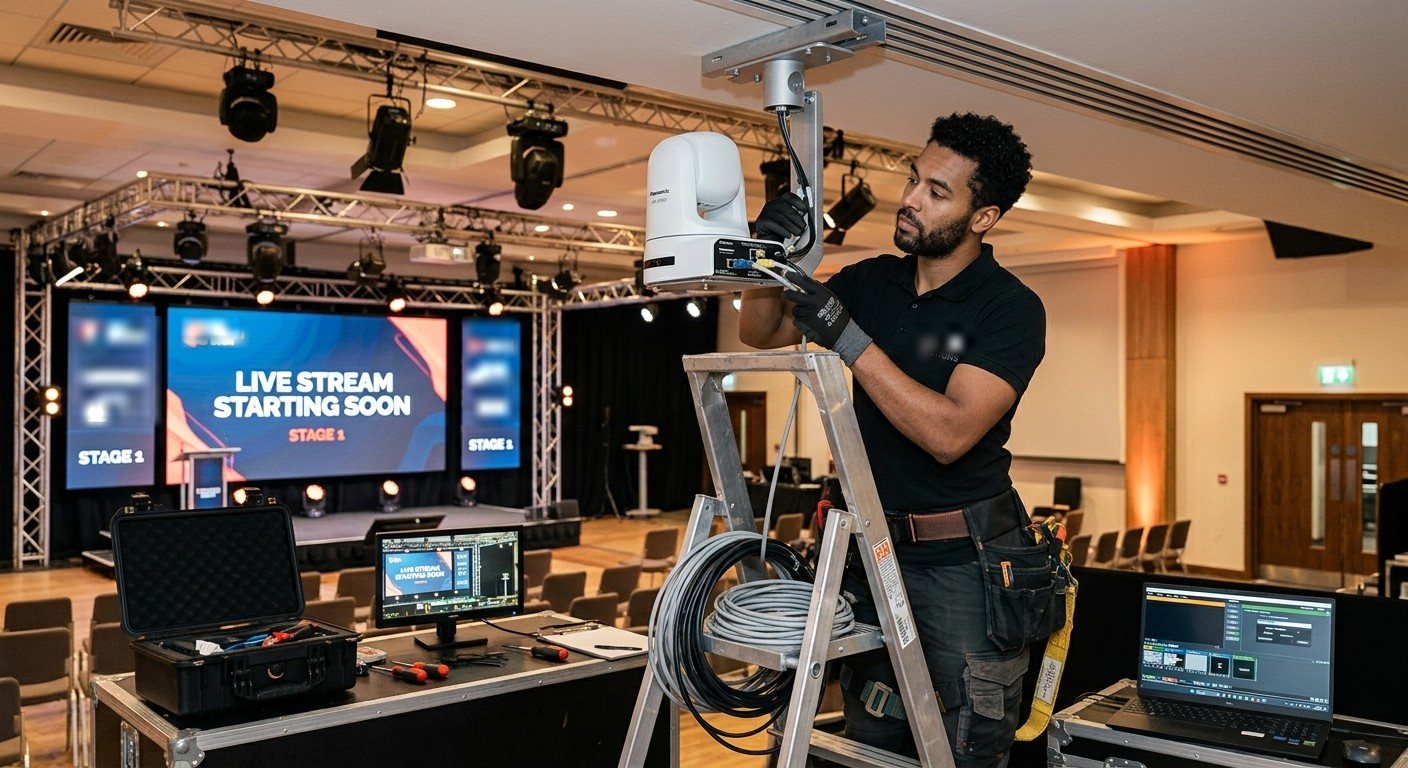
A great sound system doesn’t make a great stream
Many churches discover this the hard way. The room sounds wonderful, the new speakers were worth every penny, and the livestream still looks and sounds like it was filmed from the back row on a phone.
That’s not because anyone did a bad job. It’s because sound reinforcement and video production are different specialties. A system designed for the people in the room doesn’t automatically serve the people watching at home.
What a stream-first design includes
When livestreaming is designed in from the start, rather than added at the end, the system usually includes:
| Piece | Why it matters |
|---|---|
| A camera plan | Cameras placed for what people at home need to see: the preacher, the worship leader, the room. Often NDI PTZ cameras that carry video, control, and power over one network cable. |
| A production computer or switcher | Switching cameras, adding graphics and lyrics, recording, and sending the stream out. (See the best computer for church livestreaming.) |
| Capture for every source | Reliable capture cards so cameras and slides come in cleanly and stay in sync. |
| A stream mix | A separate audio mix for the stream. The room mix almost never sounds right online. |
| Lyrics and slides in the stream | So people at home can sing along. (See lyrics and slides on your livestream.) |
| A wired network | The streaming computer on a cable, not Wi-Fi. (See the church network for AV and streaming.) |
| Outputs to the room | The same program feed on lobby and overflow screens and the stage. |
| Recording | Every service recorded, ready for the website and for clips during the week. |
| Monitoring | Something watching the stream that tells the team the moment it stops, instead of a text from the congregation. |
Signs the stream is an afterthought
None of these means anyone failed. They’re just signs that the stream wasn’t part of the design:
- One camera, fixed on the back wall, feeding a laptop.
- The stream takes the room mix, so online audio is too quiet or too boomy.
- The streaming computer is on Wi-Fi.
- Lyrics only appear when a camera points at the projector screen.
- Nobody finds out the stream stopped until someone at home texts.
- The person who set it up is the only one who can run it.
If several of these describe your church, the next step usually isn’t new speakers. It’s a system built for the stream.
Questions to ask a livestream integrator
- “Walk me through the signal path from our camera to someone’s phone at home.”
- “How is the stream mix different from the room mix?”
- “How do lyrics and slides get into the stream?”
- “What happens, and who finds out, if the stream stops mid-service?”
- “Can a volunteer run this after one or two Sundays?”
- “Can it feed our overflow room and lobby too?”
How WorshipMetrics builds for the stream
Livestreaming and video are our specialty. Our Livestream Systems are built for it from the ground up:
- Software switching, not a closed box. A Windows computer running vMix or OBS, with graphics, lyrics, recording, replay, and multi-platform streaming, that grows through software updates.
- Built on proven reference designs, starting from the hardware vMix itself tests and recommends.
- Locked down for Sunday. A long-term-support edition of Windows that skips surprise feature updates, tuned and tested before it ships, then burned in under a real multi-camera load. (See why Windows updates break church livestreams.)
- Magewell capture, built for continuous operation.
- Ready for NDI PTZ cameras, or the cameras you already own.
- Outputs for the room, on Better and Best systems: projectors, lobby TVs, and overflow rooms.
- Watched over by WorshipMetrics. Every system reports temperatures, dropped frames, and stream status to WorshipMetrics monitoring.
And because we make the platform as well as the system, your slides from Present, your stream, and your clips all work together in one place.
Next: Good, Better, or Best: which system fits your church?, or book a free consultation.
Better livestream audio: Why your church livestream sounds bad, and how a separate stream mix fixes it. See also setting up a stream mix · getting the sound board into OBS, vMix, or an ATEM.
Related questions
- Do church AV integrators handle livestreaming?
- Some do it well, and many treat it as an add-on to an audio project. Livestreaming and video production need their own design: camera placement, a production computer, a separate audio mix for the stream, a wired network, outputs to the room, and monitoring. Ask any integrator to walk you through each one.
- What should a church livestream system include?
- Cameras placed for the people watching at home, a production computer or switcher, capture for each source, a dedicated stream audio mix, lyrics and slides sent into the stream, a wired internet connection, recording of every service, outputs to lobby and overflow screens, and monitoring that alerts the team if the stream stops.
- Is a hardware switcher or a computer better for church livestreaming?
- Both work. A Windows computer running vMix or OBS does what a hardware switcher does and adds graphics, lyrics, recording, replay, and multi-platform streaming, and it improves through software updates instead of replacement. That flexibility is why many churches choose a software system.
Make Room for One More: Designing a Church Booth That Welcomes New Volunteers
NextConsumer vs. Commercial-Grade AV Gear for Churches: When Paying More Saves Money
Related Articles

Bitfocus Companion + ATEM Mini: A Stream Deck Panel for Your Church Switcher
A Stream Deck running Bitfocus Companion turns a Blackmagic ATEM into plain-word buttons with colors that show what's live, and the same panel can run PTZ cameras, projectors, and more. Here's how to connect Companion to an ATEM and build a volunteer page.

Lyrics Over the Camera on an ATEM Mini: Luma Keys, Chroma Keys, and the Slides Computer
To put song lyrics over the camera shot on a Blackmagic ATEM Mini, feed the slides computer into an ATEM input and key it over the camera. Here's how luma and chroma keys work for lyrics, how to design slides that key cleanly, and who should run it.

ATEM Mini + OBS for Church: Hardware Camera Switching with OBS for Graphics and Streaming
Many churches use an ATEM Mini as a camera switcher and send its output into OBS over USB as a webcam. The ATEM gives volunteers real buttons; OBS adds lyrics, graphics, recording, and streaming. Here's how to set it up, split the jobs, and avoid the common sync and quality problems.